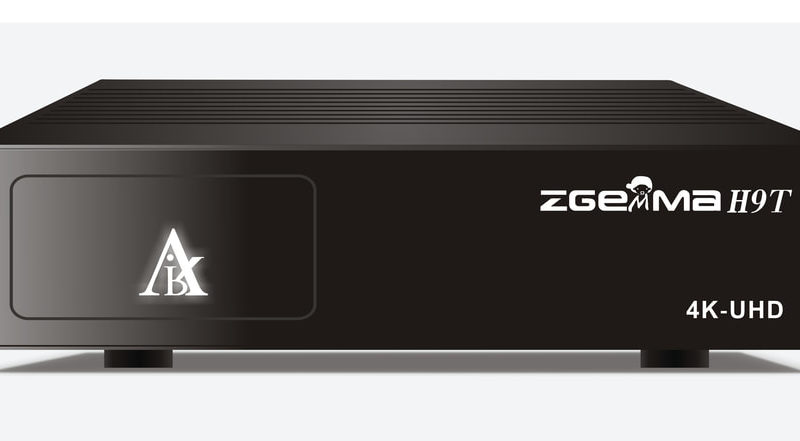
[TUTO] How To flash/update Zgemma H9x/H9.2x series
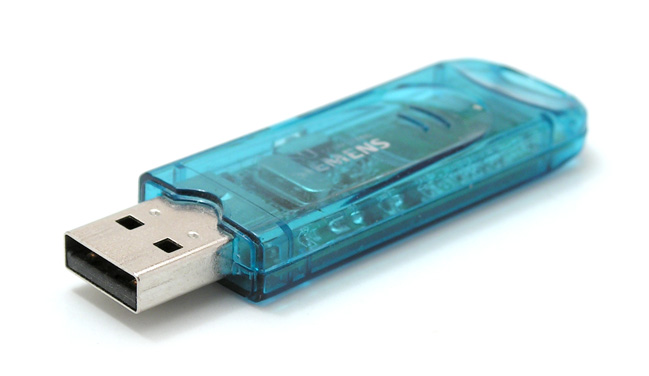
use FAT32 formatted USB stick -send the h9 folder and 2 files (bootargs.bin and fastboot.bin) to the clean USB memory
Read More
use FAT32 formatted USB stick -send the h9 folder and 2 files (bootargs.bin and fastboot.bin) to the clean USB memory
Read MoreWhat you need before we start: 1) A USB stick formatted to FAT32. (Preferably compatibility issues while flashing the image).
Read MoreWhat you need before we start: 1) A USB stick formatted to FAT32. (Preferably compatibility issues while flashing the image).
Read MoreWhat you need before we start: 1) A USB stick formatted to FAT32. (Preferably compatibility issues while flashing the image).
Read MoreWhat you need before we start: 1) A USB stick formatted to FAT32. (Preferably compatibility issues while flashing the image).
Read MoreWhat you need before we start: 1) A USB stick formatted to FAT32. (Preferably compatibility issues while flashing the image).
Read MoreWhat you need before we start: 1) A USB stick formatted to FAT32. (Preferably compatibility issues while flashing the image).
Read MoreWhat you need before we start: 1) A USB stick formatted to FAT32. (Preferably compatibility issues while flashing the image).
Read MoreWhat you need before we start: 1) A USB stick formatted to FAT32. (Preferably compatibility issues while flashing the image).
Read More