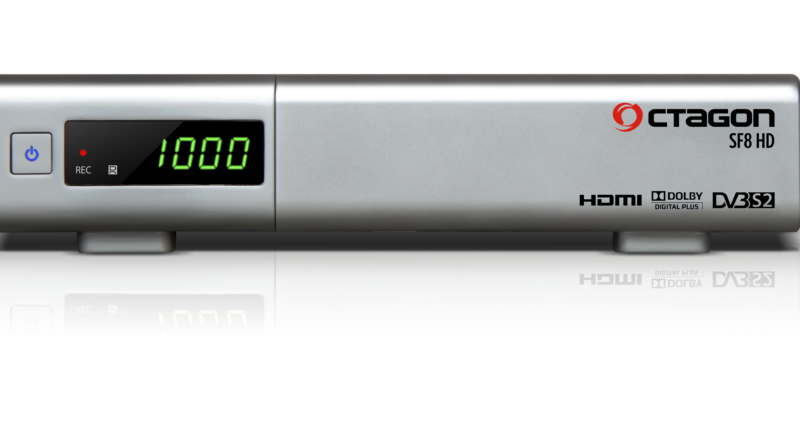
[TUTO] How To flash/update Octagon-SF8-HD
What you need before we start: 1) A USB stick formatted to FAT32. (Preferably compatibility issues while flashing the image).
Read More
What you need before we start: 1) A USB stick formatted to FAT32. (Preferably compatibility issues while flashing the image).
Read MoreWhat you need before we start: 1) A USB stick formatted to FAT32. (Preferably compatibility issues while flashing the image).
Read MoreWhat you need before we start: 1) A USB stick formatted to FAT32. (Preferably compatibility issues while flashing the image).
Read MoreWhat you need before we start: 1) A USB stick formatted to FAT32. (Preferably compatibility issues while flashing the image).
Read MoreWhat you need before we start: 1) A USB stick formatted to FAT32. (Preferably compatibility issues while flashing the image).
Read MoreWhat you need before we start: 1) A USB stick formatted to FAT32. (Preferably compatibility issues while flashing the image).
Read MoreWhat you need before we start: 1) A USB stick formatted to FAT32. (Preferably compatibility issues while flashing the image).
Read MoreWhat you need before we start: 1) A USB stick formatted to FAT32. (Preferably compatibility issues while flashing the image).
Read MoreWhat you need before we start: 1) A USB stick formatted to FAT32. (Preferably compatibility issues while flashing the image).
Read MoreHere is a tutorial on the installation and configuration of IPTV subscription on the Vu+ decoder under a OpenATV image
Read More