EDISION
[IMAGE] OpenVision 10.1-r151 for EDISION OS MIO 4K
– GCC 10.1.0 – Glibc 2.31 – GStreamer 1.17.0.1 – Python 2.7.18 – OpenSSL 1.1.1g – Busybox 1.31.1 –
Read More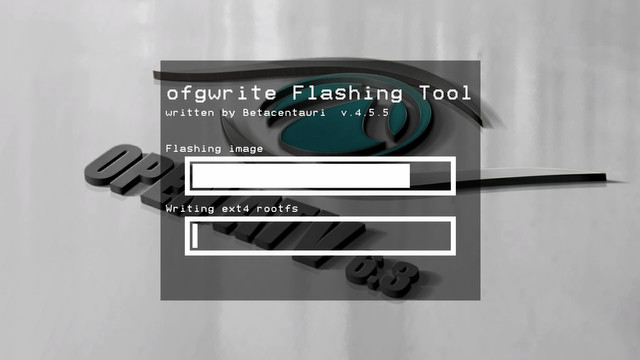
[TUTO] Inserting an image from USB Edision OS MIO 4K / Plus / Mini
we all know how to insert an image into the receiver (classic: usb – shut down – turn on the
Read More
[TUTO] How To flash/update Edision OS mini 4K
What you need before we start: 1. A USB stick formatted to FAT32. (Preferably genuine Kingston and no larger than
Read More[TUTO] How To flash/update Edision OS mini
What you need before we start: 1. A USB stick formatted to FAT32. (Preferably genuine Kingston and no larger than
Read More[TUTO] How To flash/update Edision OS mega
What you need before we start: 1) A USB stick formatted to FAT32. (Preferably compatibility issues while flashing the image).
Read More