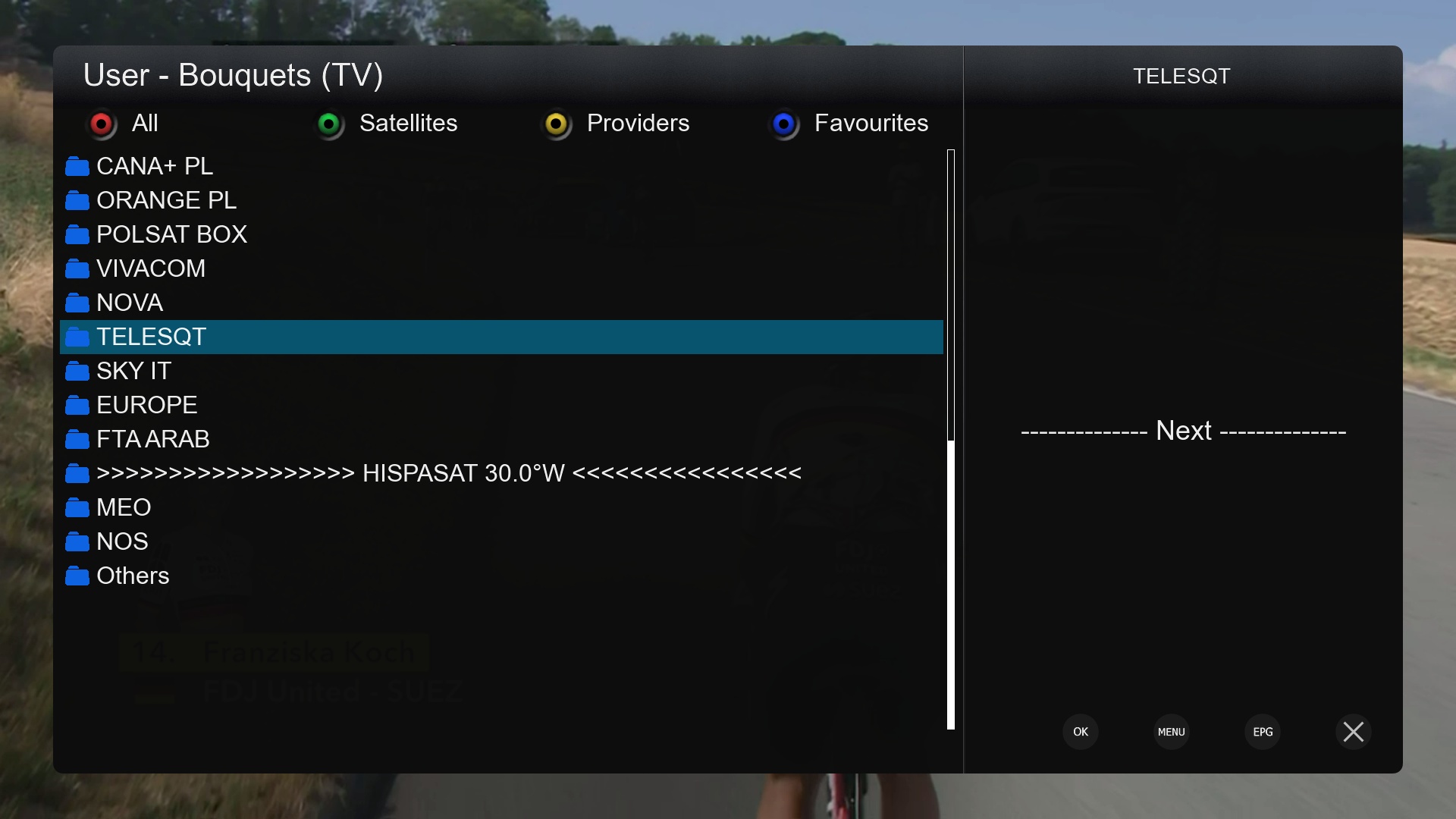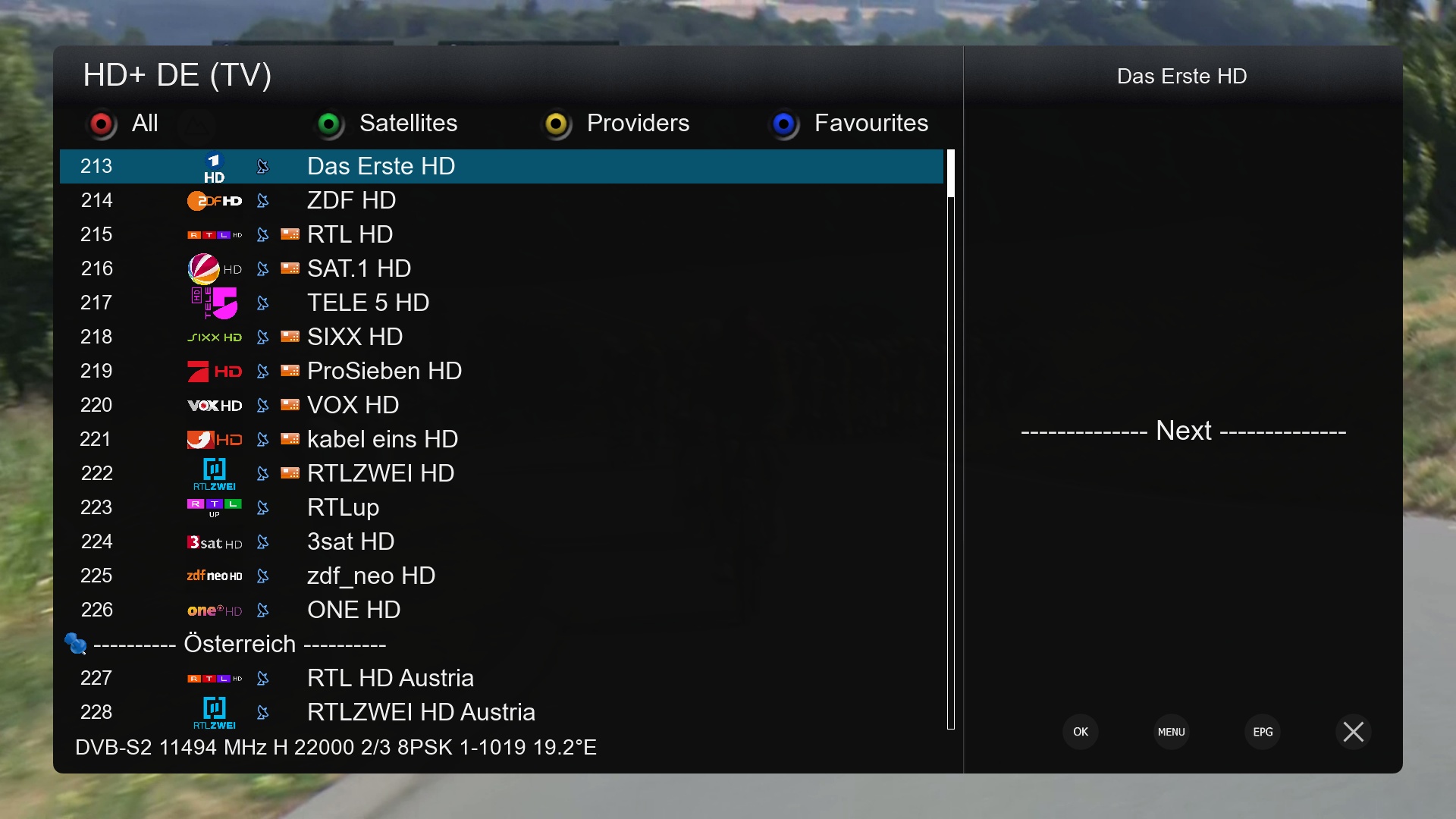

[IMAGE] OpenBH 6.0 for Vu+
Important Notice:
If you like OpenBh and you want to see it continue, please don’t forget to donate towards keeping the servers online.
Keeping OpenBh and this Forum online is getting more and more expensive. It costs in the region of €2400+ per year to keep OpenBh and this Forum online. OpenBh has always been provided to completely free of charge by a number of hard working OpenBh Team members in their spare time.
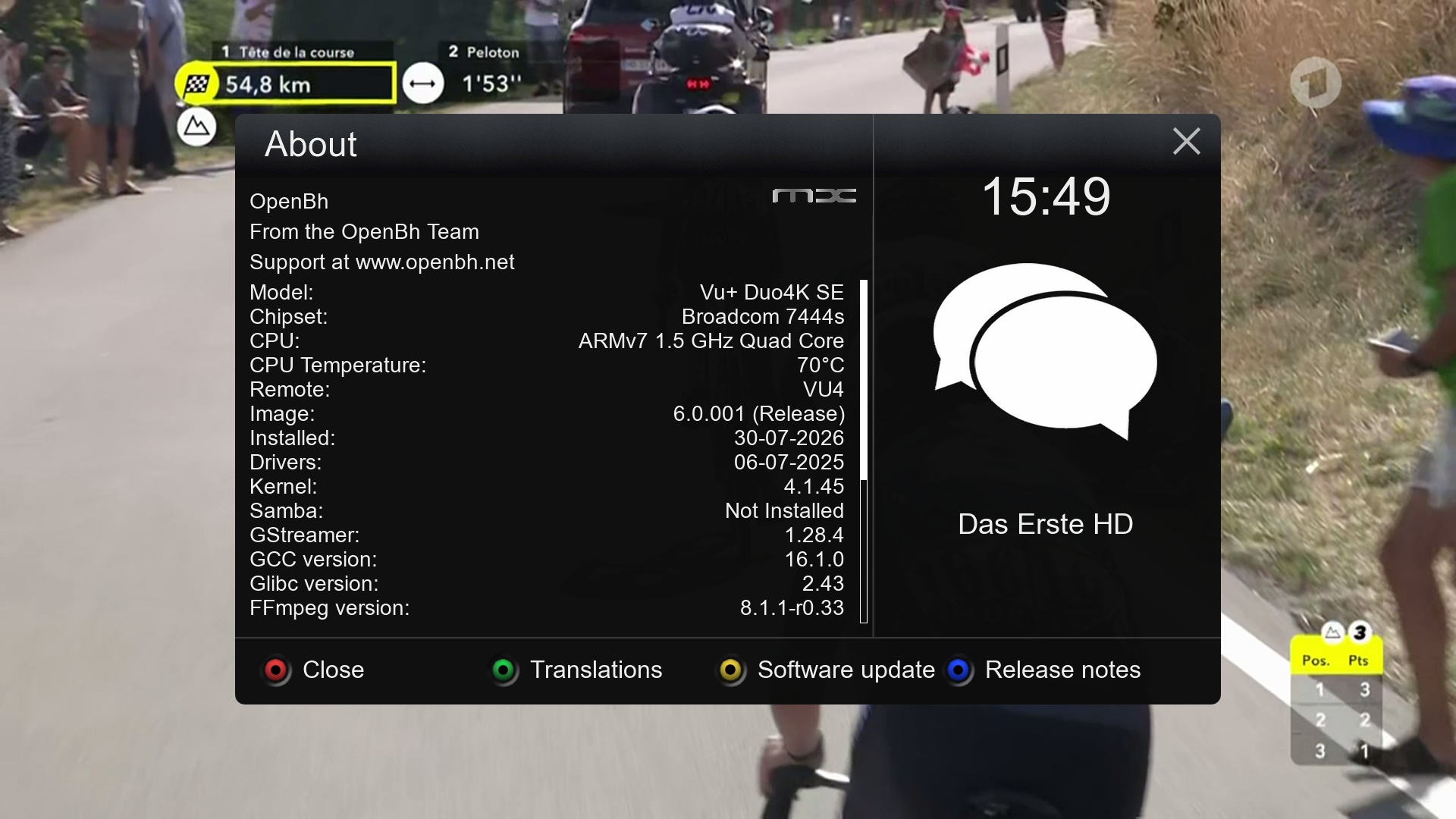
OpenBh 6.0 is based on the OE-Alliance 6.0 core.
So what is different in OpenBh 6.0 then?
The main change from version 5.6 to version 6.0 has been changes to oe-alliance-core branch 6.0. The OE (Open Embedded) core on which the image is built has undergone major changes, updates and fixes. Version 6.0 uses Python version 3.14.6.
Whats New:
-
OE-A 6.0
-
Python 3.14.6
-
Gstreamer updated to version 1.28.4
-
HDR10 / HLG detection now supported on Vu+/ Gigablue / Zgemma 4K broadcom boxes.
-
If your favourite plugins no longer work, you will need to contact the plugin authors to ask them to update their plugins for Python3.14.6
However nothing new is being added to the old 5.6 branch and rather than wait months and months for OE6.0 to go to full release stage, we feel it is currently very stable and good enough for release.*** You can not online update from 5.6 to 6.0, you must reflash (you can do this using image and backup manager and then restore your settings backup) ***Apart from the above you should not notice many differences between previous OpenBh 5.6 and OpenBh 6.0 images.
*** NOTE ***
If you use CrossEPG, then you will need to delete the crossepg folder in /media/usb or /media/hdd before you can use it in OpenBh 5.4 onwards, this is due to changes made, to keep it compatible with Python 3.12.x
Where can I find the OpenBh git ?
The OpenBh git is located here: https://github.com/BlackHole
Vu+ Multiboot wouldn’t have been possible without the hundreds of hours that dpeddi has spent over several years (yes it’s been an on going project for him in his spare time for many years) to bring this real multiboot option for all Vu+ 4K boxes.
It is something we requested from Vu+ around 2015 and they told us it was not possible to add it, well finally we can prove them wrong.
You will find more information on how to setup and use Vu+ Multiboot here:
Thanks to:
-
Rytec, doglover and all the teams that host EPG feeds for EPG Importer, for their continued support.
-
All developers for their plugins used in the feeds of this image.
-
dpeddi for the massive amount of work he did to bring real Multiboot to Vu+ 4K boxes.
-
Twol for the work he did in integrating Vu+ Multiboot into the images
-
All of the OpenBh Beta team for their hours of testing and dedication on improving the image.
-
All those who have submitted patches/fixes
-
To all who have submitted translation work for OpenBh.
-
Twol for the conversion to Python 3. This has involved manually converting literally hundreds of Python files and associated c++ code.
-
Huevos and Twol for testing, debugging, and responding to feedback and problems.
-
Huevos for his work on blindscan and ABM.
-
Peter de Jonge, abu baniaz & Huevos for their work with Andyblac to improve ABM.
-
Matrix10 for OpenBh skins.
DISCLAIMERTHE OPENBH IMAGE DOES NOT CONTAIN ANY EMULATOR, K E Y S, SOFTCAMS OR OTHER SYSTEM FOR VIEWING PAY – TV WITH OR WITHOUT A PAID SUBSCRIPTION.
THE OPENBH IMAGE DOES NOT CONTAIN ANY SYSTEM TO DOWNLOAD PLUGINS OR EMULATORS FROM EXTERNAL SERVERS OR SOFTWARE THAT MAY BE USED FOR ILLEGAL PURPOSES SUCH AS CARD SHARING.
WE NO LONGER SUPPORT THE FOLLOWING BOXES:
Vu+ Solo, Duo, Uno
Edision OS Nino Pro, OS Nino+, OS Mini 4K, OS Mio4k+
Amiko Viper4K V40
Zgemma H8.2H
Octagon Sfx6008/6018, Sx988, Sx88v2
*** You need to set a Password to use FTP, TELNET & SSH ***