[HOW TO FLASH] how to flash PULSe 4K MINI
To flash the PULSe 4K MINI, you are working with a powerful HiSilicon-based receiver. The process is very modern and typically uses a recovery menu, but the initial USB setup is the most important part.
Preparation
-
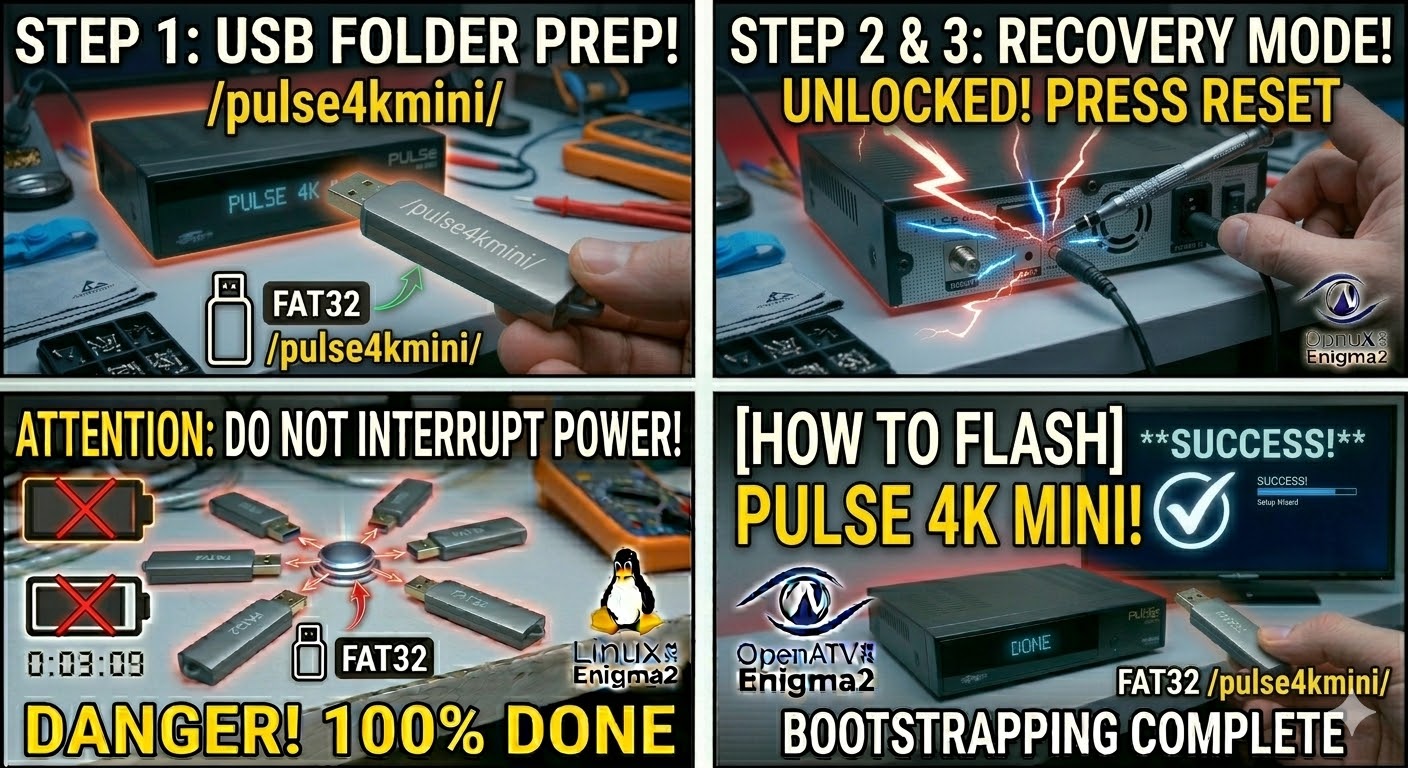
USB Drive: Use a USB 2.0 or 3.0 stick formatted to FAT32.
-
Download Image: Ensure you have the firmware specifically for the PULSe 4K MINI (e.g., OpenATV, OpenHDF, or EGAMI).
-
Extract Files: Unzip the archive. You should see a folder named
pulse4kmini. -
Copy to USB: Place the entire
pulse4kminifolder in the root of the USB drive.-
Structure:
USB Stick -> pulse4kmini -> (files: imageversion, kernel.bin, rootfs.bin, etc.).
-
The Flashing Process
-
Power Down: Turn off the receiver using the power switch at the rear or unplug the power adapter.
-
Insert USB: Plug the USB stick into the side or rear USB port.
-
Initiate Flash: * Press and hold the Standby/Power button on the front panel (or on some versions, the Reset button on the back).
-
While holding the button, turn the power back ON.
-
-
Recovery Menu:
-
Keep holding the button until the Multiboot/Recovery Menu appears on your TV screen.
-
Use the remote to select “Flash Recovery Image” or “USB Multiboot Image Upgrade”.
-
-
Select Image: Select the image file found on your USB and confirm with OK.
-
Wait: The screen will show the flashing progress. Do not touch the power until it reaches 100%.
-
Complete: The box will reboot. Once the setup wizard appears, you can remove the USB stick.
Quick Tips
-
Multiboot: The PULSe 4K MINI supports multiple images. From the recovery menu, you can choose which “Slot” to flash the image into without deleting your old one.
-
USB Detection: If the recovery menu doesn’t see the USB, try the other USB port. HiSilicon chips can sometimes be picky about which port is used for boot-level flashing.

The flashing process should take approximately two to four minutes to complete, while the receiver
is being flashed it is vitally important that you DO NOT power the receiver down for any reason as
this can cause serious and or permanent damage.