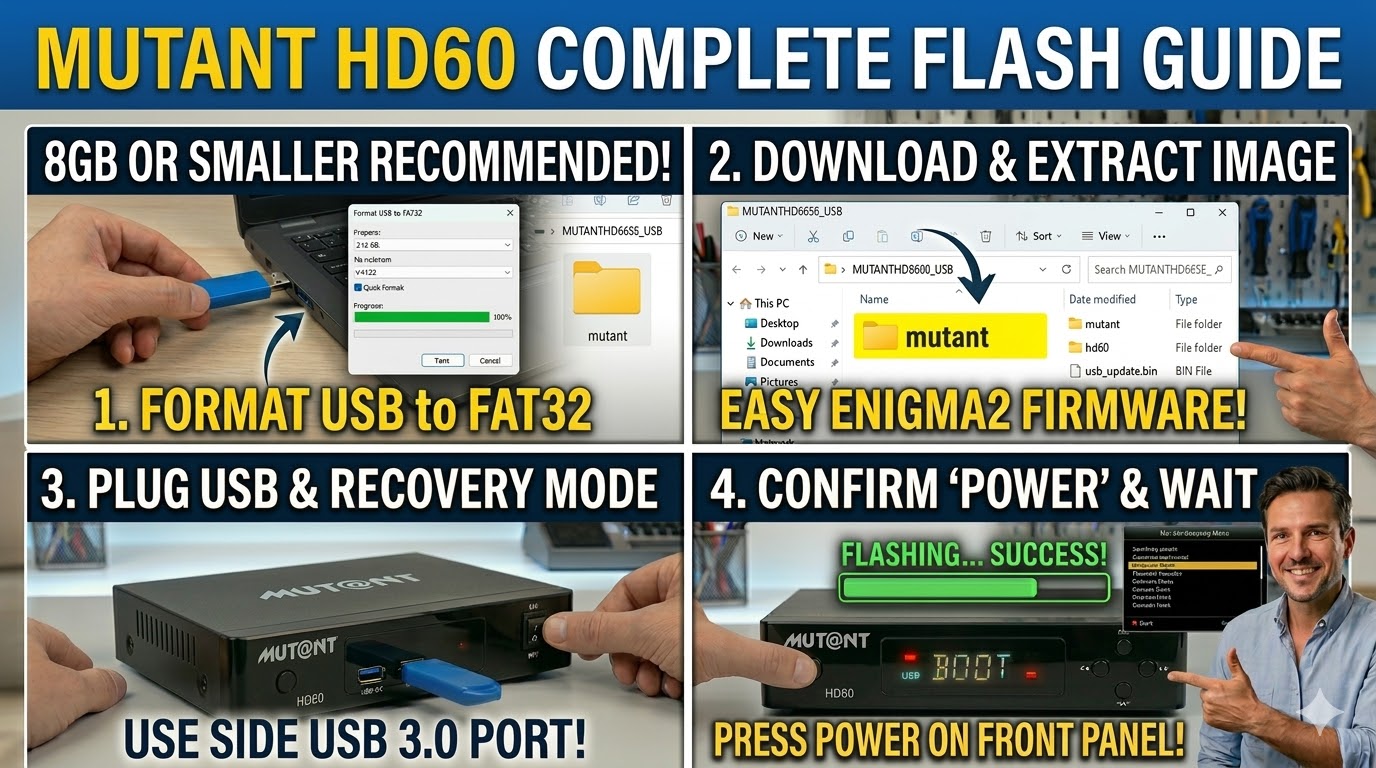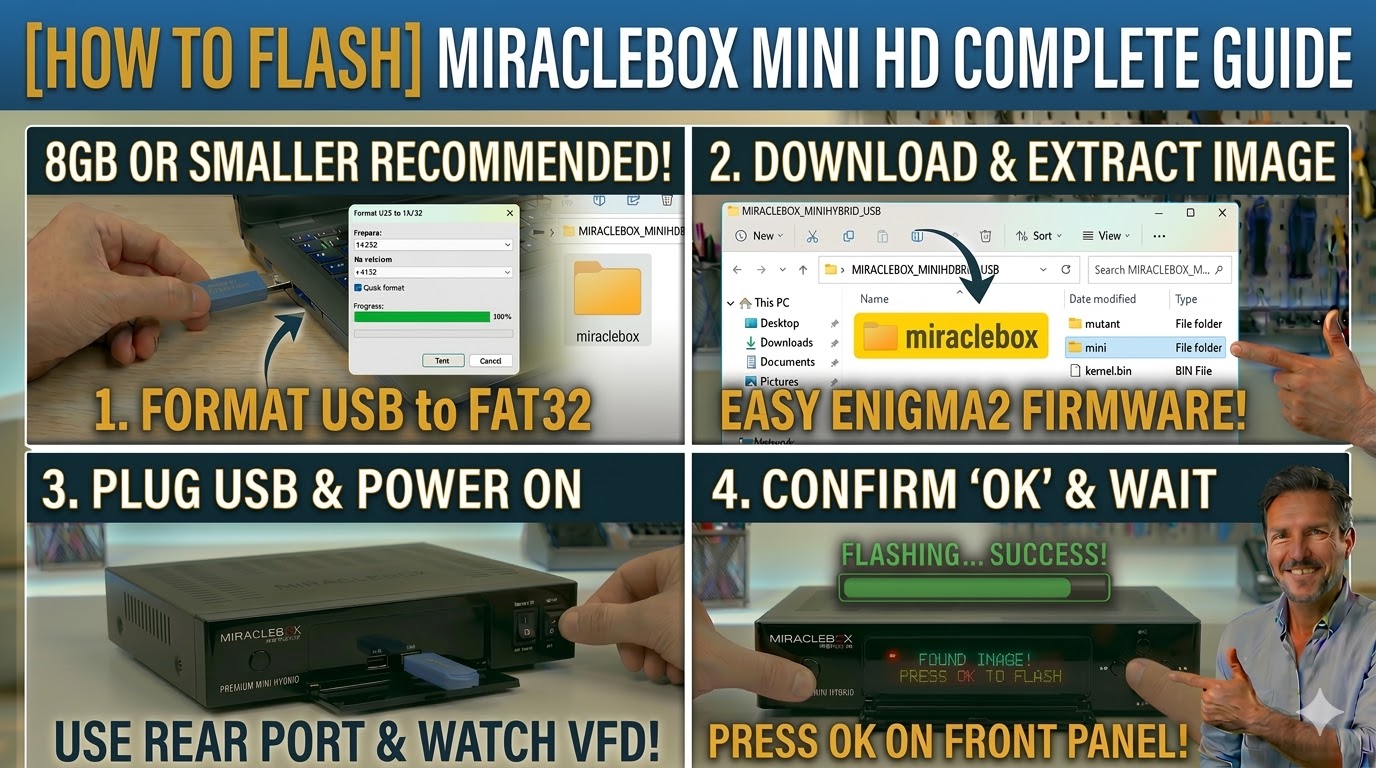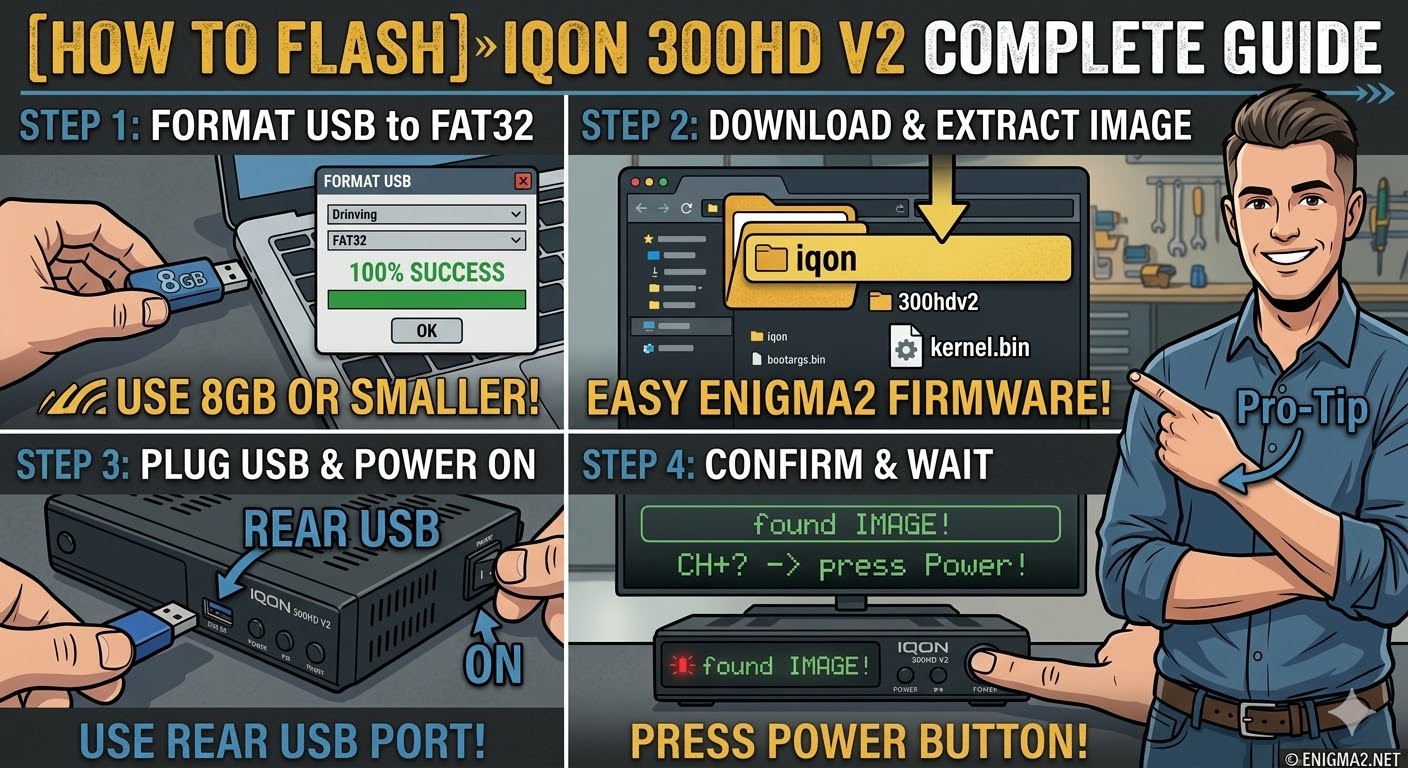
[HOW TO FLASH] how to flash IQON 300HD V2
To flash the IQON 300HD V2, you will follow the procedure for this Broadcom-based receiver. This “V2” model is essentially an updated version of the original IQON series and requires a specific folder structure to be recognized by the bootloader.
1. Preparation
-
USB Stick: A high-quality USB 2.0 stick is best. 8GB or smaller formatted to FAT32 is highly recommended for compatibility.
-
Firmware: Download the image specifically for the IQON 300HD V2 (OpenATV and OpenPLi are common choices).
2. Folder Structure
The receiver looks for a manufacturer-specific directory on the USB root.
-
Extract the downloaded firmware
.zipfile. -
You should see a folder named
iqon. -
Copy the entire
iqonfolder to the root of your USB stick.-
Path:
USB:\iqon\300hdv2\ -
Contents: Inside the
300hdv2folder, you will see files likekernel.bin,rootfs.bin, andimageversion.
-
3. The Flashing Process
-
Power Off: Turn off the receiver using the power switch at the back.
-
Insert USB: Plug the USB stick into the rear USB port.
-
Power On: Turn the back power switch to ON.
-
Initiate Flash:
-
Watch the front panel display.
-
When the receiver detects the USB, it will display a message like “USB” or “Found Image”.
-
Quickly press the Power button (or sometimes the OK button) on the front panel to confirm.
-
-
Wait: The display will show the flashing progress (e.g., “FLSH” or a percentage). Do not interrupt the power.
-
Completion: The receiver will reboot automatically once the process is 100% complete.
Pro-Tip for enigma2.net
The V2 is the crucial detail here. On your site, emphasize that users must ensure the subfolder is named 300hdv2. If they use the folder for the original 300HD (300hd), the box will ignore the files. Also, remind them that if the box doesn’t see the USB, they should try a different, older USB 2.0 stick, as newer high-capacity sticks often fail to initialize during the boot phase.