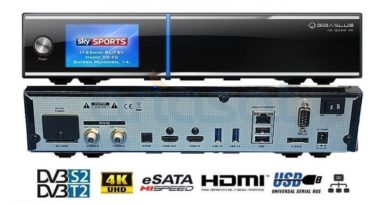
[TUTO] Gigablue Quad 4K PRO – Rescue Mode
To enter the Recovery Menu on the GIGABBLUE Quad 4K Pro,
1. power off the box and then power it back on whilst pressing and holding the power button on the front of the box.
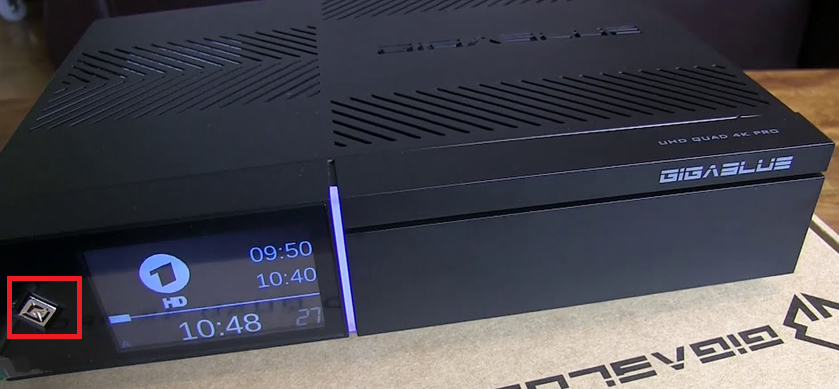
The LCD will show Setup in 3, 2, 1 … keep holding until it shows you an ip address.
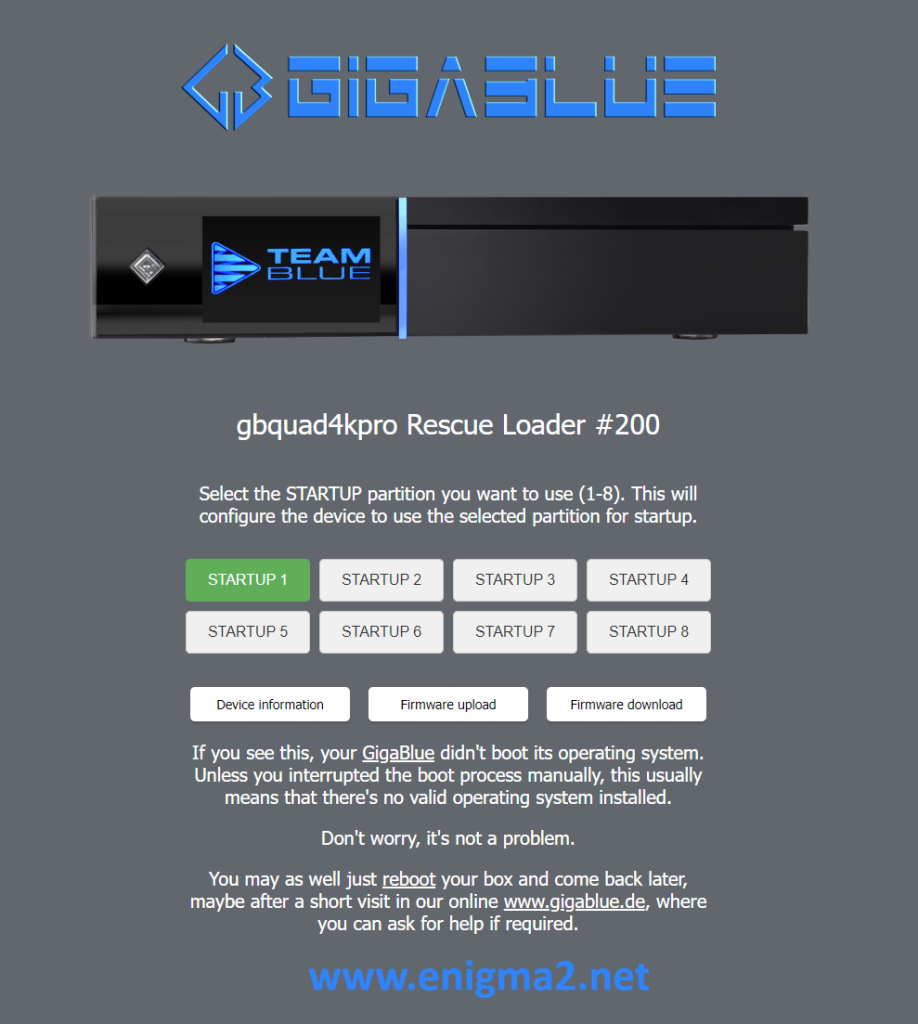
Enter the IP address displayed into your web browser, you will then see the following:
Here you can select which boot slot you want to update.
Slot 1 is highlighted.
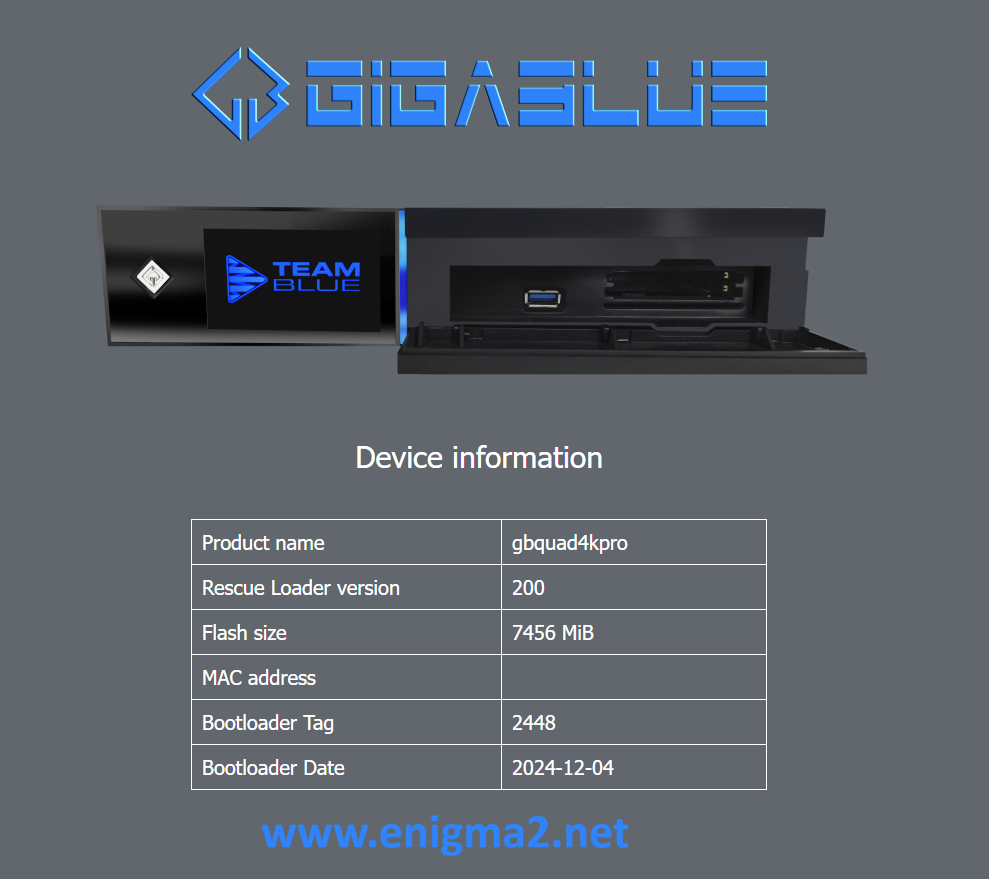
If you click on device information you will see the following:
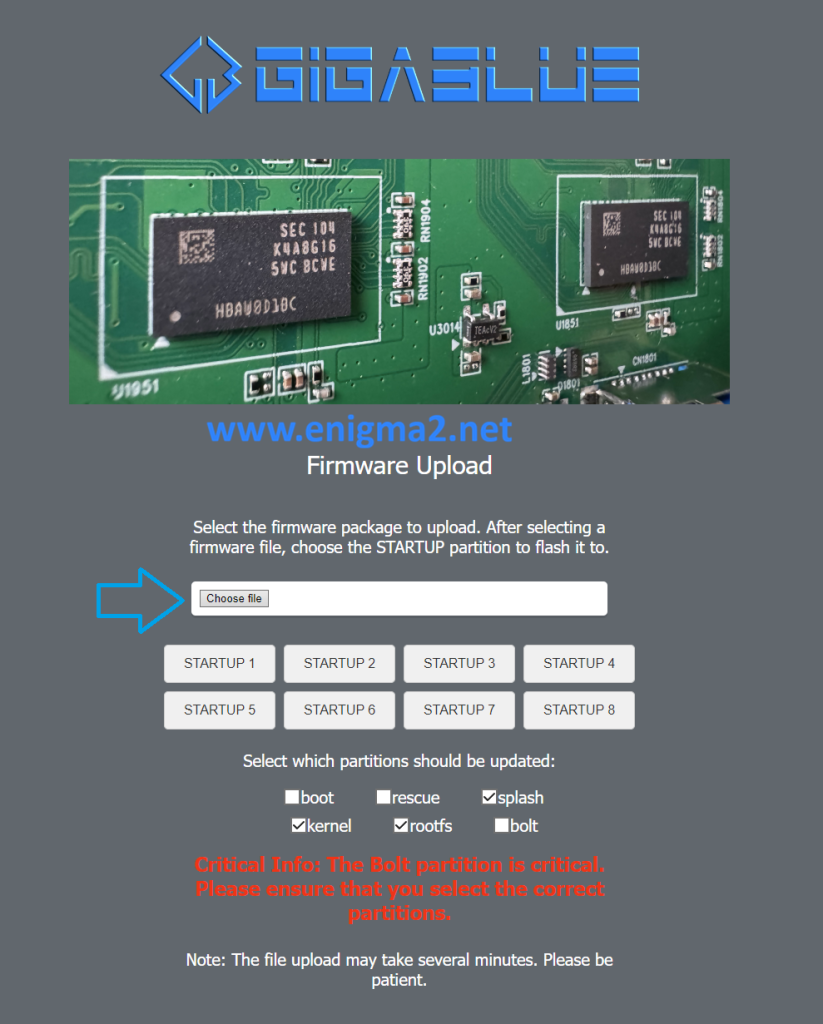
select to upload an image (zip) from your computer
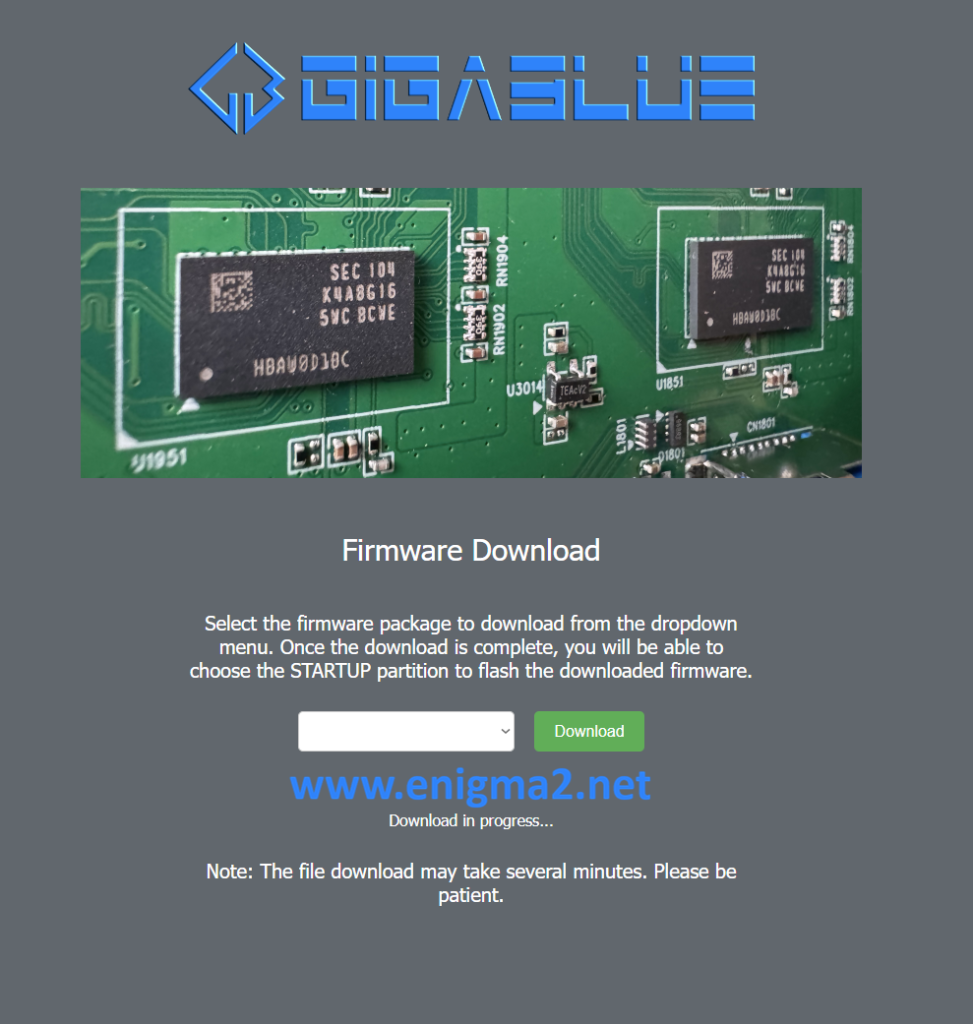
Instead of uploading an image to the box, you can also choose the download image option from the 1st screen:
Selected an image from the selection box, click the download button.
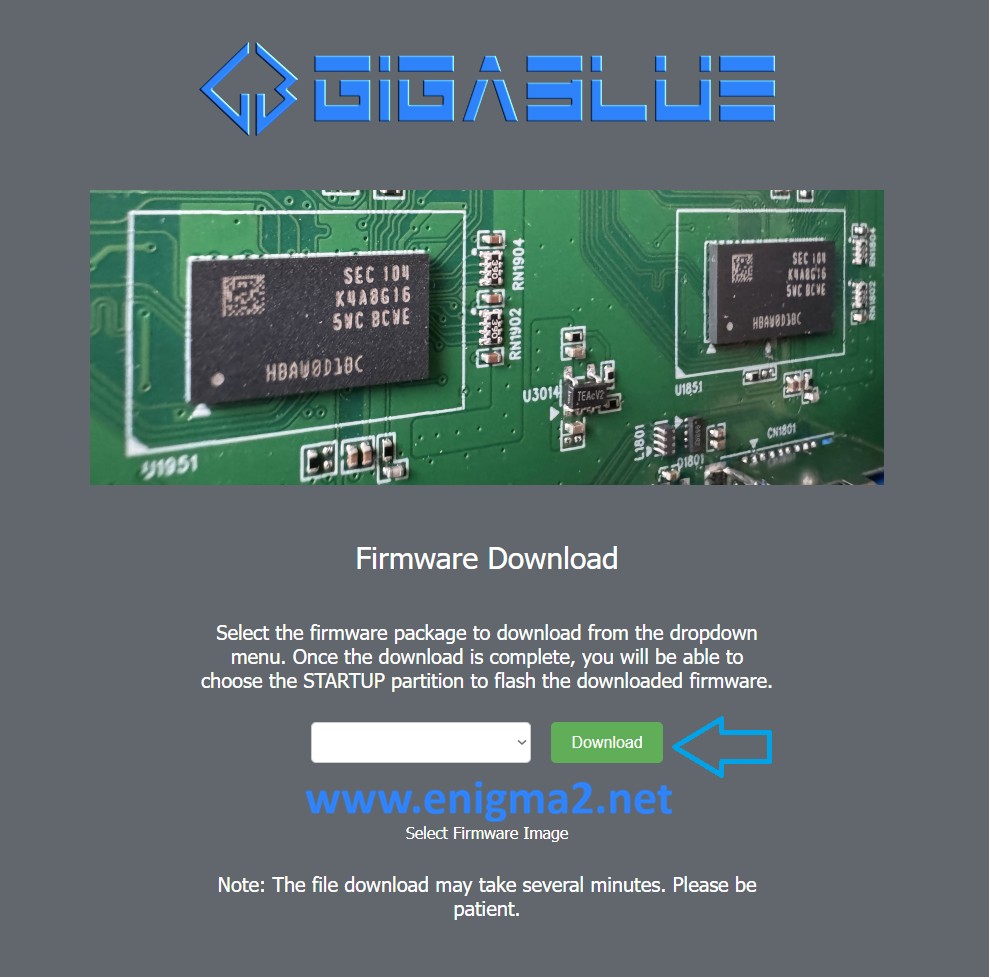
wait, When the download has completed you will see:
From here, you just select the slot you want to flash with the downloaded image and it will flash that slot.
If you change your mind and want to exit.
Go back to the 1st page and then at the bottom:
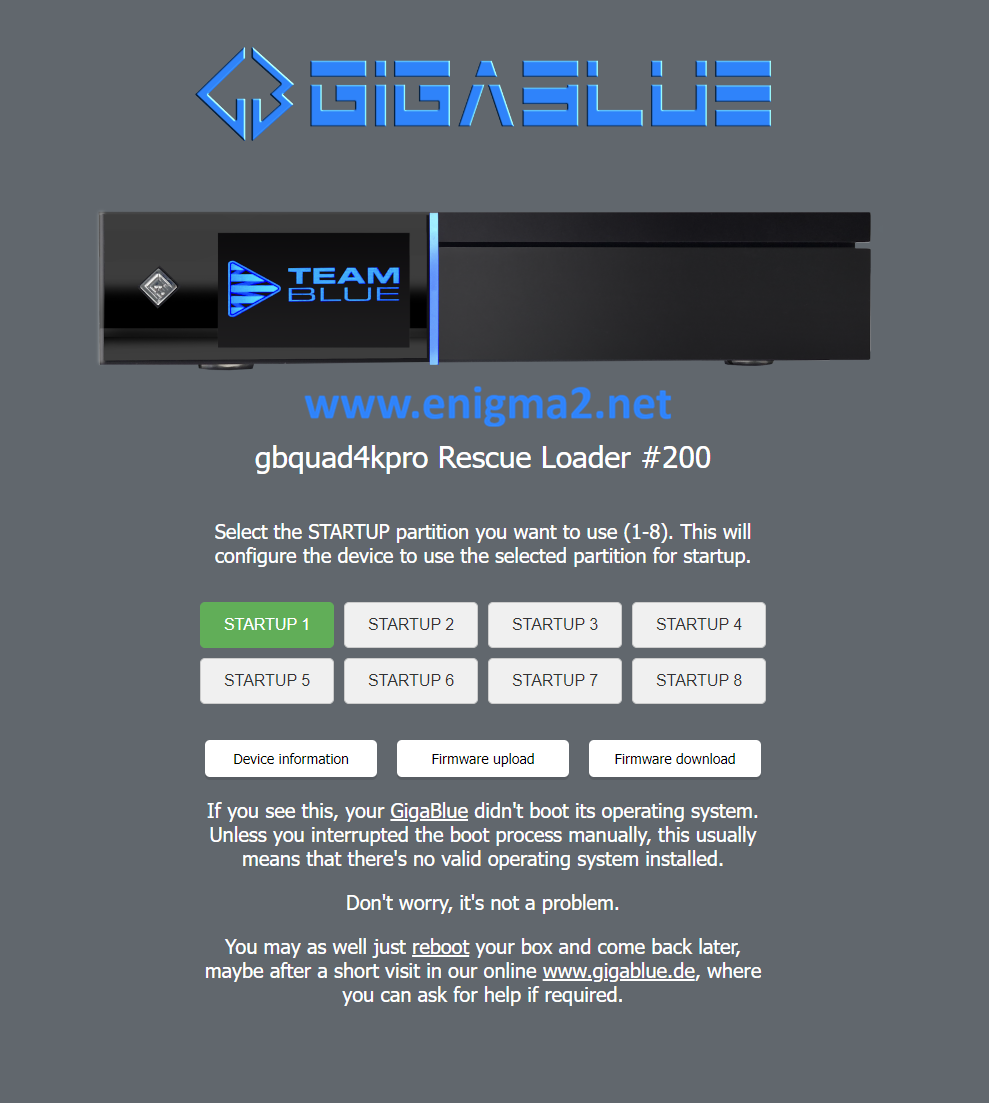
Click the reboot
please wait your receiver will reboot.