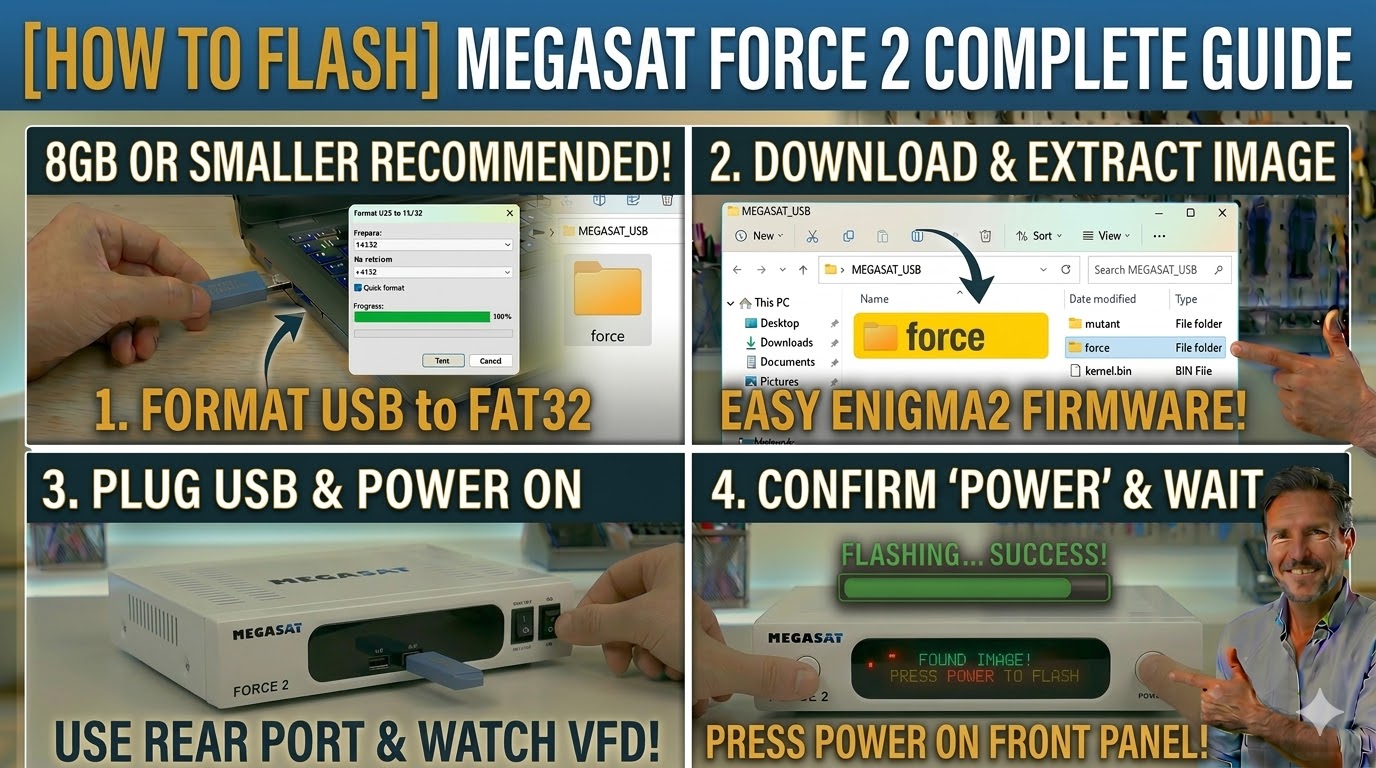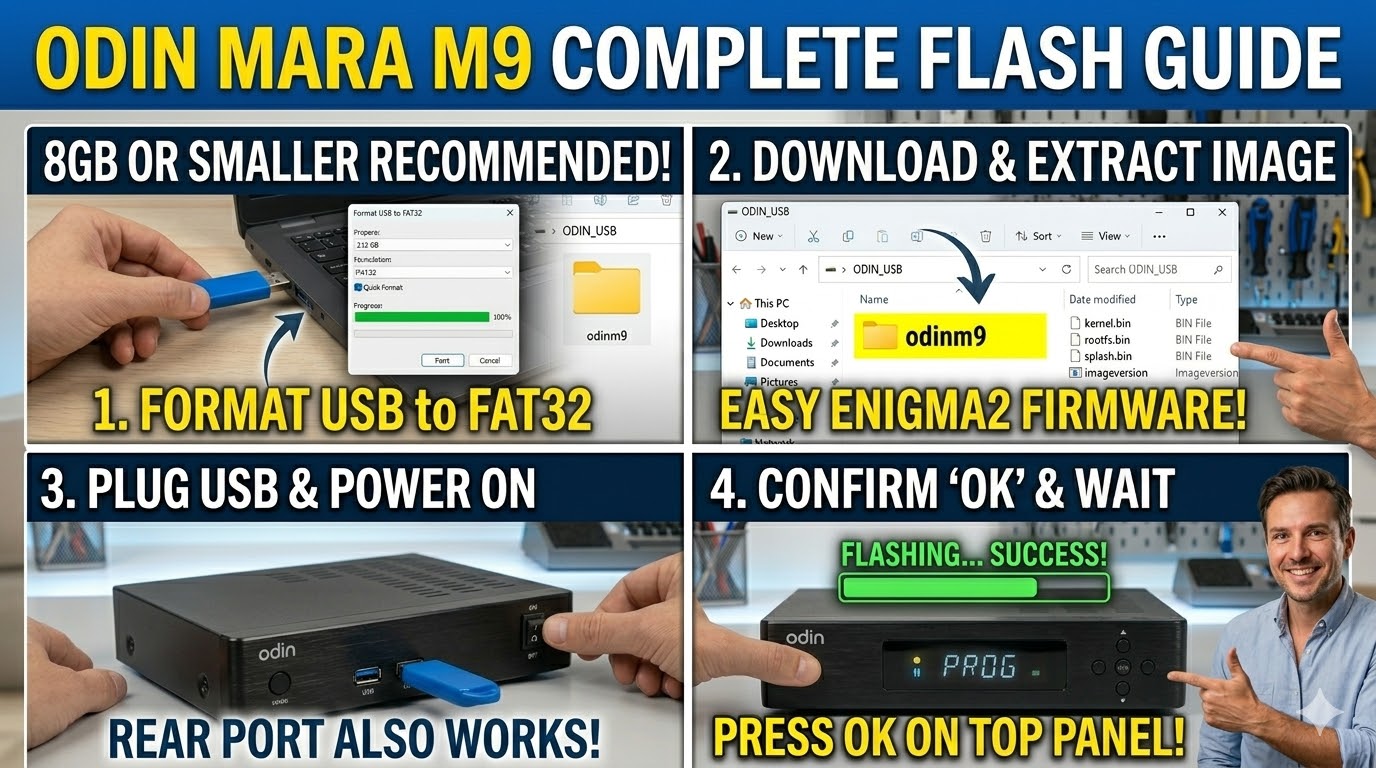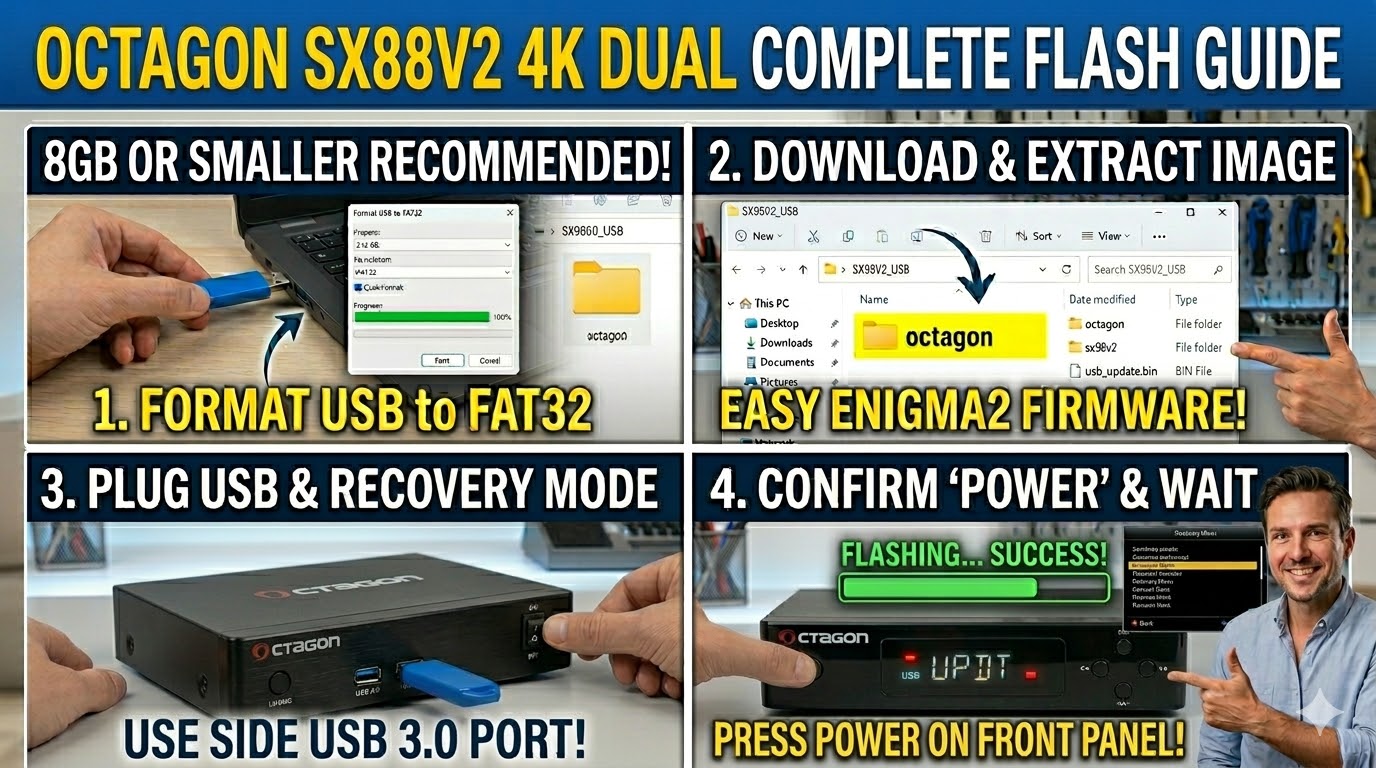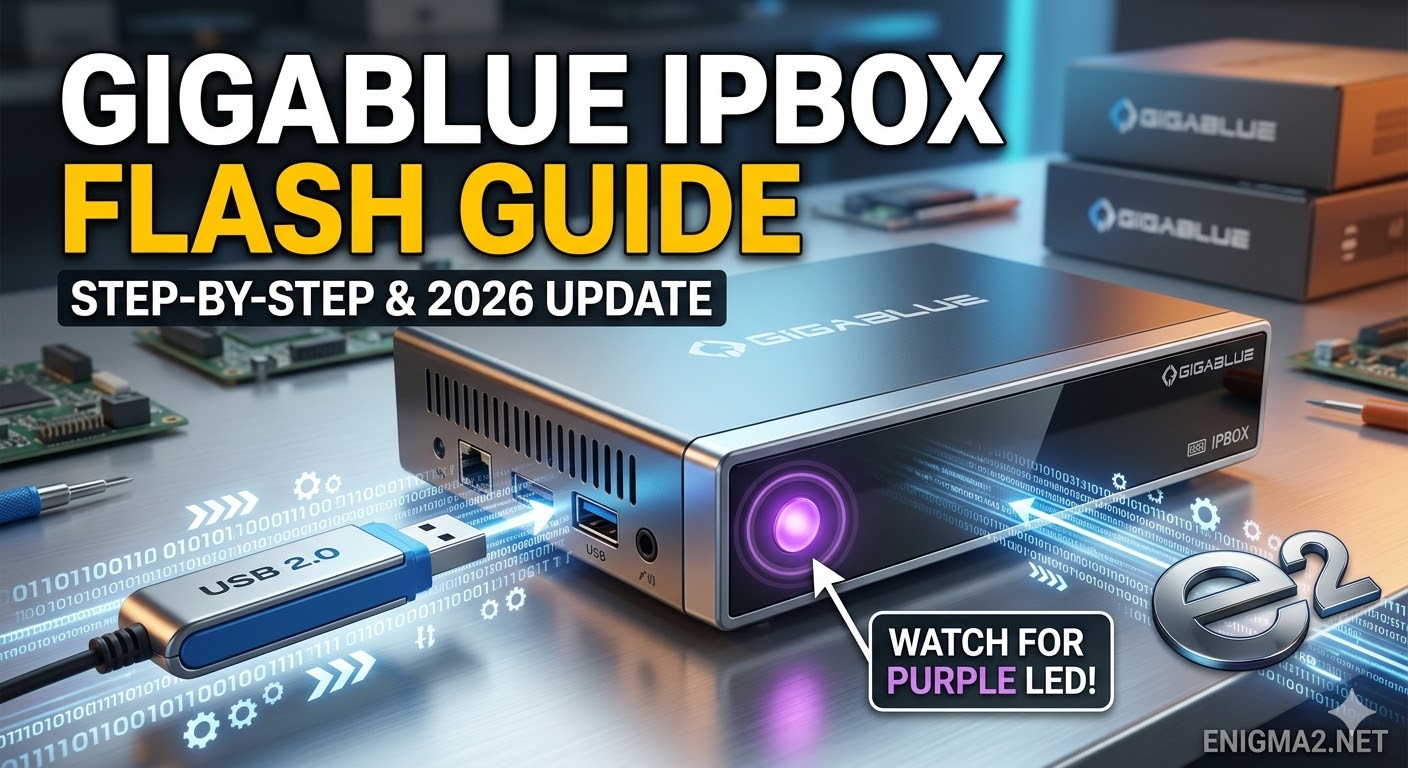
[HOW TO FLASH] how to flash Gigablue IPBOX
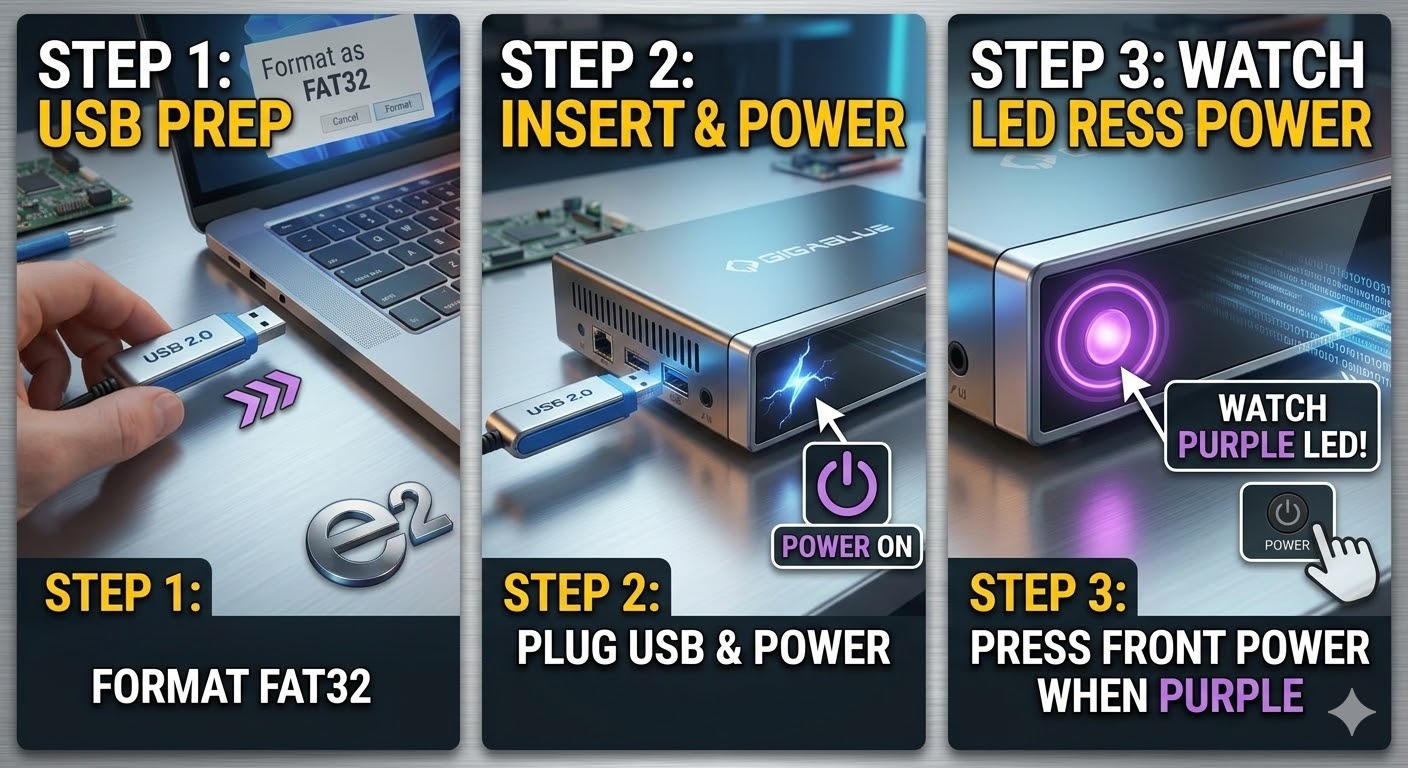
To flash the GigaBlue IP Box, you will follow the specific bootloader procedure for this client-style receiver. Since the IP Box is designed primarily to stream from a “server” box (like a Quad 4K or UE 4K), its hardware is compact, and the flashing process requires the correct subfolder name to be recognized.
1. Preparation
-
USB Stick: Use a USB 2.0 stick formatted to FAT32. Smaller drives (8GB or less) are more likely to be recognized by the bootloader.
-
Firmware: Download the image specifically for the GigaBlue IP Box (e.g., TeamBlue, OpenATV).
2. Folder Structure
The receiver looks for a specific hierarchy on the USB drive.
-
Extract the firmware
.zipfile on your computer. -
You should see a folder named
gigablue. -
Inside that folder, there must be a subfolder named
ipbox. -
Copy the entire
gigabluefolder to the root of your USB stick.-
Path:
USB:\gigablue\ipbox\ -
Contents: Inside the
ipboxfolder, you should see files likekernel.bin,rootfs.bin, andburn.bat.
-
3. The Flashing Process
-
Power Off: Unplug the power lead from the back of the IP Box.
-
Insert USB: Plug the USB stick into the rear USB port.
-
Power On: Plug the power lead back in.
-
Initiate Flash:
-
As soon as you power it on, watch the front panel LED.
-
When the LED starts flashing purple or blue (depending on the model version), the update has begun.
-
Note: Unlike the larger models, the IP Box often starts flashing automatically if the files are detected, but if it doesn’t, try holding the front power button while plugging in the power.
-
-
Wait: The LED will change color or blink rapidly during the process. Do not disconnect the power.
-
Completion: Once finished, the box will reboot. You can then remove the USB stick.

The flashing process should take approximately two to four minutes to complete, while the receiver
is being flashed it is vitally important that you DO NOT power the receiver down for any reason as
this can cause serious and or permanent damage.