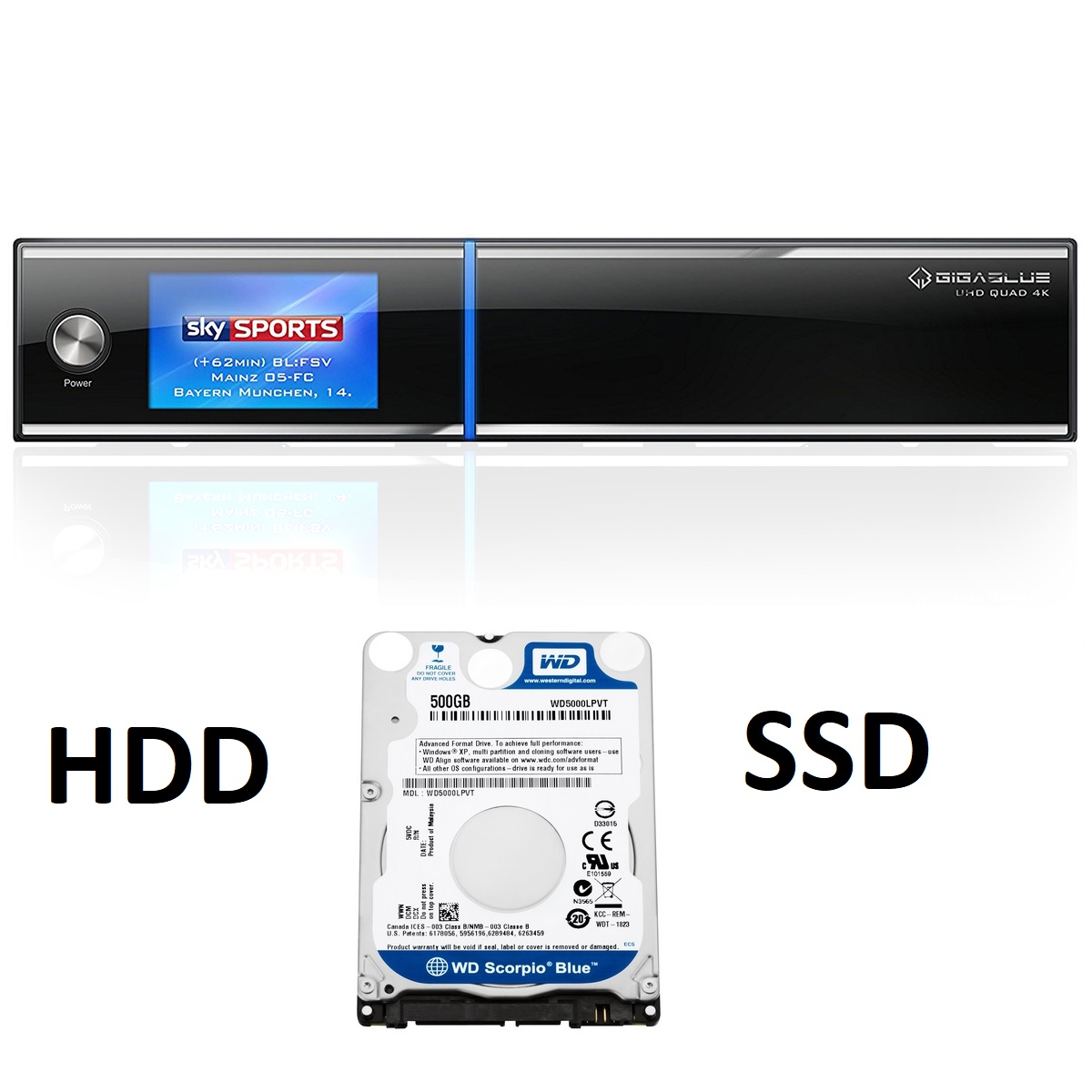
[TUTO] How to install HDD-SSD drive on your GIGABLUE UHD QUAD 4K
How to install SSD drive on your GIGABLUE UHD QUAD 4K
Goals :
Connect and install an internal HDD drive on your GIGABLUE UHD QUAD 4K
1 Requirements:
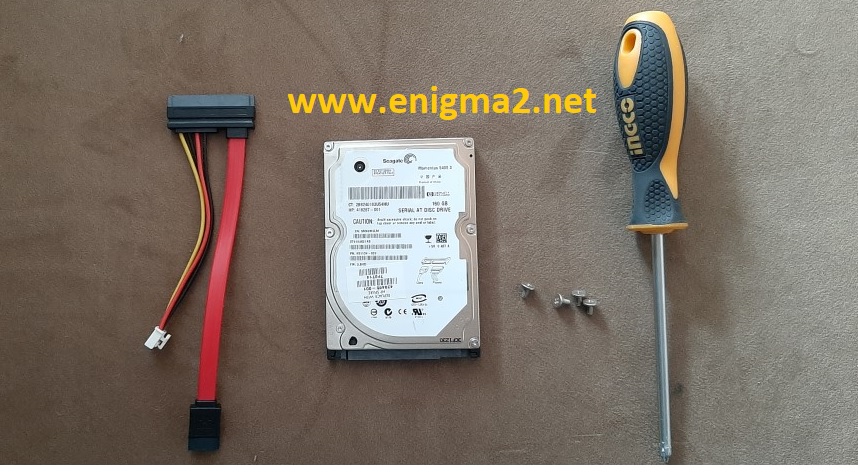
A certain number of prerequisites are necessary before starting:
– GIGABLUE UHD QUAD 4K
– Internal SSD or HDD drive (2.5) 120 GB or any other seize 1 TB or 2 TB
– SATA CABLE for GIGABLUE UHD QUAD 4K
IMPORTANT: for better performance we recommend to use SSD drive.

– Philips screwdriver
– 4X Screw 3.5
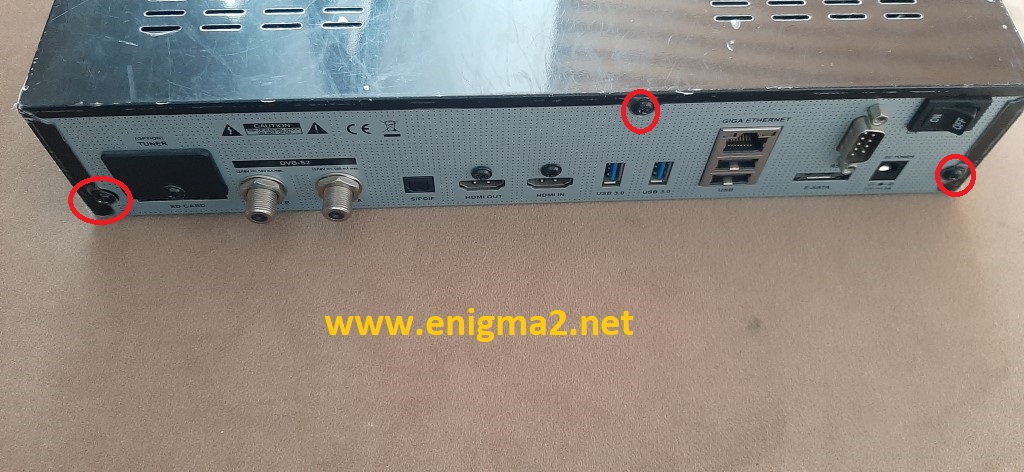
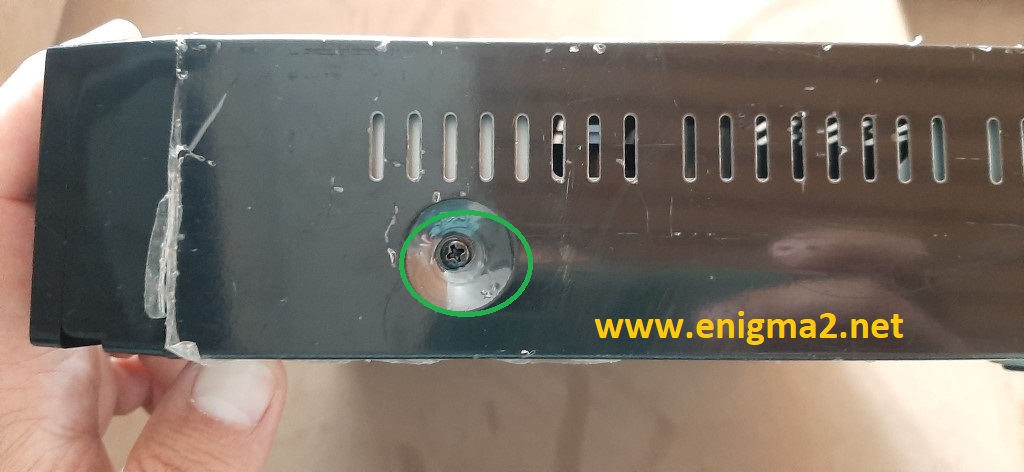
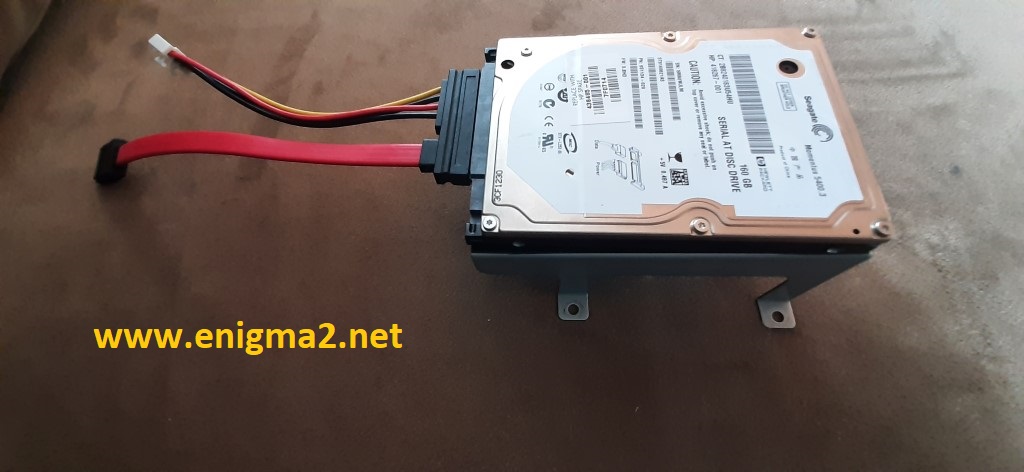
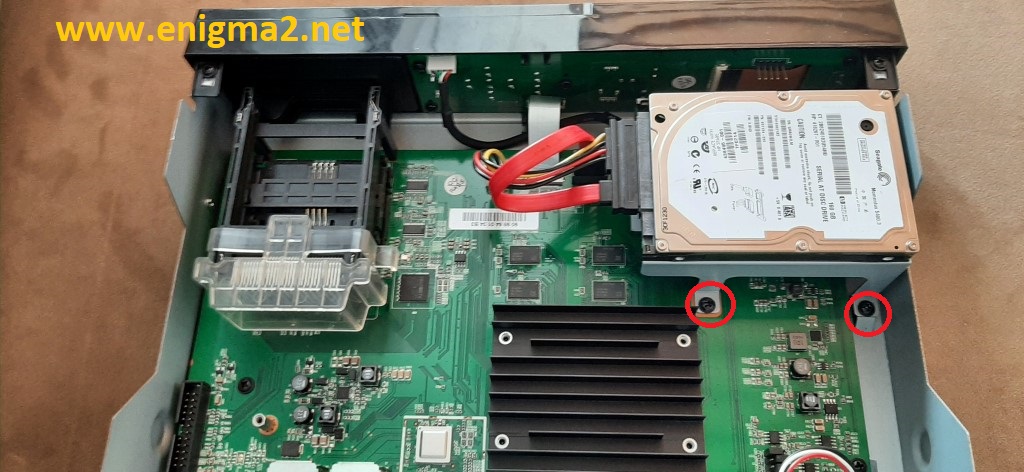
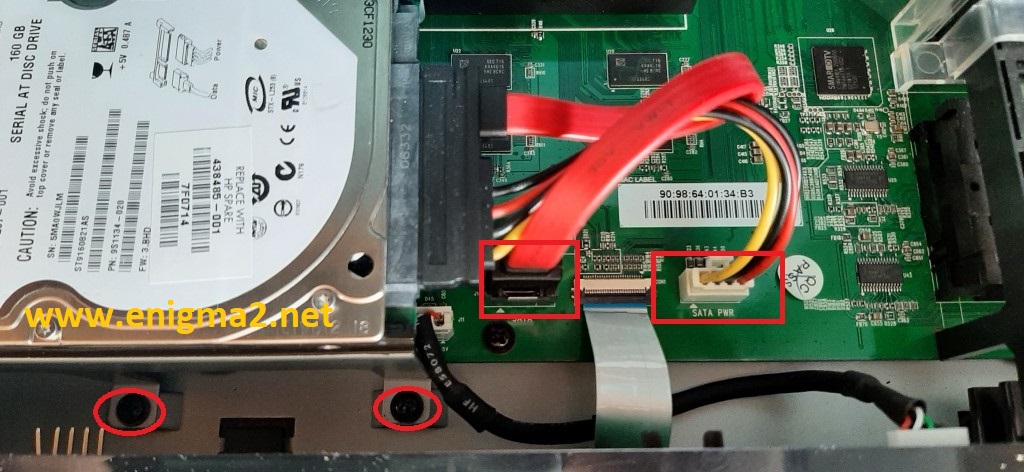
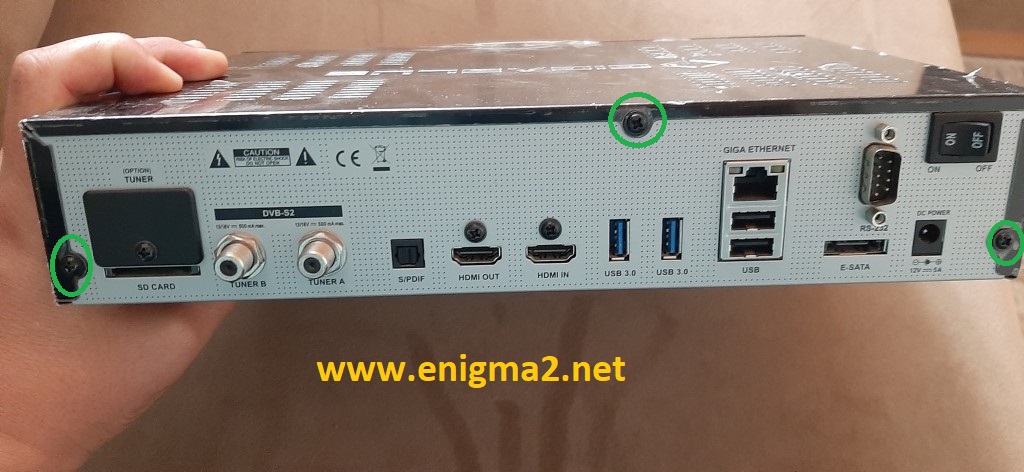
2. Connecting the HDD to its DREAMBOX:
Connect your SSD drive to your DREAMBOX using the SATA port .
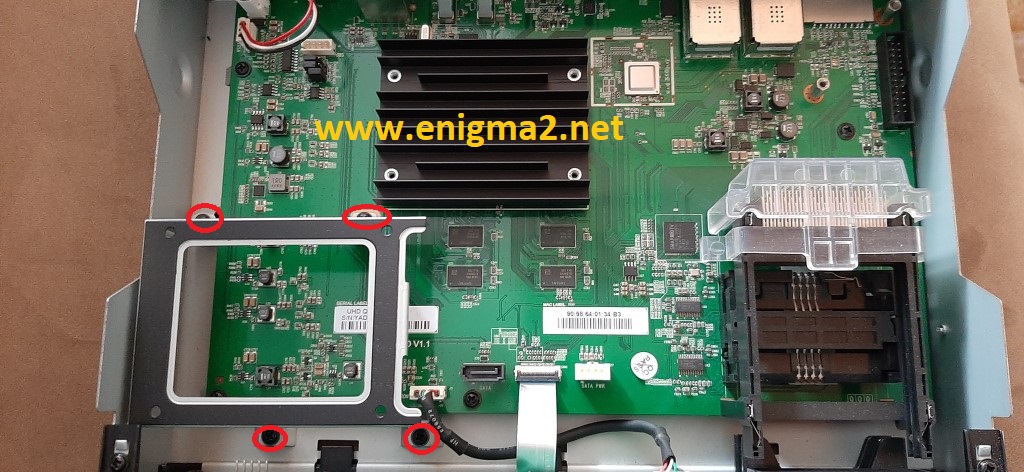
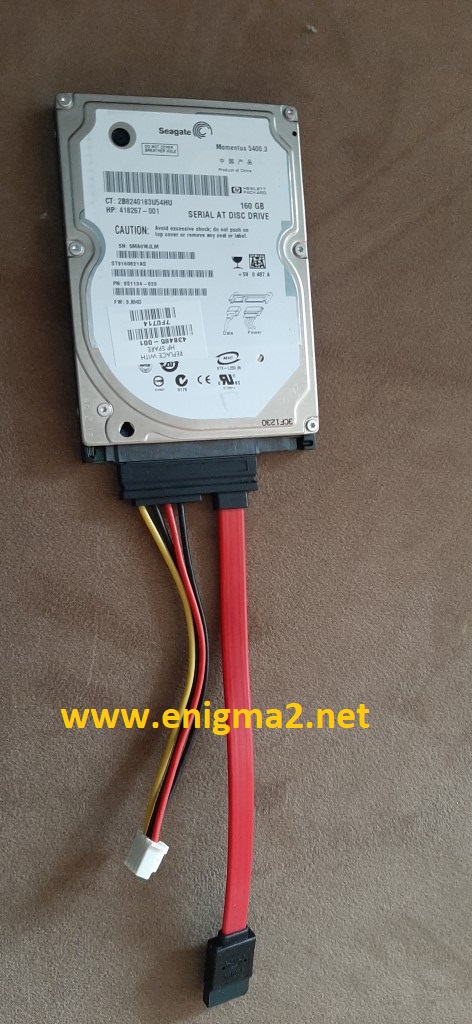
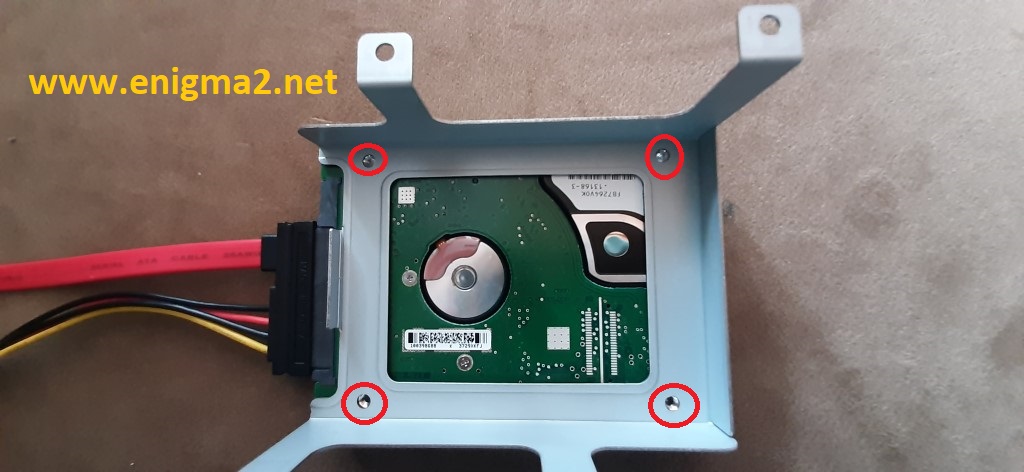
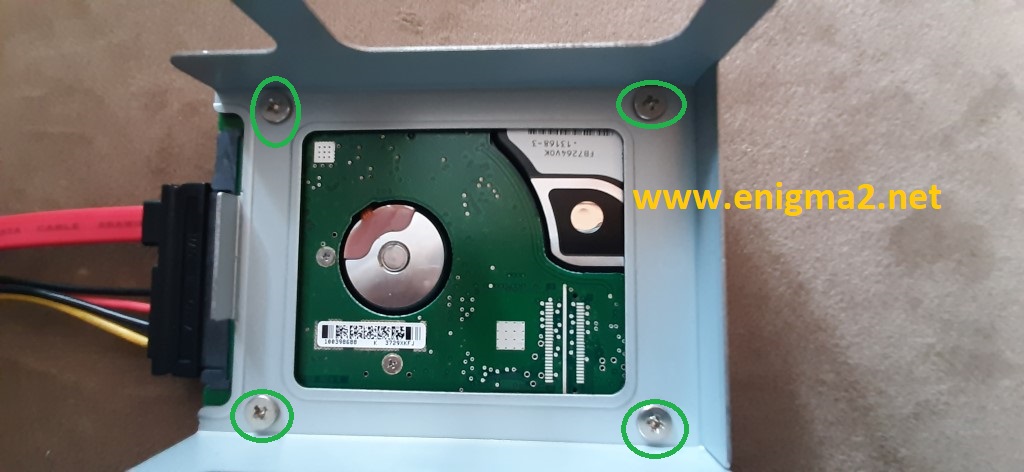
3. Initialization of the SSD-HDD Drive (OpenATV IMAGE)
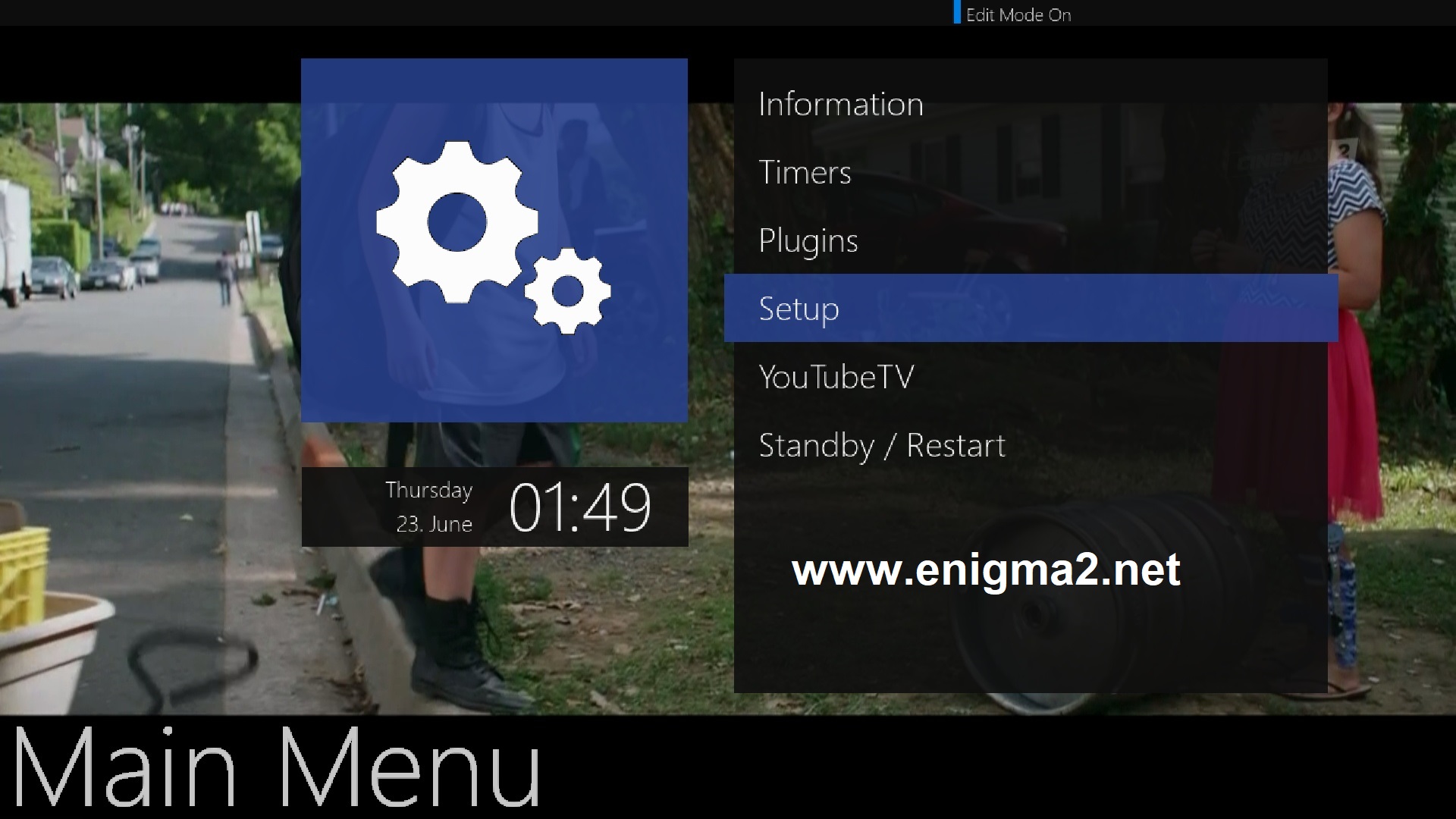
MENU- SETUP
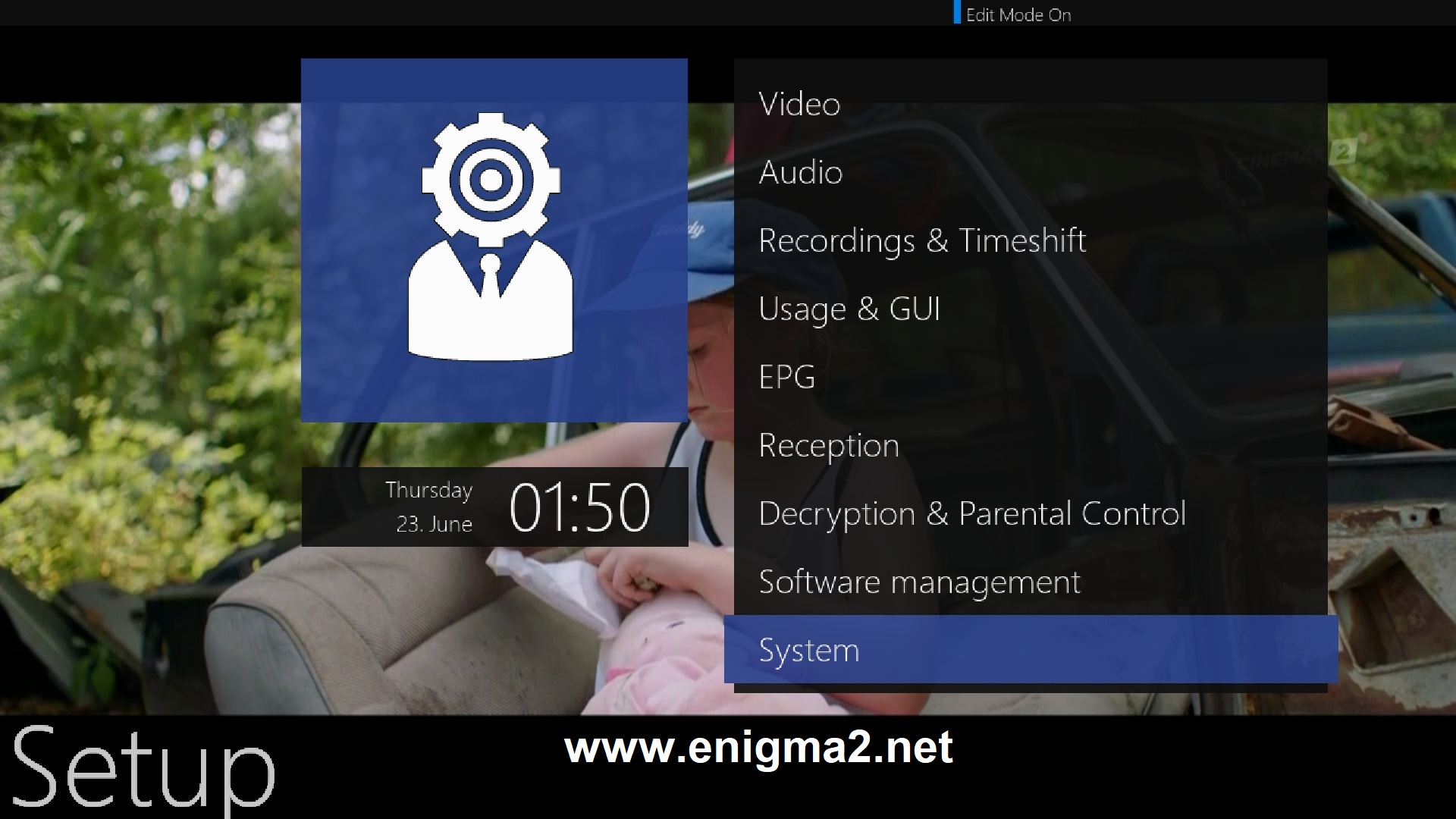
SYSTEM
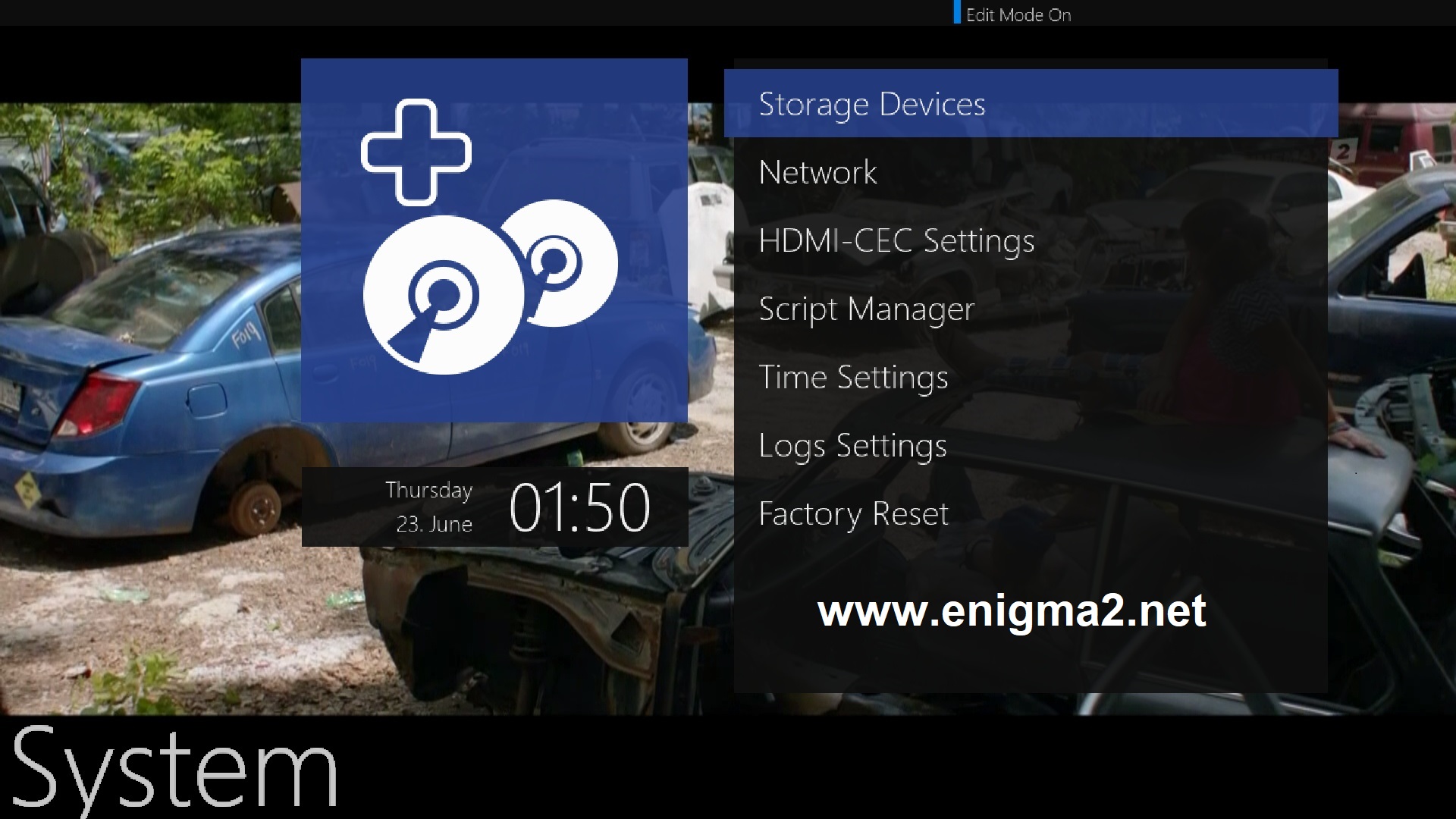
Storage Devices
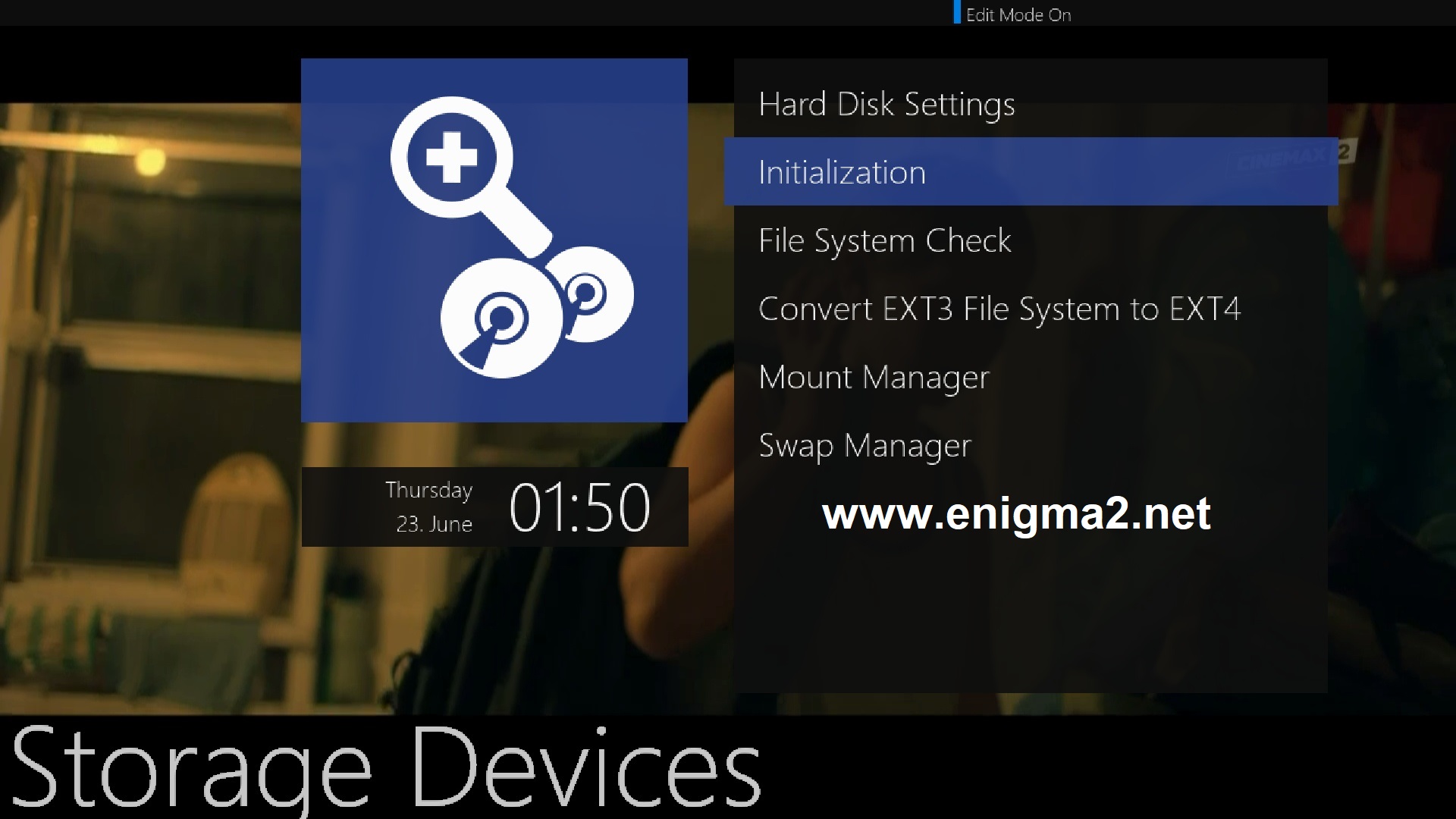
Initialization
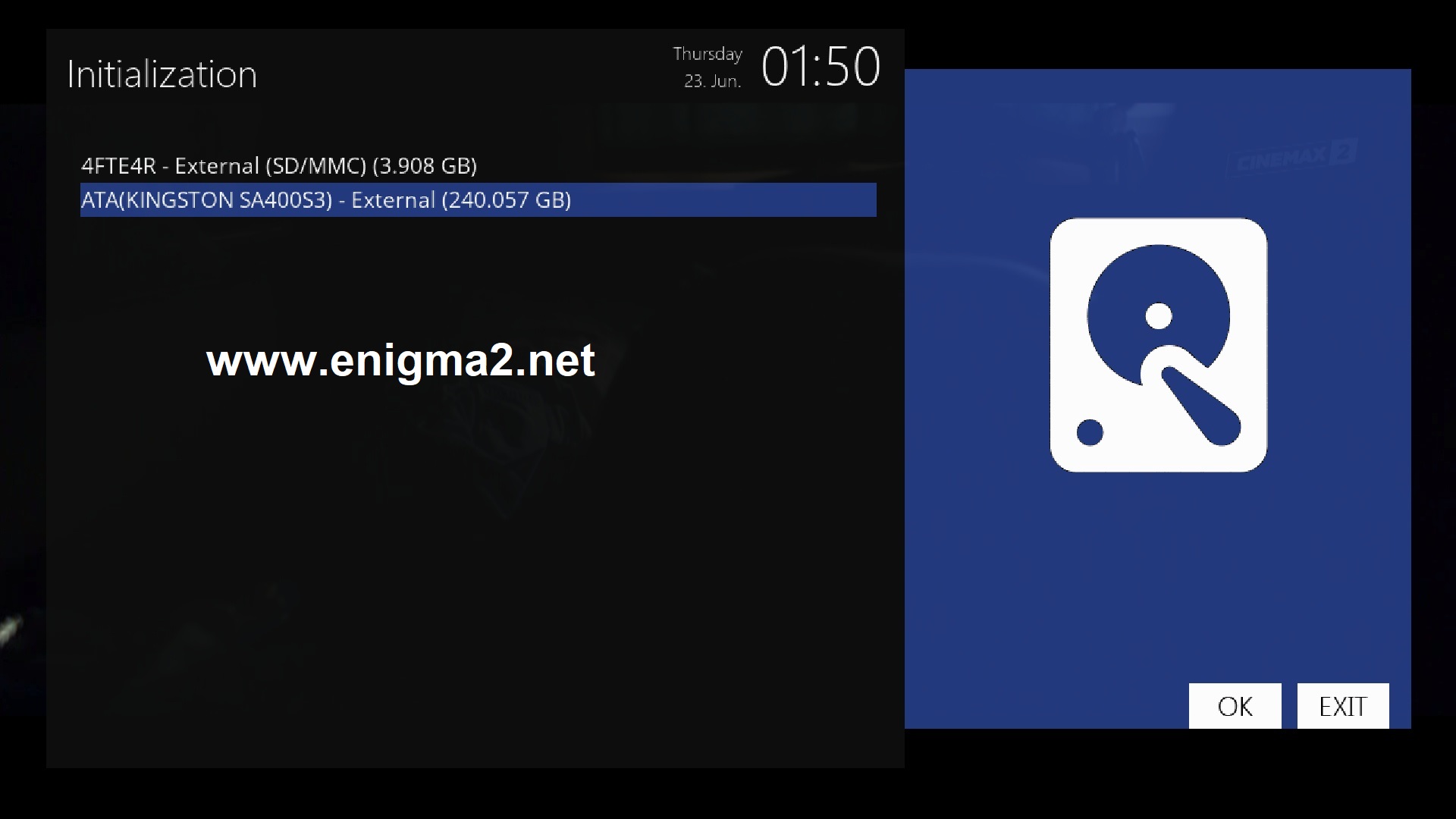
Choose your SSD
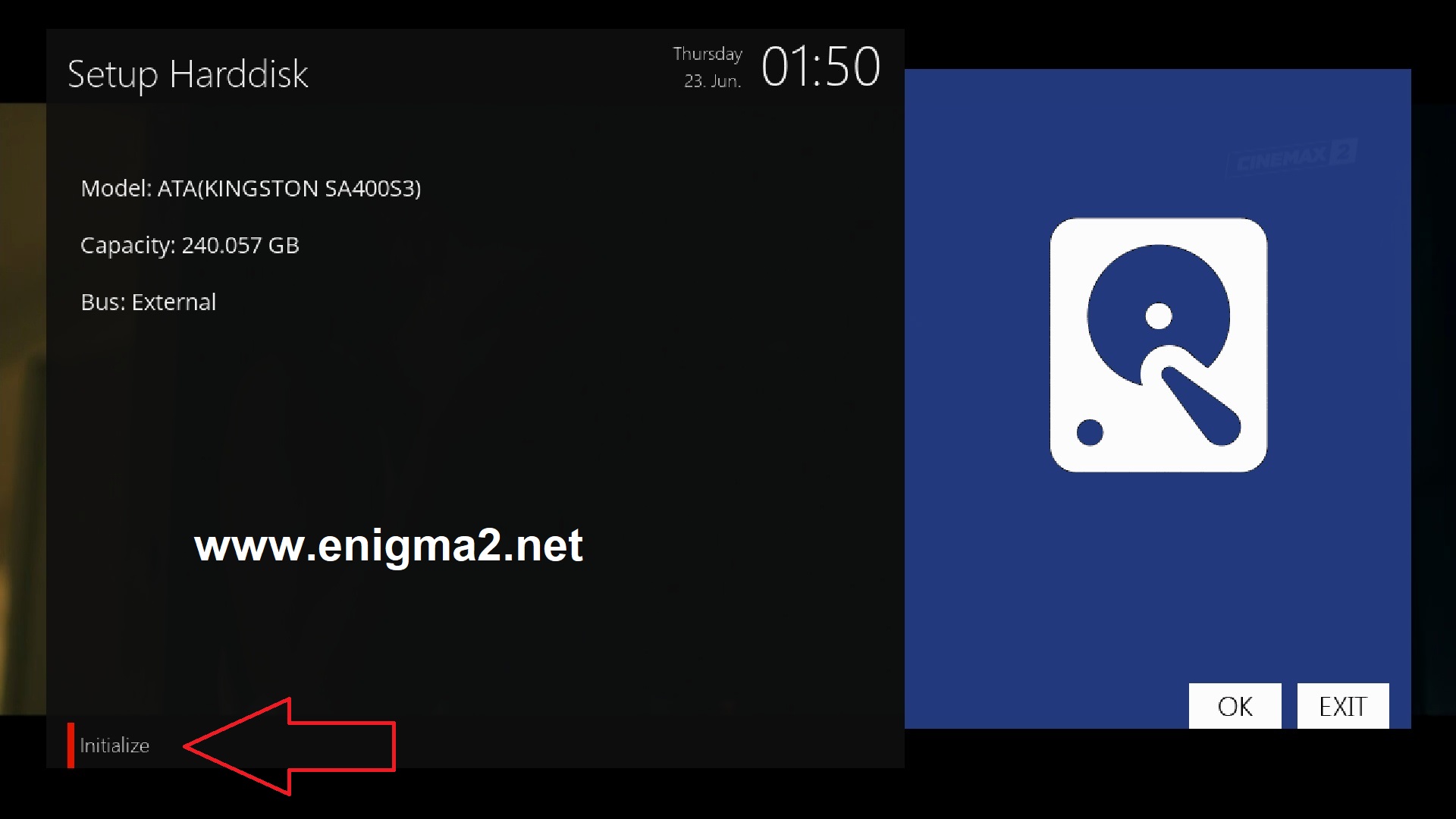
press RED BUTTON to initialize HDD-SSD

Press YES to cinfirm
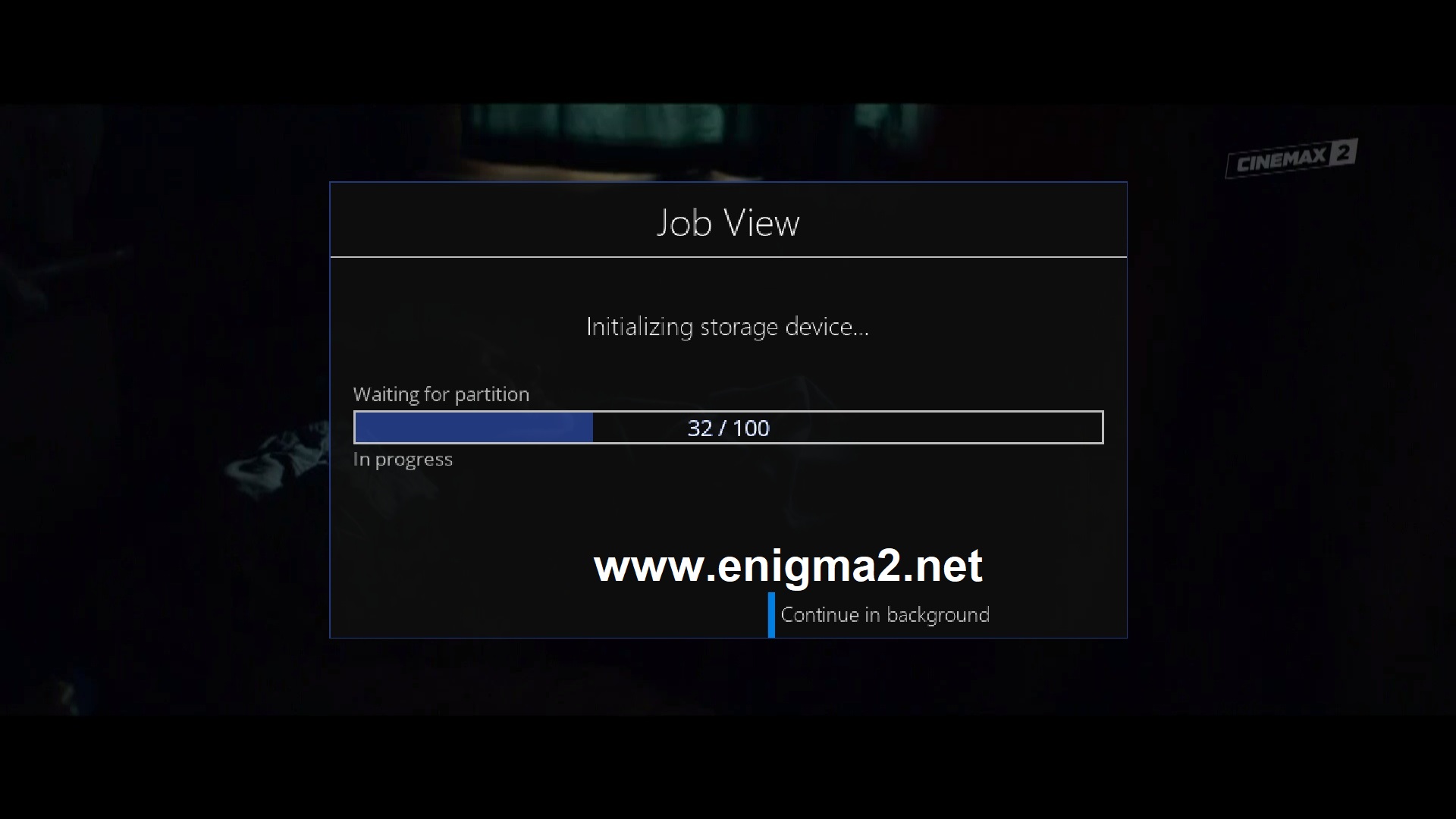
be patient this operation will take some time
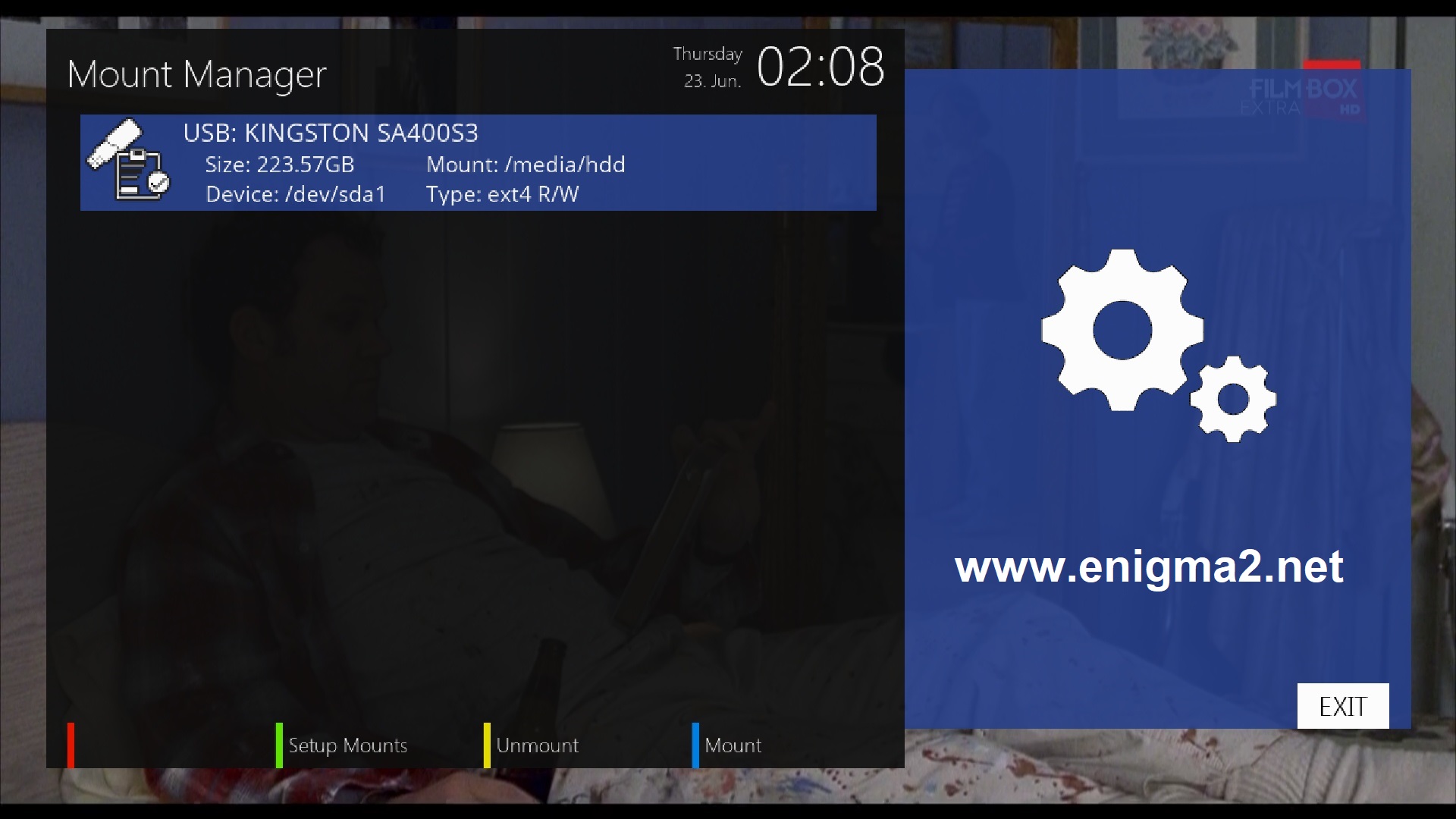
DONE 🙂
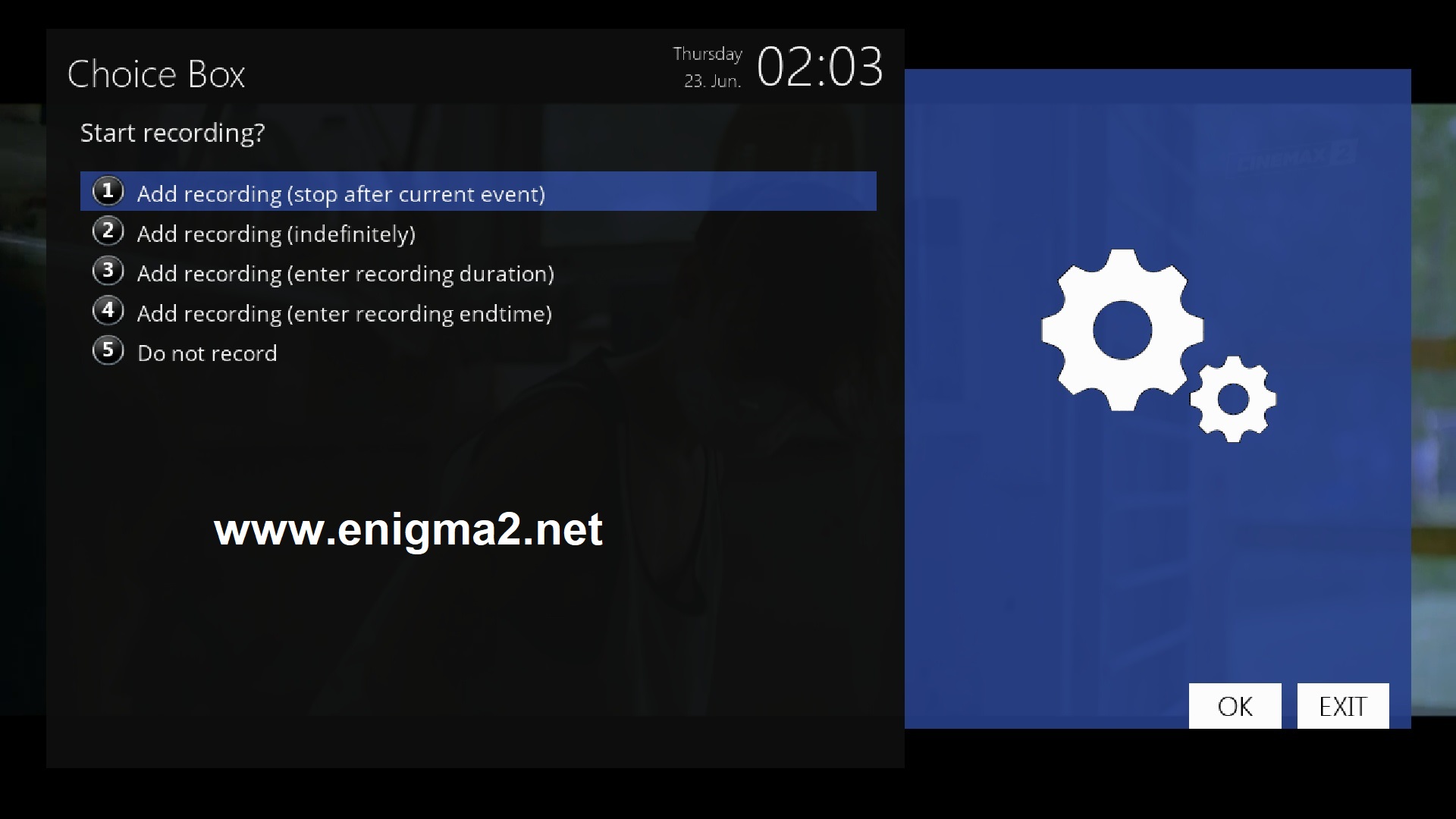
Now you can record any channel or use TimeShift.