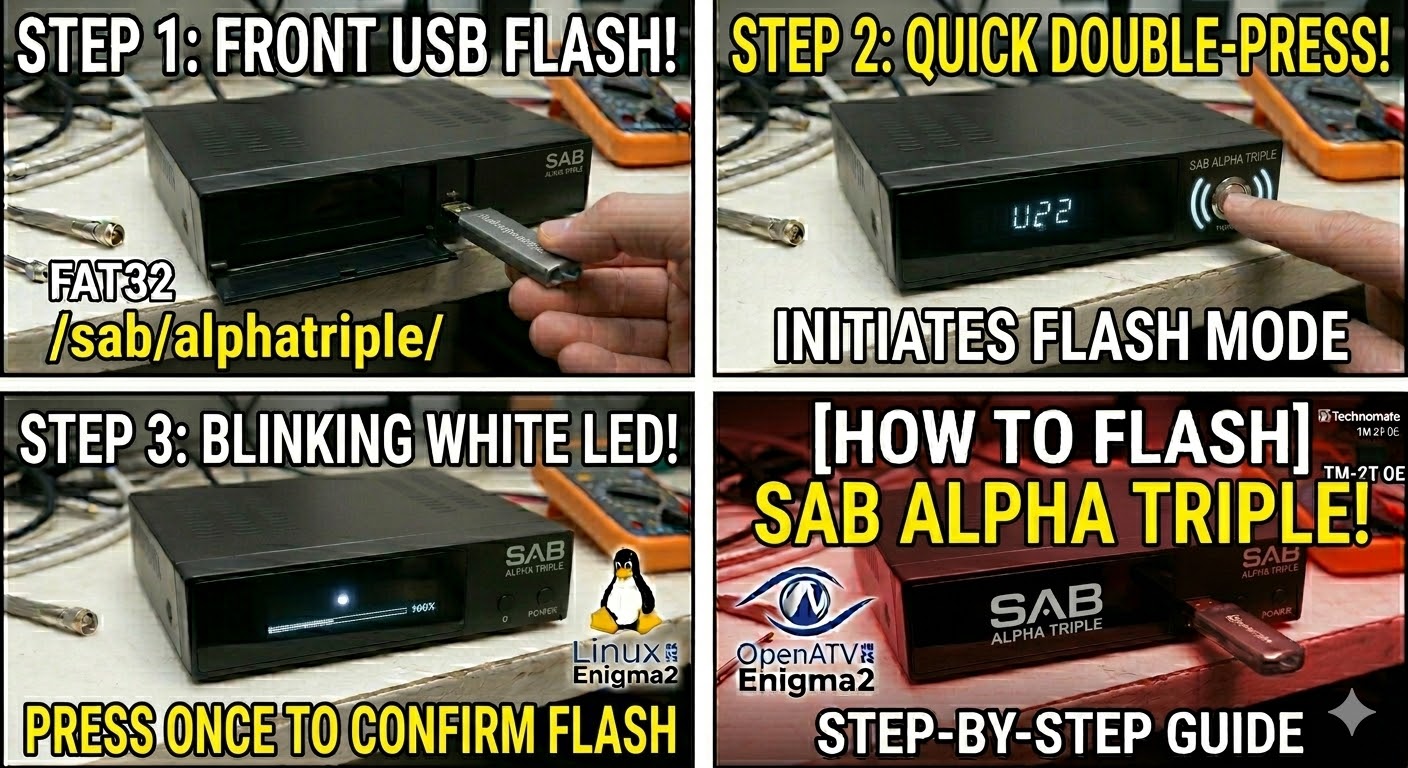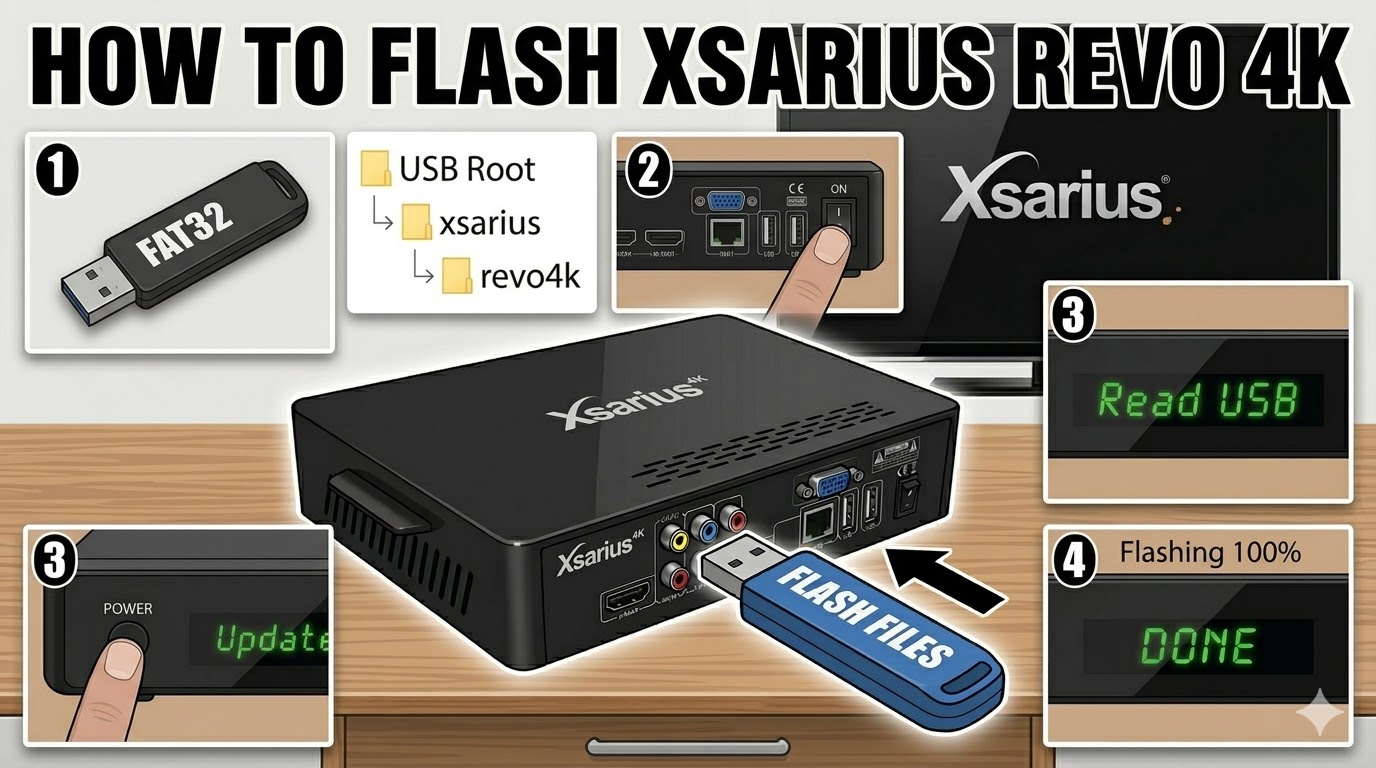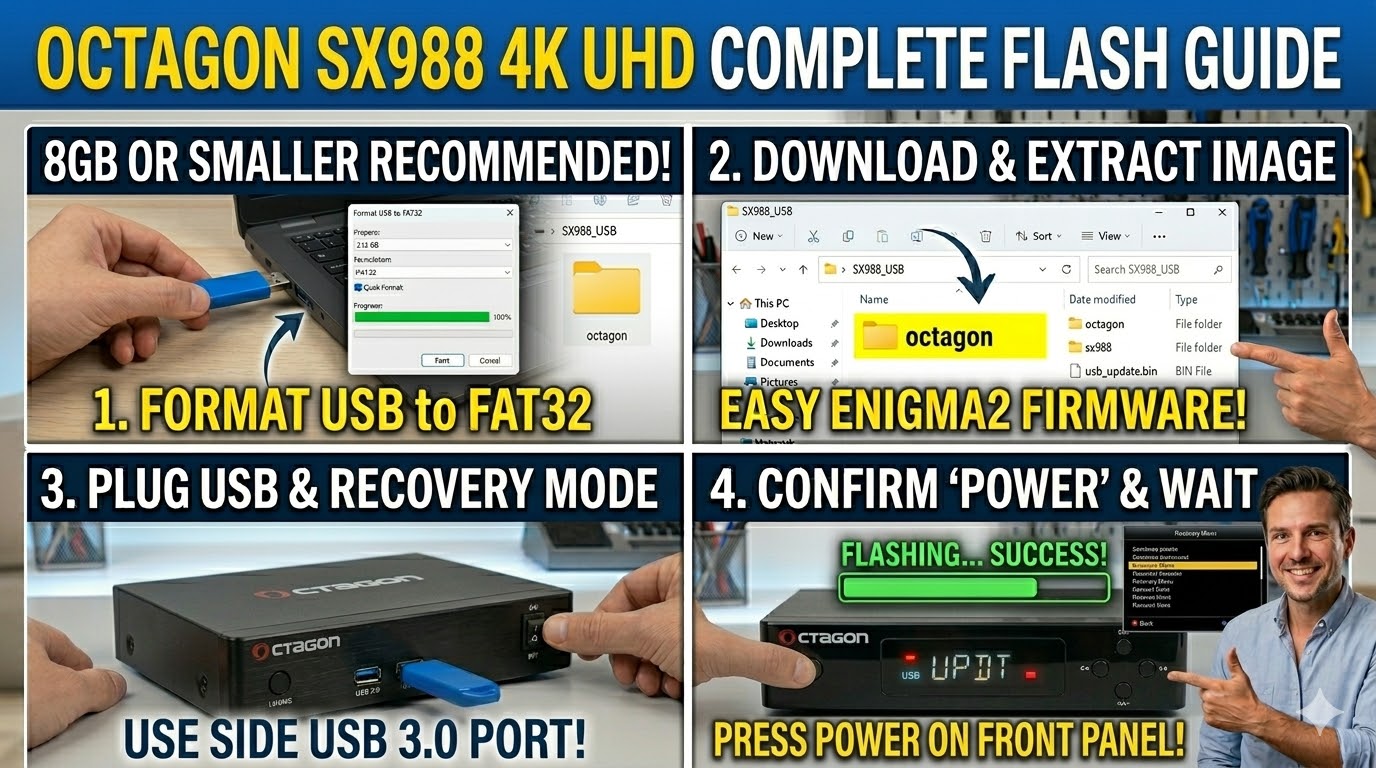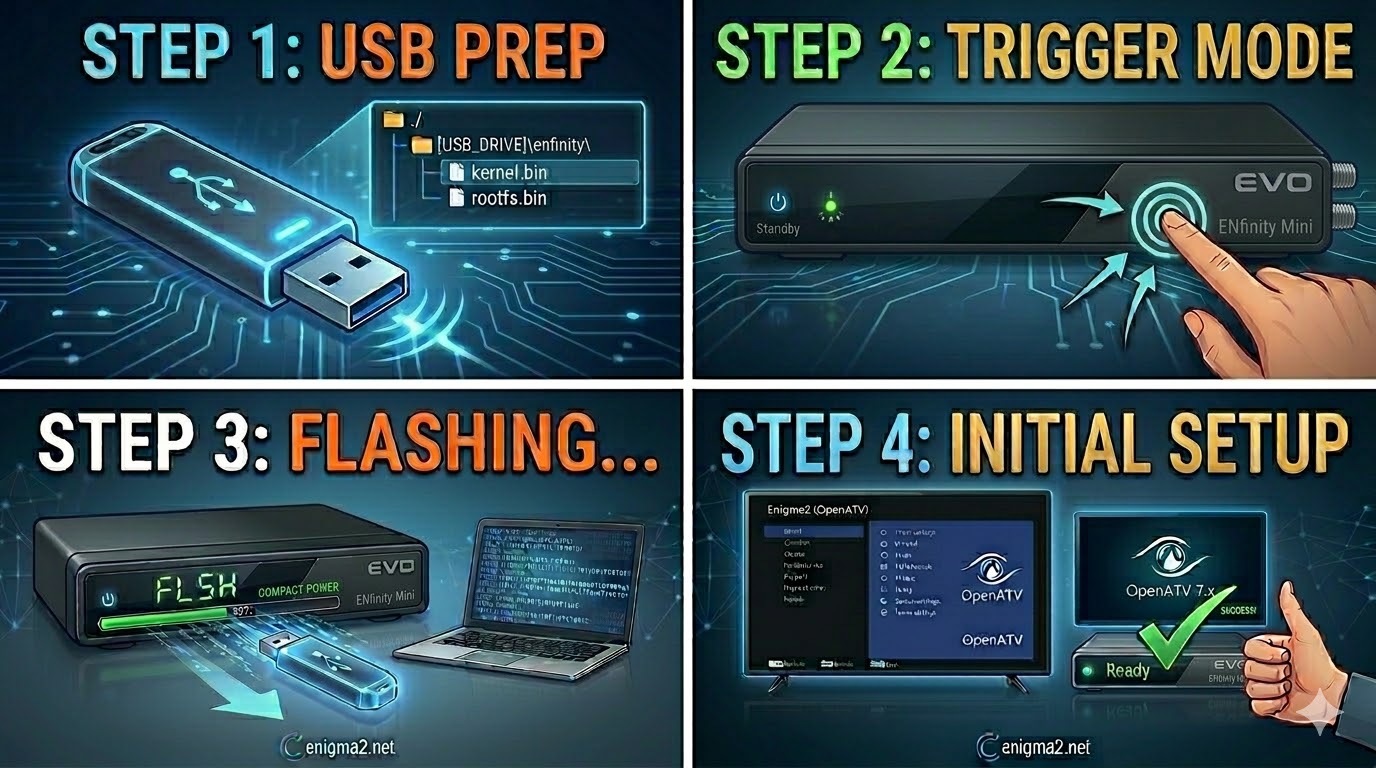
[HOW TO FLASH] how to flash EVO ENfinity mini
The EVO ENfinity Mini is the compact version of the ENfinity series. Since it’s a smaller unit, it often relies on the rear USB port for the most stable power delivery during a flash.
Flashing the EVO ENfinity Mini (Step-by-Step)
1. Prepare the USB Drive
-
Format: Use a USB 2.0 stick (FAT32). Smaller sticks (under 8GB) are highly recommended for this specific bootloader.
-
The Folder Path: Extract your Enigma2 image. The root of your USB must be:
-
USB_ROOT/enfinity/
-
-
Verify Files: Inside the
enfinityfolder, you should see:-
kernel.bin -
rootfs.bin
-
-
Auto-Flash Tip: Look for a file named
noforce. Rename it toforceto make the receiver start the update automatically when you power it on.
2. The Flashing Procedure
-
Power Off: Unplug the power adapter from the back of the Mini.
-
Insert USB: Plug the stick into the rear USB port.
-
The Trigger:
-
Plug the power adapter back in.
-
If using
force: The front LED will start blinking (usually red/blue or purple) immediately. -
If using
noforce: Watch the front panel. When the LED blinks or a prompt appears, press the Power button on the side or front of the unit.
-
-
Wait: The LED will continue to pulse during the flash (about 3 minutes). Do not unplug it.
-
Finish: Once the LED stops pulsing or the receiver reboots, the flash is done. You can now remove the USB.

The flashing process should take approximately two to four minutes to complete, while the receiver
is being flashed it is vitally important that you DO NOT power the receiver down for any reason as
this can cause serious and or permanent damage.