[HOW TO FLASH] how to flash EVO NOVA IP
The EVO Nova IP is a dedicated IPTV and Enigma2 receiver. Because it lacks a built-in tuner, the flashing process is slightly different from the Twin or Slim SE models, but it still relies on the signature “evo” folder structure on your USB.
Flashing the EVO Nova IP (Step-by-Step)
1. Prepare the USB Drive
-
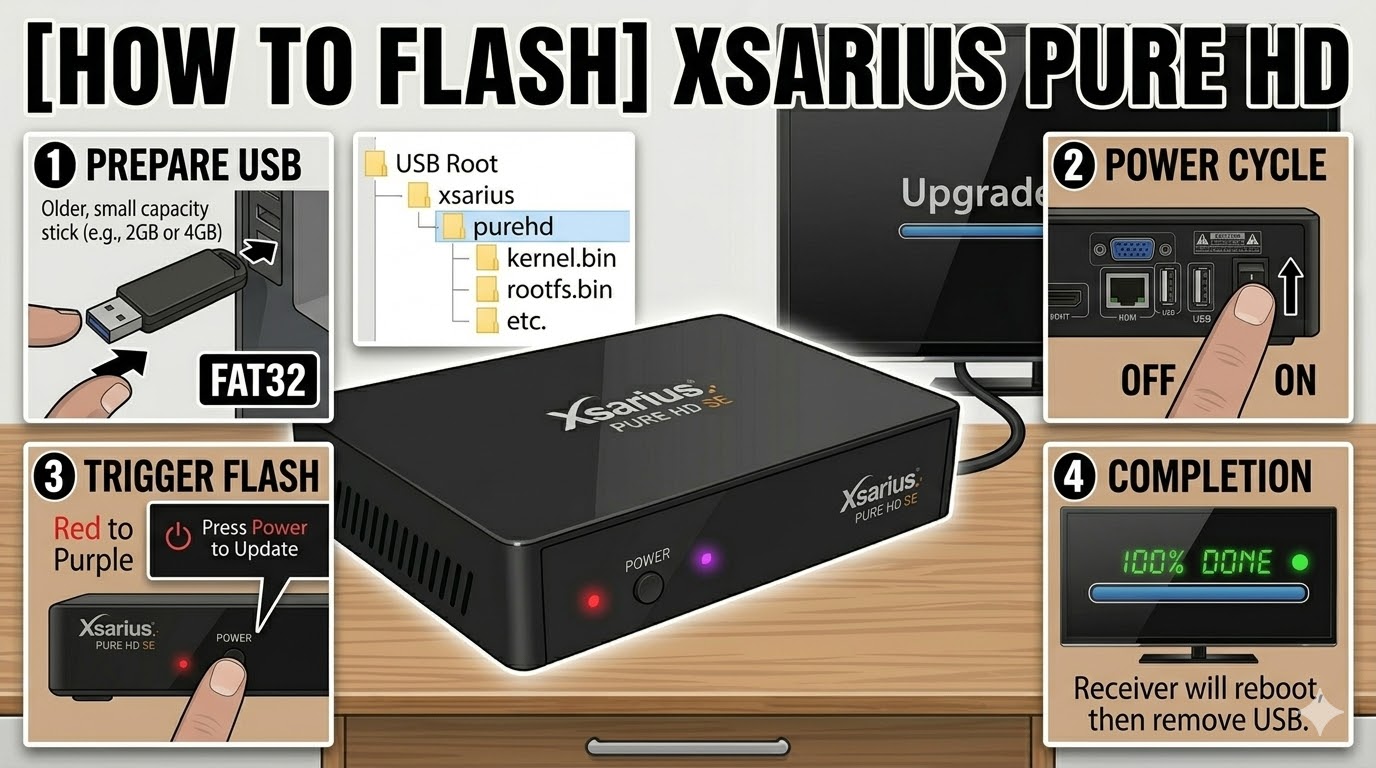
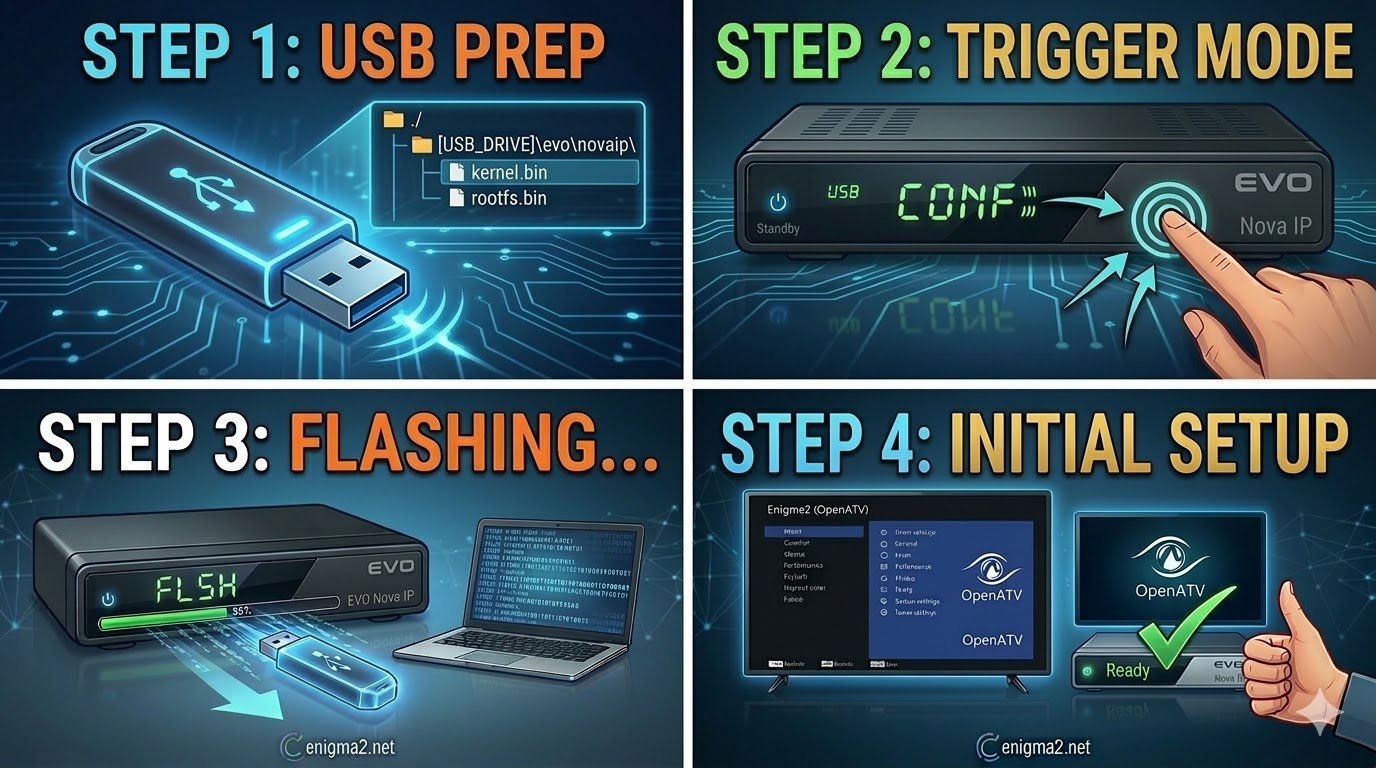
USB Specs: Use a high-quality, FAT32-formatted USB 2.0 stick (8GB or smaller is recommended for best compatibility).
-
Download: Get the latest Enigma2 image (like OpenATV) for the
evonovaip. -
The Folder Path: Extract the ZIP file. The folder structure on your USB must be:
-
USB_ROOT/evo/novaip/
-
-
Verify Files: Inside the
novaipfolder, ensure you have:-
kernel.bin -
rootfs.bin -
imageversion -
force(This file is often used on IP-only models to bypass the manual button press if needed).
-
2. The Flashing Procedure
-
Power Down: Turn off the receiver using the physical power switch at the back.
-
Insert USB: Plug the USB stick into the rear USB port.
-
The Boot Trigger:
-
Turn the power switch back to ON.
-
Watch the LED: On the Nova IP, the front LED will usually blink or change color.
-
The Button: Immediately press the Standby/Power button on the front panel of the receiver.
-
-
Progress: The front LED will begin flashing faster (usually purple or blue) to indicate the update is in progress.
-
Completion: The receiver will reboot automatically. When you see the installation wizard on your screen, you can remove the USB.

The flashing process should take approximately two to four minutes to complete, while the receiver
is being flashed it is vitally important that you DO NOT power the receiver down for any reason as
this can cause serious and or permanent damage.