[HOW TO FLASH] how to flash Sezam Marvel
The Sezam Marvel (also known as the Marvel Quad) is a powerful Broadcom-based quad-tuner receiver. It follows a very specific flashing ritual similar to other high-end Enigma2 boxes, requiring a precise folder structure and a front-panel confirmation.
Preparation
-
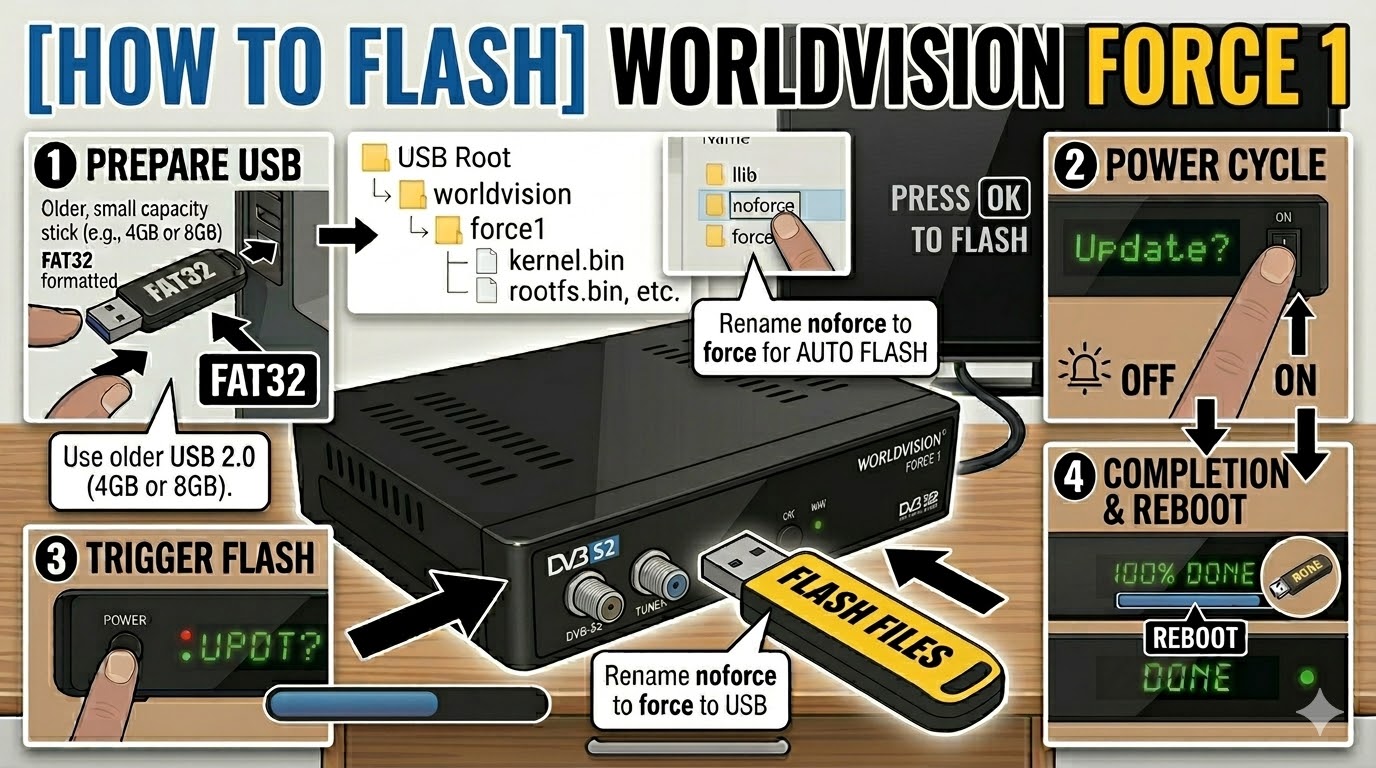
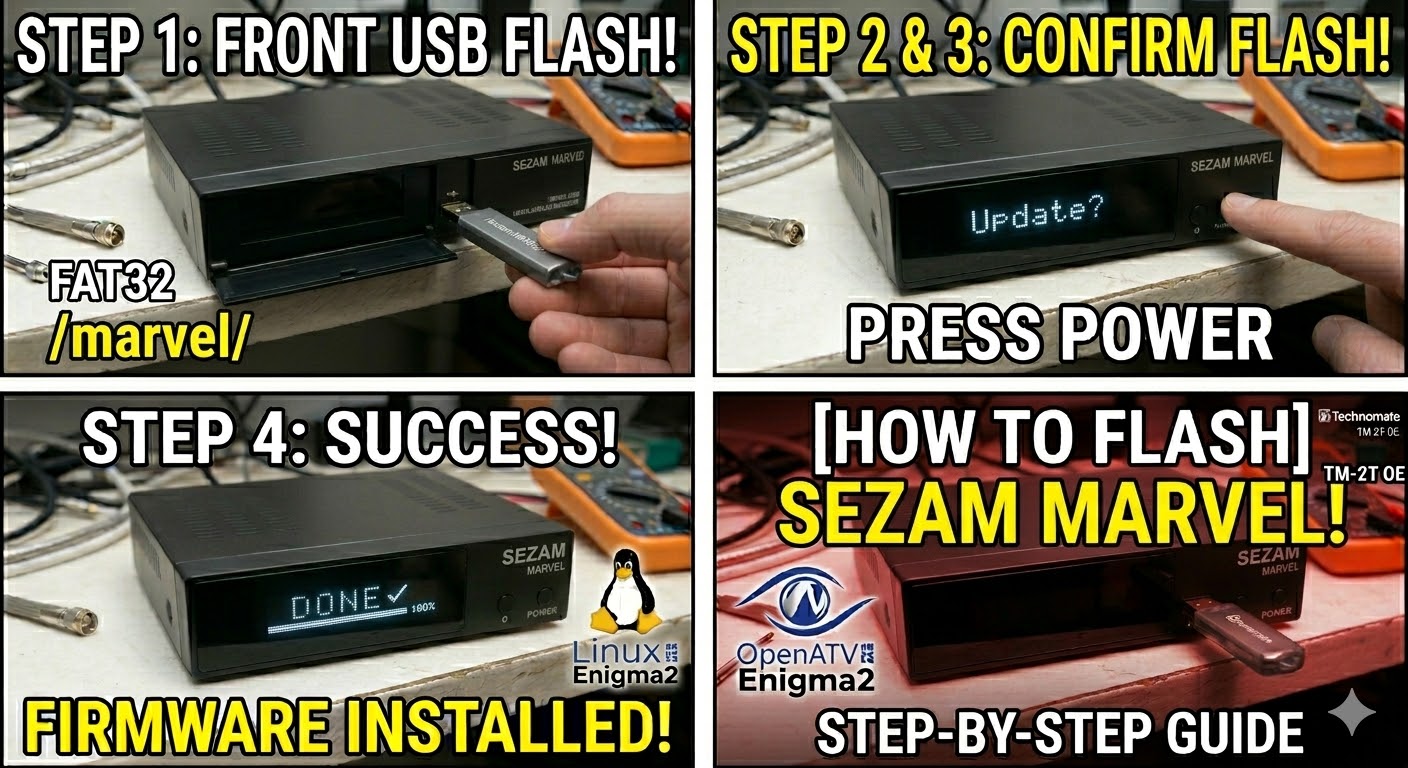
USB Drive: Use a FAT32 formatted USB stick. For the Sezam Marvel, a USB 2.0 (8GB or less) is strongly recommended to ensure the bootloader detects it immediately.
-
The Files: Extract your image zip (e.g., OpenATV, OpenViX, or Egami). You should see a folder named
sezamand a subfolder inside it namedmarvel. -
Root Path: Copy the
sezamfolder to the root of your USB drive.-
Structure:
USB Root > sezam > marvel > (files: kernel.bin, rootfs.bin, etc.) -
Note: The folder name must be
marvelfor the update to trigger.
-
Flashing Steps
-
Power Down: Turn off the receiver using the physical power switch at the back.
-
Insert USB: Plug the USB stick into the front USB port (located behind the front flap).
-
Power On: Flip the rear power switch to ON.
-
The Trigger:
-
Watch the front panel VFD/LCD display.
-
When the display shows “Found Update” or “Update? Press OK”, immediately press the OK Button on the front panel (behind the flap).
-
-
Flashing Process: The display will change to “Flashing” or show a progress bar. This usually takes 3 to 5 minutes. Do not turn off the power during this time.
-
Completion: When the process is finished, the display will show “Success” or “Finished”, and the receiver will reboot automatically.
-
Finalize: Remove the USB stick as soon as the box starts to reboot to prevent it from entering the update loop.
Quick Troubleshooting
-
Box ignores the USB: Double-check the folder path is
sezam/marvel/. If it still fails, try the rear USB port. -
USB Sensitivity: If the box boots straight to the old image, it is likely the USB stick. Try an older, slower USB 2.0 drive.
-
The “Force” Shortcut: If you have trouble with the front button, go into the
marvelfolder on your USB, find the file namednoforce, and rename it toforce. The receiver will then flash automatically upon power-up without requiring a button press.

The flashing process should take approximately two to four minutes to complete, while the receiver
is being flashed it is vitally important that you DO NOT power the receiver down for any reason as
this can cause serious and or permanent damage.