
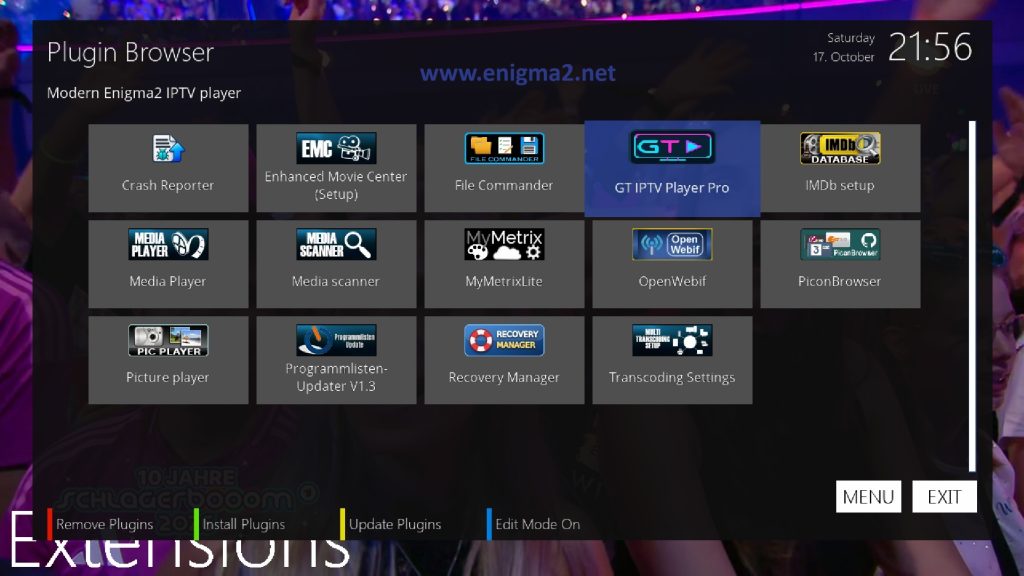
[TUTORIAL] GT IPTV PLAYER PRO
Here is a tutorial to install and configure your IPTV subscription on GT IPTV PLAYER PRO plugin.
IMPORTANT: This tutorial was tested on OpenATV 8.0.1
For this tutorial you need.
Material:
- Dreambox (SEVEN, TWO, ONE, DM920, DM900)
- Vu+ (DUO4K SE, ULTIMO 4K, UNO4K, UNO 4K SE, ZERO 4K, DUO4K,SOLO 4K)
- GigaBlue (QUAD 4K UHD 4K,UE 4K, Trio 4K)
- Octagon (SX-988 4K UHD, SF-8008, SF-8008 mini, SF-408 4K )
- ANADOL (ANADOL4K, ANADOL 4K V2, ANADOL 4K combo)
- DINOBOT ( Dinobot 4K, Dinobot 4k SE, Dinobot 4k mini, Dinobot 4K twin, Dinobot 4K plus )
- Qviart ( Lunix 4K, lunix3 4K, DUAL 4K UHD )
- ZGEMMA ( H9S 4K, H11S 4K )
- AMIKO ( Viper 4K, Viper 4K51,Viper V20, Viper V30, Viper V40 )
- AX( AX 4K HD60,AX 4K HD51,AX 4K HD61, )
- EDISION ( OS MIO 4K, OS MIO + 4K, OS MINI 4K )
- HITUBE ( Hitube 4K combo, Hitube 4K combo plus, Hitube 4K Pro)
- XSARIUS ( REVO 4K, GALAXY 4K)
ore another ENIGMA2 receiver supported by OpenATV image.
IPTV subscription
If you do not have a IPTV subscription you can order it here
order XTREAM CODE for GT IPTV PLAYER PRO

1- Installation
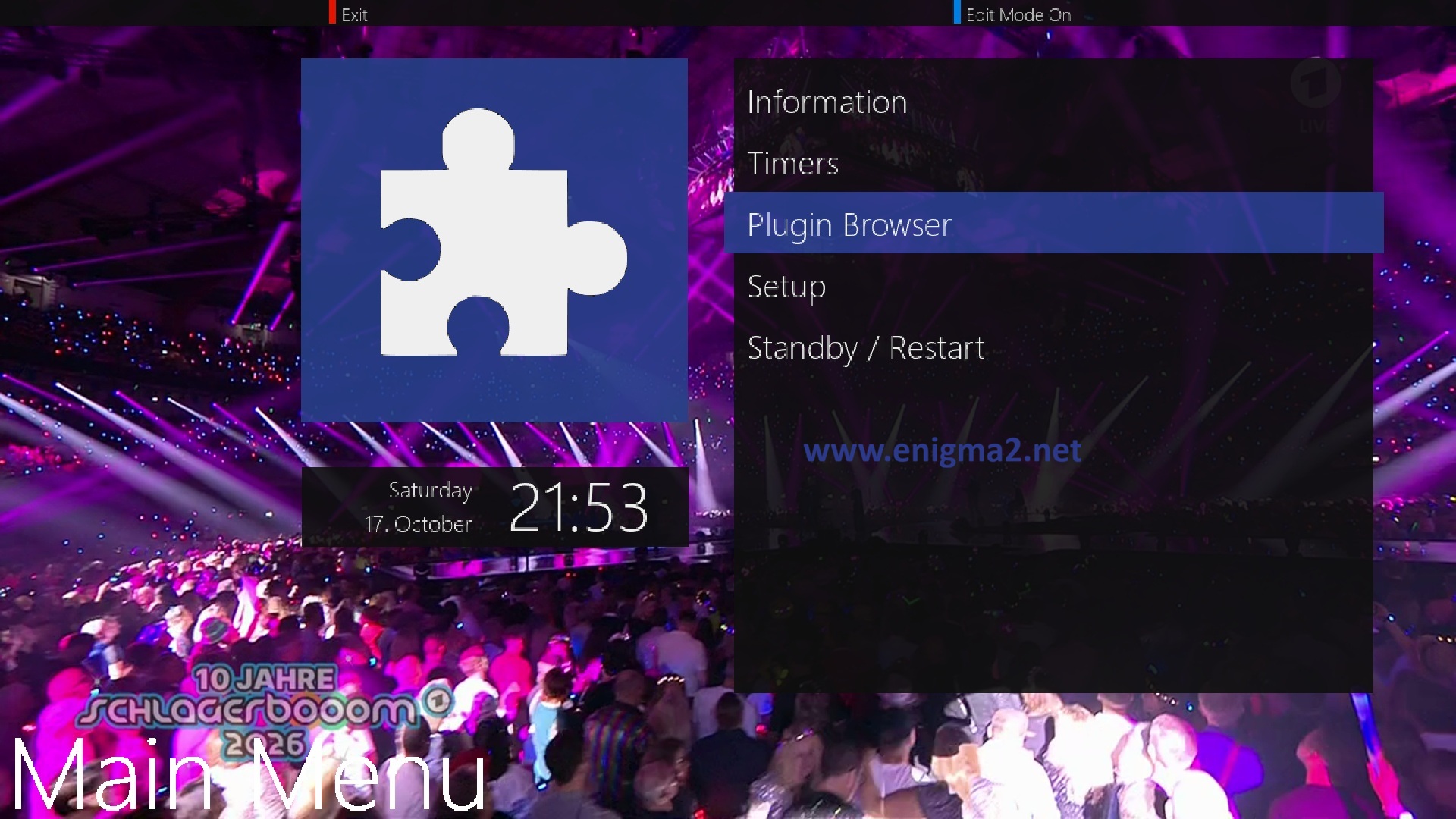
Press MENU and select PUGIN BROWSER
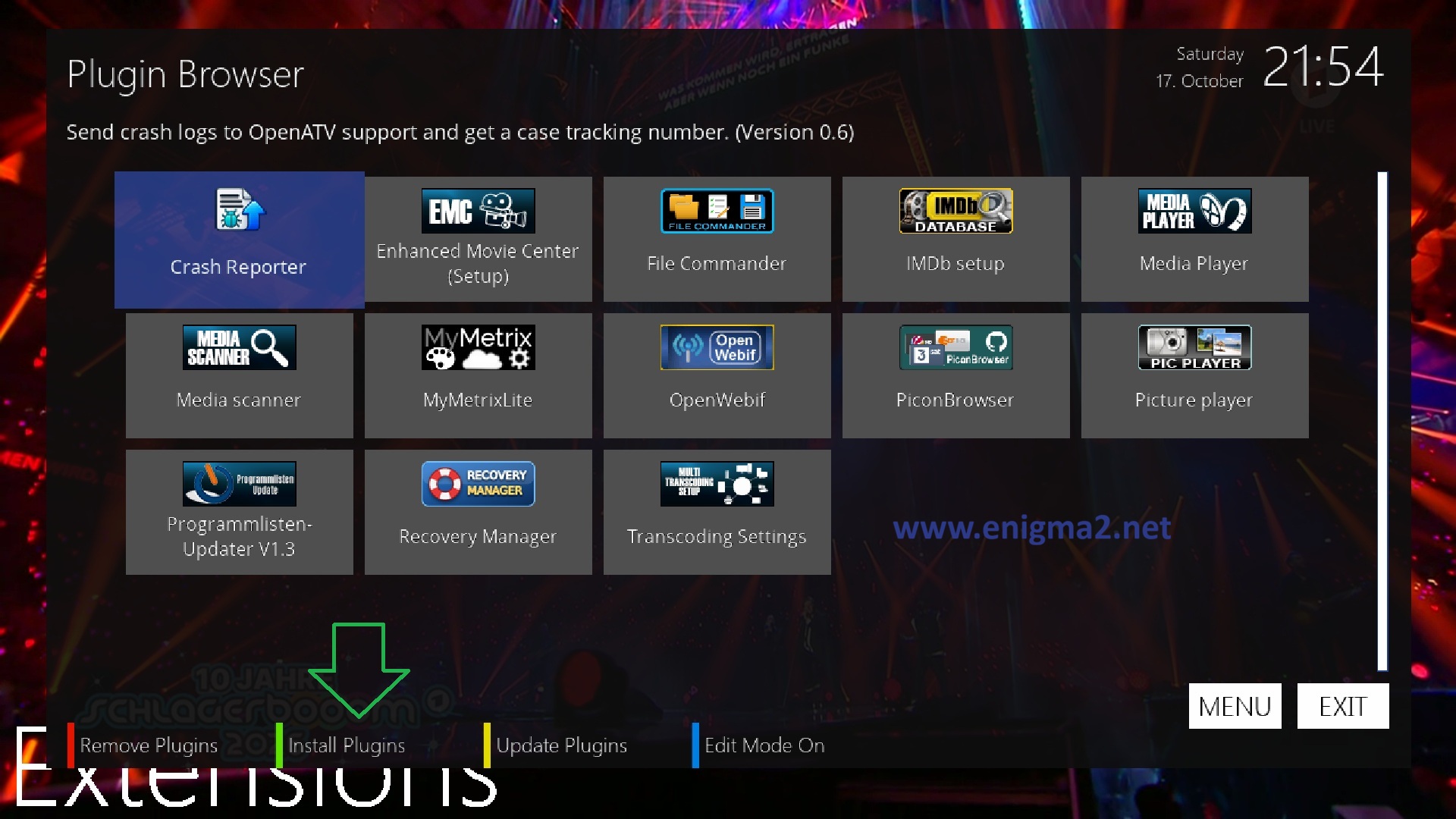
press green button to download plugins
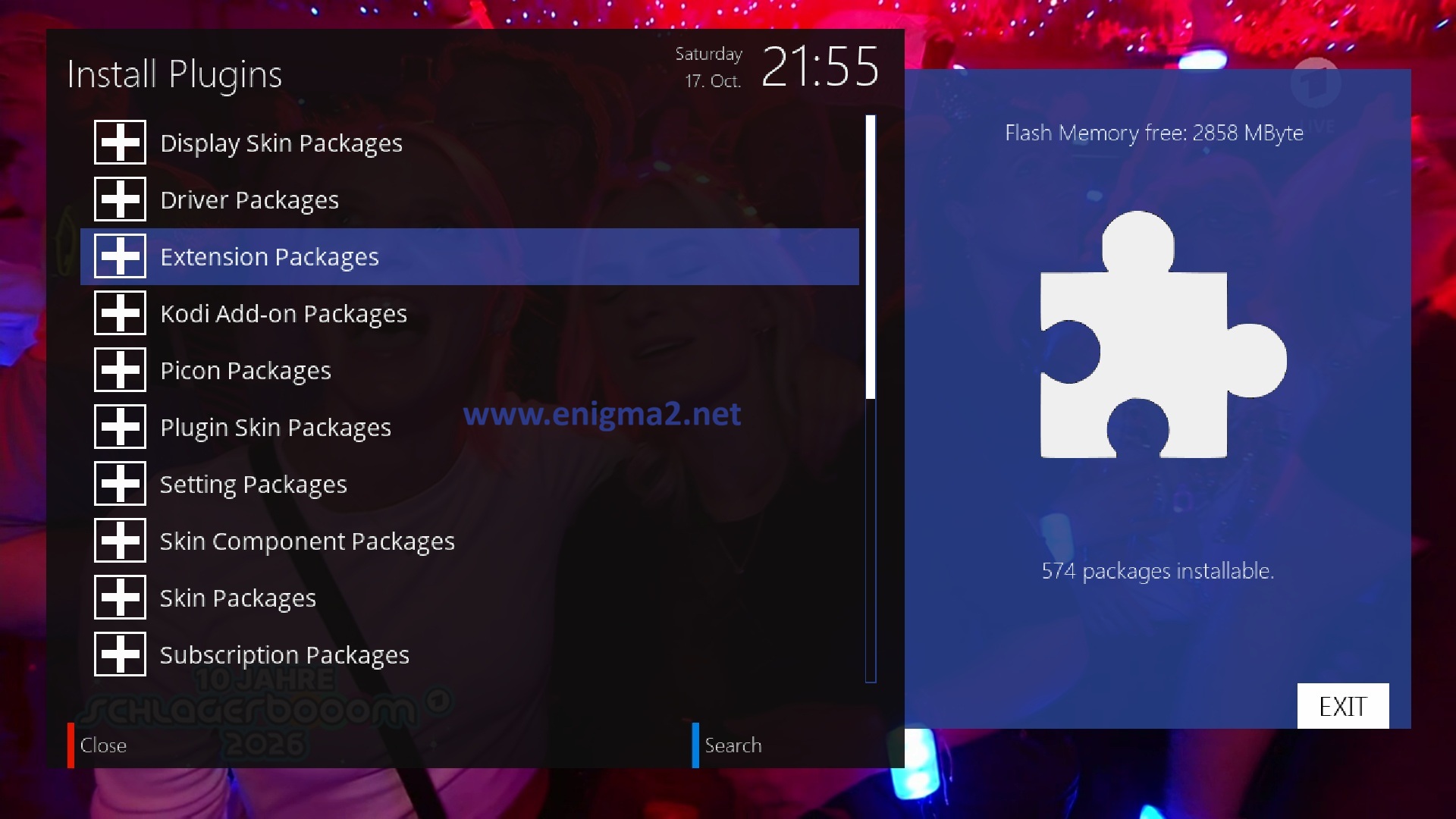
select EXTENSION PACKAGES
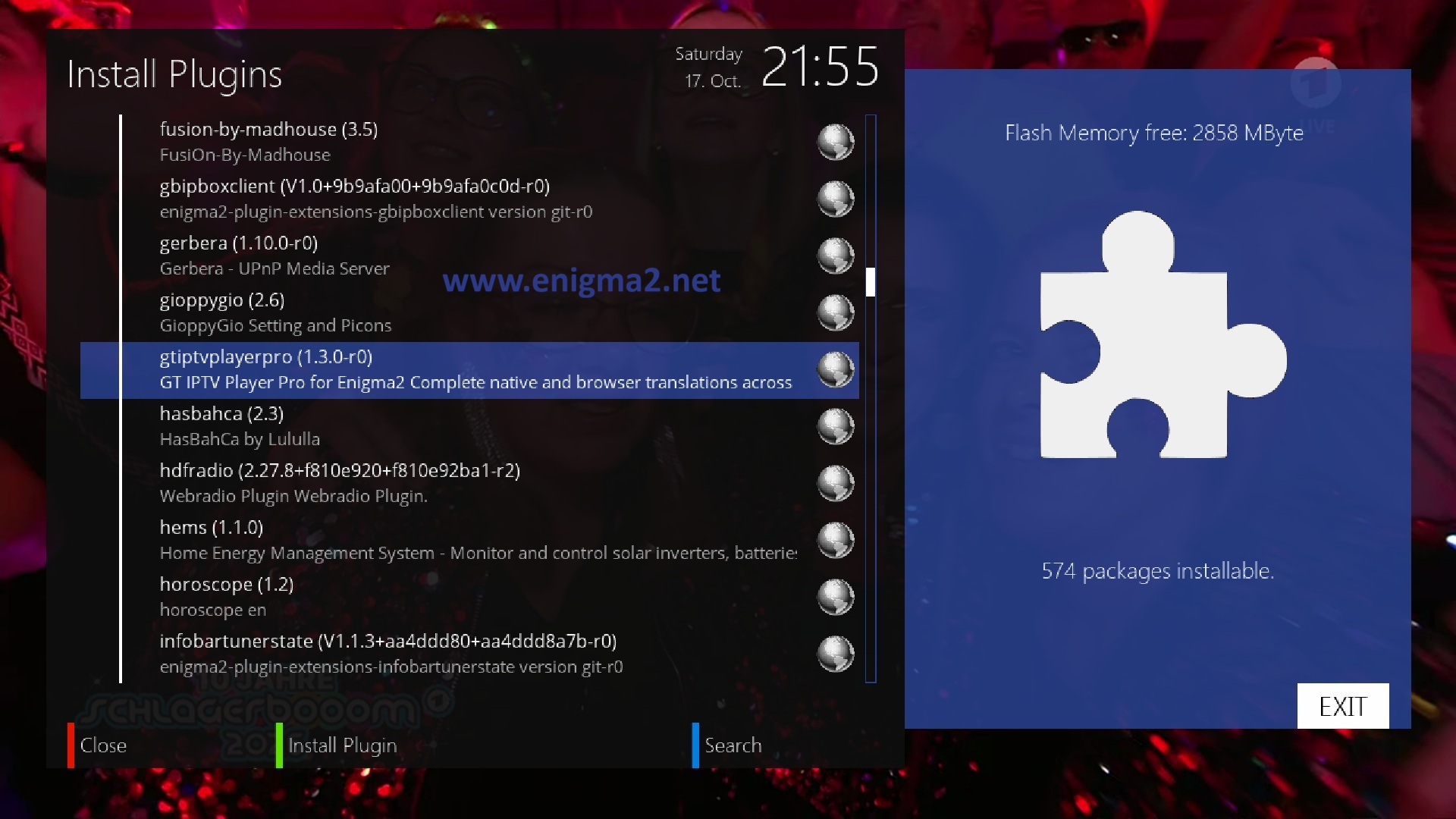
Select GTIPTVPLAYERPRO with OK
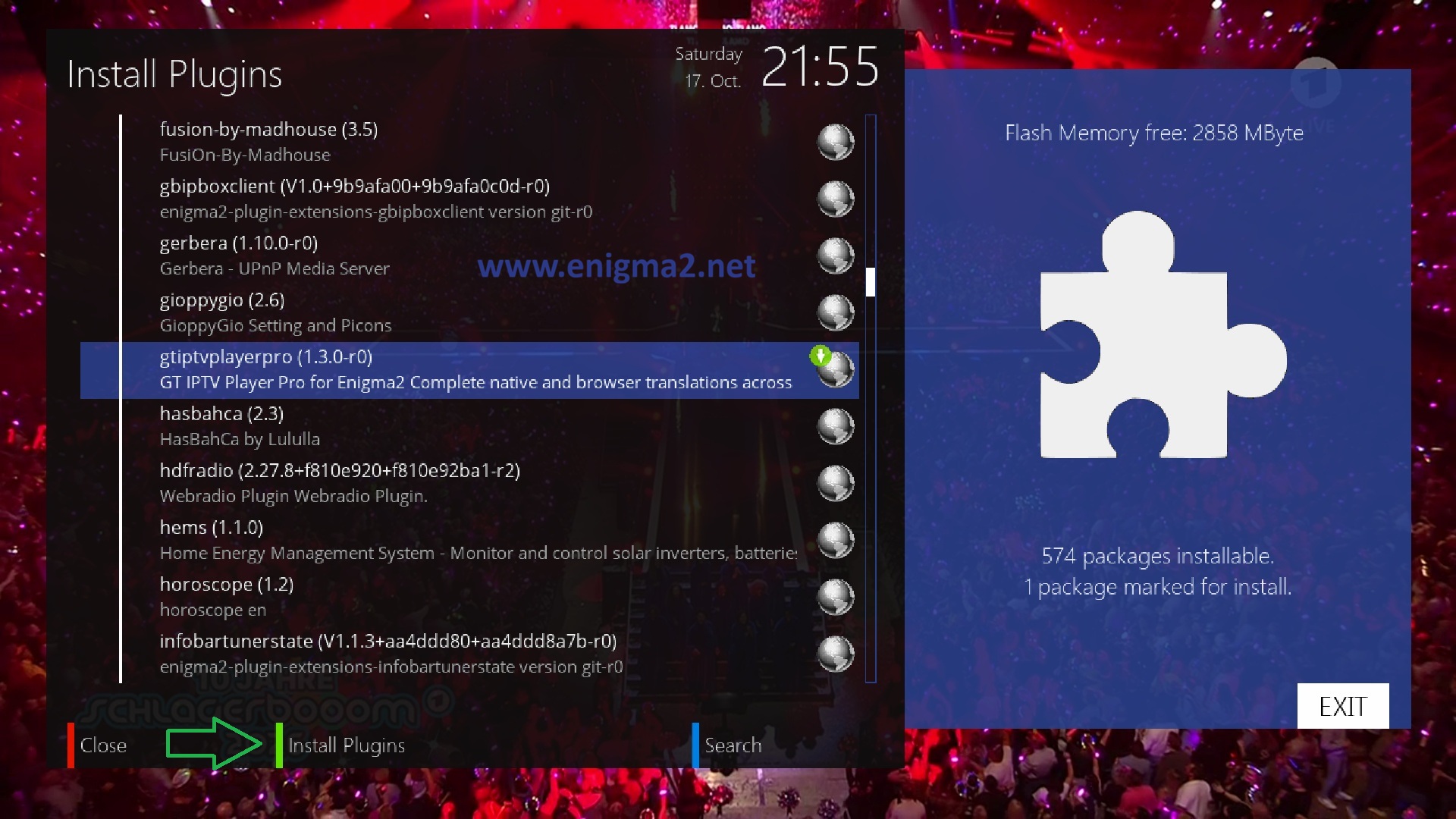
press GREEN BUTTON to start INSTALLATION
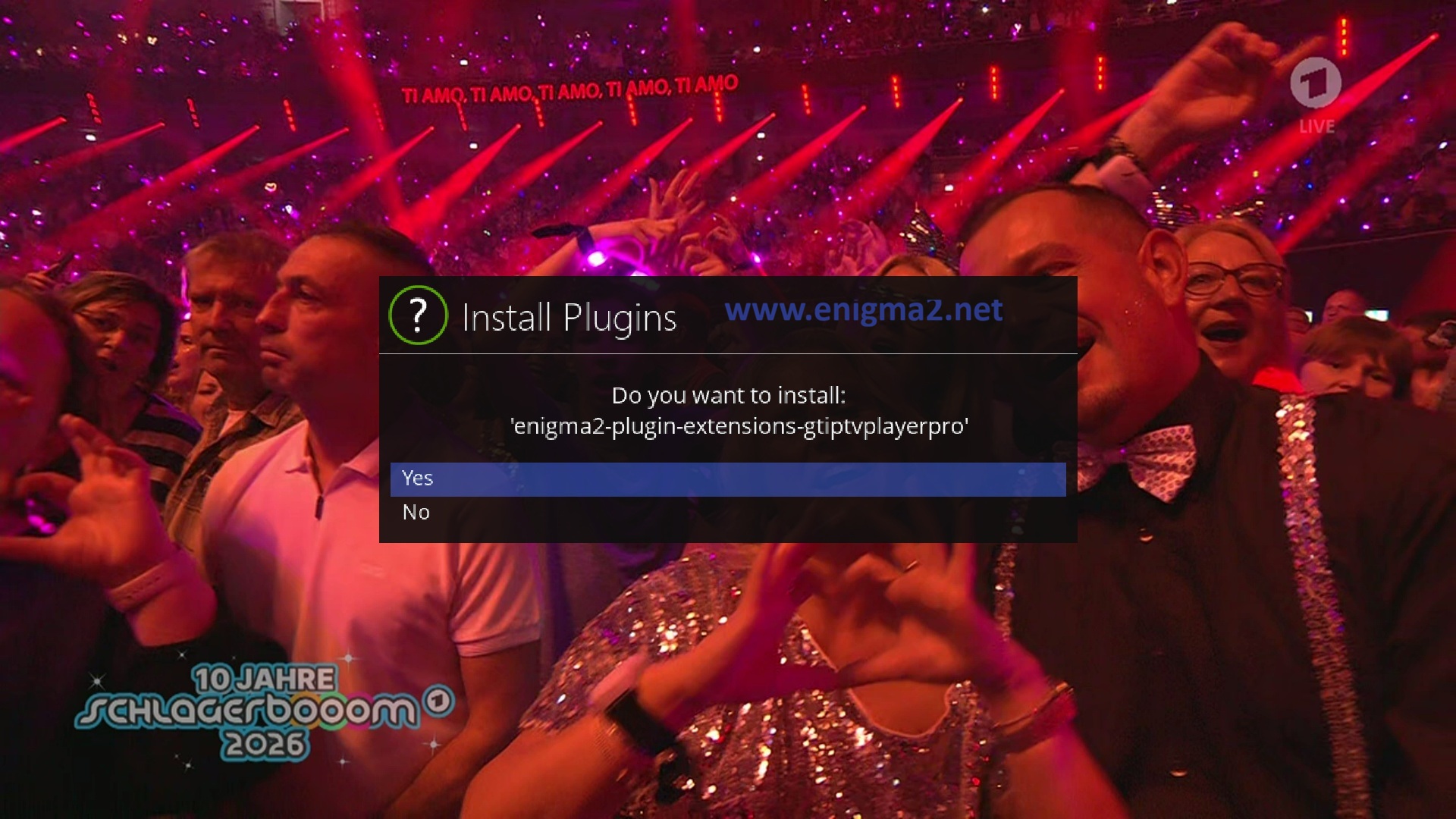
select YES to install the plugin
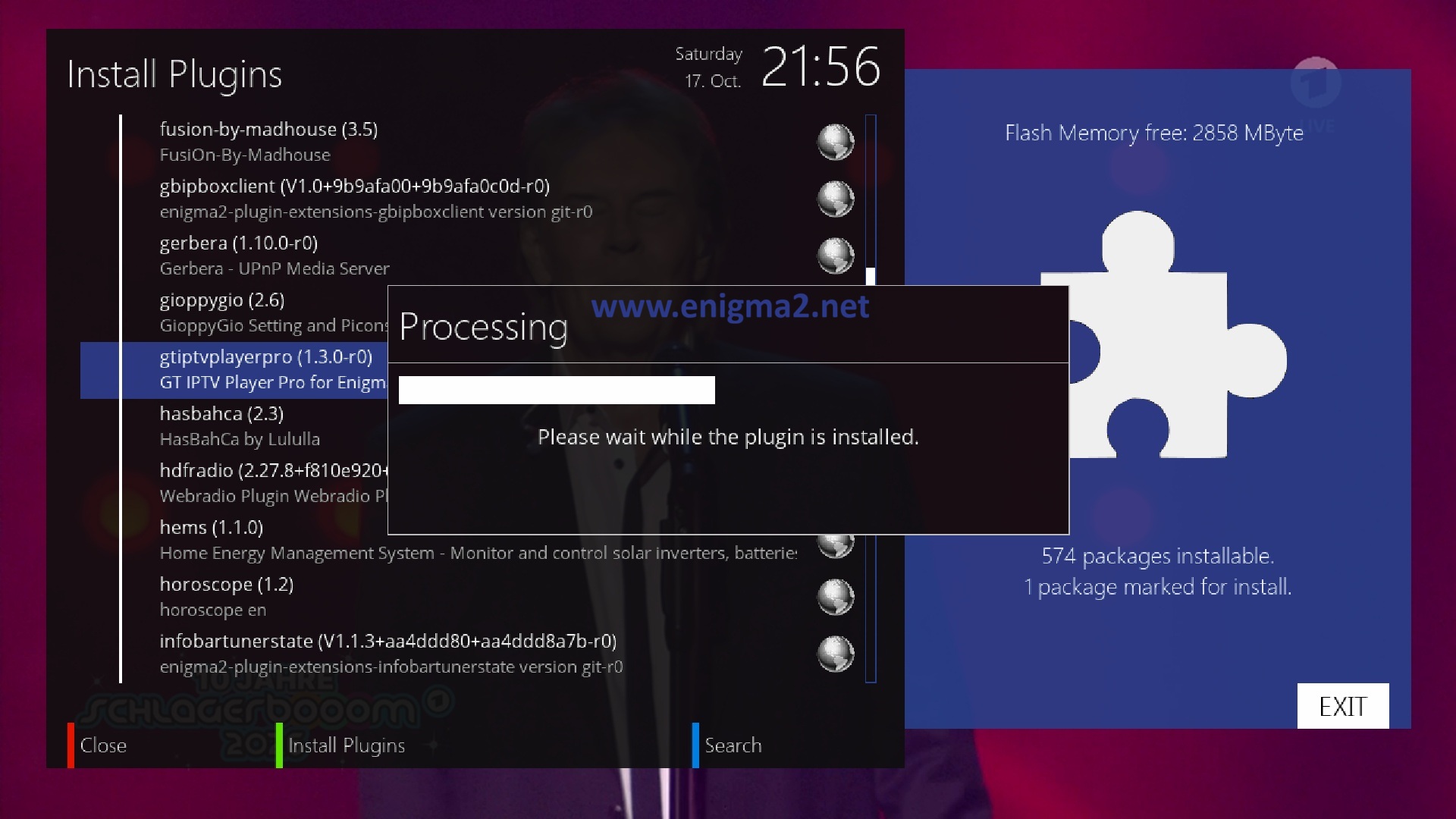
wait
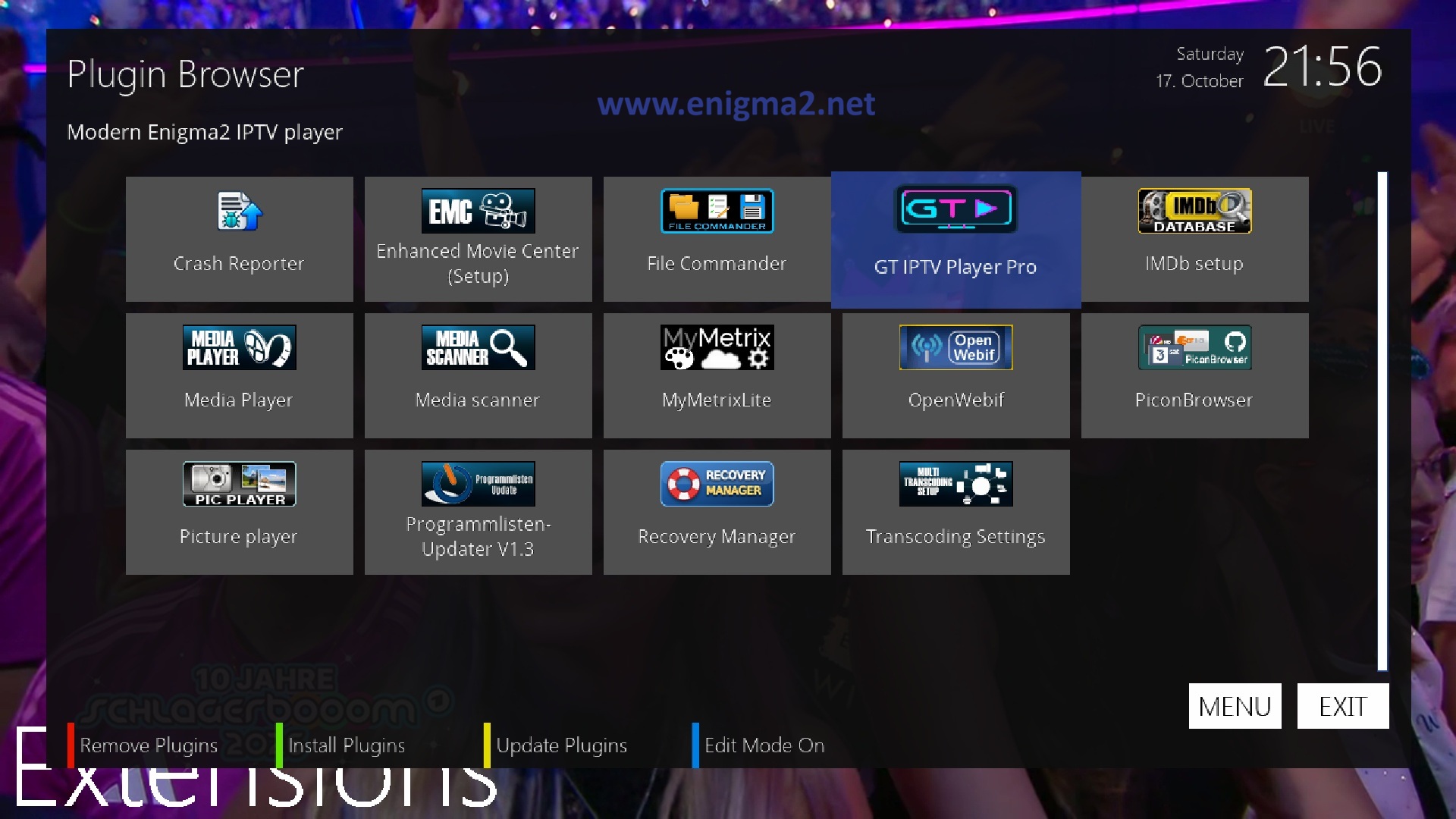
plugin has been installed with success.
select GT IPTV PLAYER
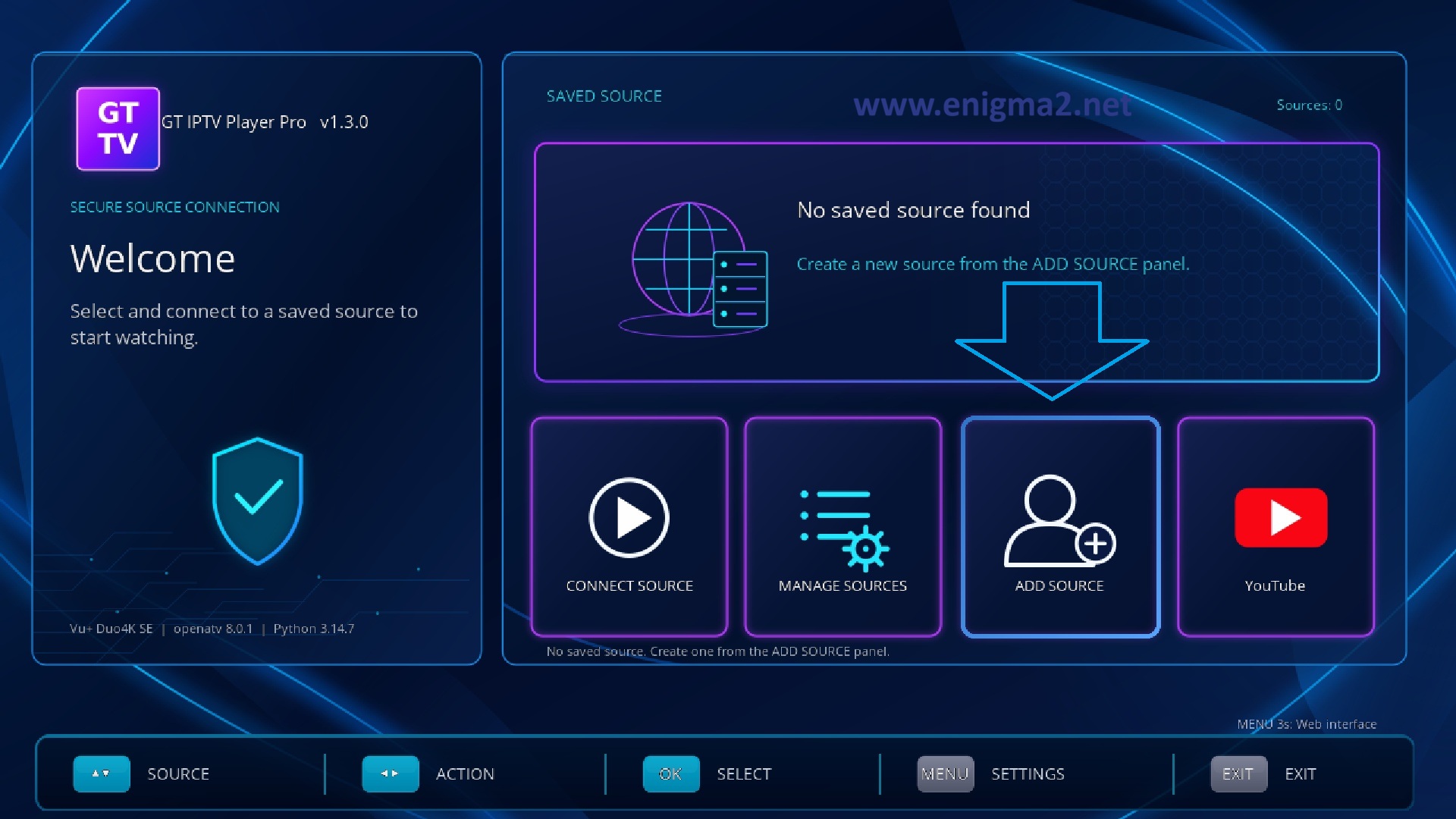
select ADD SOURCE
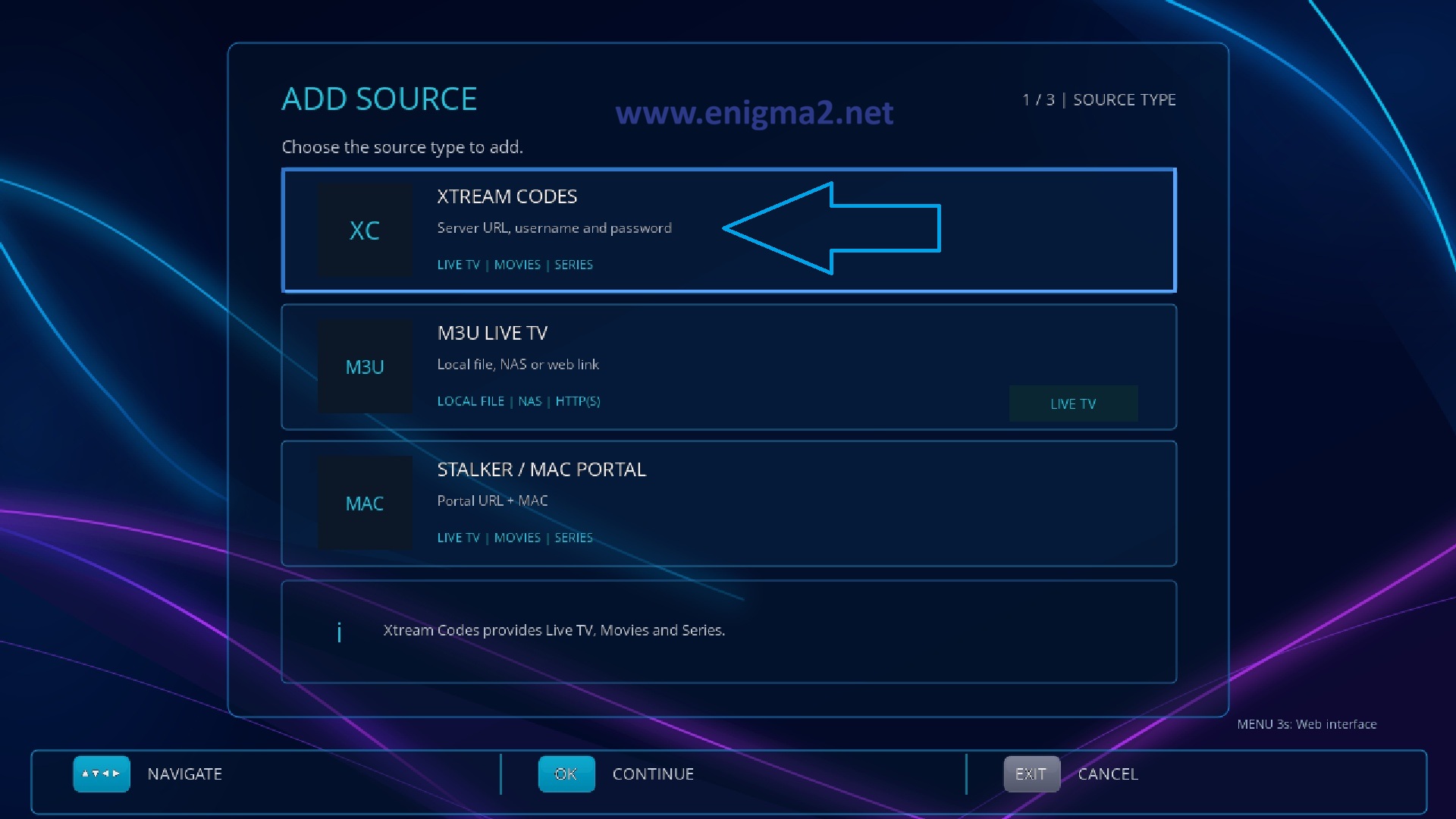
select XTREAM CODES
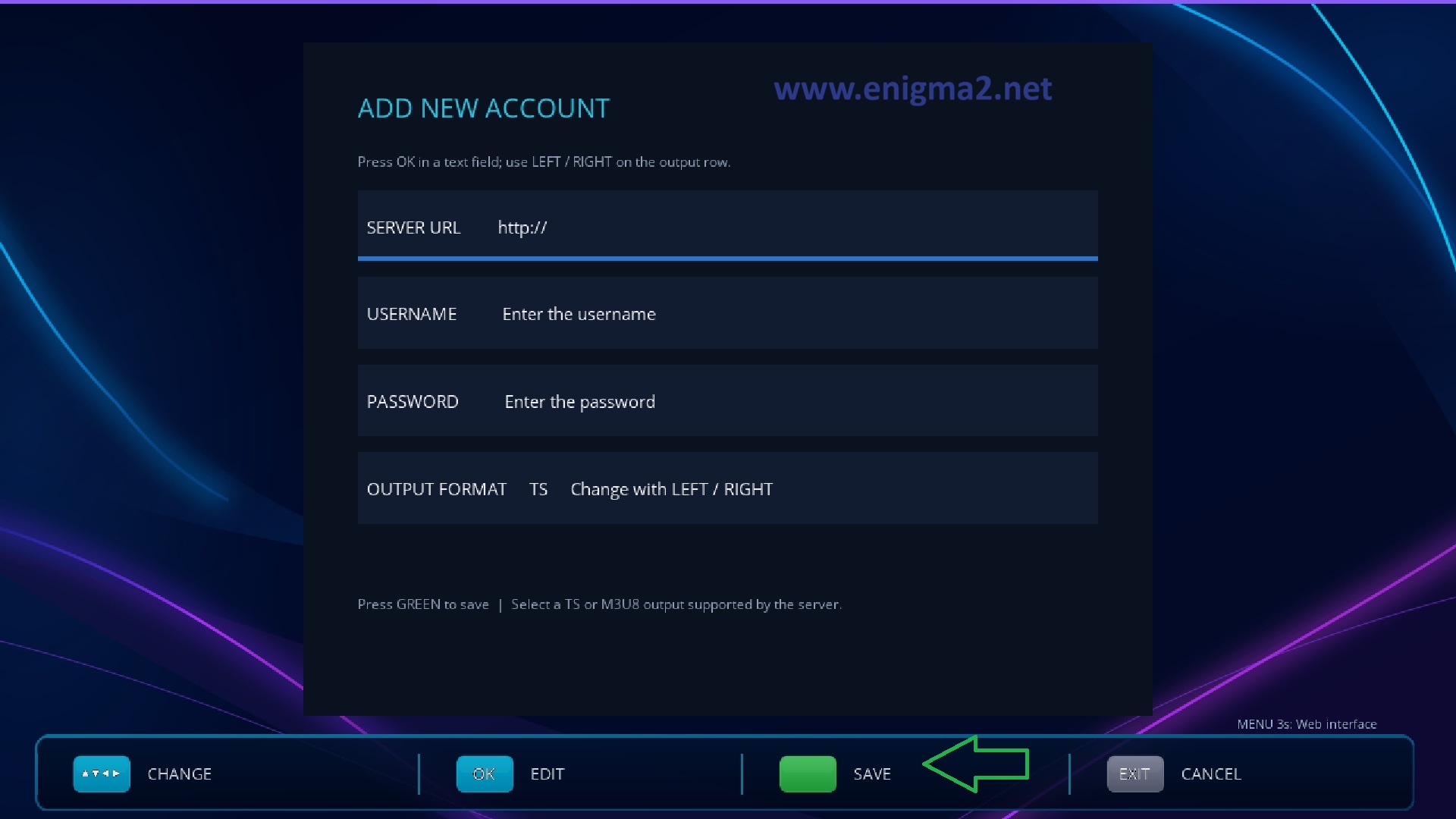
type the account information
SERVER URL: http://server.com:8080
USERNAME: test (exemple)
PASSEORD: test (exemple)
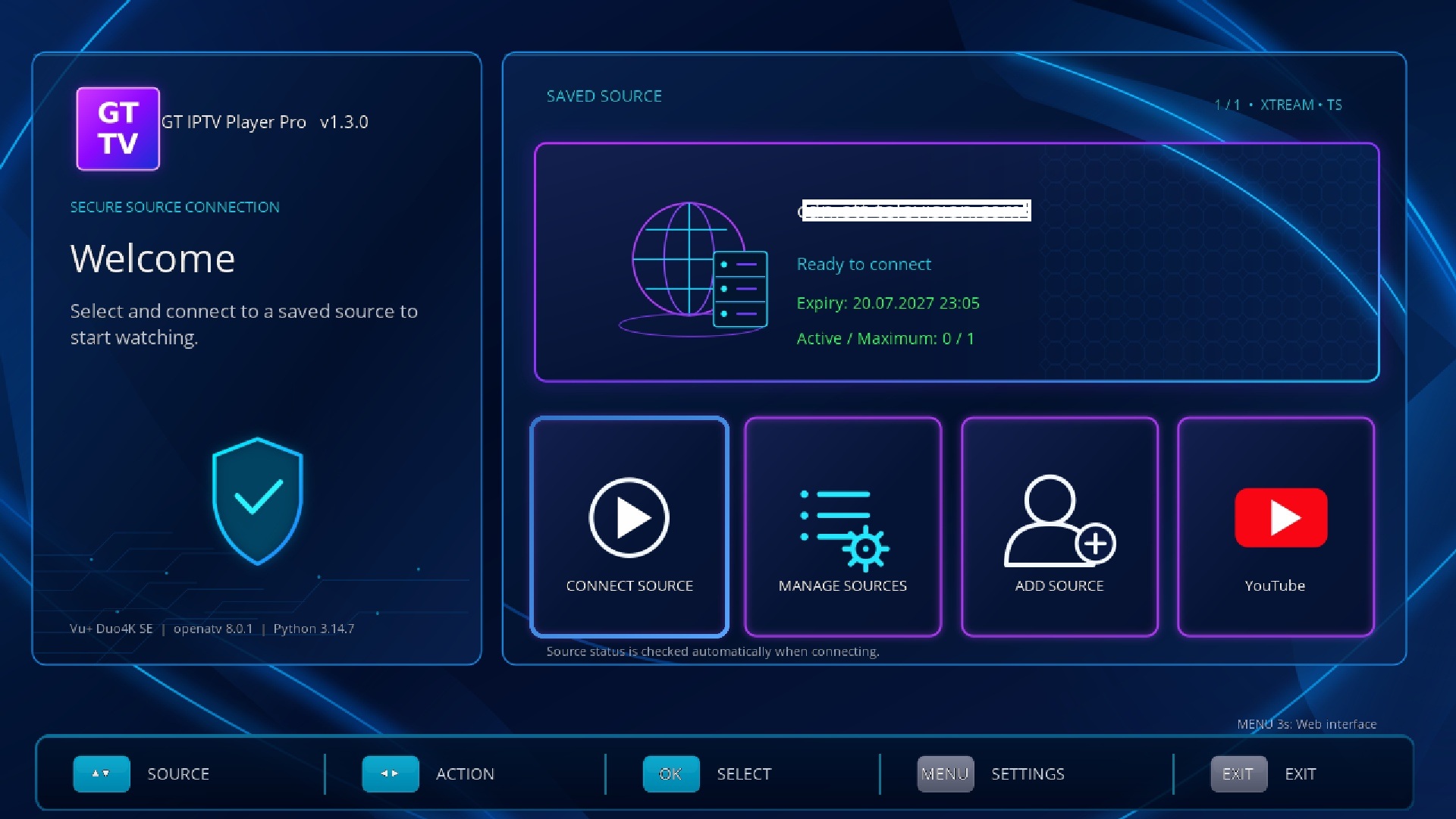
congratulation, subscription added with success.
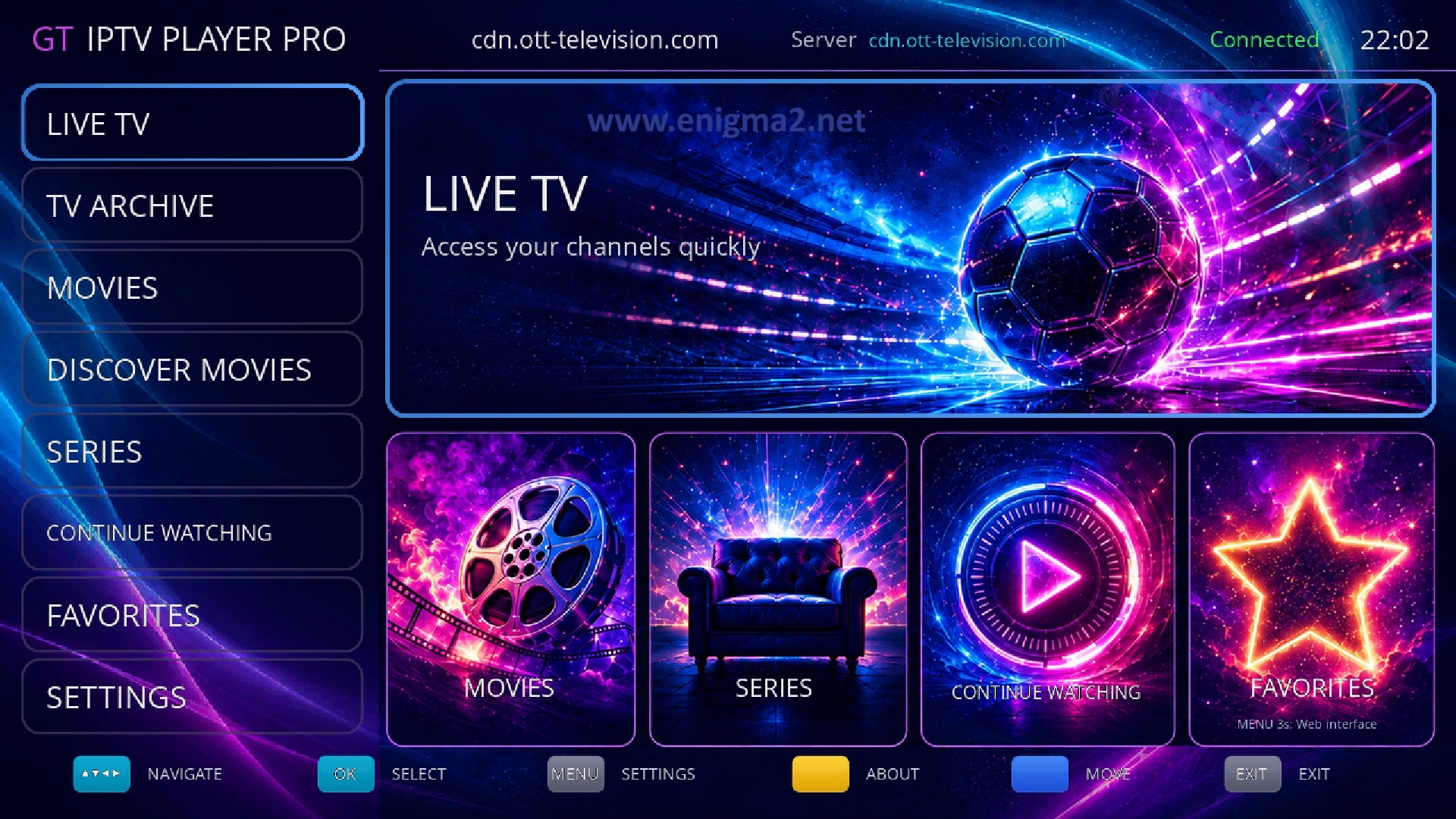
you have now access to TV channels, MOVIES, SERIES
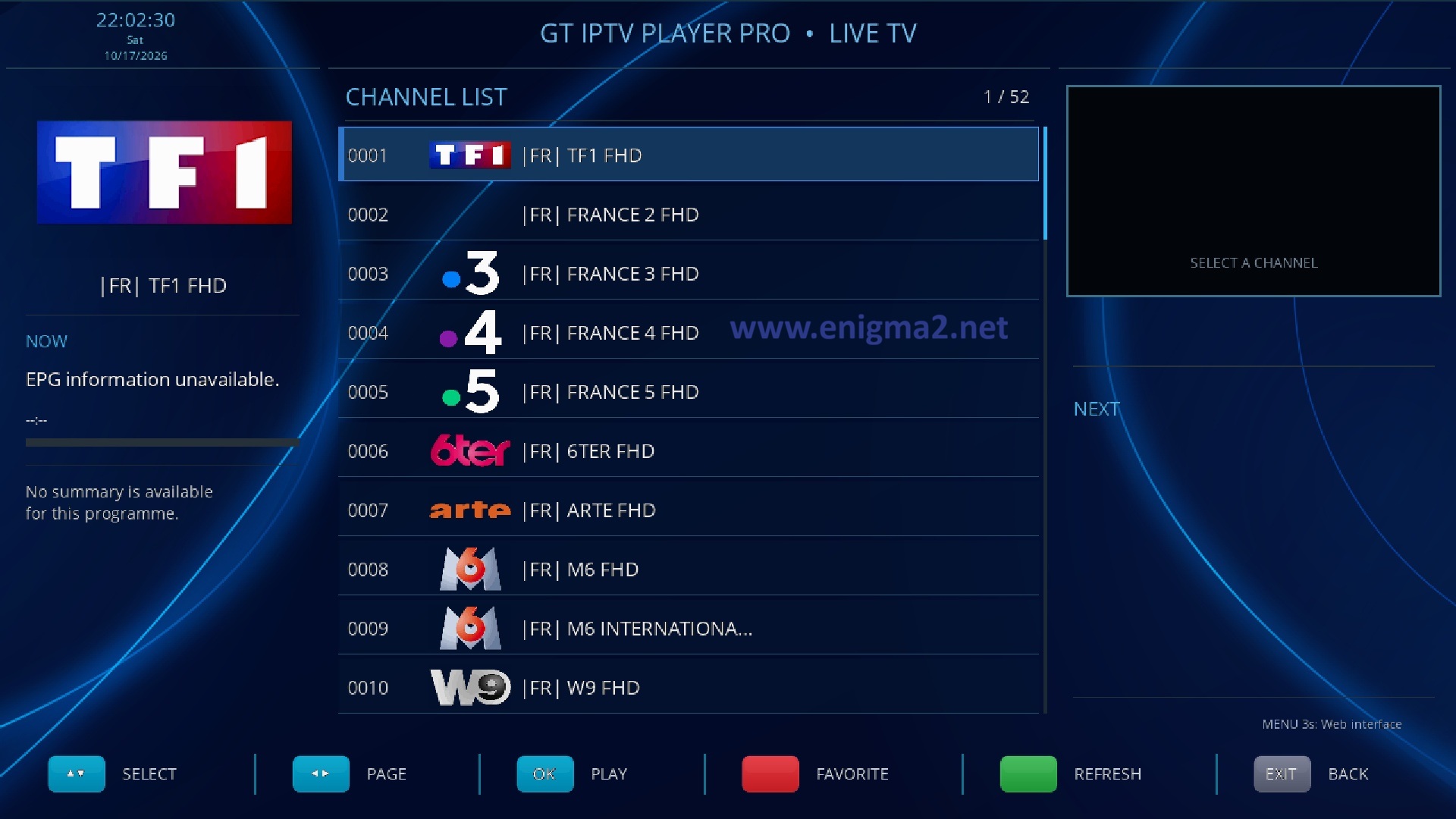
channels
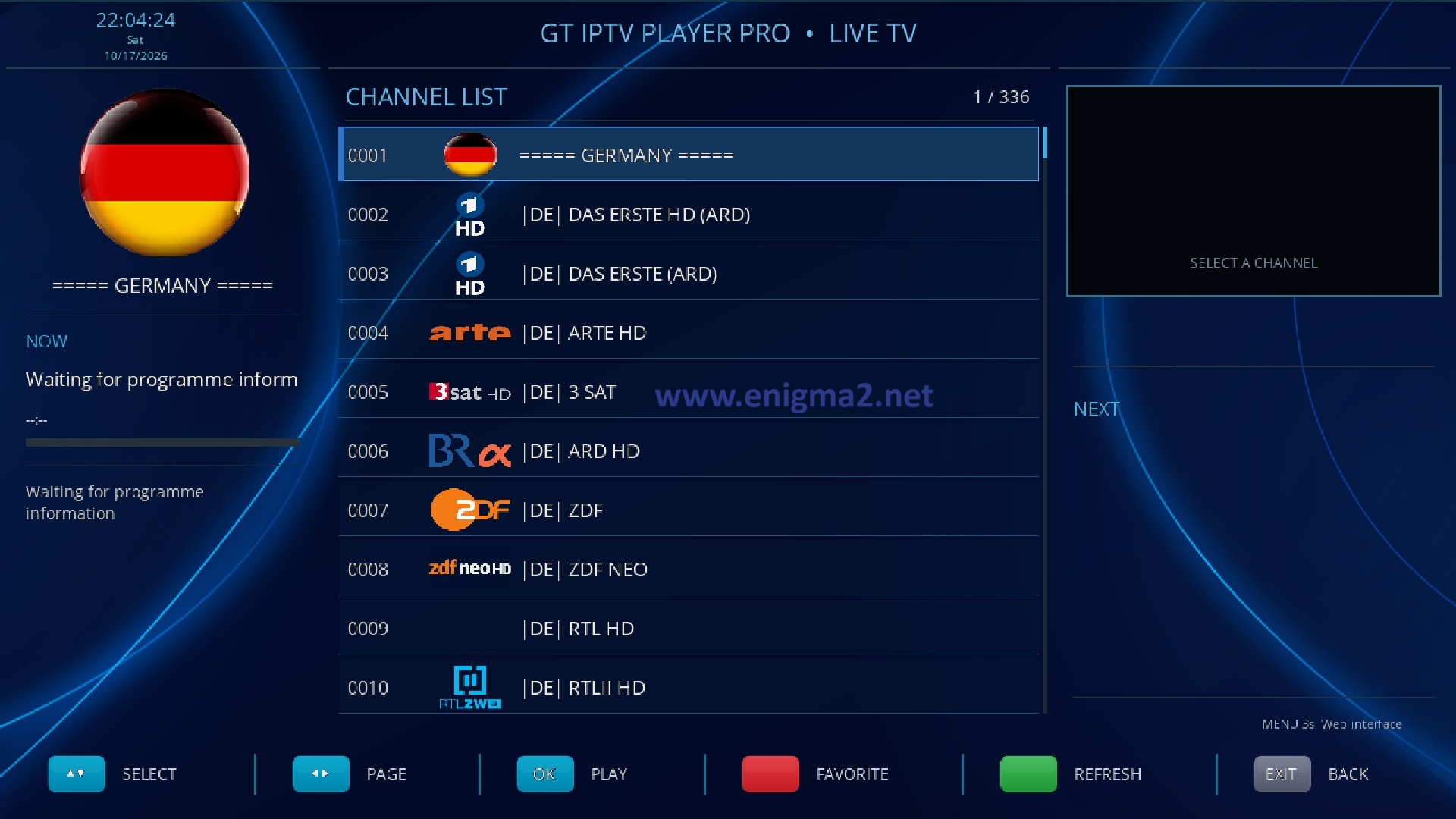
channels
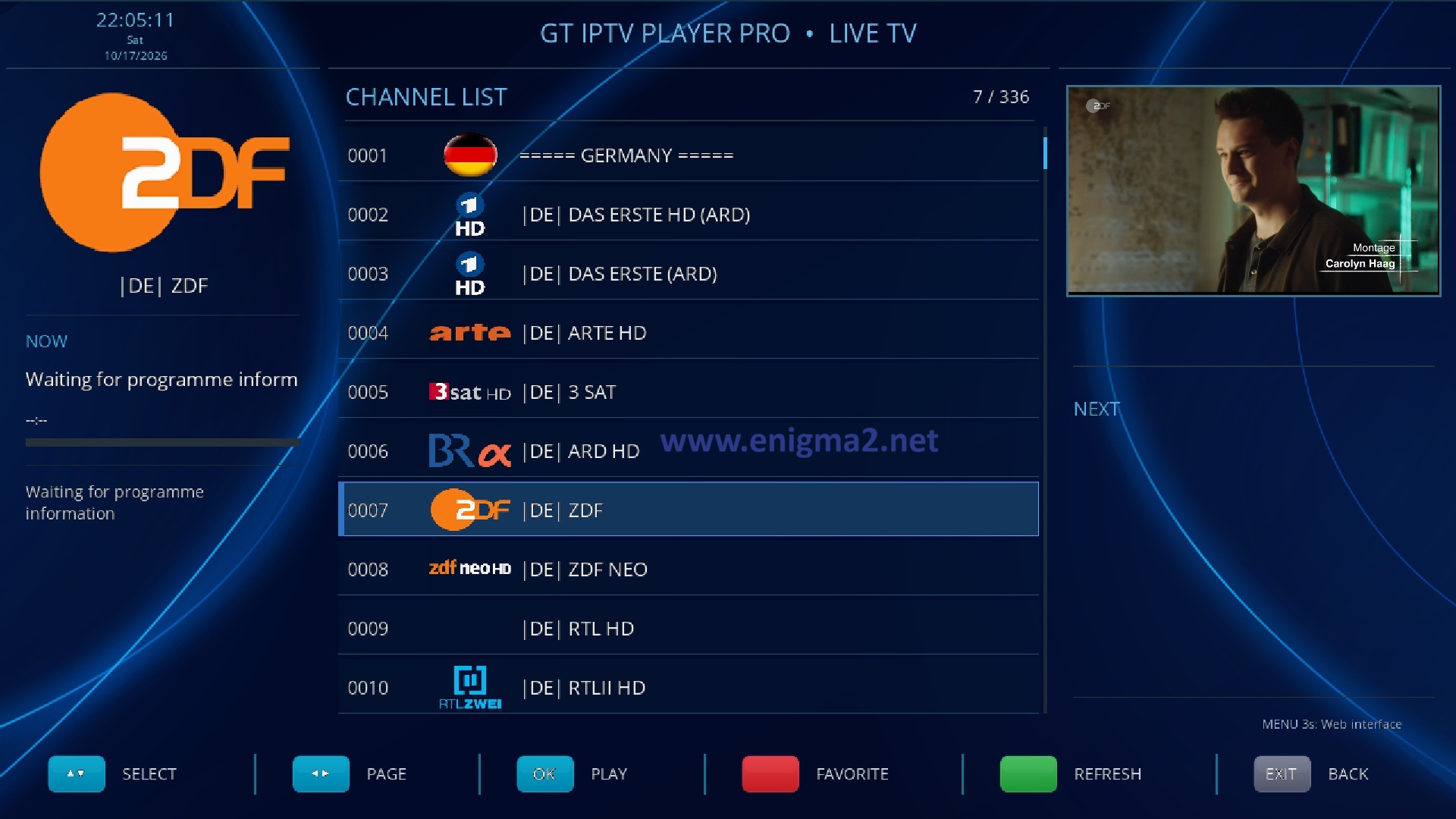
channels
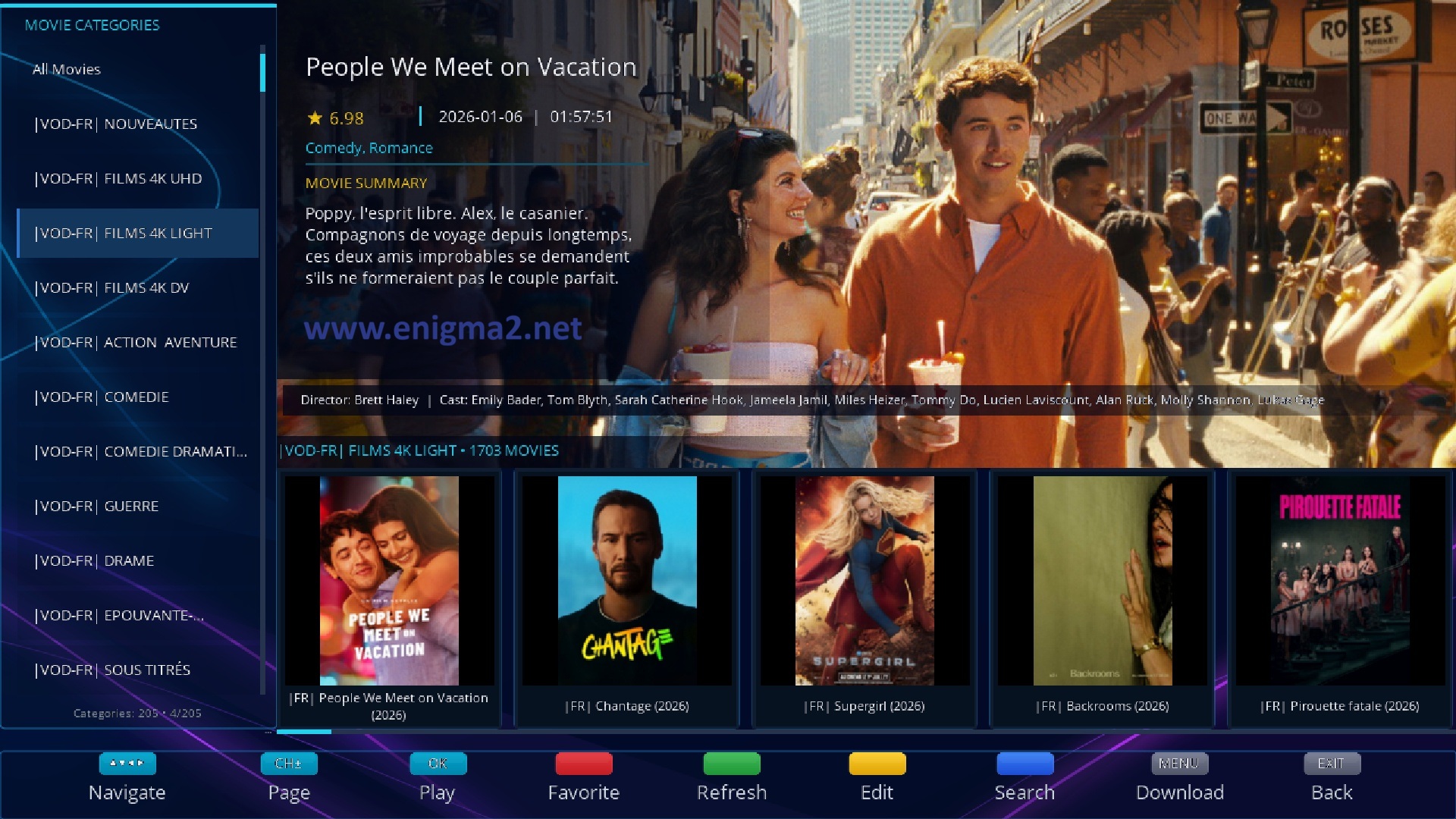
MOVIES

SERIES