[TUTO] How to flash DM990 (dreambox 900 UHD 4K)
What you need before we start:
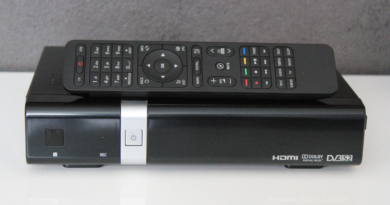
1) Dreambox 900 UHD 4K
2) Image of your choice like OpenATV, newnigma2, dreamelite or other .
3) Compression software such as 7zip, Winrar, Winzip
1. Laptop or PC with windows 11 .
2. Download the image of your choice and extract it to your desktop.
Images for Dreambox 900

3. Copy the extracted the image to your desktop
Flashing the Receiver.
1.) Turn on the power switch of DM900 at the back
2.) If LED on the Standby-Button at the front lights up, keep it pressed until LED quickly lights up red and blue
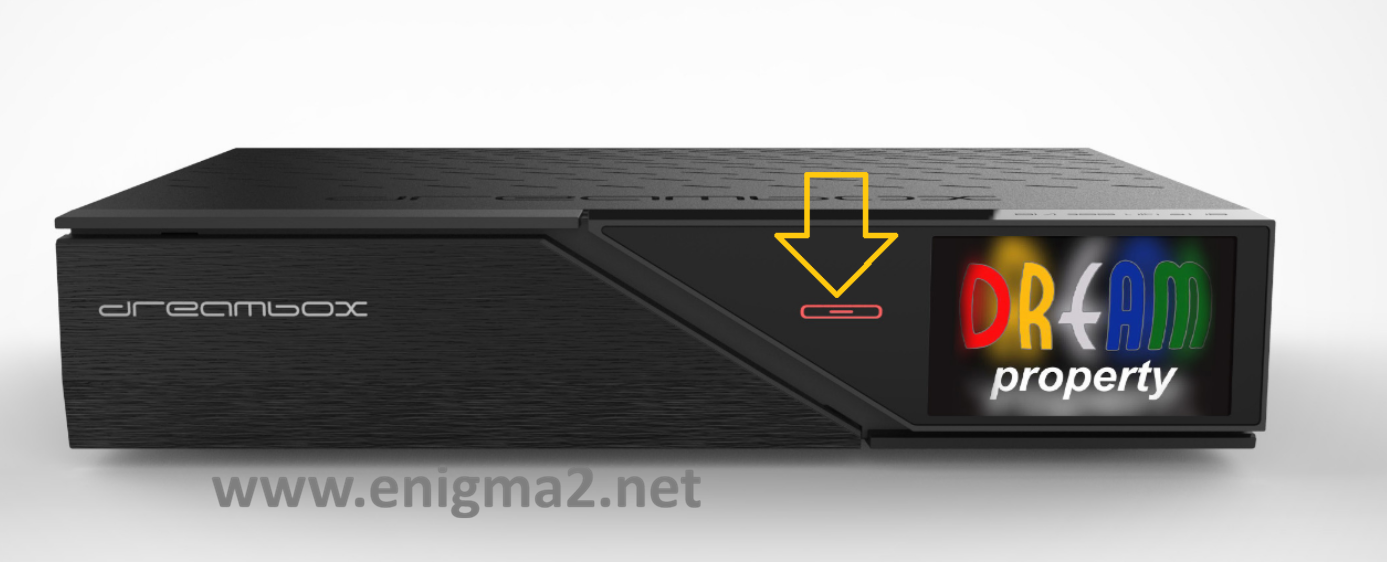
3.) When LED stops blinking then release Standby-Button
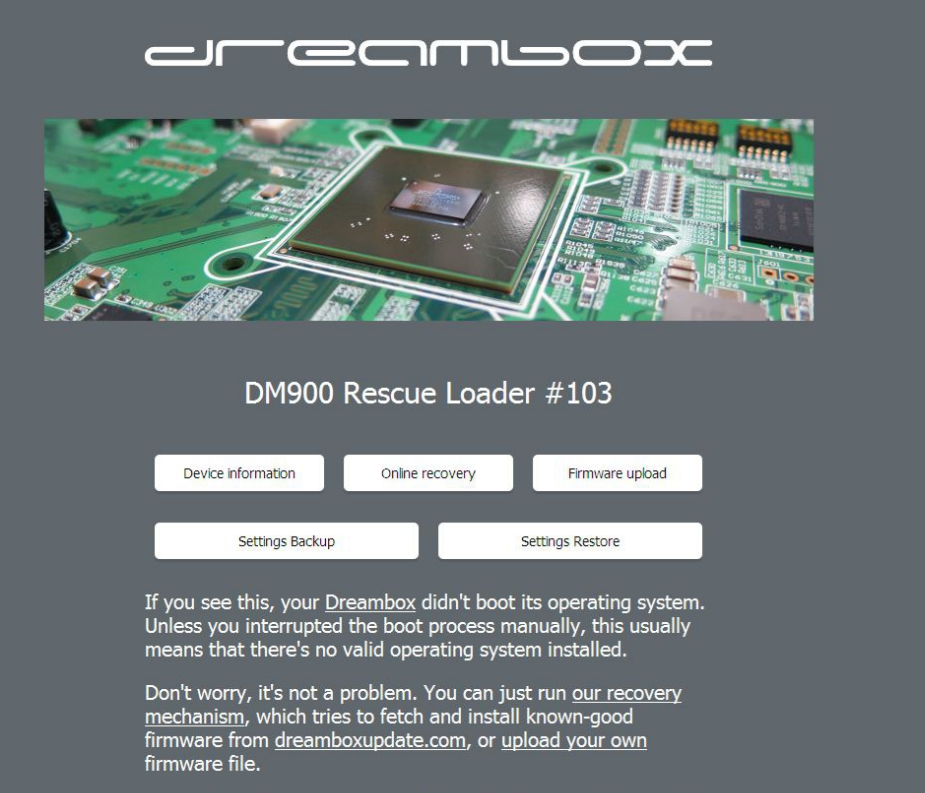
4.) After few seconds a info shows up on TV, that DM900 is in Rescue Mode
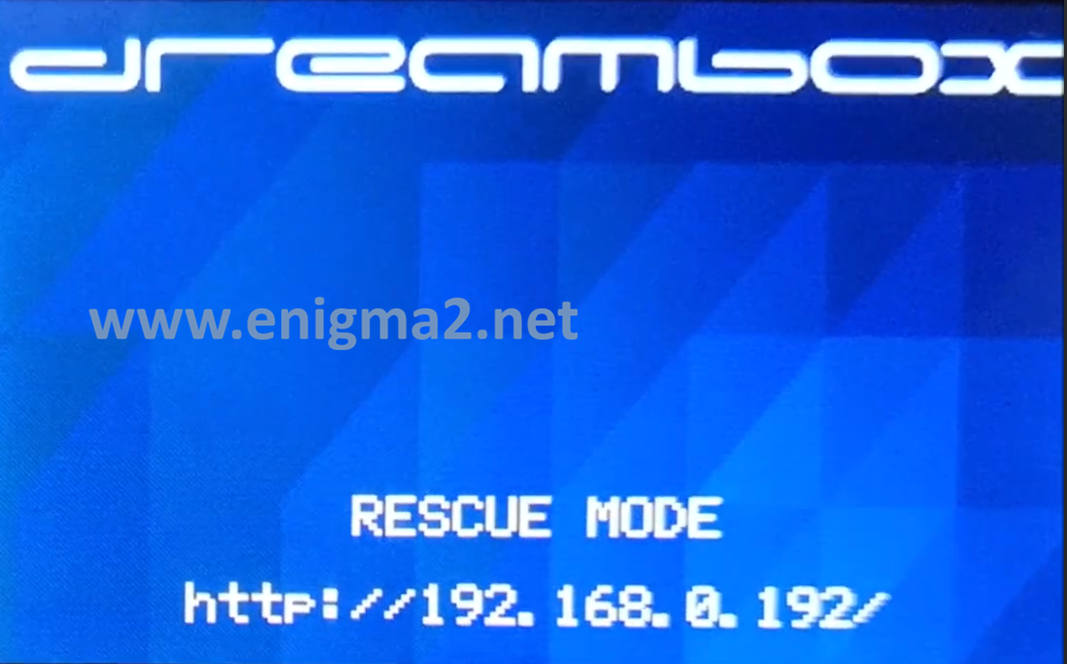
5.) You have to enter via browser -> “http://dm920” / “http://dm900” (without “” ) or IP-Adress of DM900 which is shown on TV
http://192.168.0.192
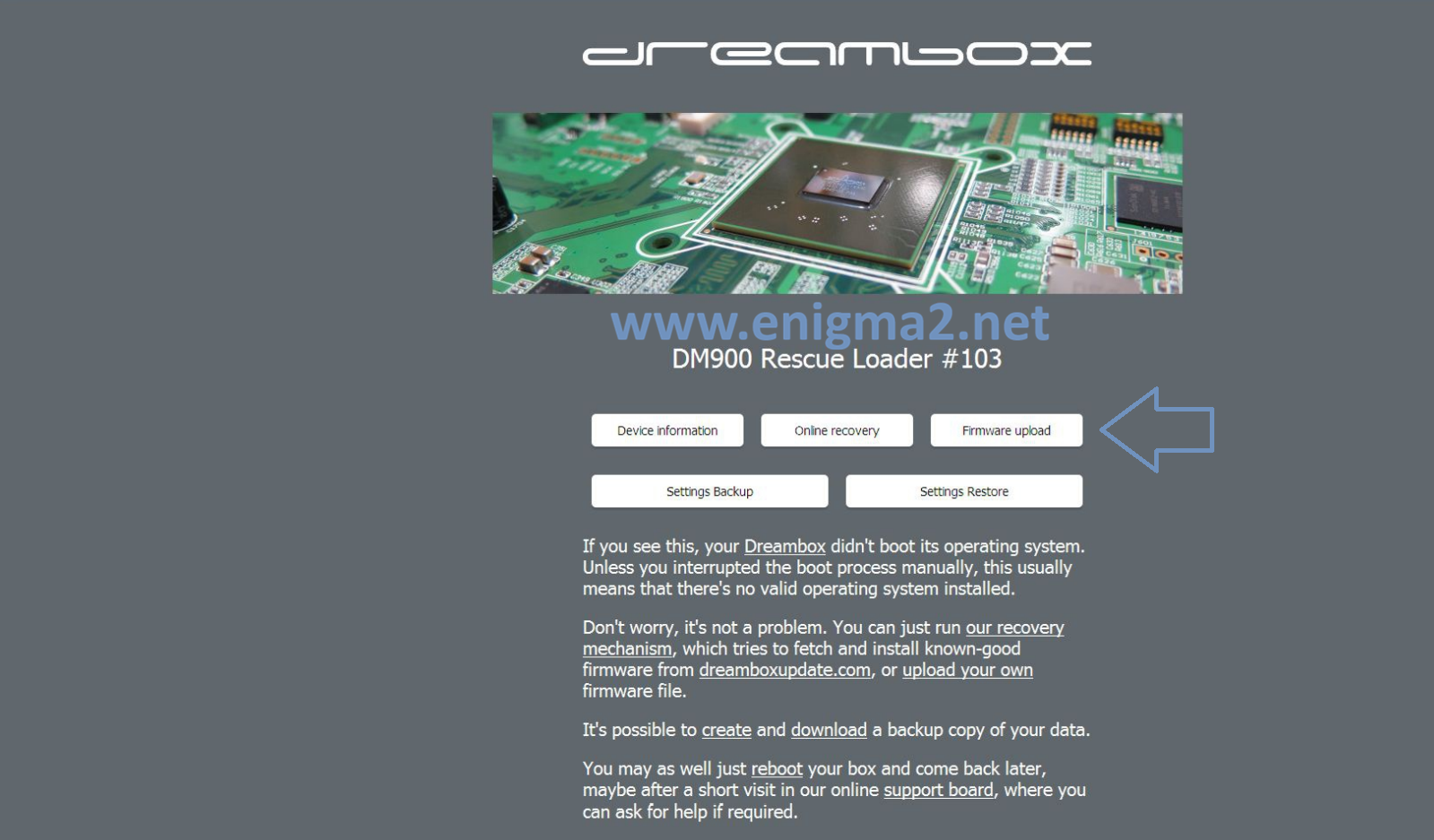
6.) You will see Rescue Mode of DM900 . Click “Firmware upload”
7.) Now click “Select File” and then choose image for the DM920 and after that click “Select”
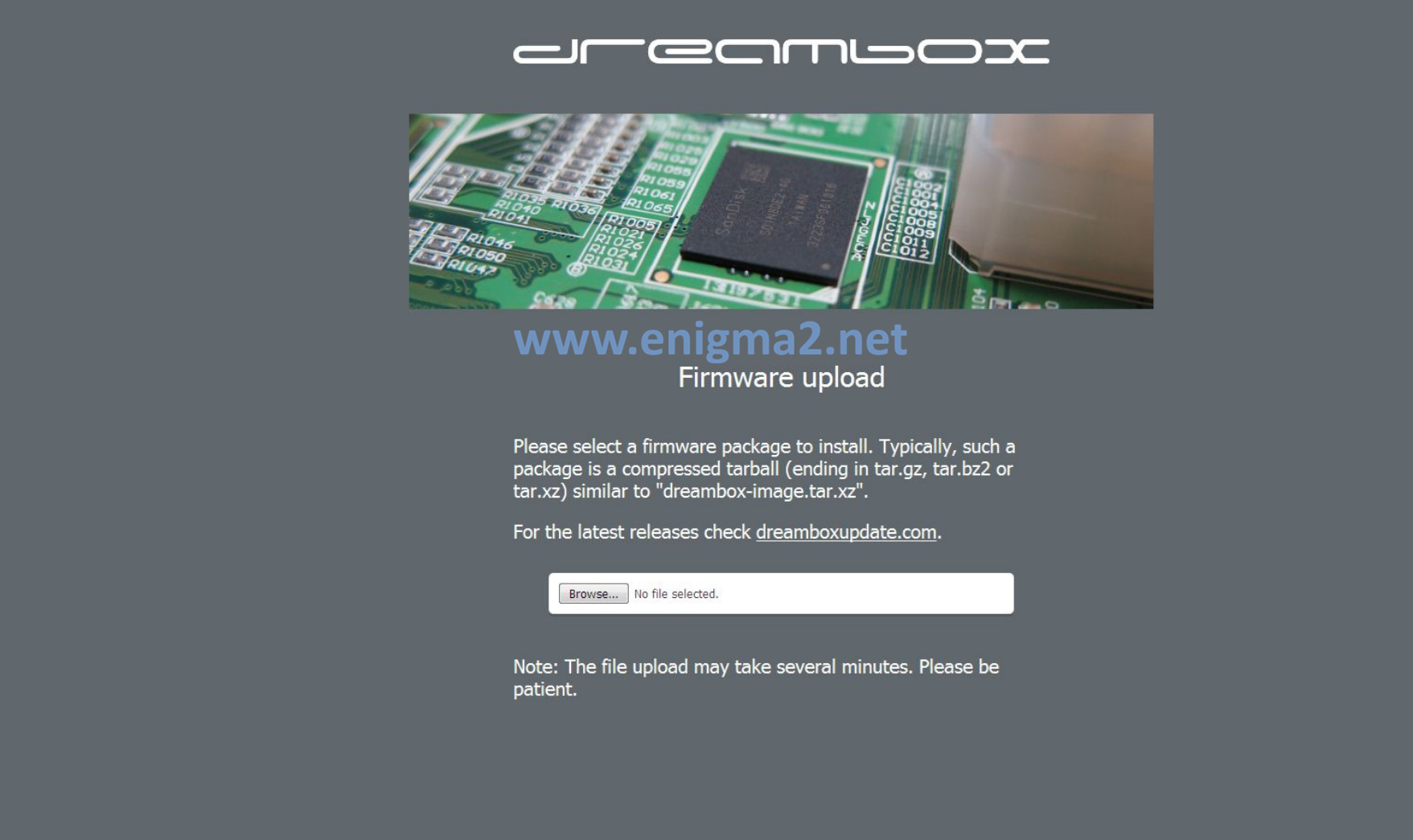
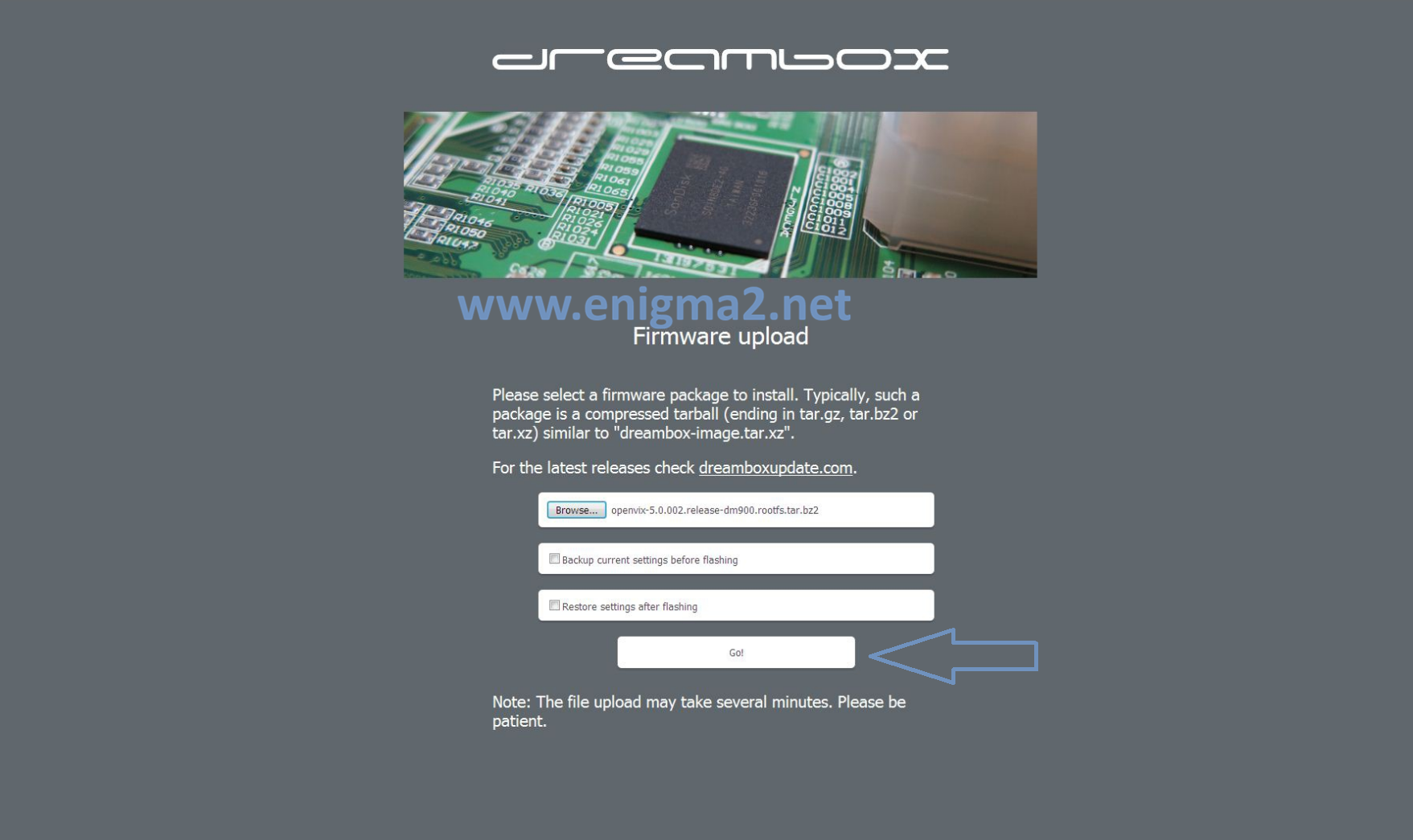
8.) Next you have to click “Go!” and DM920 starts with flashing
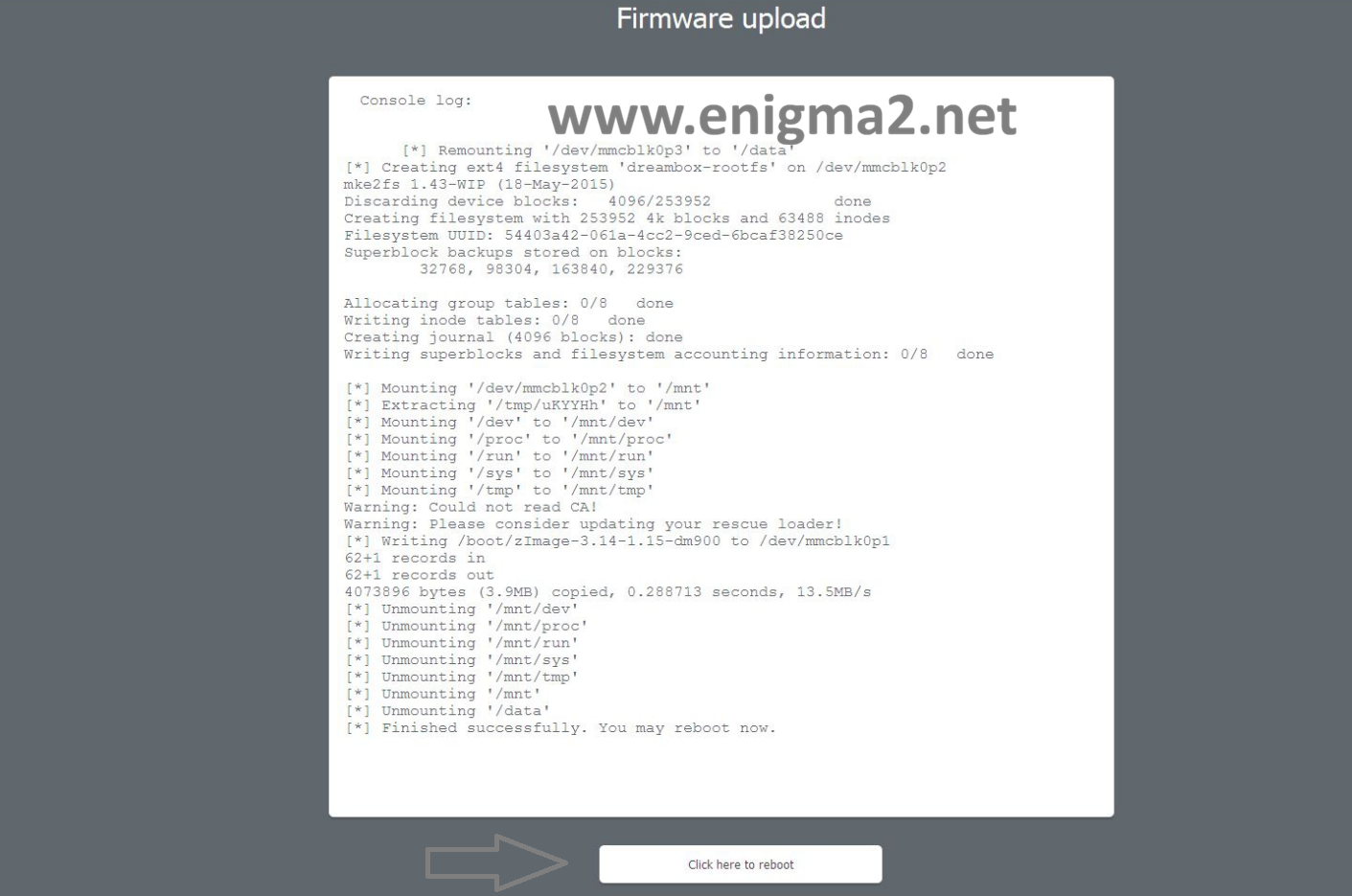
9.) After flashing click on “Click here to reboot” and wait until DM920 is rebooting
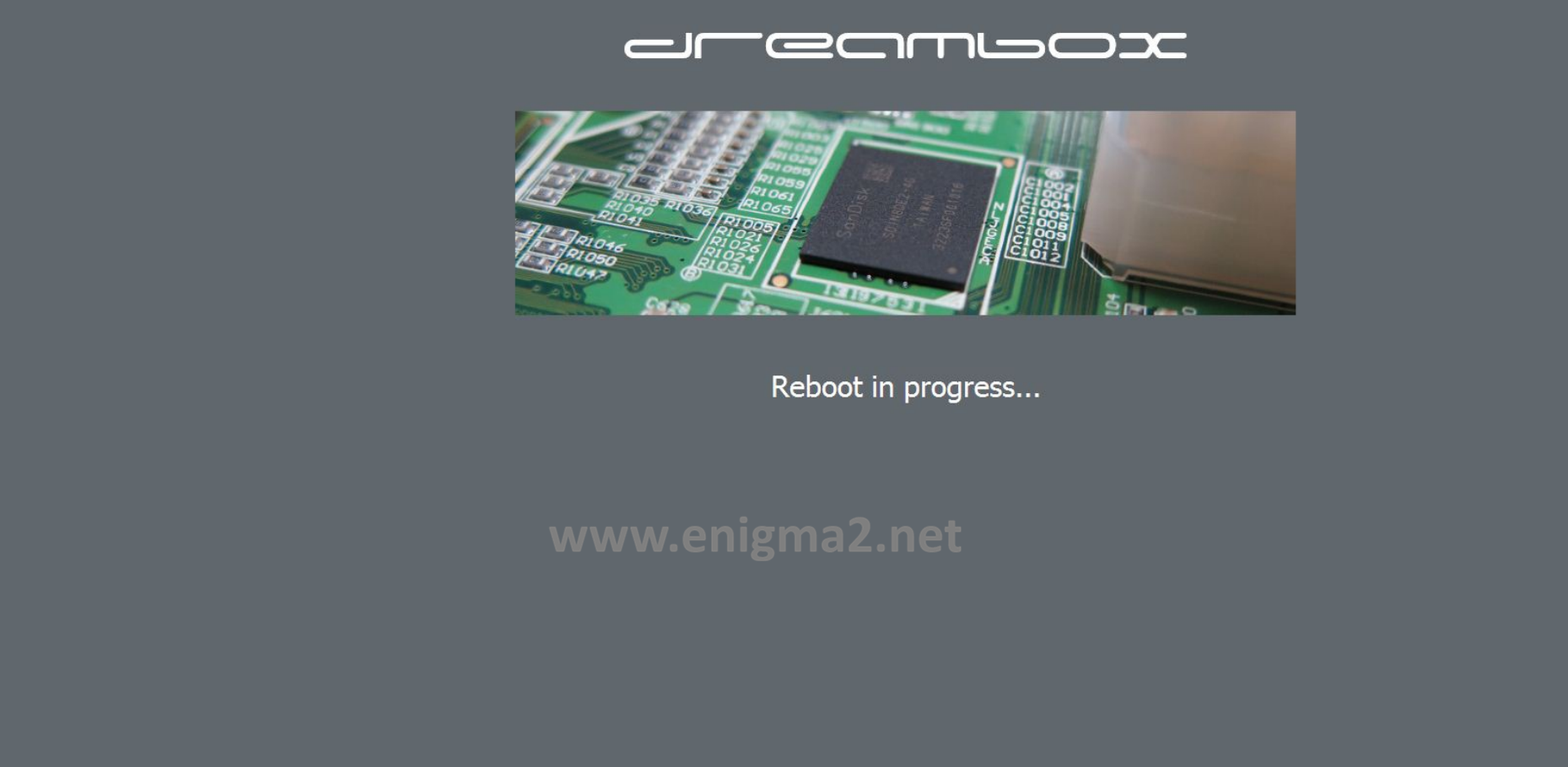
The flashing process should take approximately two five minutes to complete, while the receiver
is being flashed it is vitally important that you DO NOT power the receiver down for any reason as
this can cause serious and or permanent damage.