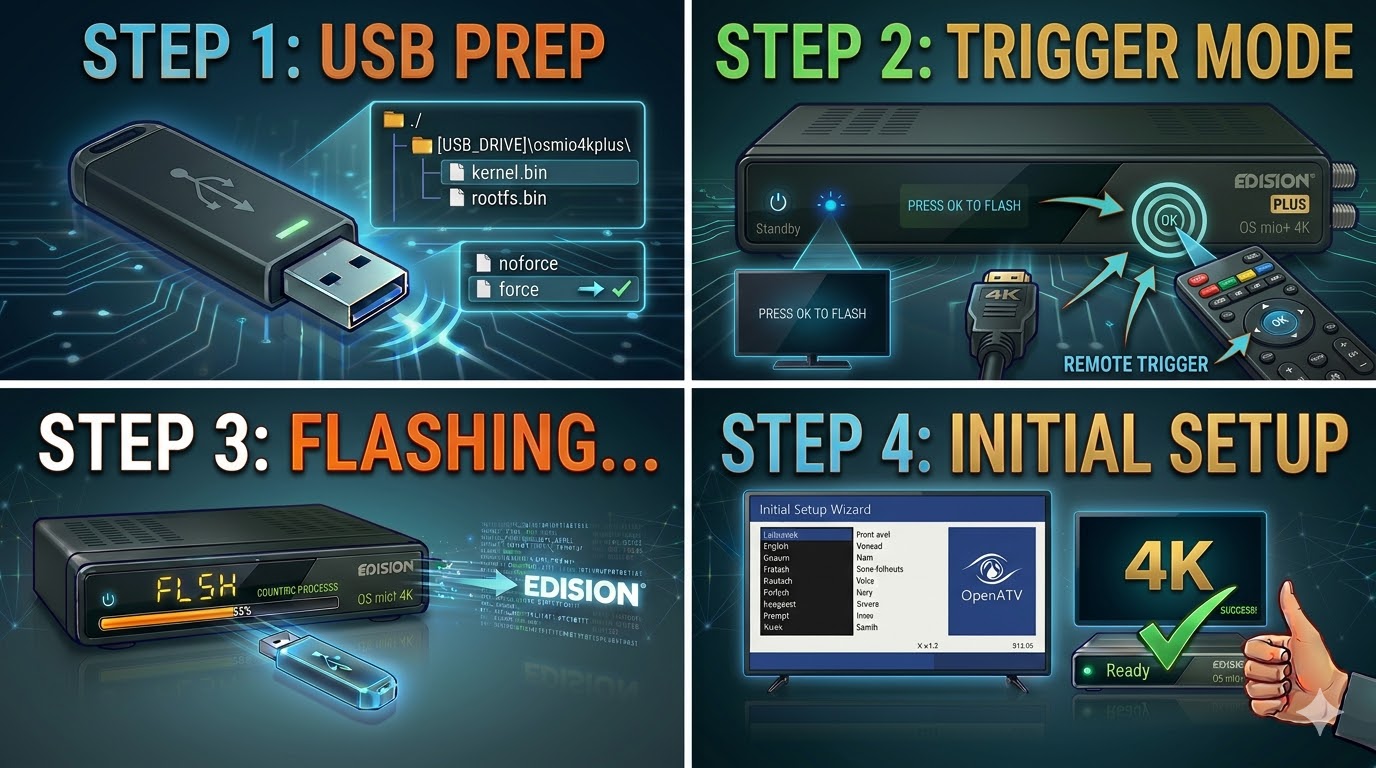
[HOW TO FLASH] how to flash Edision OS mio + 4k
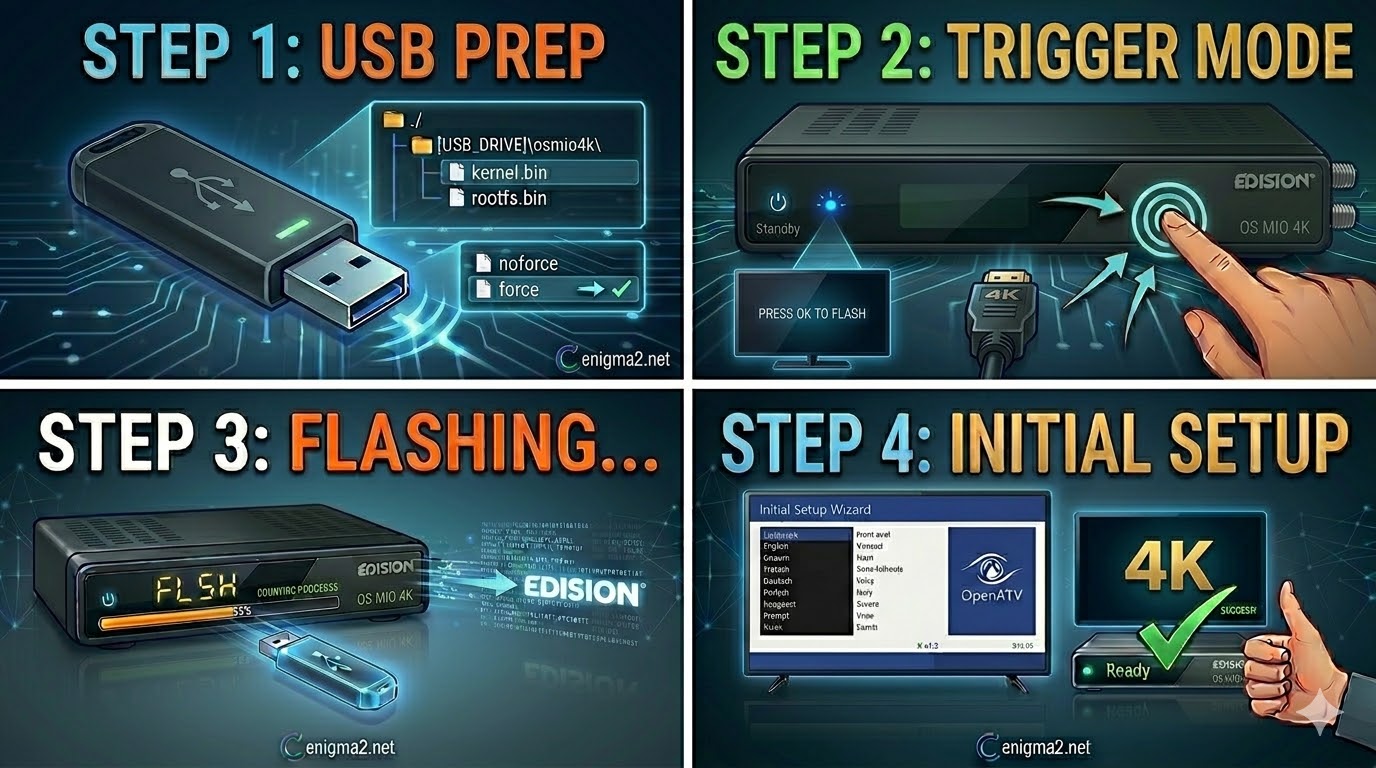
Flashing the Edision OS mio+ 4K (Step-by-Step) 1. Prepare the USB Drive Format: Use a high-quality USB 2.0 stick (FAT32).
Read More
Flashing the Edision OS mio+ 4K (Step-by-Step) 1. Prepare the USB Drive Format: Use a high-quality USB 2.0 stick (FAT32).
Read MoreFlashing the Edision OS mio 4K (Step-by-Step) 1. Prepare the USB Drive Format: Use a USB 2.0 stick (FAT32). For
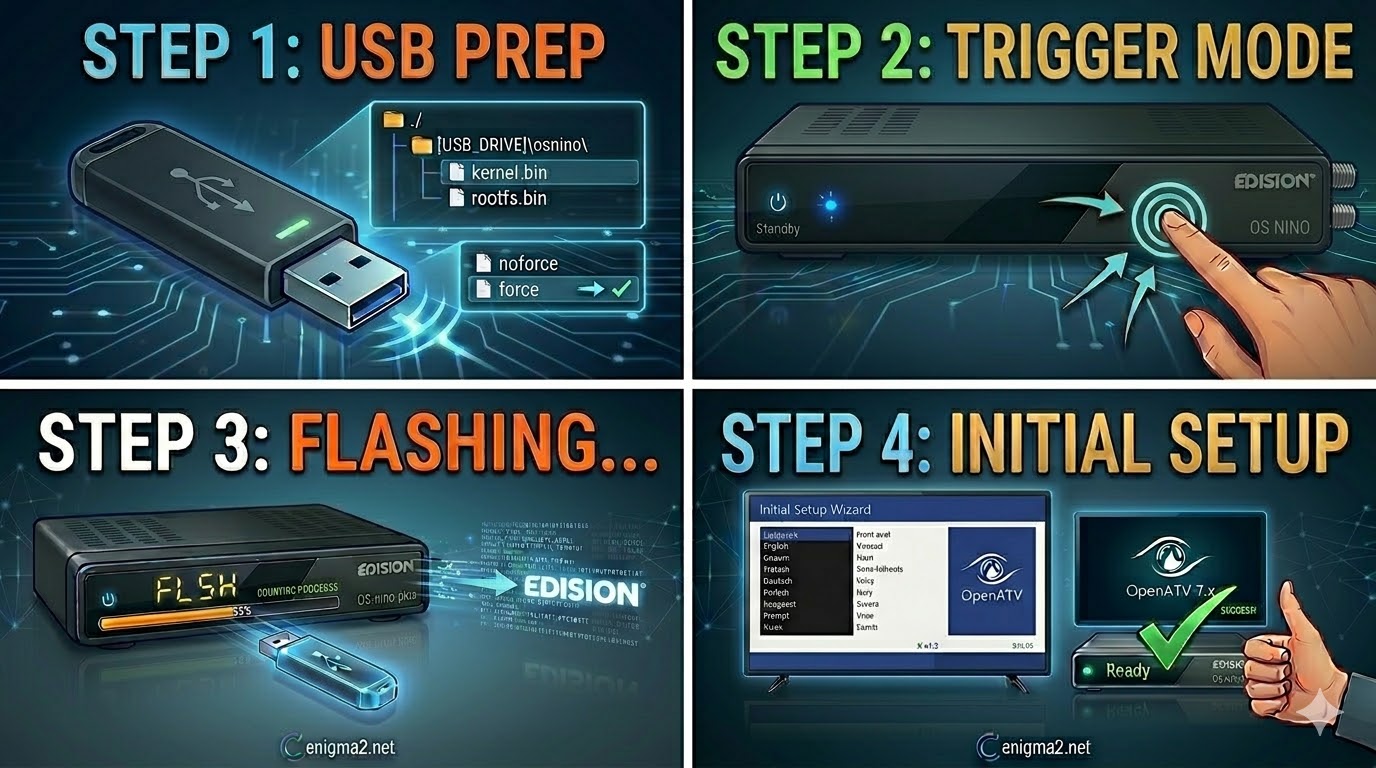
Read MoreFlashing the Edision OS nino (Step-by-Step) 1. Prepare the USB Drive Format: Use a USB 2.0 stick (FAT32). As with
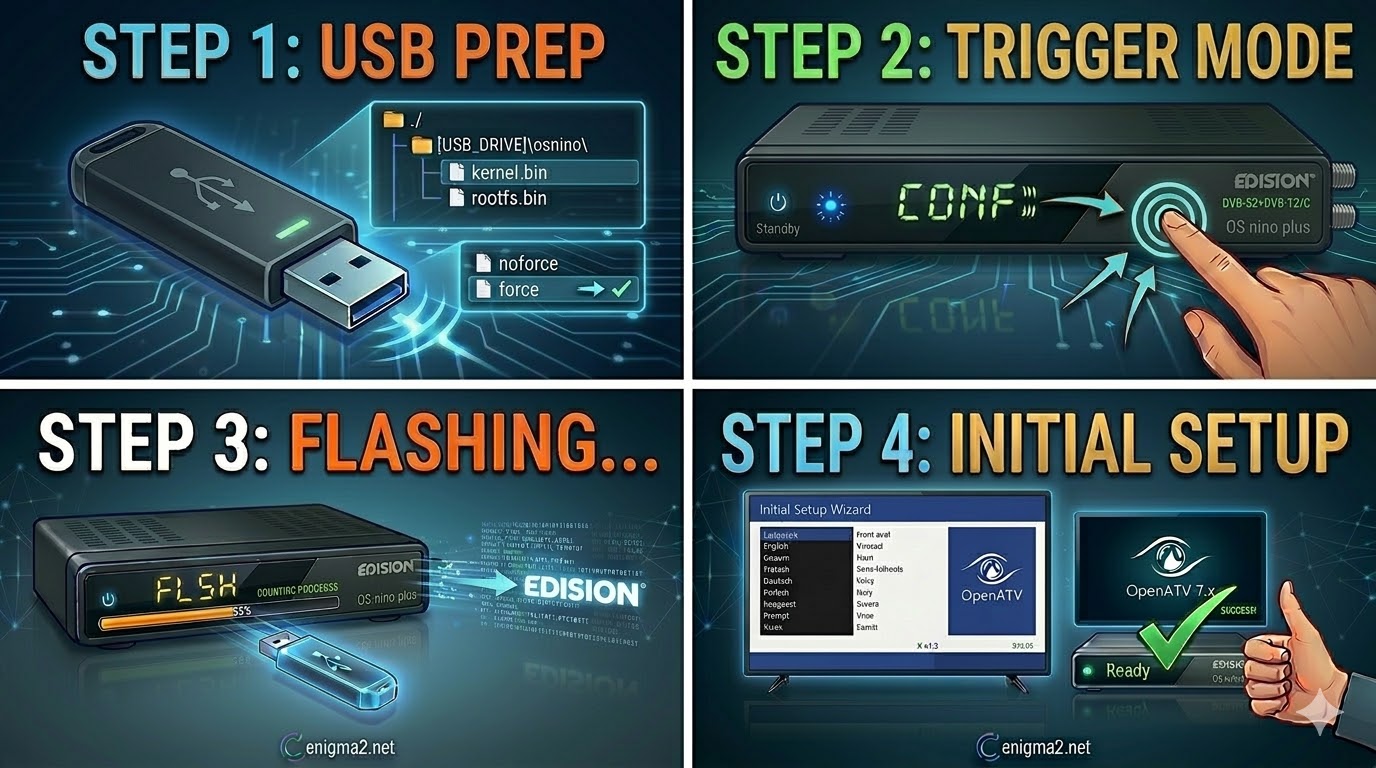
Read MoreFlashing the Edision OS nino plus (Step-by-Step) 1. Prepare the USB Drive USB Selection: Use a high-quality USB 2.0 stick
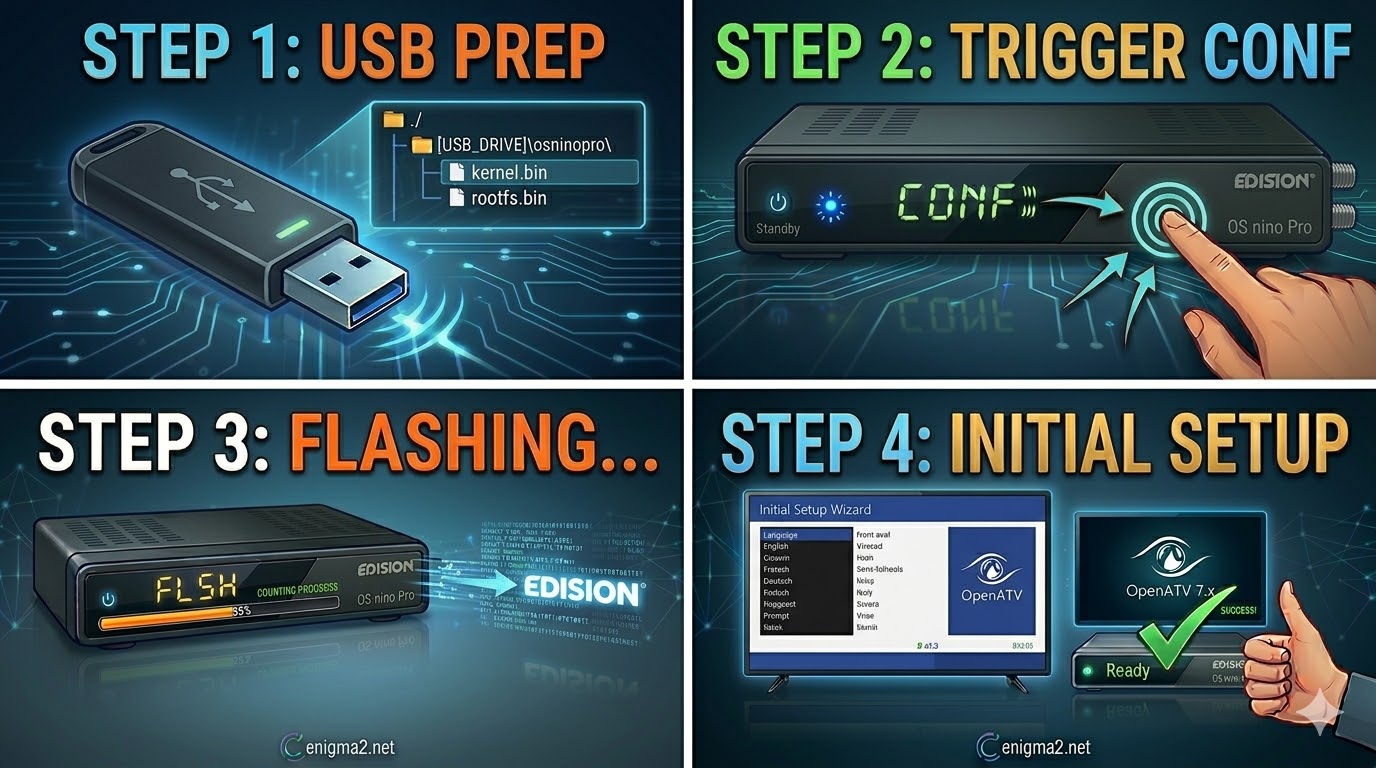
Read MoreFlashing the Edision OS nino Pro (Step-by-Step) 1. Prepare the USB Drive Format: Use a USB 2.0 stick (FAT32). High-quality
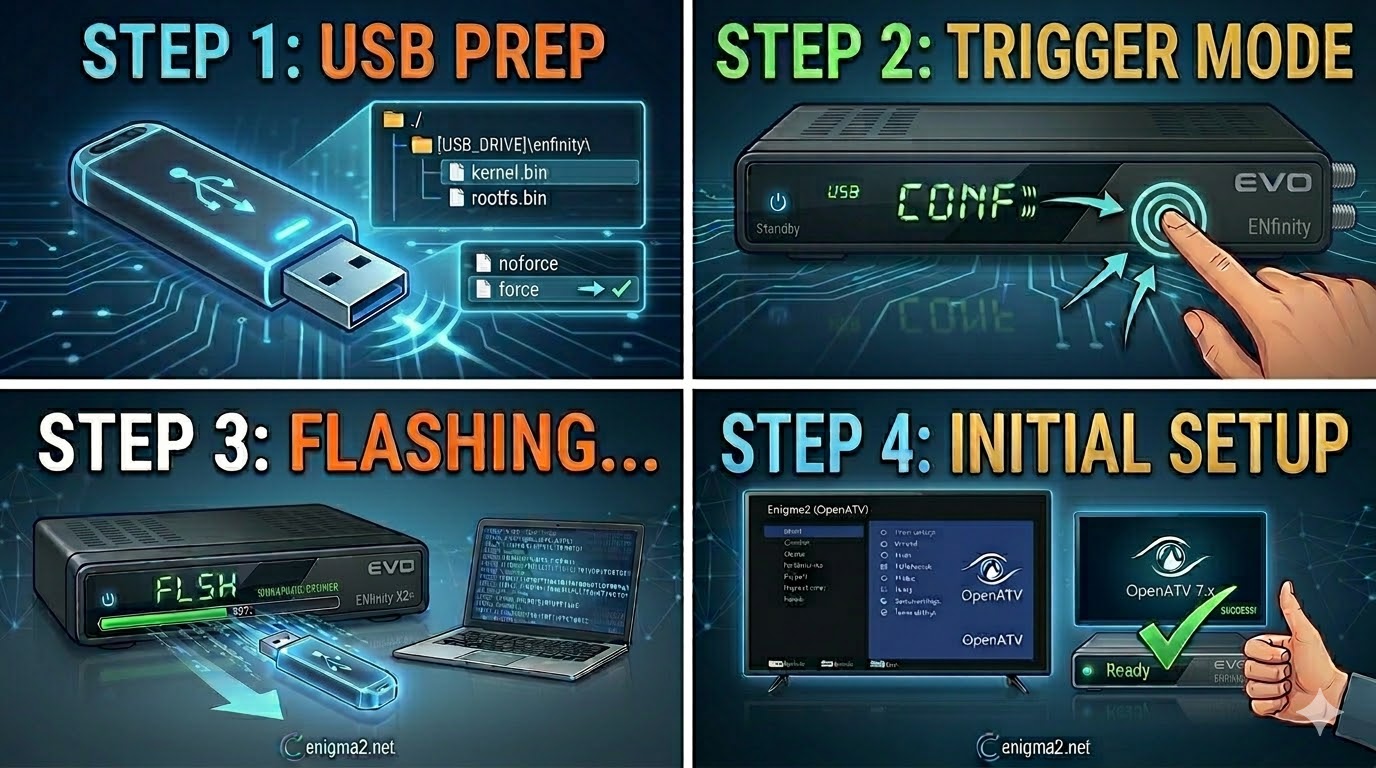
Read MoreFlashing the EVO ENfinity (Step-by-Step) 1. Prepare the USB Drive Format: Use a USB 2.0 stick (max 8GB) and format
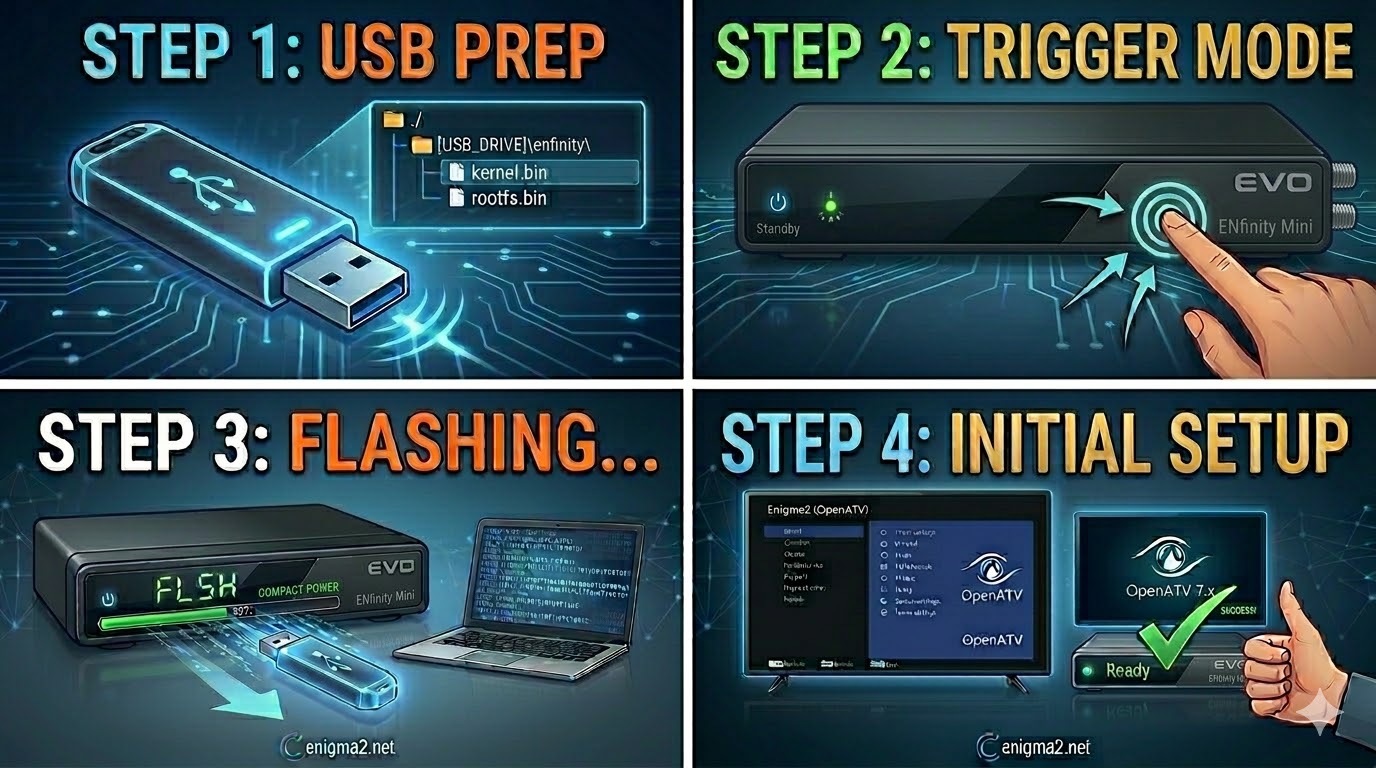
Read MoreThe EVO ENfinity Mini is the compact version of the ENfinity series. Since it’s a smaller unit, it often relies
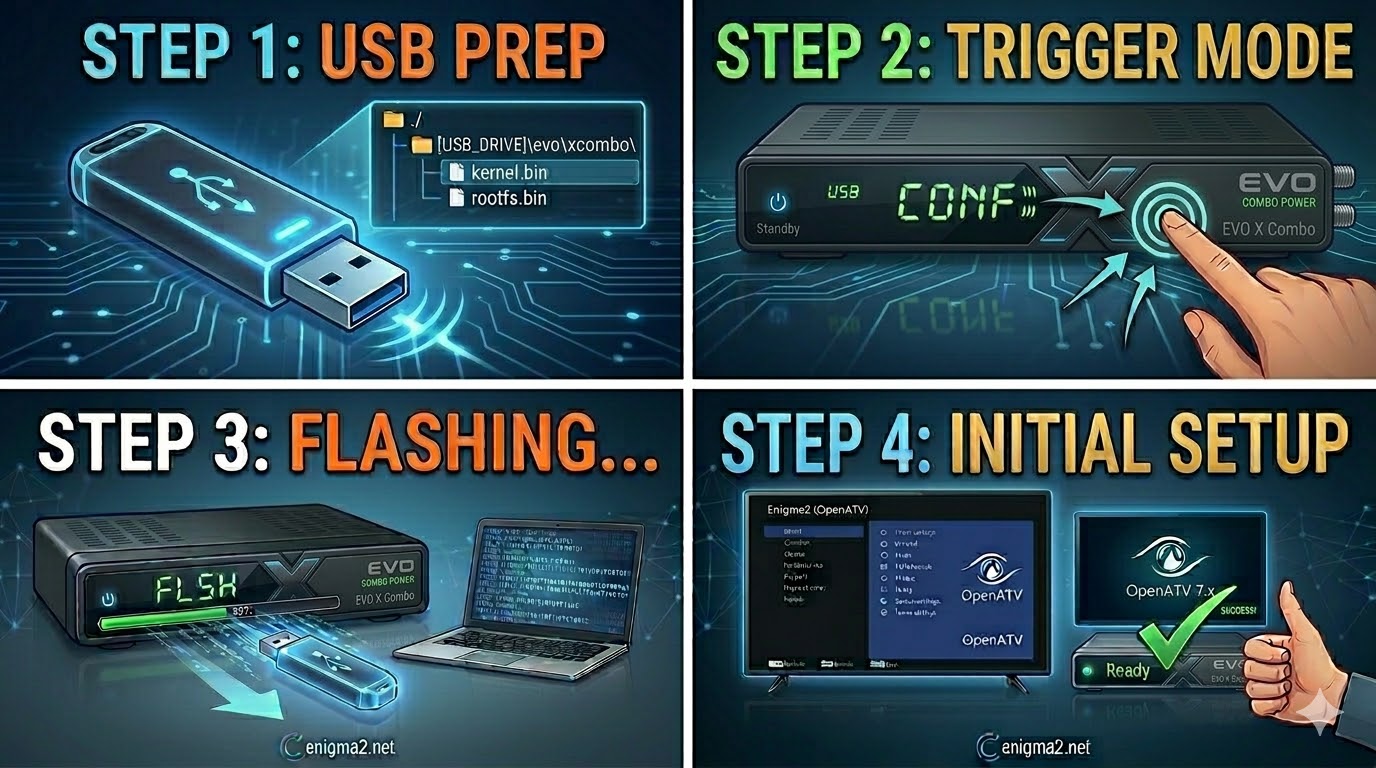
Read MoreThe EVO X Combo (often referred to as the Optibox EVO X Combo or simply the EVO X) is a
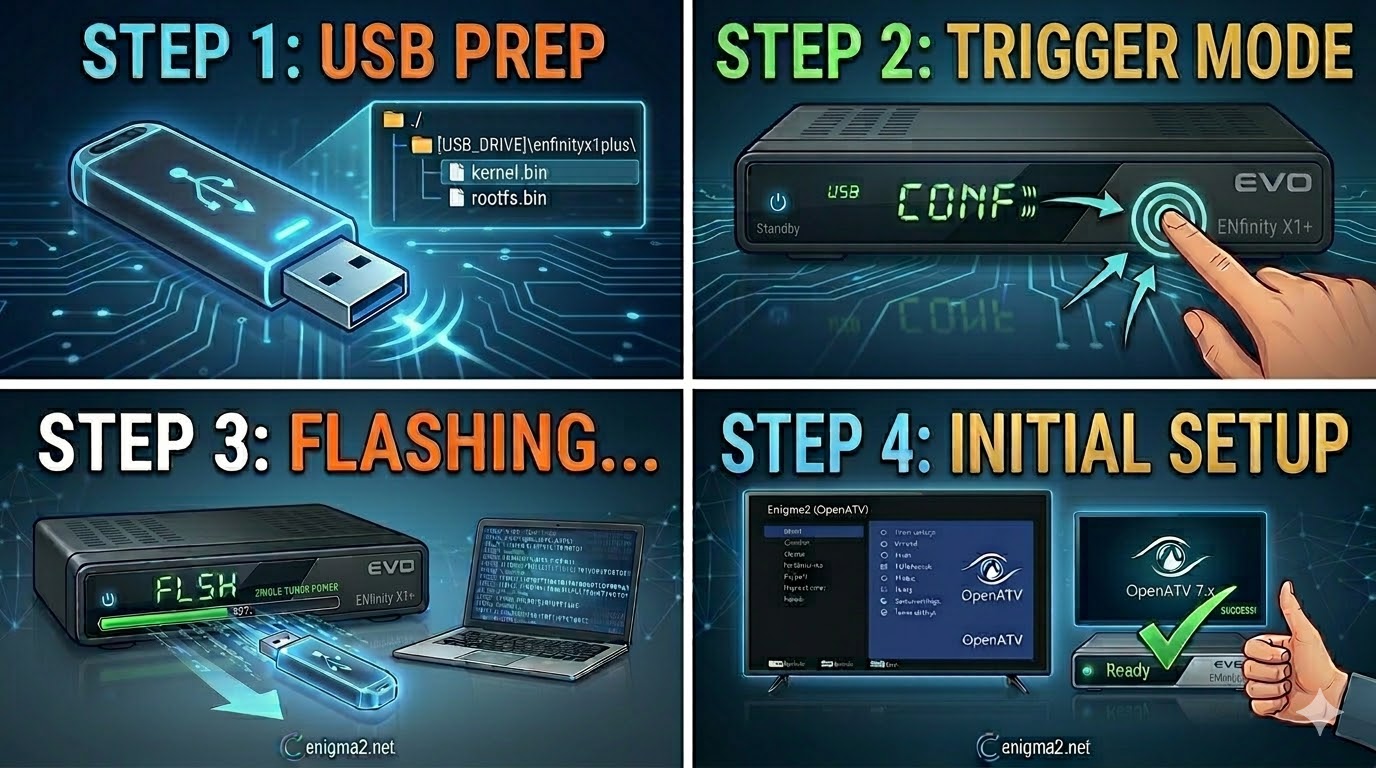
Read MoreThe EVO ENfinity X1+ is the single-tuner sibling of the X2+, and while the hardware is slightly different, the flashing
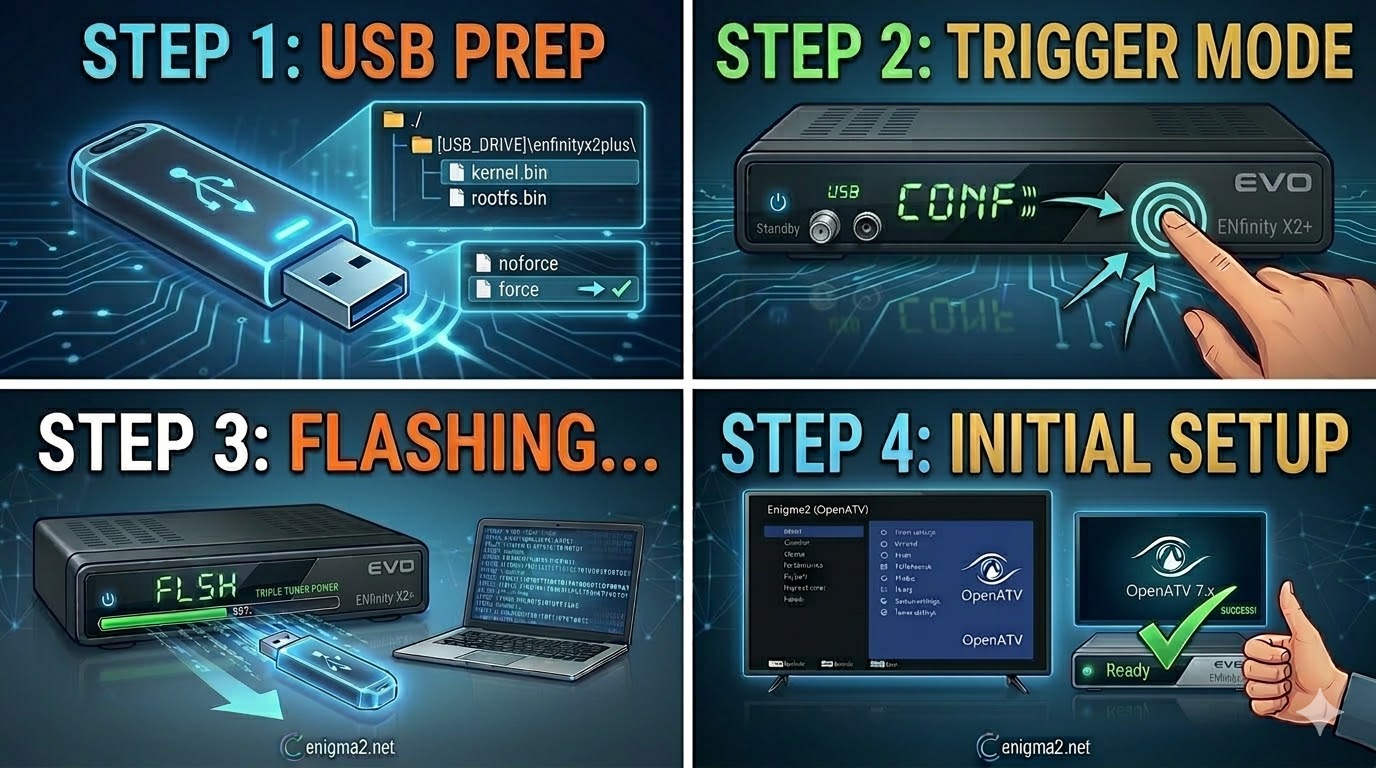
Read MoreThe EVO ENfinity X2+ (Triple Tuner) is a powerful Linux-based Enigma2 receiver. Much like the Nova and Slim models you’ve
Read More