[HOW TO FLASH] how to flash RedEagle Twin Box LCD
To flash the RedEagle Twin Box LCD, you will use the same Enigma2 logic, but because this receiver features a built-in LCD screen, the feedback during the process is much clearer than on standard LED models.
Preparation
-
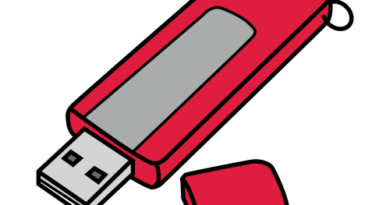
Format USB: Use a USB 2.0 stick (8GB or smaller), formatted to FAT32.
-
Download Image: Get the latest firmware (OpenATV, OpenHDF, or OpenViX) for the RedEagle Twin Box LCD.
-
Extract Files: Unzip the folder. You should see a folder named
red-eagle. -
Copy to USB: Transfer the entire
red-eaglefolder to the root of the USB stick.-
Structure:
USB Stick -> red-eagle -> twinbox -> (image files: kernel.bin, rootfs.bin, etc.).
-
The Flashing Process
-
Power Down: Turn off the receiver using the rear power switch.
-
Insert USB: Plug the USB stick into one of the rear USB ports (the rear ports are generally more stable for flashing this model).
-
Power On: Flip the rear power switch to ON.
-
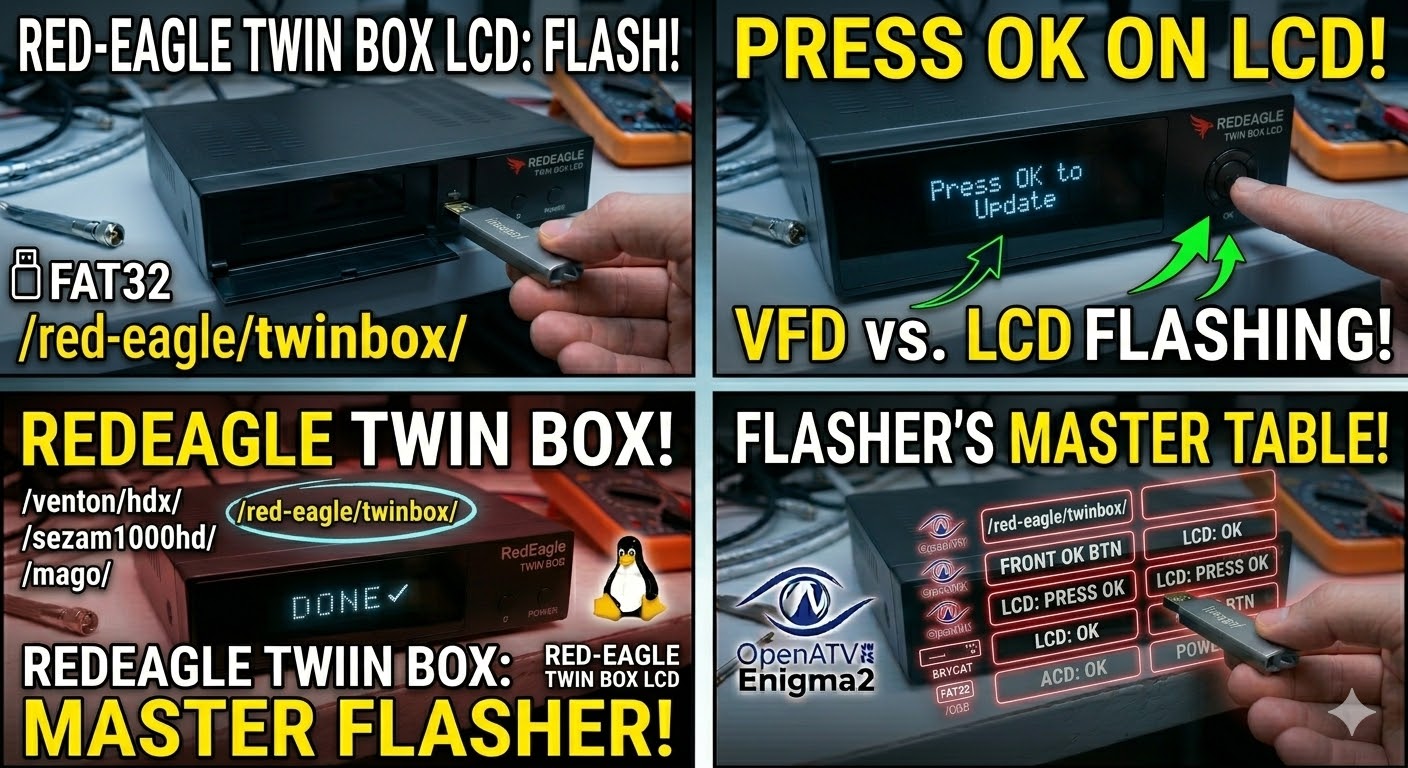
Initiate Flash: * Watch the LCD screen on the front of the box.
-
When it displays “Press OK” or “Update?”, press the OK button located on the front panel (not the remote).
-
-
Wait: The LCD will display the flashing progress (e.g., “Flashing…”, “Writing…”). Do not turn off the power until the LCD says “Completed” or the box reboots.
-
Complete: The receiver will automatically reboot into the new image. Once the setup wizard appears, you can remove the USB.
Quick Tips
-
Button Timing: If the box boots directly into the old image, it didn’t “see” the USB or you missed the “OK” prompt. Try a different USB port or a different USB stick.
-
Force Flash: If you can’t reach the front panel buttons easily, rename the
noforcefile inside thetwinboxfolder toforce. The box will then flash automatically as soon as it powers on.
| Step | Action | LCD / Front Panel |
| 1 | Prepare USB | FAT32, folder: /red-eagle/twinbox/ |
| 2 | Insert & Power | Insert USB in rear port & flip power ON |
| 3 | Confirm Flash | When prompt appears, press OK on front |
| 4 | Wait | Stay powered on during the write cycle |
| 5 | Finish | Remove USB once the box reboots |