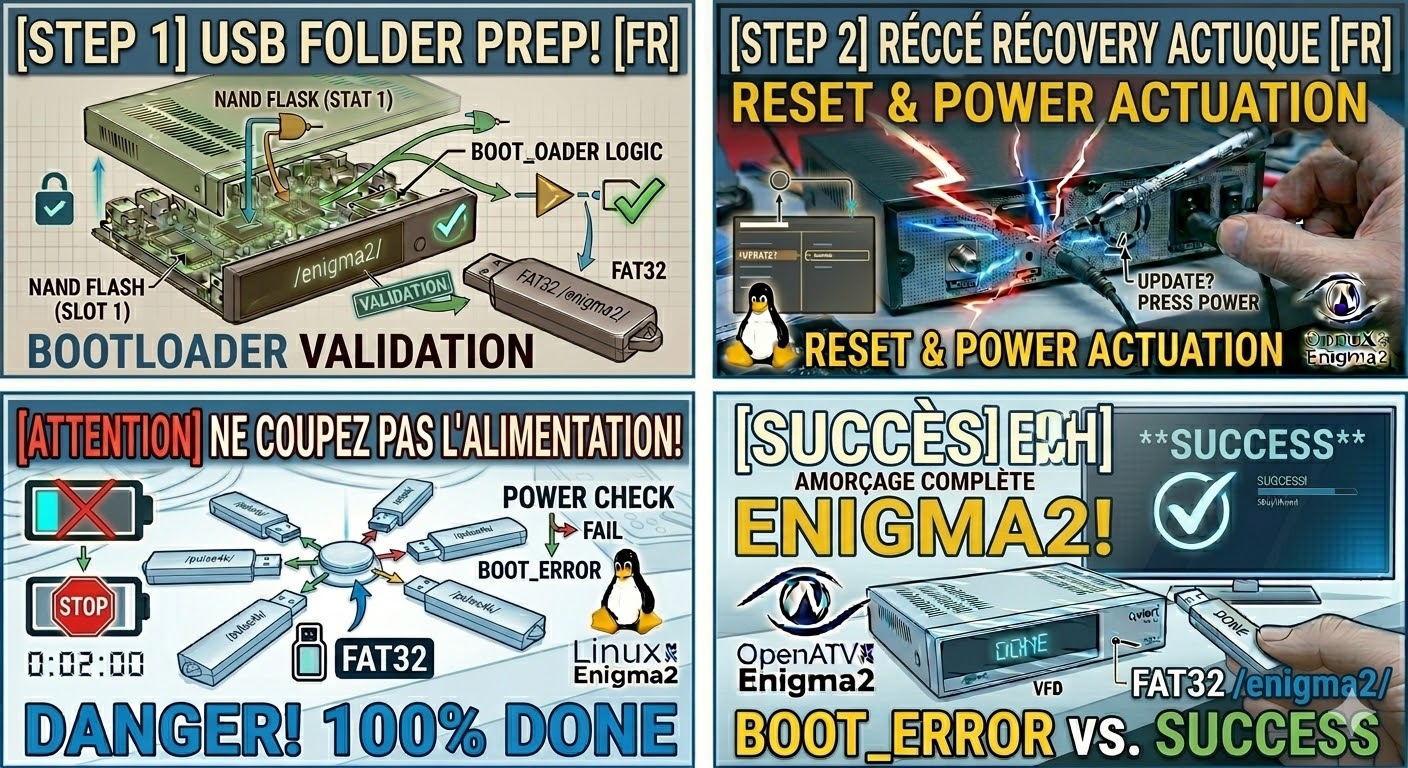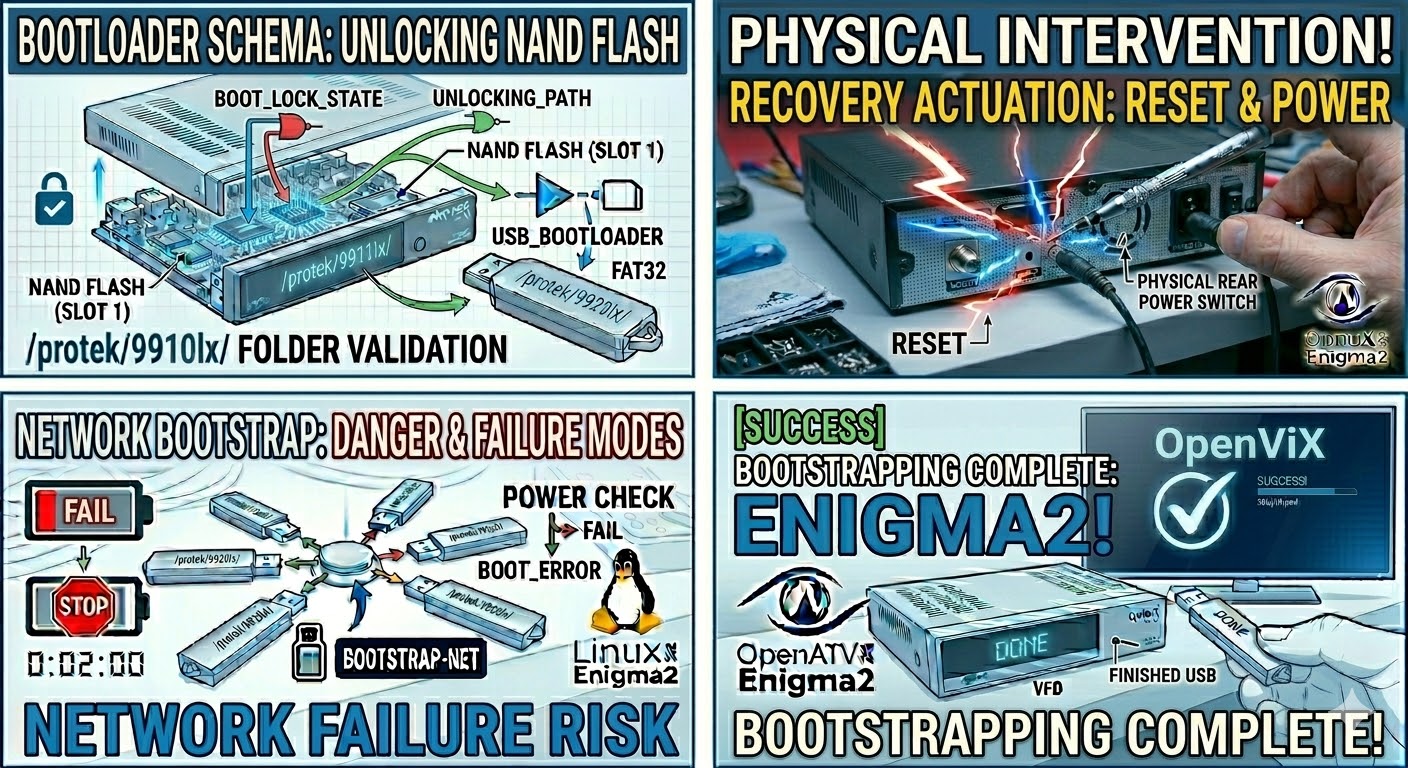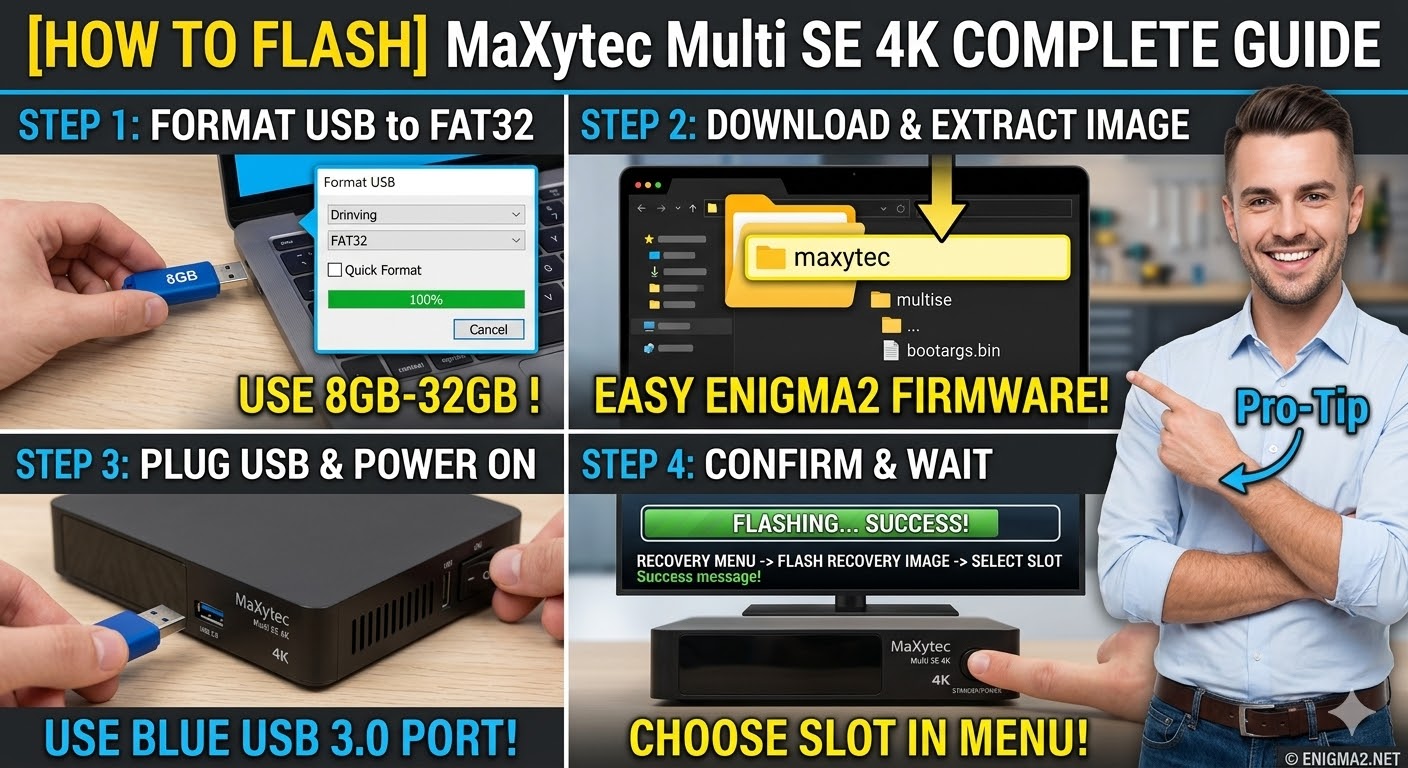
[HOW TO FLASH] how to flash IQON Force 3 UHD Plus
To flash the IQON Force 3 UHD Plus, you will use the procedure for modern 4K HiSilicon-based receivers. This model supports multiboot, allowing for multiple images, but the initial USB flash requires a specific folder structure and recovery trigger.
1. Preparation
-
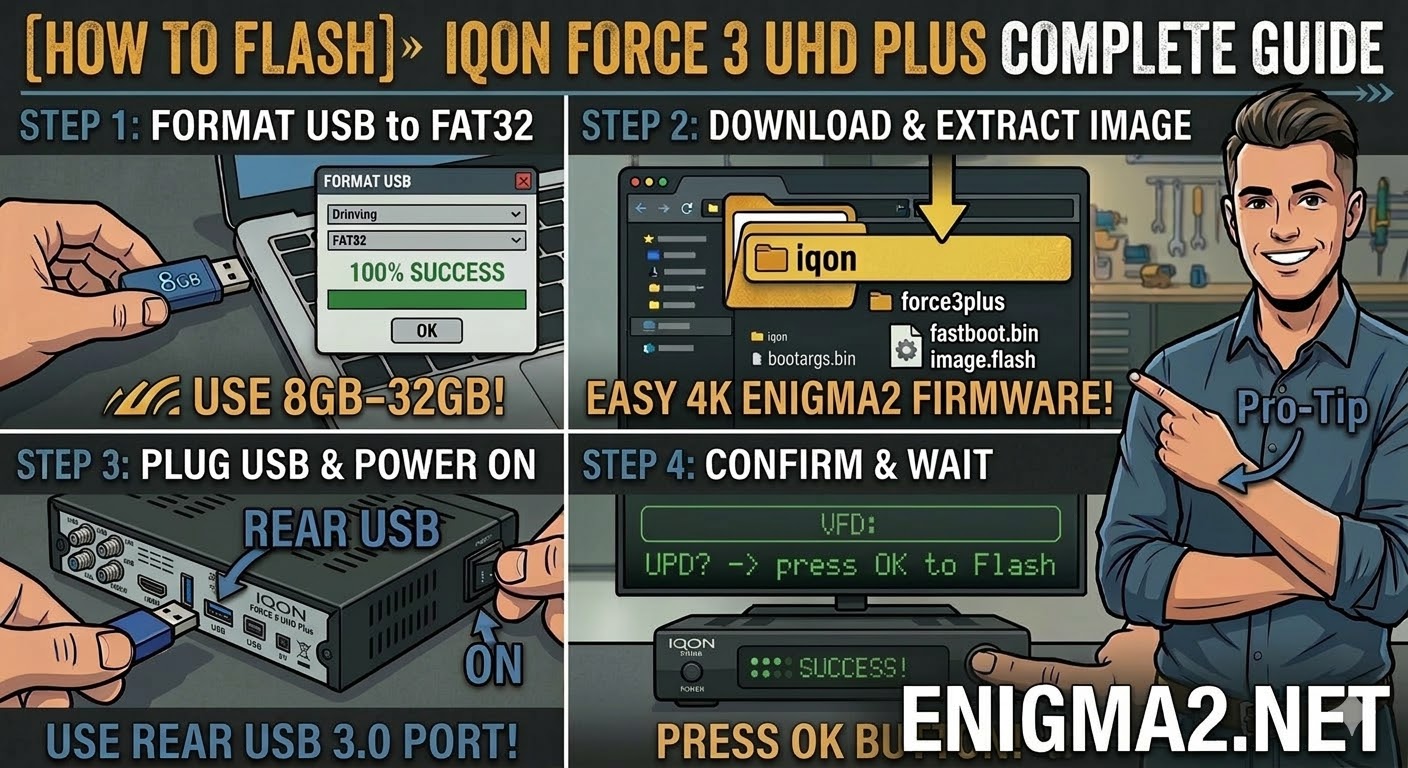
USB Stick: A high-quality USB 2.0 or 3.0 stick. 8GB to 32GB formatted to FAT32 is recommended.
-
Firmware: Download the “recovery” or “multiboot” image specifically for the IQON Force 3 UHD Plus.
2. Folder Structure
The bootloader identifies the update via the iqon directory and the specific force3plus subfolder.
-
Extract the downloaded firmware
.zipfile on your computer. -
You should see a folder named
iqon. -
Copy the entire
iqonfolder to the root of your USB stick.-
Path:
USB:\iqon\force3plus\ -
Contents: Inside the subfolder, you should see files like
bootargs.bin,fastboot.bin, andimage.flash.
-
3. The Flashing Process
-
Power Off: Turn off the receiver using the power switch at the back.
-
Insert USB: Plug the USB stick into the side USB 3.0 port for the best stability.
-
Initiate Flash:
-
Press and hold the Standby/Power button on the front panel.
-
While holding the button, turn the back power switch to ON.
-
-
Recovery Menu:
-
Continue holding the button until the Recovery Menu appears on your TV screen.
-
Use the remote to select “Flash Recovery Image” or “USB Multiboot Image Upgrade”.
-
-
Wait: The process will take a few minutes as it writes to the flash memory. Do not interrupt the power.
-
Completion: The receiver will reboot automatically into the new image.
Pro-Tip for enigma2.net
The Force 3 UHD Plus is often confused with the standard “Force 1” or “Force 2” models. On your site, emphasize that the folder name force3plus is mandatory. If users use the wrong folder, the recovery menu won’t see the update files. Also, mention that they can easily switch between different installed images directly from the Enigma2 “Multiboot” menu without needing the USB stick once the initial setup is done.