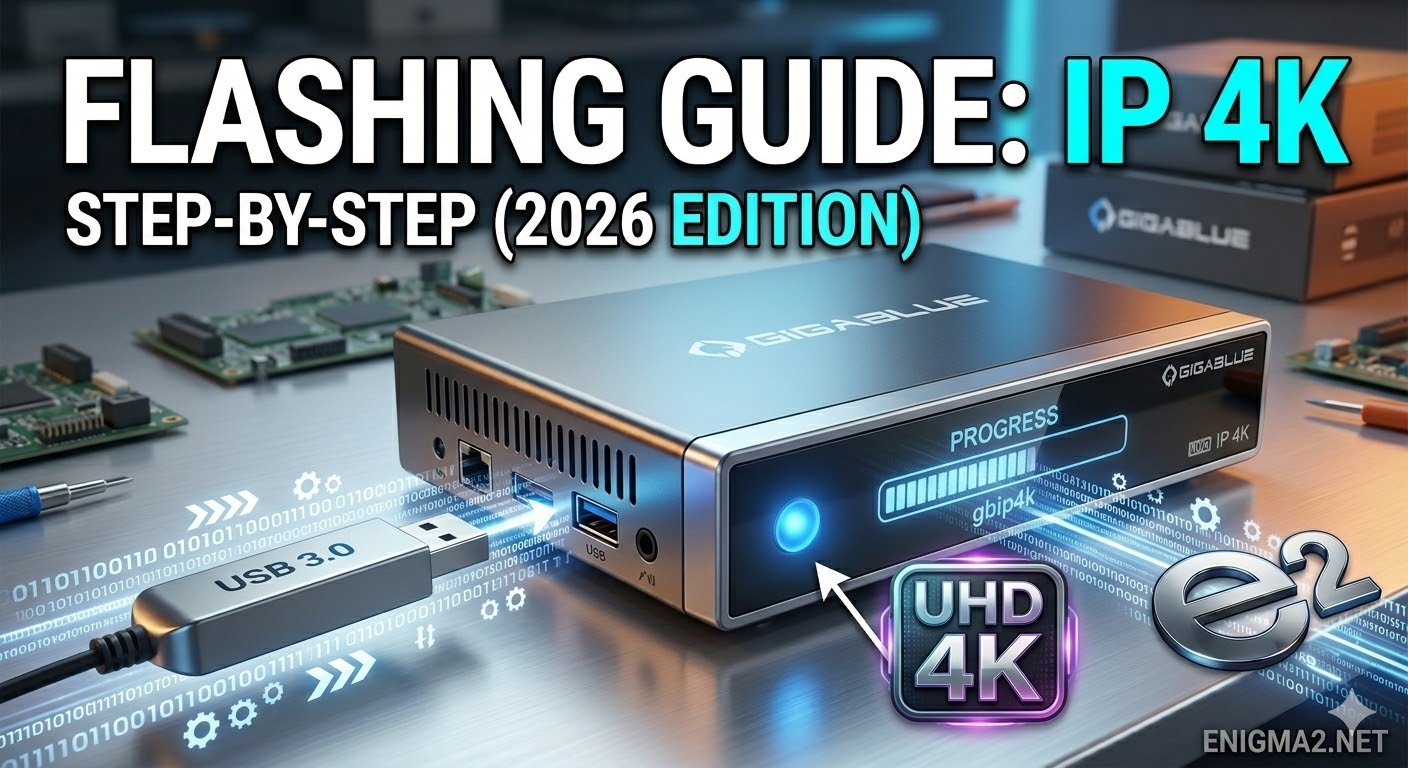
[HOW TO FLASH] how to flash Edision OS mega
Flashing the Edision OS mega (Step-by-Step)
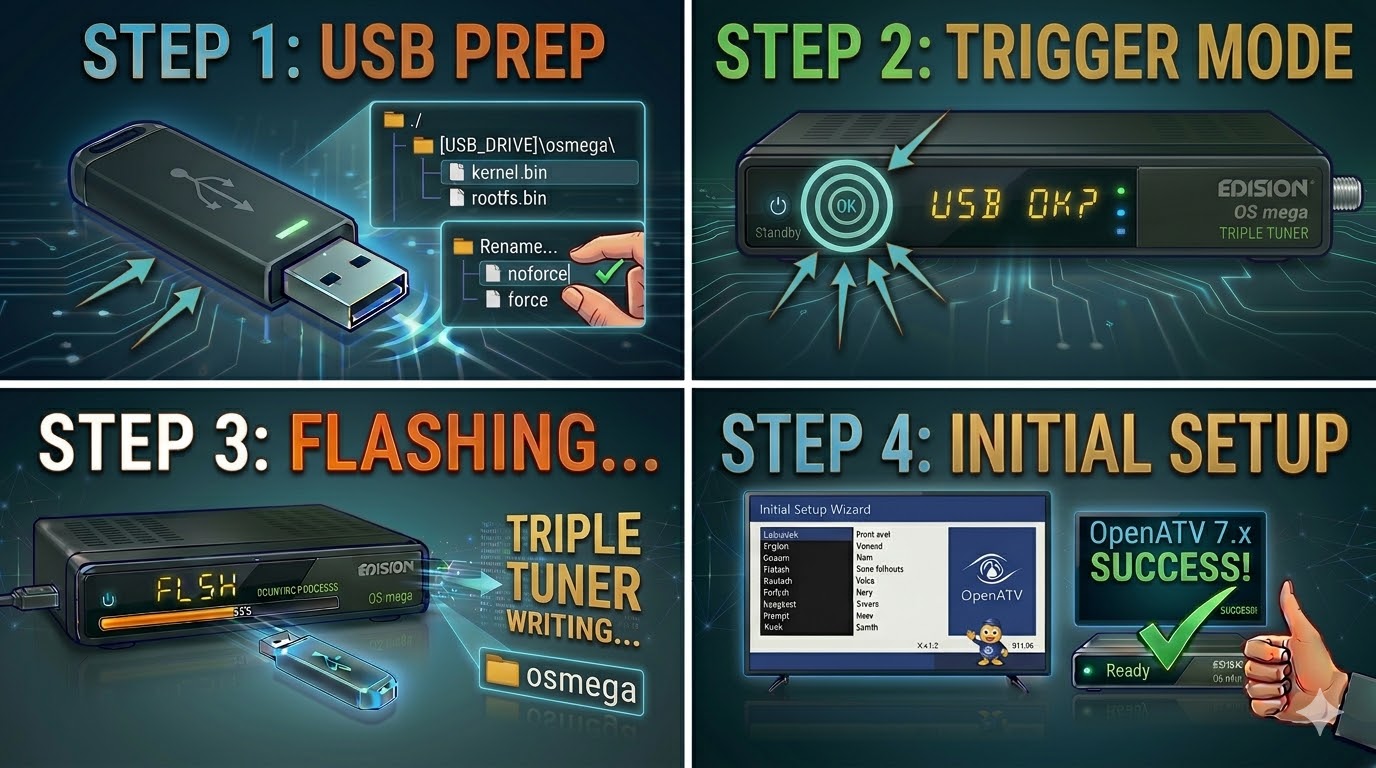
1. Prepare the USB Drive
-
Format: Use a high-quality USB 2.0 stick (FAT32). As this is a MIPS-based receiver, it can be picky with larger drives—a 4GB or 8GB stick is the safest bet.
-
The Folder Path: Extract the Enigma2 image (OpenATV, OpenViX, etc.). The root of your USB drive must contain a folder named:
-
USB_ROOT/osmega/
-
-
Verify Files: Inside the
osmegafolder, ensure you have:-
kernel.bin -
rootfs.bin -
imageversion
-
-
The “Force” Shortcut: If you see a file named
noforce, you can rename it toforceto automate the update.
2. The Flashing Procedure
-
Power Off: Turn off the receiver using the physical power switch at the back.
-
Clean Start: Ensure no other USB devices are plugged in. Insert your flash drive into the rear USB port.
-
The Trigger:
-
Turn the power switch to ON.
-
Watch the TV screen: A prompt will appear asking you to press and hold a button.
-
Immediately press and hold the OK button on your Remote Control to confirm.
-
-
Wait: The VFD display (front panel) will show the flashing progress. This typically takes 2–4 minutes.
-
Finish: The receiver will reboot itself once the process is complete. You can safely remove the USB stick when the first-time installation wizard appears.

The flashing process should take approximately two to four minutes to complete, while the receiver
is being flashed it is vitally important that you DO NOT power the receiver down for any reason as
this can cause serious and or permanent damage.