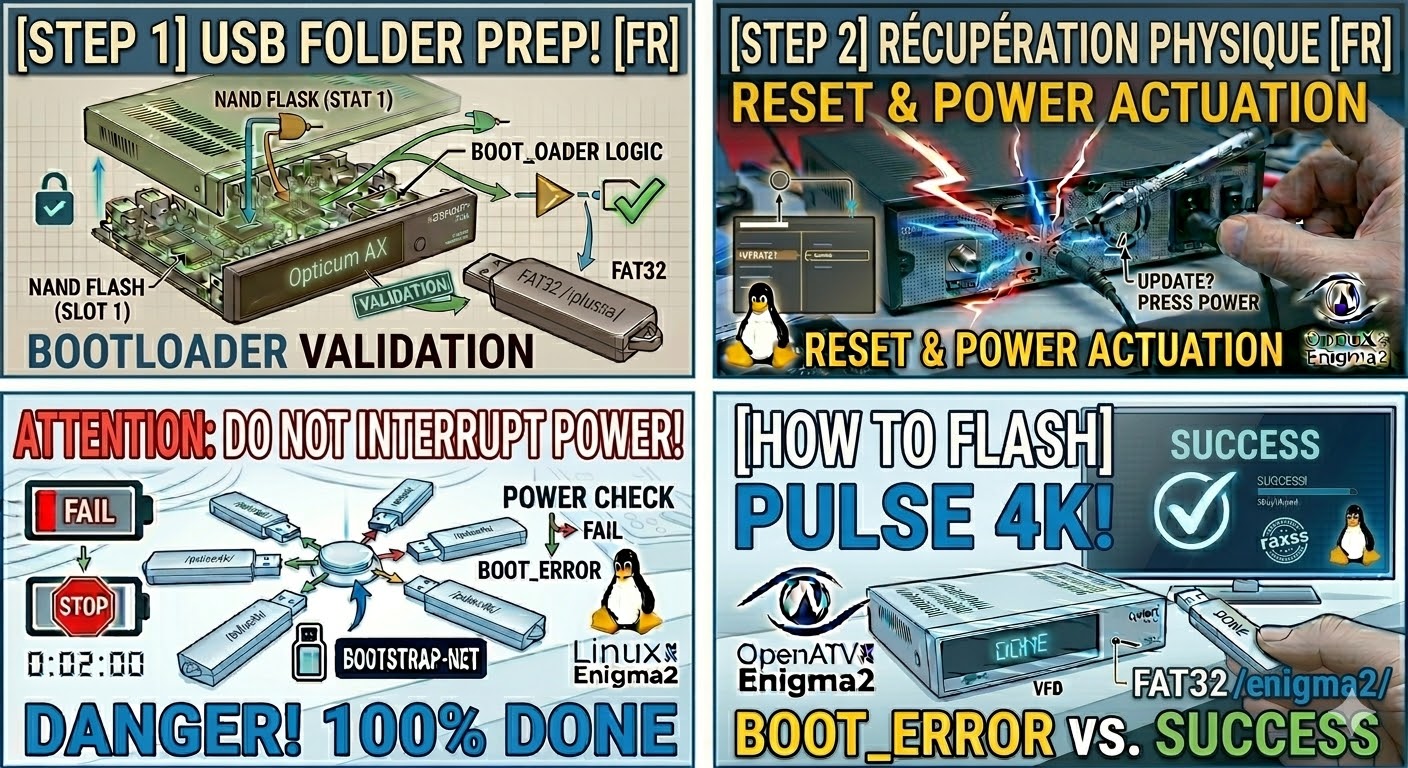
[HOW TO FLASH] how to flash Opticum AX ODIN Plus
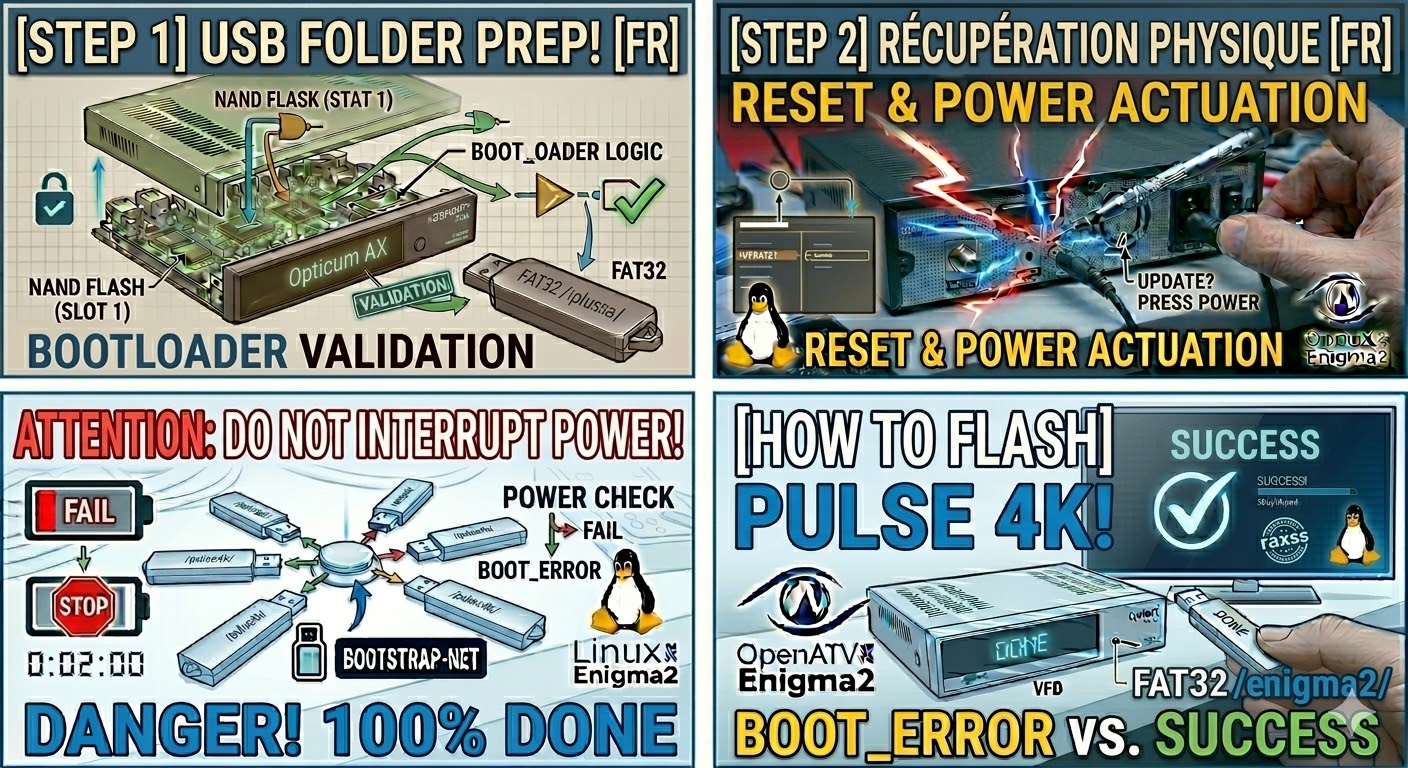
To flash the Opticum AX ODIN Plus, you are using a slightly updated version of the original AX-Odin. While the hardware has more memory and a faster processor, the flashing logic remains tied to the specific “odin” folder structure.
Preparation
-
USB Drive: Use a high-quality USB 2.0 stick (8GB or less is best), formatted to FAT32.
-
Download Image: Ensure the image is specifically for the AX ODIN Plus (e.g., OpenATV, OpenHDF).
-
Extract Files: Unzip the folder on your PC. You will see a folder named
odin. -
Copy to USB: Transfer the entire
odinfolder to the root of the USB drive.-
Structure:
USB Stick -> odin -> plus -> (image files: kernel.bin, rootfs.bin, etc.).
-
The Flashing Process
-
Power Down: Turn off the receiver using the physical power switch at the back.
-
Insert USB: Plug the USB stick into the rear USB port.
-
Power On: Flip the rear power switch to ON.
-
Initiate Flash:
-
Watch the front panel LED display carefully.
-
When the display shows “UPDT”, press the Power button on the front panel immediately.
-
-
Wait: The display will show the flashing progress. Do not turn off the power during this time.
-
Complete: The box will reboot automatically. When you see the Enigma2 setup wizard on your TV, the flash is finished.
Important Notes for the “Plus” Model
-
Folder Name: This is the most critical part. Unlike the standard AX-Odin (which uses
/odin/ax/), the Plus model often looks for/odin/plus/. Check your extracted files; if the folder is namedax, try renaming it toplusif the box doesn’t recognize it. -
Force Update: To skip the button press, find the file
noforcein theplusfolder on your USB and rename it toforce. -
USB Format: If the box boots to its old image, try re-formatting your USB using a specialized tool like “Rufus” to ensure it is a clean FAT32 MBR partition.

The flashing process should take approximately two to four minutes to complete, while the receiver
is being flashed it is vitally important that you DO NOT power the receiver down for any reason as
this can cause serious and or permanent damage.