[HOW TO FLASH] how to flash RELOOK mago
To flash the Relook Mago (also known as the Relook Mago Enigma2 receiver), you will need a USB stick and the correct folder hierarchy. This box is part of the same family as the Sezam and Sogno receivers, so the logic is very similar.
Preparation
-
Format USB: Use a USB stick (8GB or smaller is ideal) and format it to FAT32.
-
Download Image: Download the firmware for the Relook Mago (commonly OpenATV or OpenPLi).
-
Extract Files: Unzip the file. You should see a folder named
relookormago. -
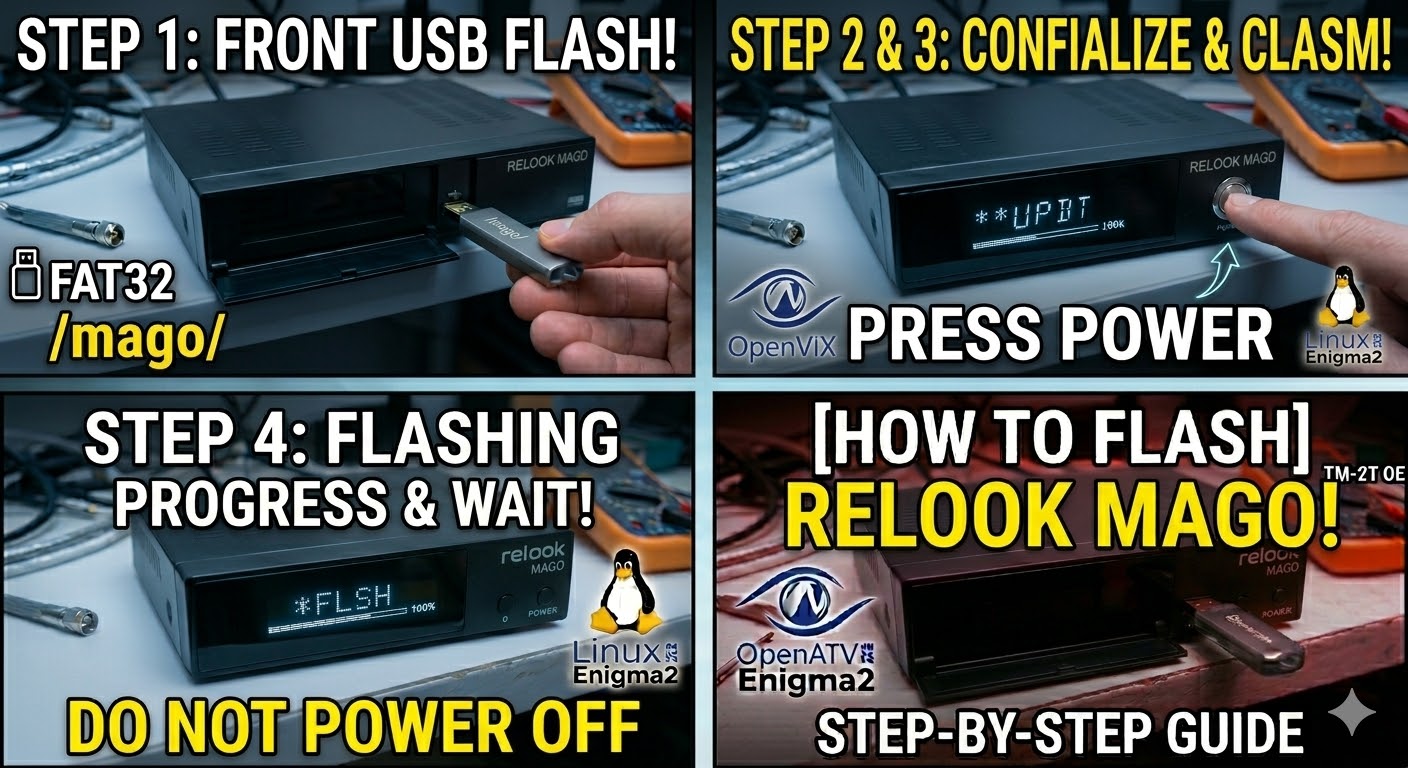
Copy to USB: For this specific model, the receiver looks for the folder named
mago.-
Structure:
USB Stick -> mago -> (image files like kernel.bin, rootfs.bin, etc.).
-
The Flashing Process
-
Power Down: Turn off the receiver using the physical power switch at the rear.
-
Insert USB: Plug the USB stick into the front USB port (behind the flap).
-
Power On: Flip the rear power switch to ON.
-
Initiate Flash:
-
Watch the front panel display.
-
When the display shows “UPDT” or “USB”, immediately press the Power button on the front of the receiver to confirm the flash.
-
-
Wait: The display will show the flashing progress (usually “FLSH” or a percentage). Do not turn off the power during this process.
-
Complete: The receiver will reboot automatically once finished. You can then safely remove the USB stick.
Pro Tips
-
Folder Naming: If the box boots normally and ignores the USB, ensure the folder name is exactly
magoin all lowercase. -
Renaming for Force: If you have trouble with the button press, find the file
noforcein themagofolder and rename it toforce. This will bypass the button requirement and start flashing as soon as the box is powered on. -
USB Pickiness: If it still won’t trigger, try an older USB 2.0 drive, as newer USB 3.0/3.1 sticks sometimes aren’t recognized by the bootloader.

The flashing process should take approximately two to four minutes to complete, while the receiver
is being flashed it is vitally important that you DO NOT power the receiver down for any reason as
this can cause serious and or permanent damage.