[HOW TO FLASH] uClan Ustym 4K Pro
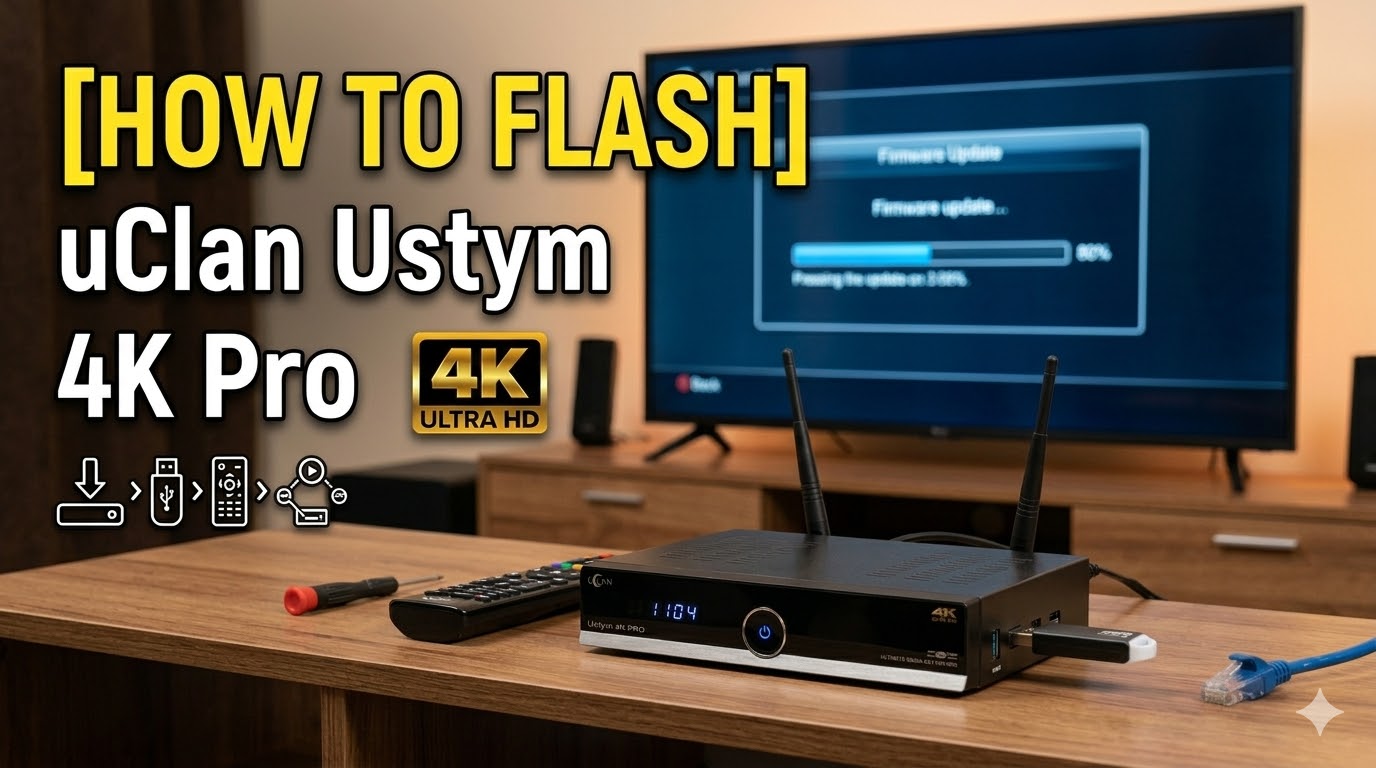
Flashing the uClan Ustym 4K Pro is a bit unique because of its Multiboot capabilities, allowing you to run both Enigma2 and Denys_OS. Depending on whether you are doing a fresh install or just adding a second image, the process varies slightly.
Preparation
-
USB Drive: Use a high-quality USB stick (8GB or 16GB) formatted to FAT32.
-
Firmware: Download the image (e.g., OpenATV, OpenPLi).
-
_usb.zip: For a clean install via Recovery.
-
_multiboot.zip: To flash into a specific slot from within an existing Enigma2 image.
-
Method 1: The “Recovery Menu” (Fresh Install / Emergency)
This is the most reliable way to flash if your box is stuck or you want to start fresh.
-
Unpack the
_usb.zipfile to the root of your USB drive. You should see a folder nameduclanand a file namedusb_update.bin. -
Power OFF the receiver using the physical switch at the back.
-
Insert the USB drive into the USB 3.0 port (the blue one on the side).
-
Press and hold the Power Button on the front panel.
-
Turn the back switch ON while continuing to hold the front Power Button.
-
Release the button once you see “Updt” or the Recovery Menu on your TV screen.
-
Select “Flash Recovery Enigma2” or “USB Multiboot Image Upgrade” from the menu.
-
Choose the image file and the slot you wish to flash (usually Slot 1 for your primary image).
Method 2: Flashing from an Existing Enigma2 Image
If your box is already running Enigma2, you don’t need to use the physical buttons.
-
Copy the
_multiboot.zipfile (do not unzip it) to your USB drive. -
Insert the USB into the receiver.
-
Navigate to Menu > Setup > Usage & GUI > Online Flash (this path varies slightly by image, e.g., OpenATV).
-
Select the Downloaded Images or Yellow Button for local images.
-
Select your
.zipfile and choose which Slot (1, 2, 3, or 4) to install it to. -
Once finished, the box will ask if you want to boot into the new slot.
Pro Tips for uClan Ustym 4K Pro
-
The “Recovery” Button: There is a tiny “Reset/Recovery” button on the back panel between the HDMI and RS232 ports. If the front power button method fails, you can use a paperclip on this button during power-up to force the Recovery Menu.
-
Denys_OS vs. Enigma2: Remember that this box can “Dual Boot.” If you want to switch between the two, you can usually find the “Multiboot” or “Startup” menu in the settings of whichever OS you are currently using.
-
MicroSD Slot: You can also flash and run images directly from a high-speed MicroSD card, which is great for testing new images without touching your internal eMMC storage.
Would you like me to find the latest OpenPLi or OpenATV download links specifically for the 2026 version of the Ustym 4K Pro?