
[IMAGE] HD Satelit 0.8.0 for DUO 4k LITE
HD Satelit 0.7.7 is out
Version 0.7.7 comes as an update from Menu > Settings > Software & Firmware > Software update, on all receivers with HD Satelit 0.7.0 or newer. Channels, settings and plugins stay.
On 0.7.0, 0.7.1 and 0.7.2, the receiver may ask on its own whether to do a fresh install from scratch. There is no need: choose “Not now”, and the menu update brings the same version while keeping settings and plugins.
The full 0.7.7 firmware packages are available on the website for 12 receivers: Amiko Viper 4K V10, Amiko Viper 4K V20, Amiko Viper 4K V30, Amiko Viper 4K V40, Octagon SF8008 4K UHD, Octagon SF8008 MINI 4K, GigaBlue UHD TRIO 4K, Uclan Ustym 4K PRO, Vu+ Solo4K, Vu+ Uno4K SE, Vu+ Duo4K, Vu+ Solo SE.
As alpha releases for testers, the full 0.7.7 firmware packages are also on the website for these receivers: Dreambox DM920, Vu+ Duo², AX HD51, Mut@nt HD51, GigaBlue UHD QUAD 4K PRO, Vu+ Zero4K, Vu+ Duo4K SE, Vu+ Duo4K Lite, Vu+ Ultimo4K. Dreambox DM920 and Vu+ Duo² are new receivers.
The biggest changes: YouTube playing videos on the receiver’s hardware, the Network fallback tuner and Blind scan with a motorised dish.
Many fixes come from the reports sent by the beta testers’ receivers and from what you wrote on the forum. Thank you!
Below are the most important changes. The full list, with 39 points, is on the website under Changelog: https://stb.hdsatelit.com/en/changelog/
New:
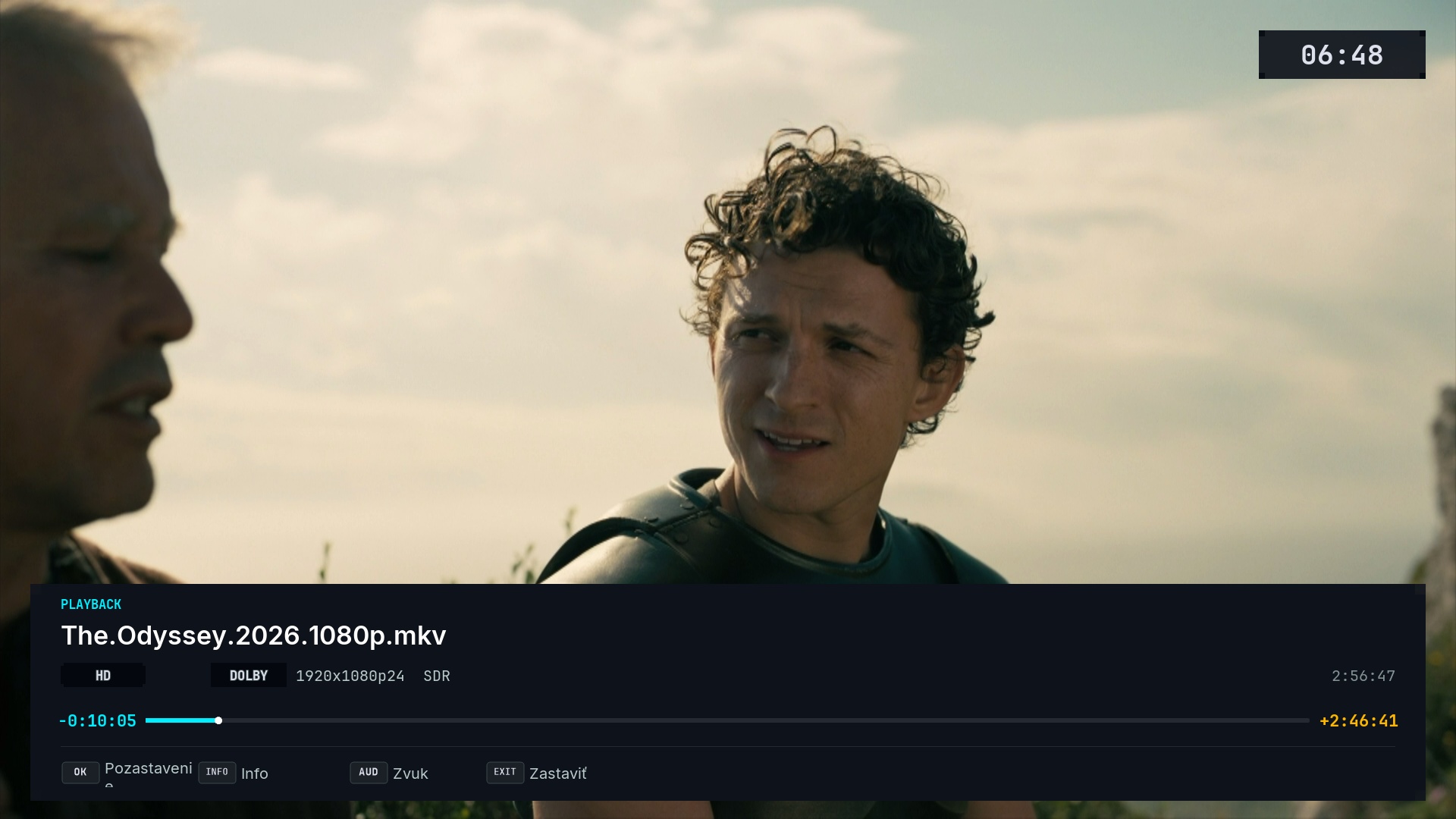
- On ARM receivers, YouTube in Applications plays videos with sound using the receiver’s hardware; the player no longer closes on network videos provided by plugins.
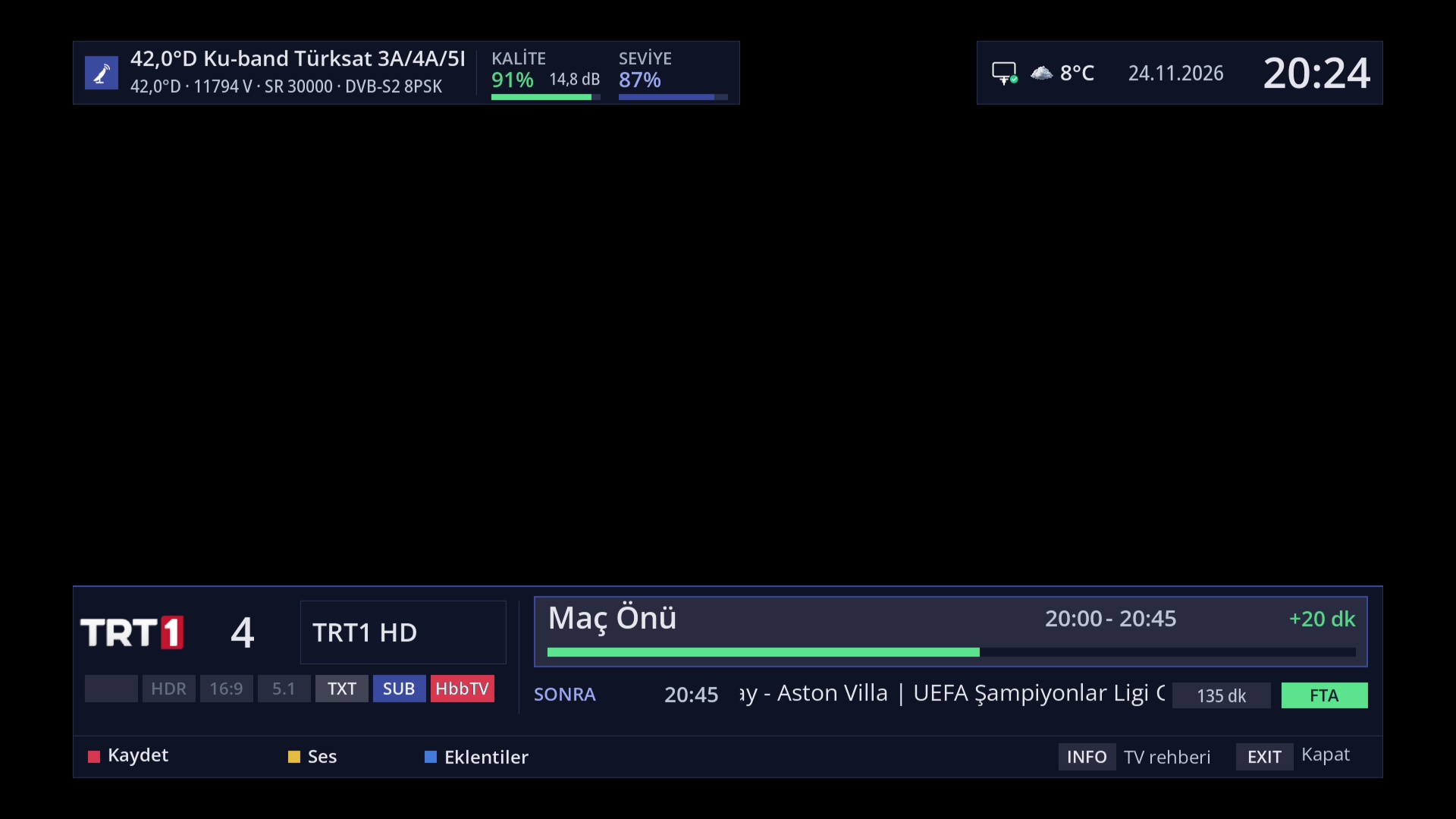
- Network fallback tuner (Tuner settings, off by default) gets the channel from another HD Satelit receiver in your home, without taking over its TV viewing or recordings.
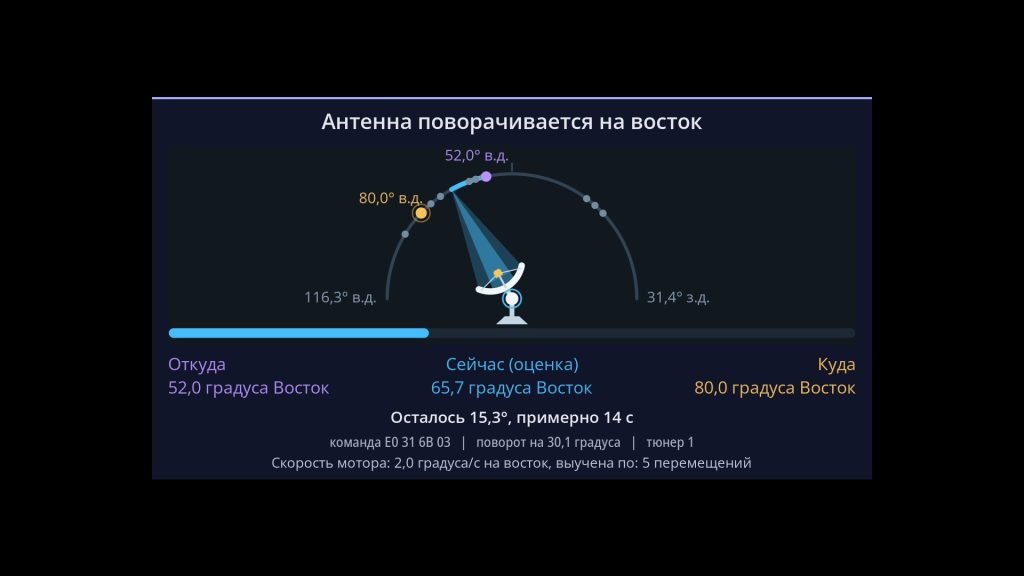
- Blind scan uses the satellite selected on screen, also with a motorised dish (the dish turns first); on Vu+ Solo SE it fetches its program automatically.
- GREEN opens Extensions and apps, BLUE the shortlist of firmware functions, and the mouse works in Applications, YouTube and the browser, and as a remote control.
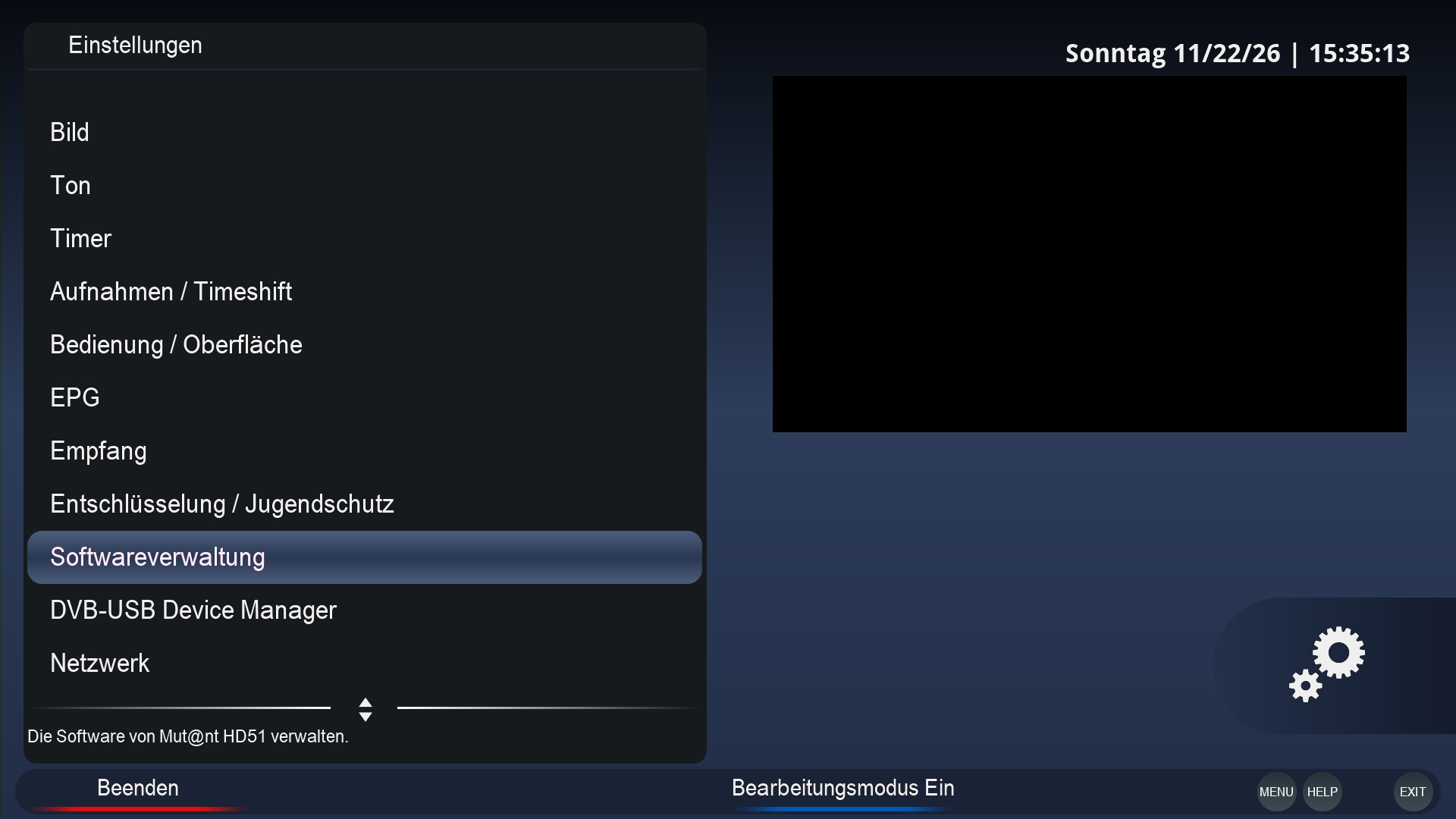
- Menu: move entries with the arrows (MENU > Move); in tile view, each entry has a description and its position.
- Restarting and shutting down from the menu work even if a plugin blocks the interface; the TV shows The interface is restarting, The receiver is restarting or The receiver is switching off.
- The Web interface works over HTTPS again, the address and QR code are in Information > Network, and an internet page can no longer control the receiver.
- Themes from other firmware work better: their components come in the firmware or from the feed, the video window is no longer black, and each theme keeps its own adjustments.
Fixed:
- HbbTV: on Italian channels, including Rai 1, one press of RED is enough, and pressing coloured buttons while the app loads no longer opens menus over it.
- HbbTV: TVP and ServusTV On (Octagon) start videos, pages no longer cover the video on Vu+, and heavy pages and holding a button no longer freeze the browser.
- Scanning starts on the tuner with the selected satellite, and an FBC tuner with its cable in socket B is found and set up automatically when A gets no signal.
- A deleted satellite stays deleted, even after an update, and Dish rotation only uses satellites the tuner can receive.
- SF8008: the first channel change after restarting the interface no longer shuts down the receiver; the equalizer no longer stops the picture, and without a picture a black background appears after 4 s.
- The interface no longer freezes after startup, in module screens, in Extensions or with large channel lists; a plugin no longer delays its restart by 45 s.
- CI and CI+: EXIT no longer closes allocation, CI works on single-slot boards and FBC tuners after D too, and with CI+ another form of the key is tried automatically.
Beta: read first
HD Satelit 0.8.0 for Vu+ Duo4K Lite (software machine vuduo4klite), with no warranty (GPLv2). The model is beta since 14 November 2026: the first HD Satelit image for it was 0.7.4.
A tester has installed 0.7.4 on a Vu+ Duo4K Lite: it recognised the model by itself, the interface started and the receiver worked with the channel list and switched channels. The 0.8.0 archive has not been written to a Duo4K Lite yet. We do not know the other functions yet; tell us what you find.
This page is only for Vu+ Duo4K Lite, software machine vuduo4klite. Do not put the archive on any other receiver.
On 0.7.4 the note “Unconfirmed model: software for testers” could appear at startup: the 0.7.4 image came out before the model started at a tester’s. Since 0.7.5, so also on 0.8.0, the note no longer appears on the Vu+ Duo4K Lite: the model is confirmed.
- The archive has no boot.bin, gpt.bin or rescue.bin: the loader and the partition table of the receiver are not touched.
- The receiver has 8 boot slots. Put HD Satelit in a free slot, not over the base image.
- Save your settings and channels first and keep the archive of your current image on your computer.
- Do not cut the power or remove the stick while the image is being written.
Step 1. Save settings and prepare the archive
The archive is called hdsatelit-0.8.0-vuduo4klite-20261127.zip. Inside it, the installation files are in the vuplus/duo4klite folder.
- Save settings and channels with the instructions of your current image and keep a copy on your computer.
- Extract the archive on your computer. If the download has a checksum, compare it.
- Check that the vuplus/duo4klite folder has all seven files below, with unchanged names.
vuplus/duo4klite/imageversion
vuplus/duo4klite/initrd.bin
vuplus/duo4klite/kernel_auto.bin
vuplus/duo4klite/rootfs.tar.bz2
vuplus/duo4klite/splash.bin
vuplus/duo4klite/STARTUP_1
vuplus/duo4klite/hdsatelit-model
Step 2, recommended: a free boot slot
If your current image has a multiboot menu that installs an archive into a chosen slot, use it and choose a free slot. The base image stays untouched.
We have not found a description of this menu for Duo 4K Lite in the Vu+ documents and we do not know yet which way the tester wrote the image. If you use it, tell us whether the menu accepts the archive and which slot it writes to.
Step 2, the other way: from a stick
The steps below are the general ones from the Vu+ guide for their current receivers. We do not know yet whether they work the same on Duo 4K Lite. The archive has the STARTUP_1 file, so writing from the stick may replace the image in the first slot, the base one; if you use it, tell us what happened. If you do not want that, use the recommended way.
- On a FAT32 stick copy the vuplus folder to the root, so the stick has vuplus/duo4klite/ directly, with the seven files.
- Switch the receiver off. Unplug other USB devices and put the stick into the front USB port.
- Switch the receiver on and watch the display.
- If Update! Press Power appears, press the Power button on the front within 5 seconds.
- Wait until writing ends and the receiver restarts. Then remove the stick.
- If the receiver offers a choice of boot slot, photograph the screen and choose a free slot.
Step 3. First startup
The interface should start normally, without the screen saying that the image is for another receiver. If it appears (other than the “Unconfirmed model” note above), send us all the values on the screen.
If you want to help us, read over ssh or telnet, after the first startup, and send us:
cat /proc/stb/info/chipset /proc/stb/info/boxtype /proc/stb/info/vumodel /proc/stb/info/model
cat /proc/cmdline /proc/partitions
cat /tmp/hds-paza-model*
cat /proc/bus/nim_sockets
cat /proc/bus/input/devices
cat /proc/stb/video/videomode_choices
ls /proc/stb/lcd/; cat /proc/stb/lcd/mode_choices
cat /proc/stb/vmpeg/0/dst_apply
cat /sys/block/mmcblk0/size
The guard expects chip 7252s, type vuplus and model vuduo4klite or duo4klite; for model, dm8000 is normal. On the tester’s receiver the guard recognised the model. /proc/cmdline shows the boot slot. The other values help us complete the model rules.
What we are still watching on the Duo4K Lite (tell us what you see)
- Which boot slot the image was written to and whether the base image is still there.
- Tuner names: BCM3466 for DVB-T, BCM3148 or BCM3158 for DVB-C.
- All the infrared remote keys.
- Changing the resolution in the settings. The television may resync one extra time; tell us if it happens.
- The colour front display: clock, channel, standby.
- A real satellite, cable or terrestrial channel, recording and playback to the last seconds.
- CI with a module, HDMI picture and sound, wired network and Wi-Fi, USB, standby and waking up.
- After a crash: the log in /home/root/logs/ or the automatic report from Support.
How to go back to the previous image
If you put HD Satelit in a free slot, the base image is still there. Start its slot again from the receiver multiboot menu. How to do this from HD Satelit 0.8.0 on this model is to be confirmed by a tester.
If you wrote over the base image from a stick, put back, in the same way, the vuplus/duo4klite folder from your previous image, kept on your computer, or from the official Vu+ image. We have not tested going back on this model.
Tell us what you find
Send the exact model, the tuner modules, the archive name, the steps you followed, the messages shown and what worked or did not. Every result helps us, good or bad.
| Manufacturer | Vu+ |
| Processor | bcm7252s |
| Memory | 2048 MB |
| Flash memory | 8192 MB |
| Tuners | 2 sloturi FBC DVB-S2X, FBC DVB-C or Dual DVB-T2 |
Vu+ Duo4K Lite: technical description
Vu+ Duo4K Lite hardware data and the status of HD Satelit: beta since 0.7.4, started on a tester’s receiver; now 0.8.0.
Beta: read first
HD Satelit 0.8.0 for Vu+ Duo4K Lite (software machine vuduo4klite), with no warranty (GPLv2). The model is beta since 14 November 2026: the first HD Satelit image for it was 0.7.4.
A tester has installed 0.7.4 on a Vu+ Duo4K Lite: it recognised the model by itself, the interface started and the receiver worked with the channel list and switched channels. The 0.8.0 archive has not been written to a Duo4K Lite yet. We do not know the other functions yet; tell us what you find.
Check the receiver label: this page is for Vu+ Duo4K Lite, software machine vuduo4klite. Duo4K and Duo4K SE are other models and do not use this package.
On 0.7.4 the note “Unconfirmed model: software for testers” could appear at startup: the 0.7.4 image came out before the model started at a tester’s. Since 0.7.5, so also on 0.8.0, the note no longer appears on the Vu+ Duo4K Lite: the model is confirmed.
Processor and memory
The data below come from the Vu+ data sheet and manual, plus the OE-Alliance machine description. They are not measurements made with HD Satelit on the receiver.
| Processor | Broadcom BCM7252S, ARM, 2 cores at 1.7 GHz |
| RAM | 2 GB DDR4 nominal |
| Internal memory | 8 GB eMMC nominal, with 8 boot slots (STARTUP_1 to STARTUP_8) |
| Linux kernel | 4.1.20 |
| Software machine | vuduo4klite |
| Display | 3 inch colour LCD on the front, 400 x 240 |
Nominal capacities are not the memory or free space after installation. The internal memory size and the partitions are read on the receiver.
Tuners and reception
Two module slots: FBC DVB-S2X, FBC DVB-C or Dual DVB-T2.
The official Vu+ image recognises on this model the BCM3466 terrestrial tuner (DVB-T2) and the BCM3148 and BCM3158 cable tuners (DVB-C). The HD Satelit image gives them the same type and the same name.
- Check the installed modules before you set up reception.
- On the tester’s receiver, HD Satelit 0.7.4 worked with the channel list and switched channels. We do not know yet which tuners it had, nor how scanning and recording work (on 0.7.7, 0.7.8 and 0.8.0 neither); tell us what you see.
Connections
| USB | 2 USB 3.0 ports on the back, 1 USB 3.0 port on the front and 1 USB-C port |
| HDMI | 1 HDMI 2.0 input and 1 HDMI 2.0 output |
| Ethernet | Gigabit |
| Digital audio | HDMI and optical S/PDIF |
| Conditional access | 2 CI slots and 1 card reader |
| Wireless | on-board Wi-Fi on 2.4 and 5 GHz and Bluetooth (AIC8800D80 chip) |
| Other | SD card reader, bay for a 2.5 inch SATA drive |
In HD Satelit the infrared remote gets the same keys as the usual Vu+ remote. The keys are ready for the Bluetooth remote too, but Bluetooth pairing is not in the image yet.
The hardware specifications do not confirm that every connector or function works in HD Satelit.
USB package and installation
The archive is called hdsatelit-0.8.0-vuduo4klite-20261127.zip. The stick gets the vuplus/duo4klite folder with kernel_auto.bin, initrd.bin, rootfs.tar.bz2, splash.bin, imageversion, STARTUP_1 and hdsatelit-model.
The HD Satelit package does not contain the loader (boot.bin), the partition table (gpt.bin) or the rescue system (rescue.bin). They are not touched.
We recommend a free boot slot, not the base image. The steps are on the installation page.
What we are still watching with 0.8.0 (tell us what you see)
- Which boot slot the image was written to and whether the base image is still there.
- The first startup, the messages shown and any model guard message.
- Tuners, a real channel, recording and playback to the end.
- Picture and sound over HDMI, changing the resolution, the infrared remote and the colour front display.
- Wired network and Wi-Fi, USB, CI with a module, standby and waking up.
- The internal memory size and the free space. For a fault, send the logs.