[TUTORIAL] How to setup Wireless on BlackHole
Here is a tutorial how to setup wireless on Vu+ decoder under a BlackHole image.
For this tutorial you need.
Material:
Vu + ZERO, UNO, DUO, DUO 2, ULTIMO, SOLO, SOLO 2, SOLO SE, zero 4K, Uno 4k, solo 4k, DUO 4K, Ultimo 4k
Wireless Stick
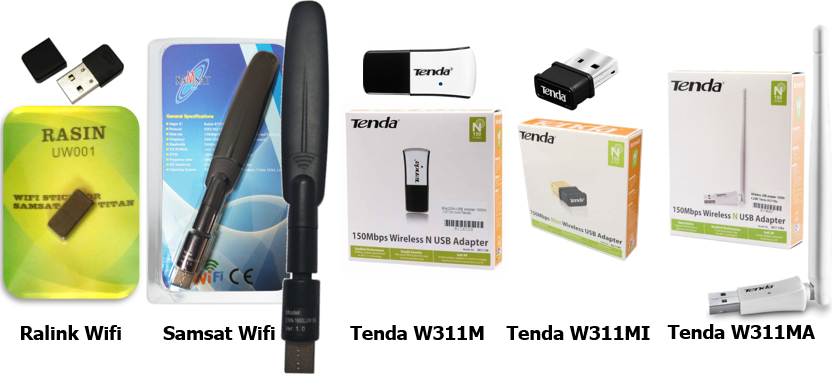

First connect Wireless USB to your VuPLUS
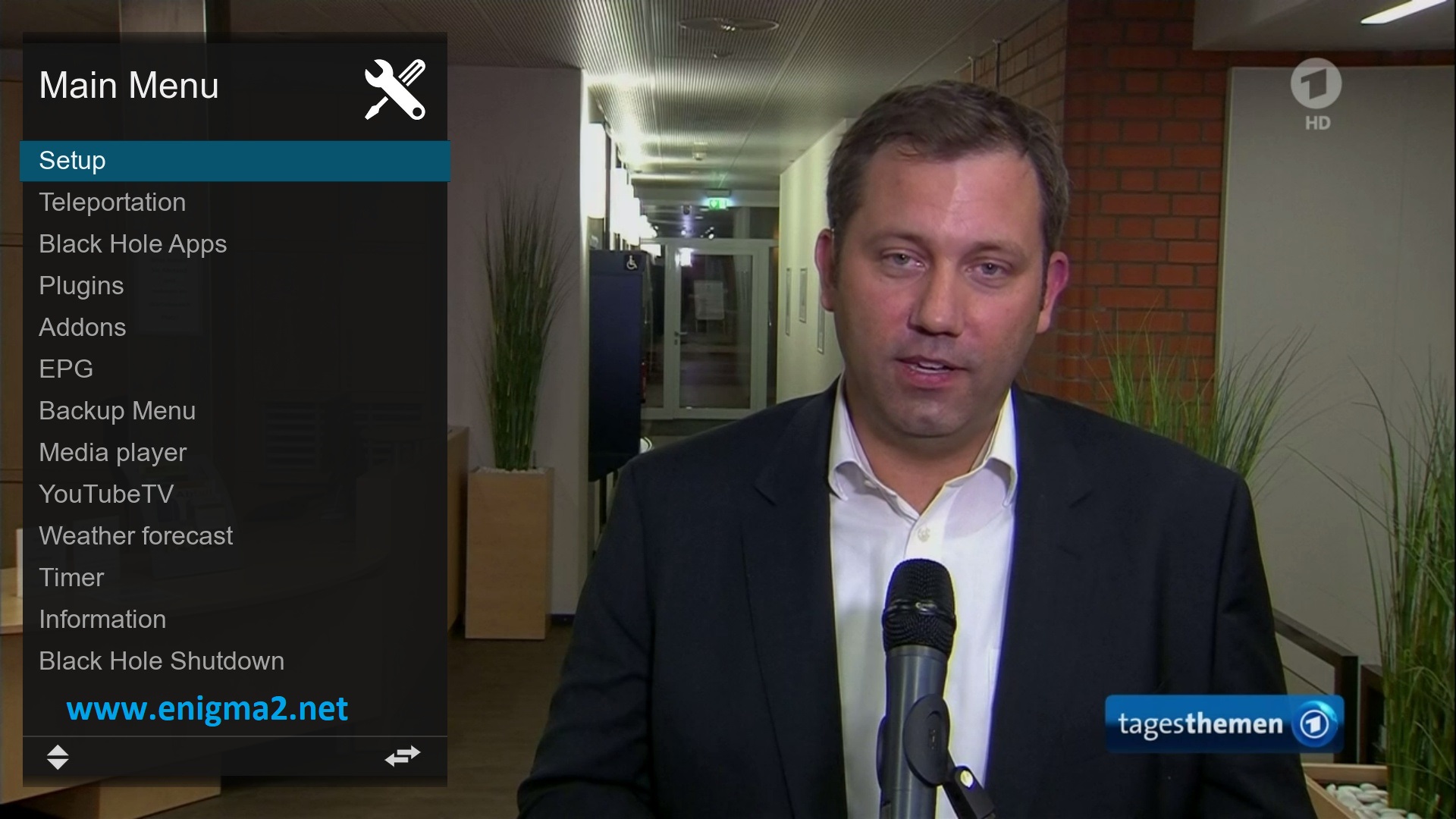
Menu – Setup
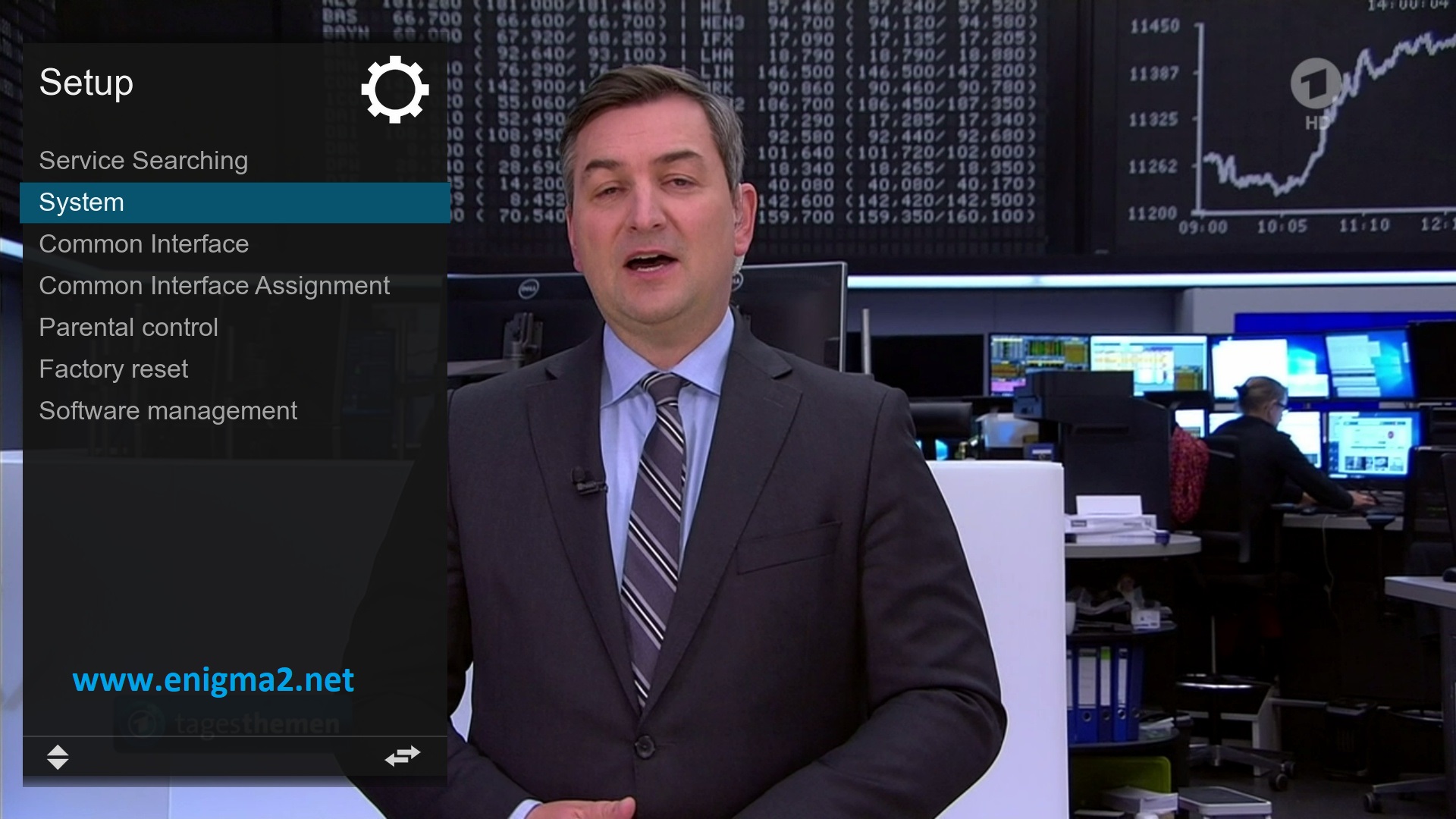
SYSTEM
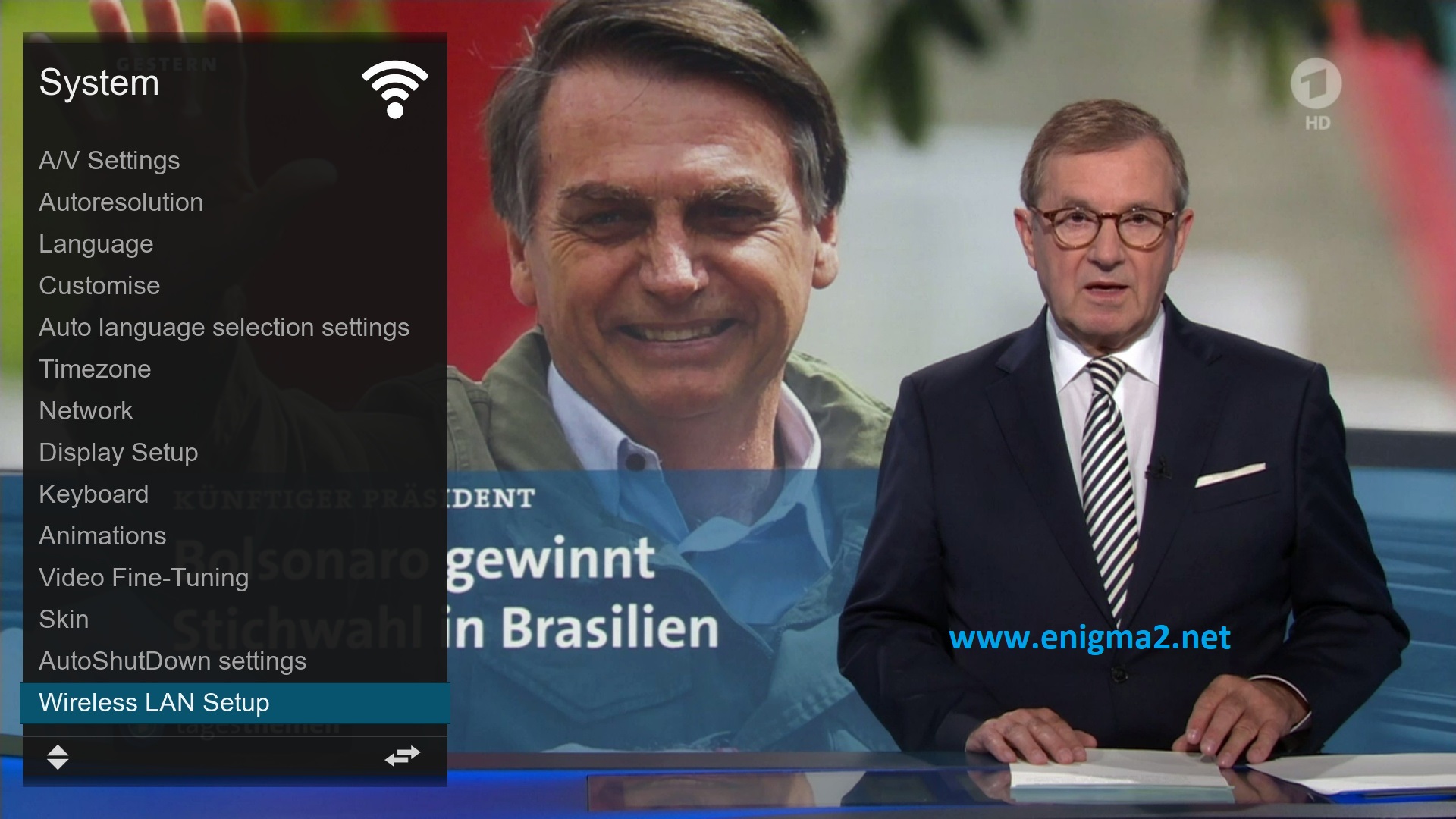
Wireless LAN SETUP
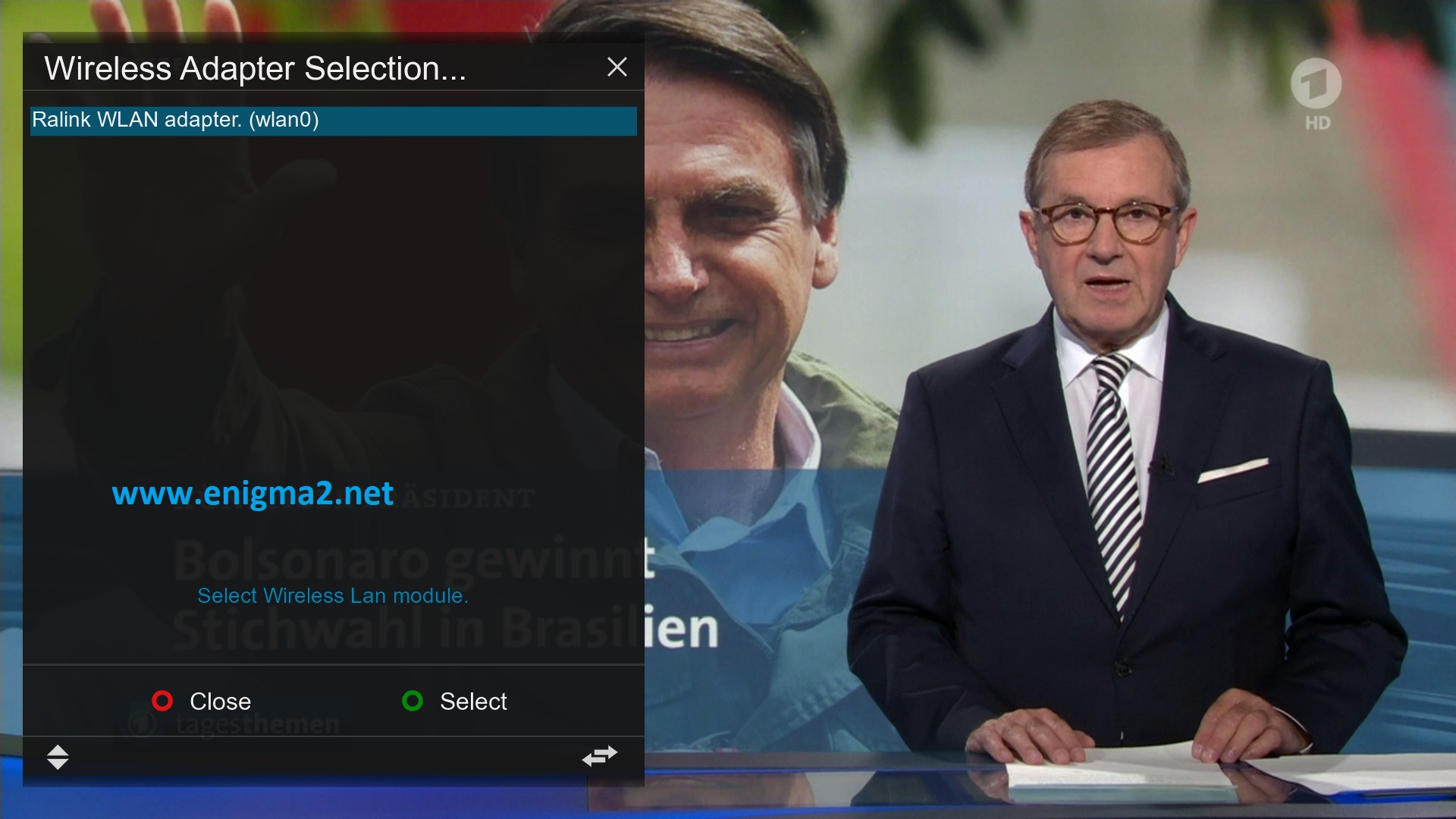 Select Ralink WLAN Adapter (Wlan0)
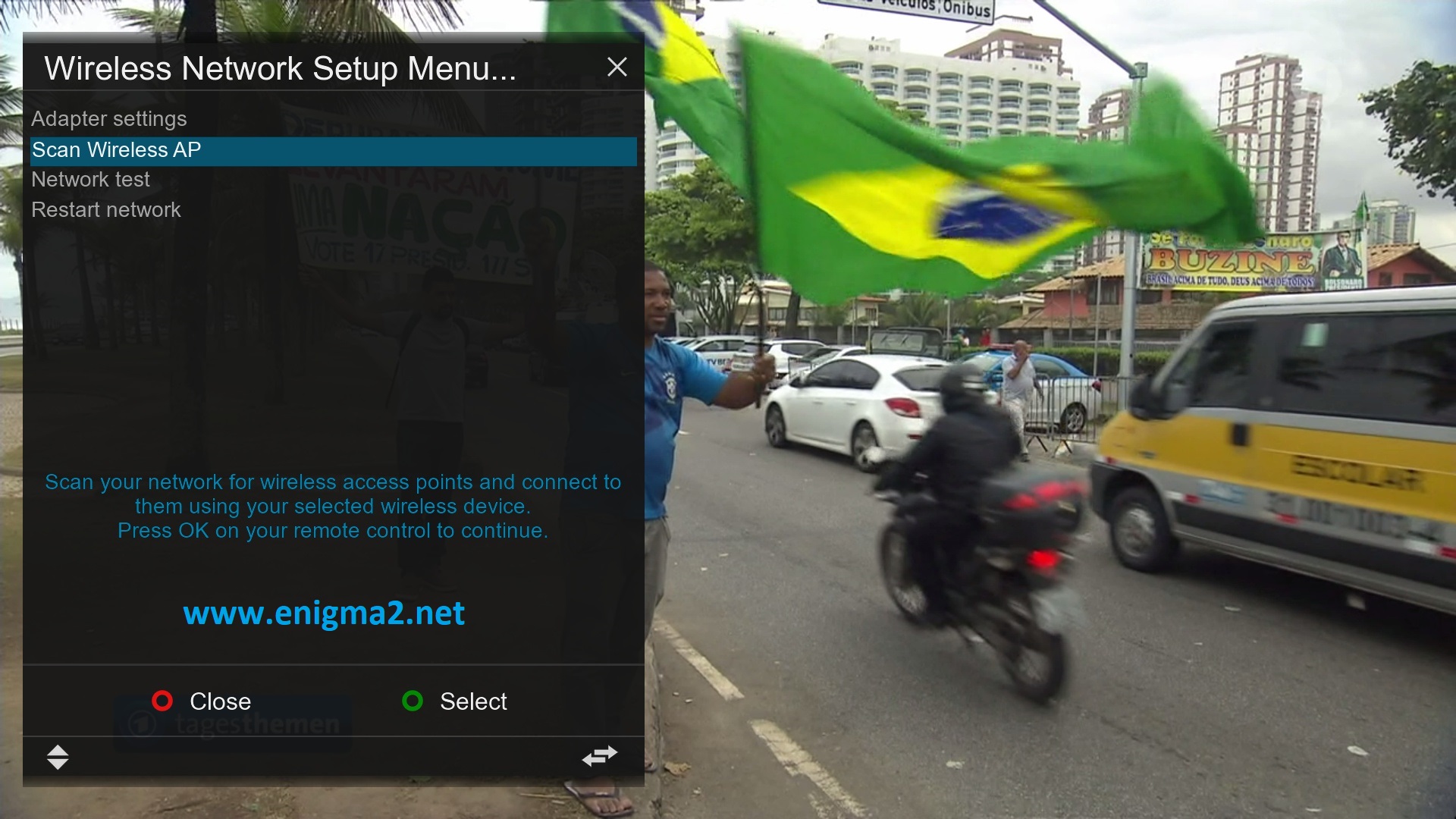
Select Scan Wireless AP
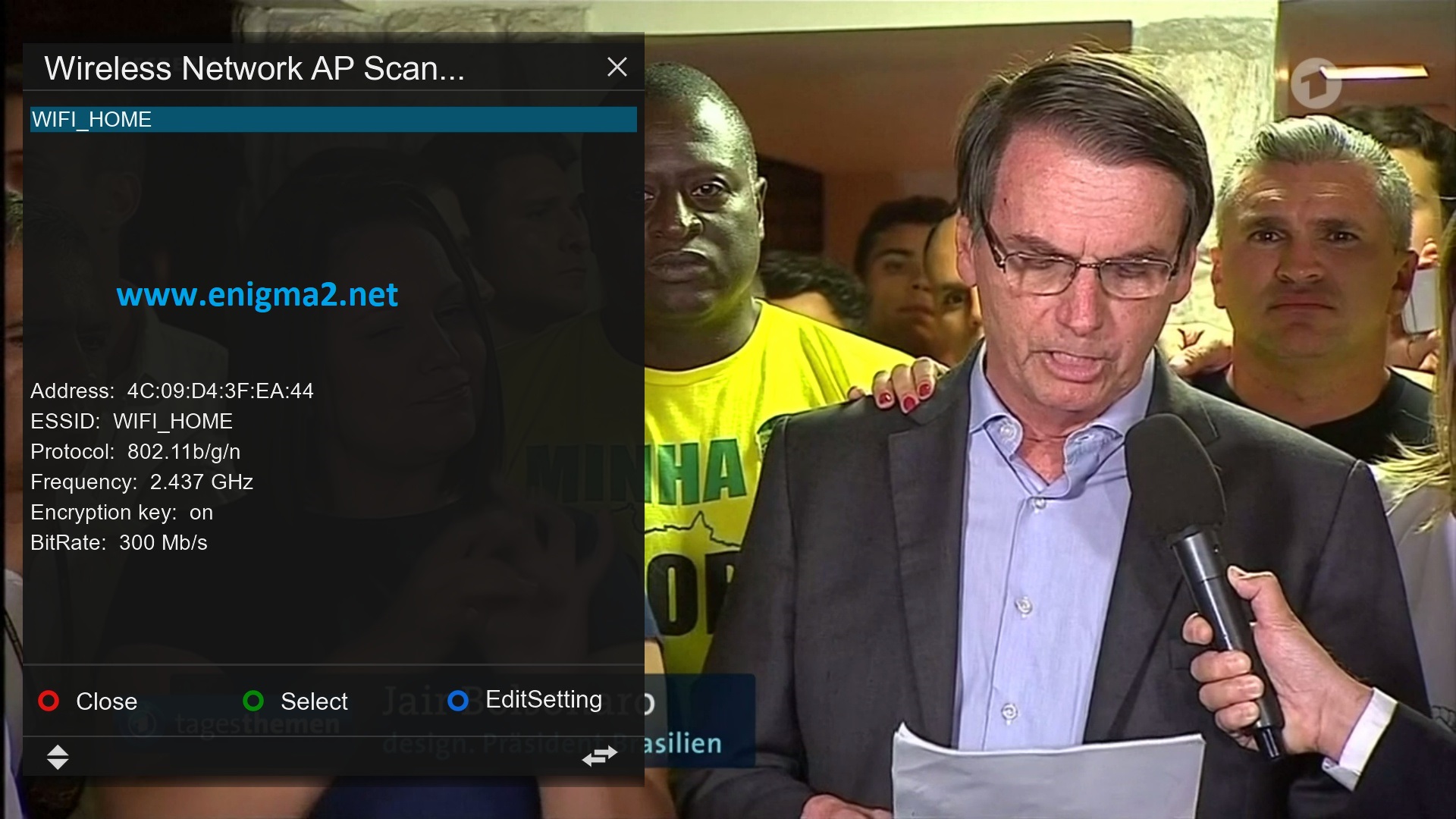
Select your Wireless network and press GREEN BUTTON to configure
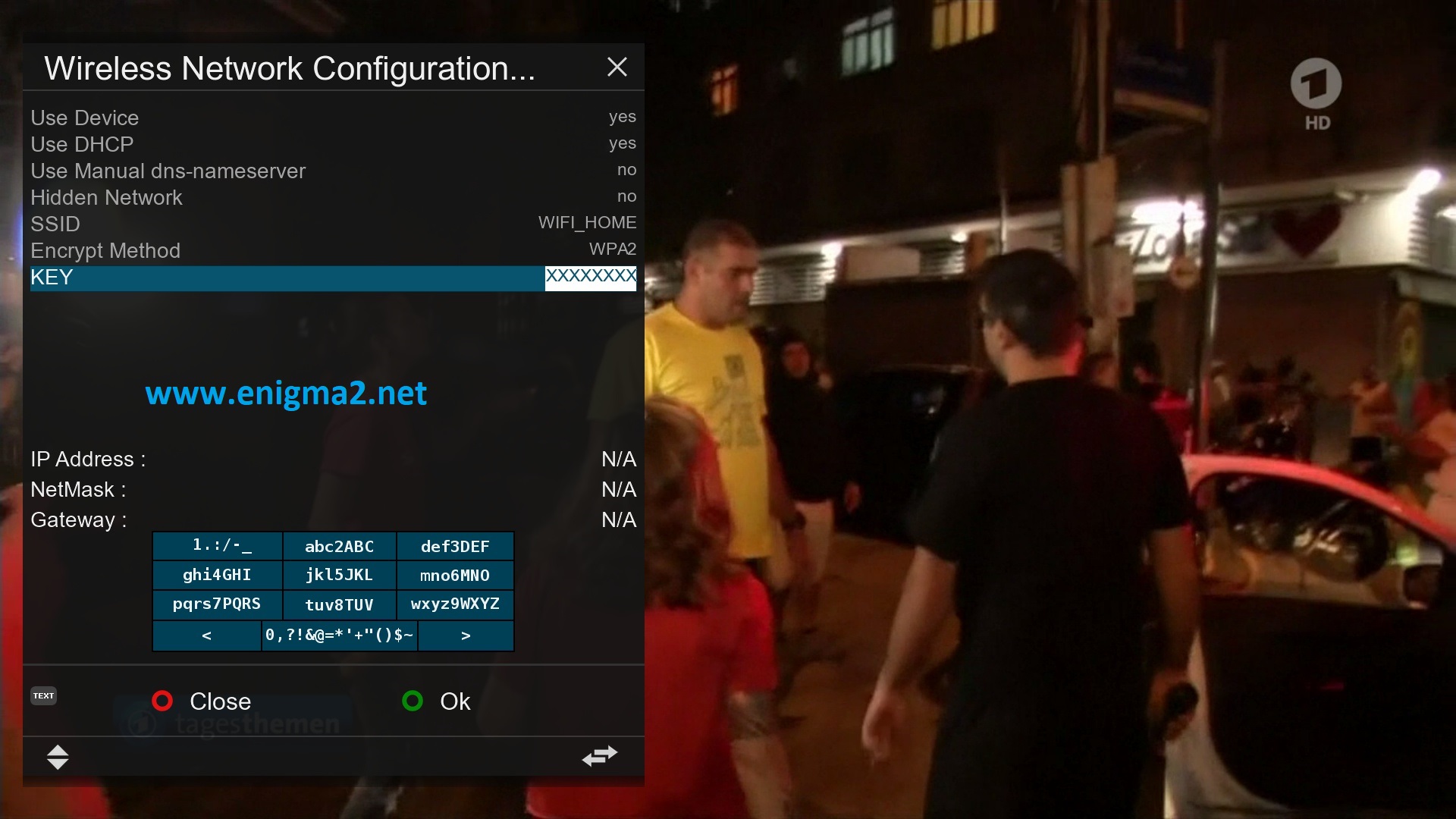
Now, configure your wireless network, choose the type of encryption and enter the key
When you finish press OK or GREEN KEY
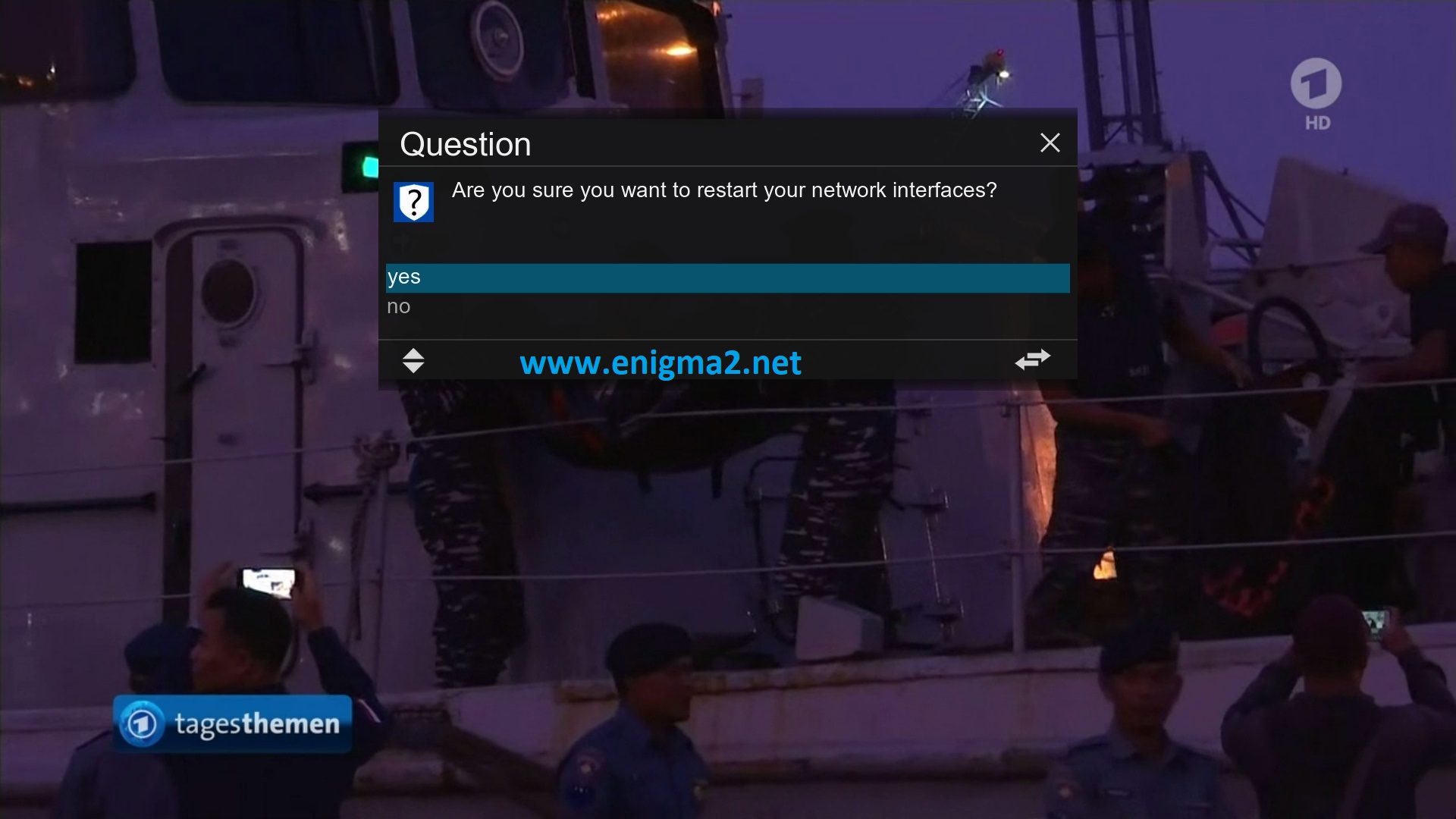
Select YES to confirm
After the network module will restartthis action will take 30-60 seconds.
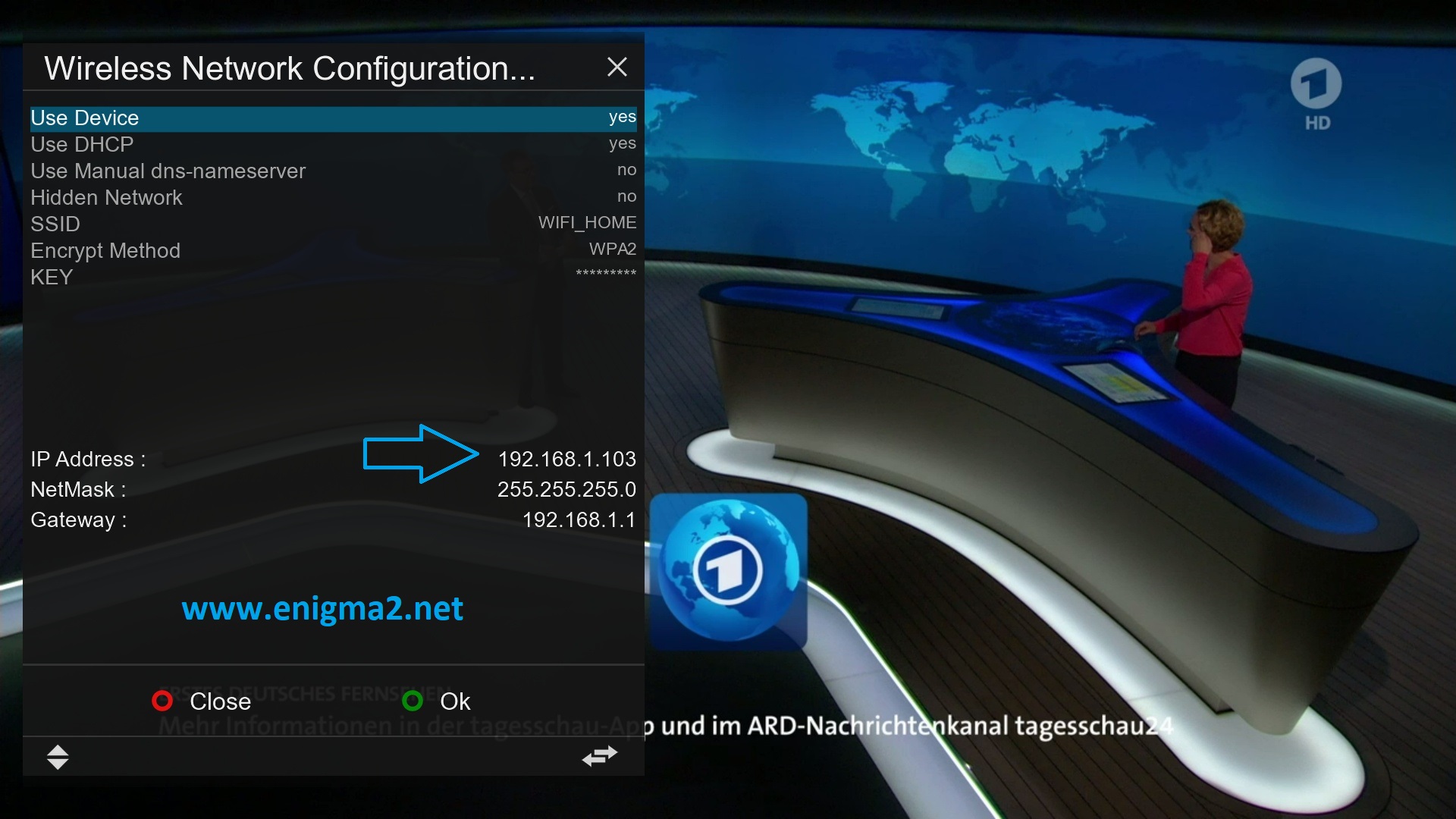
Congratulation your receiver is connecting now to your wireless (your IP address is : 192.168.1.100)
you can watch also this video