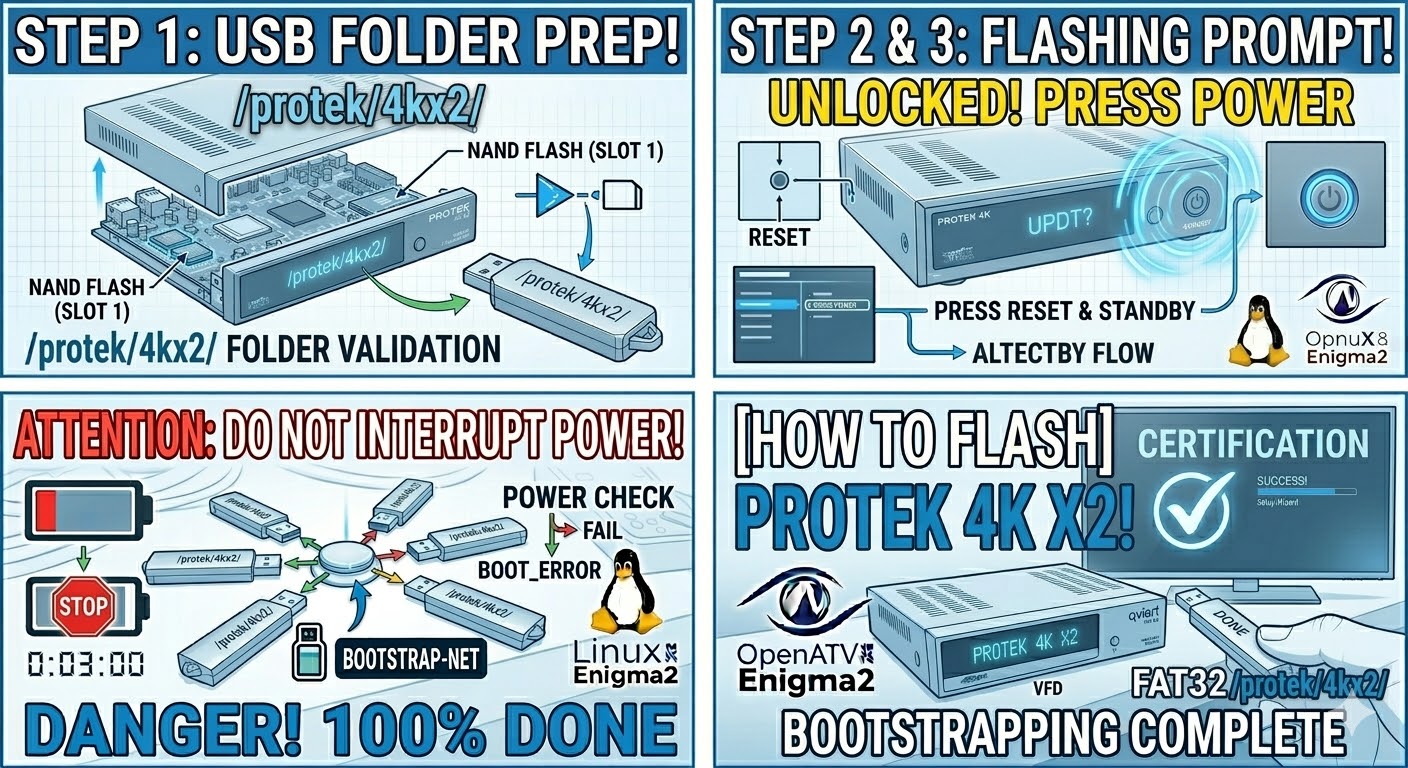
[HOW TO FLASH] how to flash Protek 4K X2
To flash the Protek 4K X2, you are working with a Broadcom-based 4K receiver. The process is very straightforward, provided
Read More
To flash the Protek 4K X2, you are working with a Broadcom-based 4K receiver. The process is very straightforward, provided
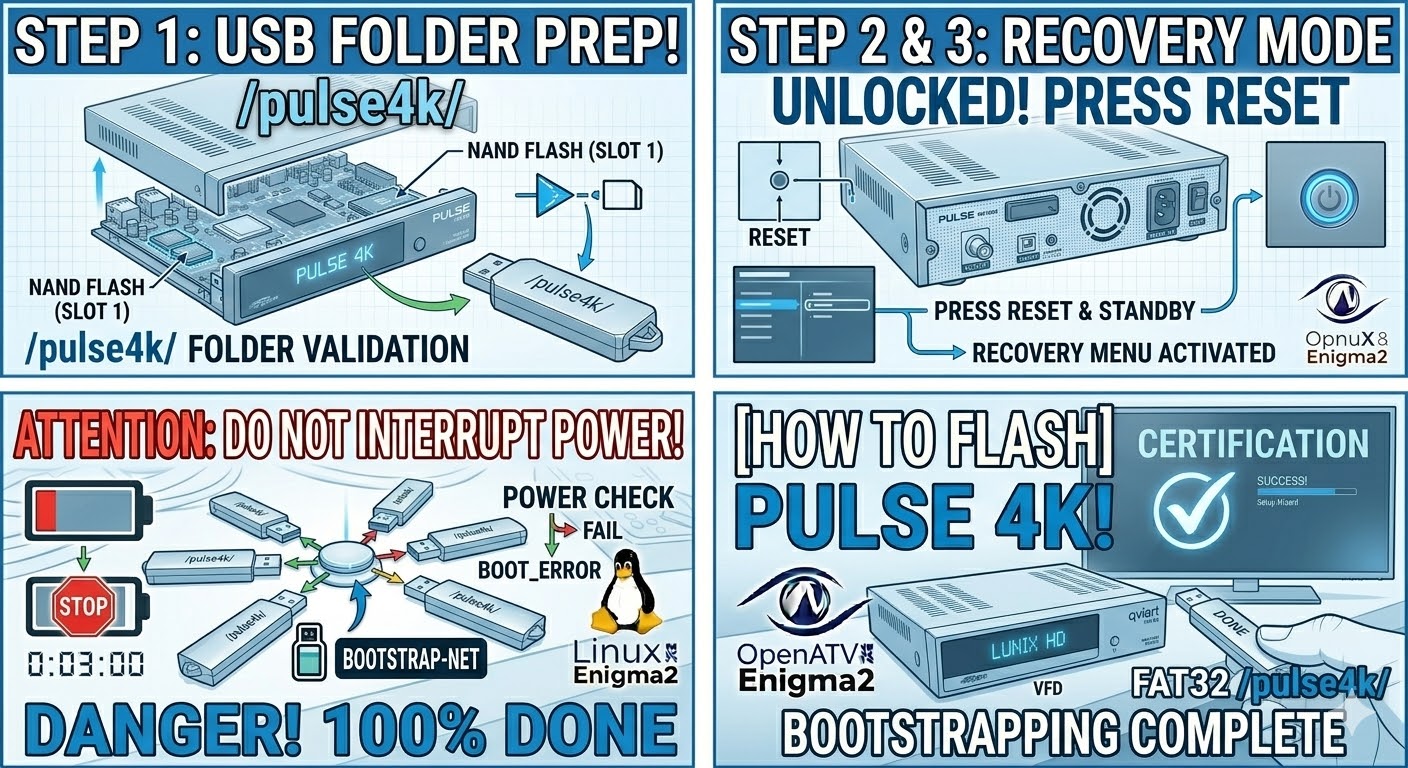
Read MoreTo flash the PULSe 4K (the full-sized version of the Mini), you are using a high-performance HiSilicon-based receiver. Like the
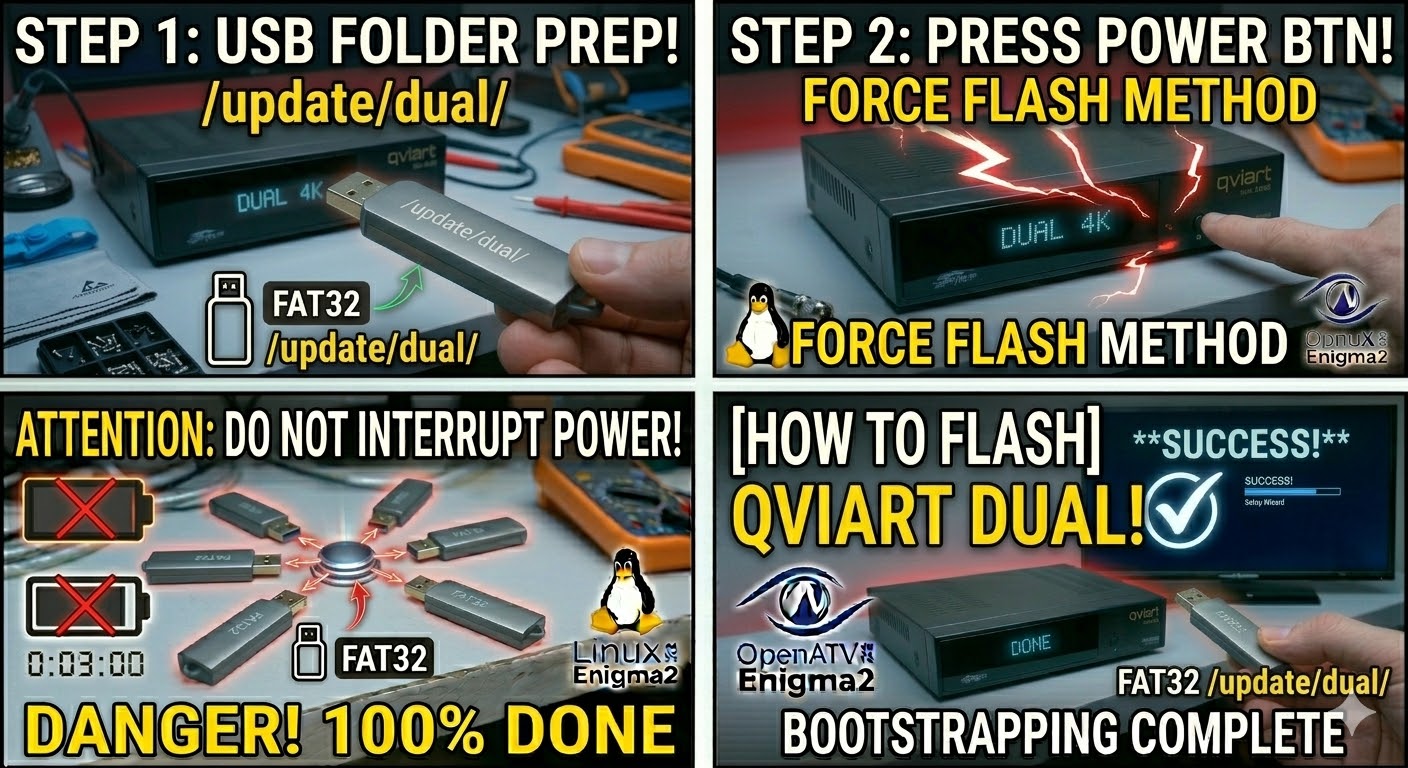
Read MoreTo flash the Qviart DUAL 4K UHD, you are working with a powerful “dual boot” receiver that supports both Android
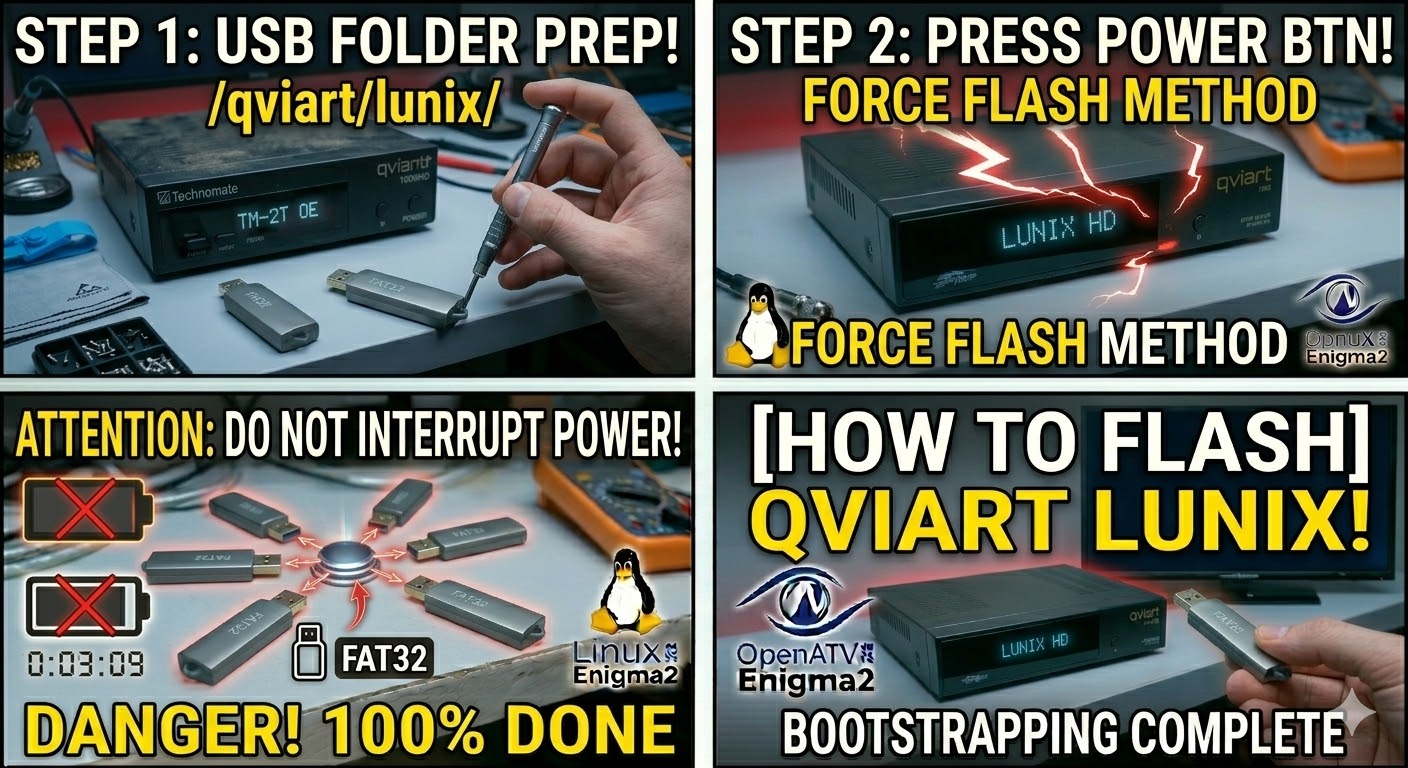
Read MoreTo flash the standard Qviart Lunix (the original HD model), the process is identical to its siblings but relies on
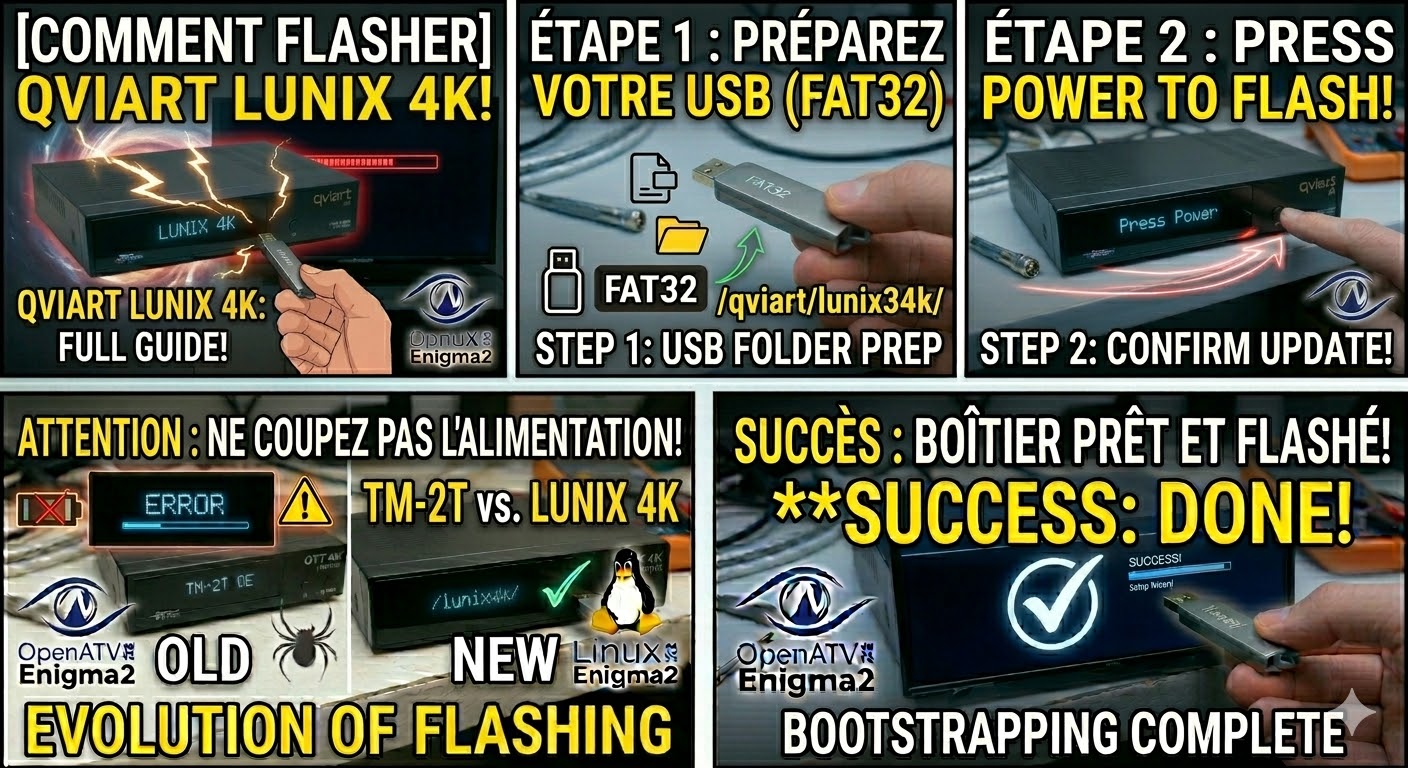
Read MoreTo flash the Qviart Lunix 4K, you follow a process almost identical to its larger sibling (the Lunix3), but with
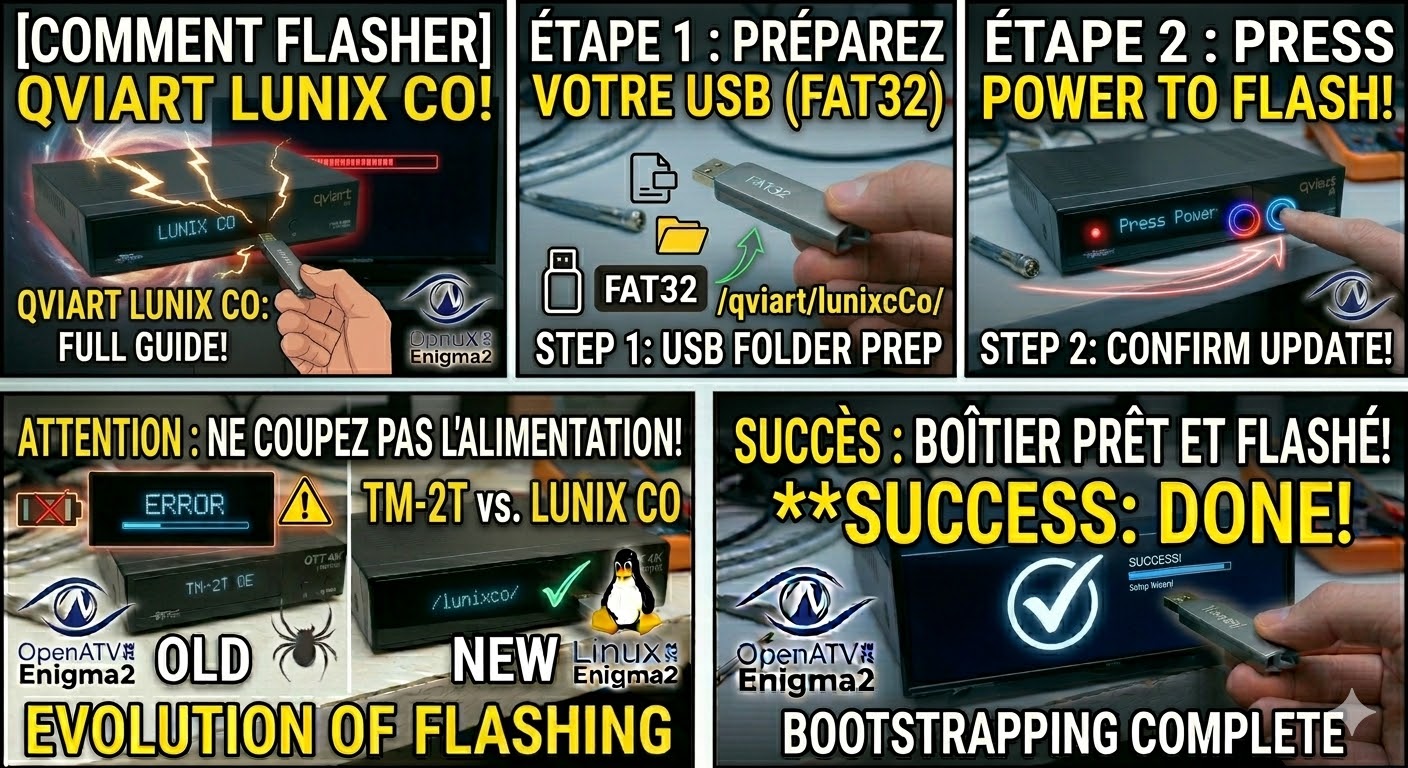
Read MoreTo flash the Qviart Lunix CO (the compact, cost-effective sibling of the Lunix3), you need to follow the specific folder
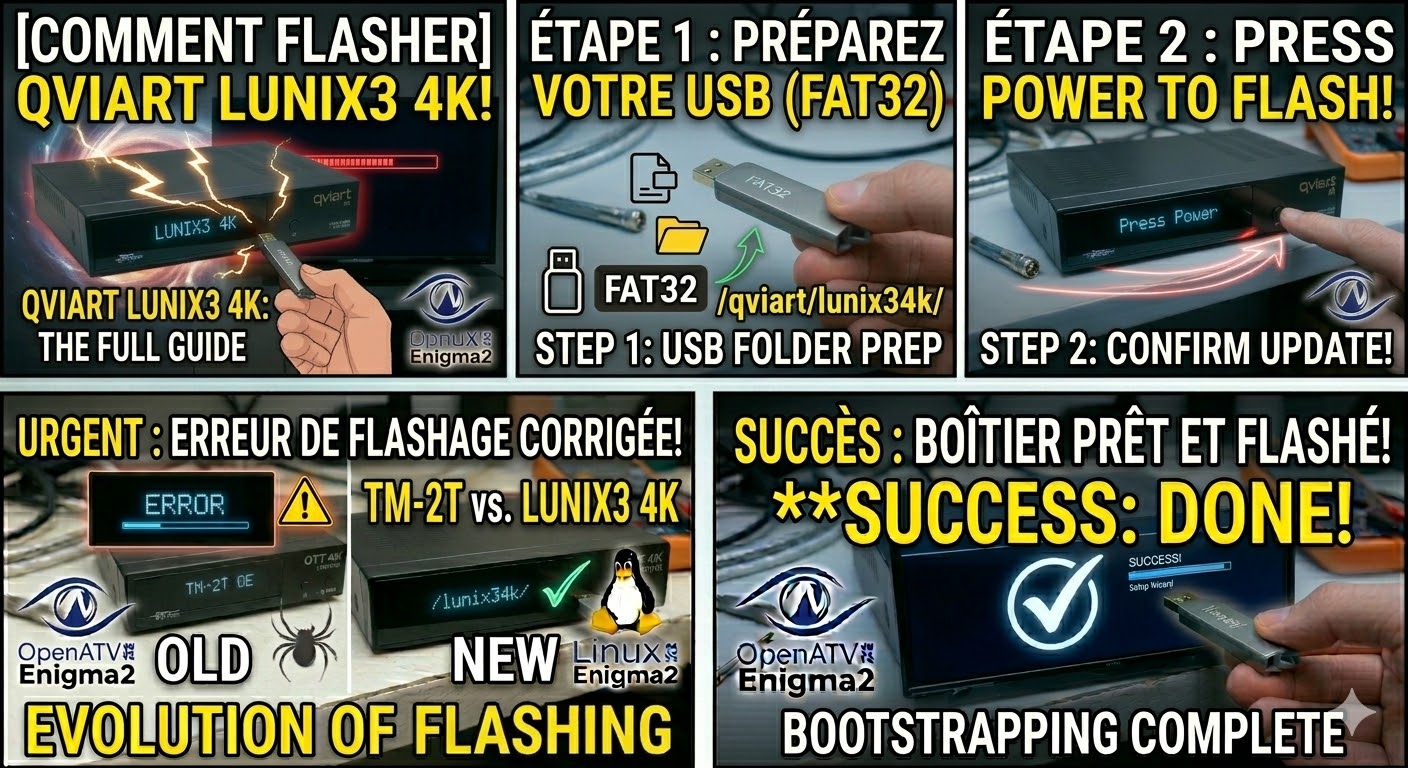
Read MoreTo flash the Qviart Lunix3 4K, you will follow a procedure very similar to other high-end Enigma2 4K receivers. This
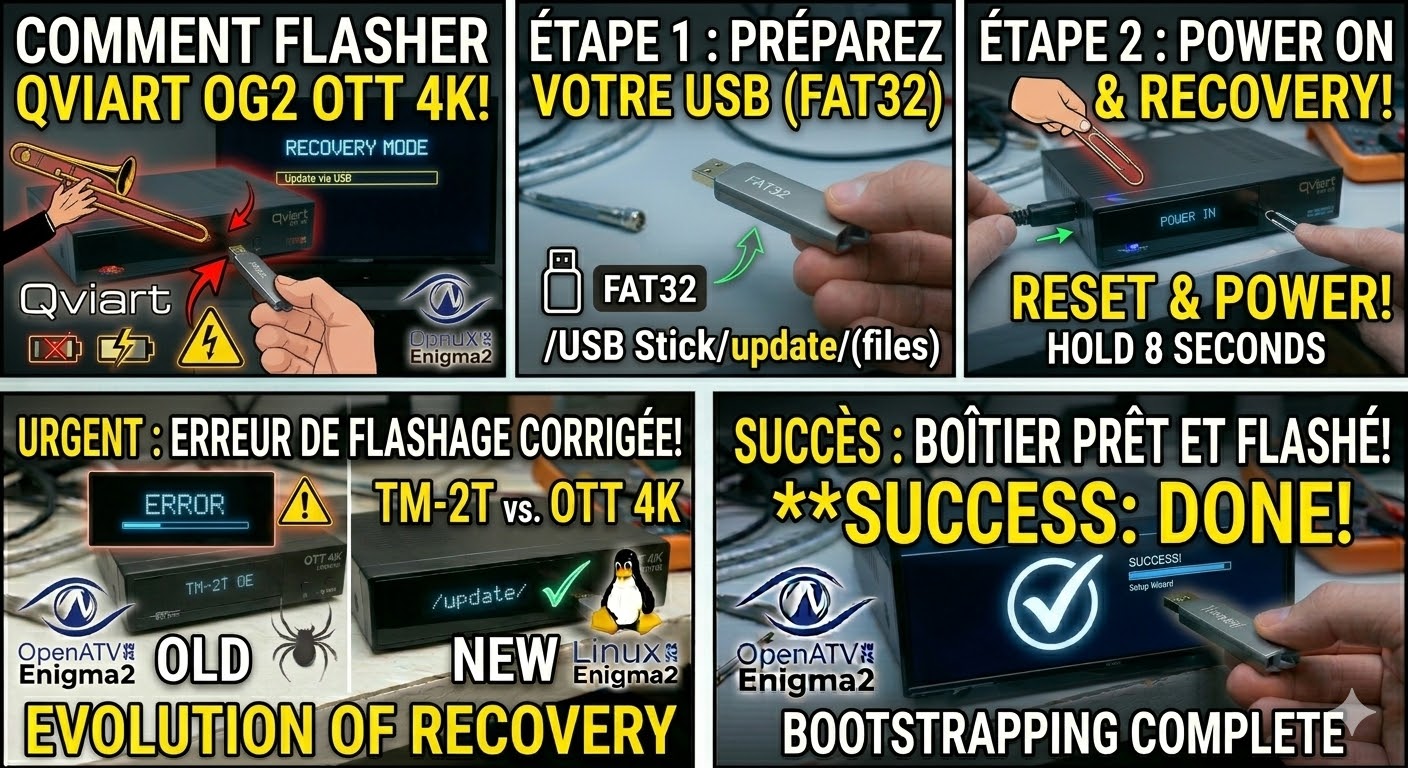
Read MoreTo flash the Qviart OG2 OTT 4K, you need to use the “Emergency Recovery” method. This model is a dedicated
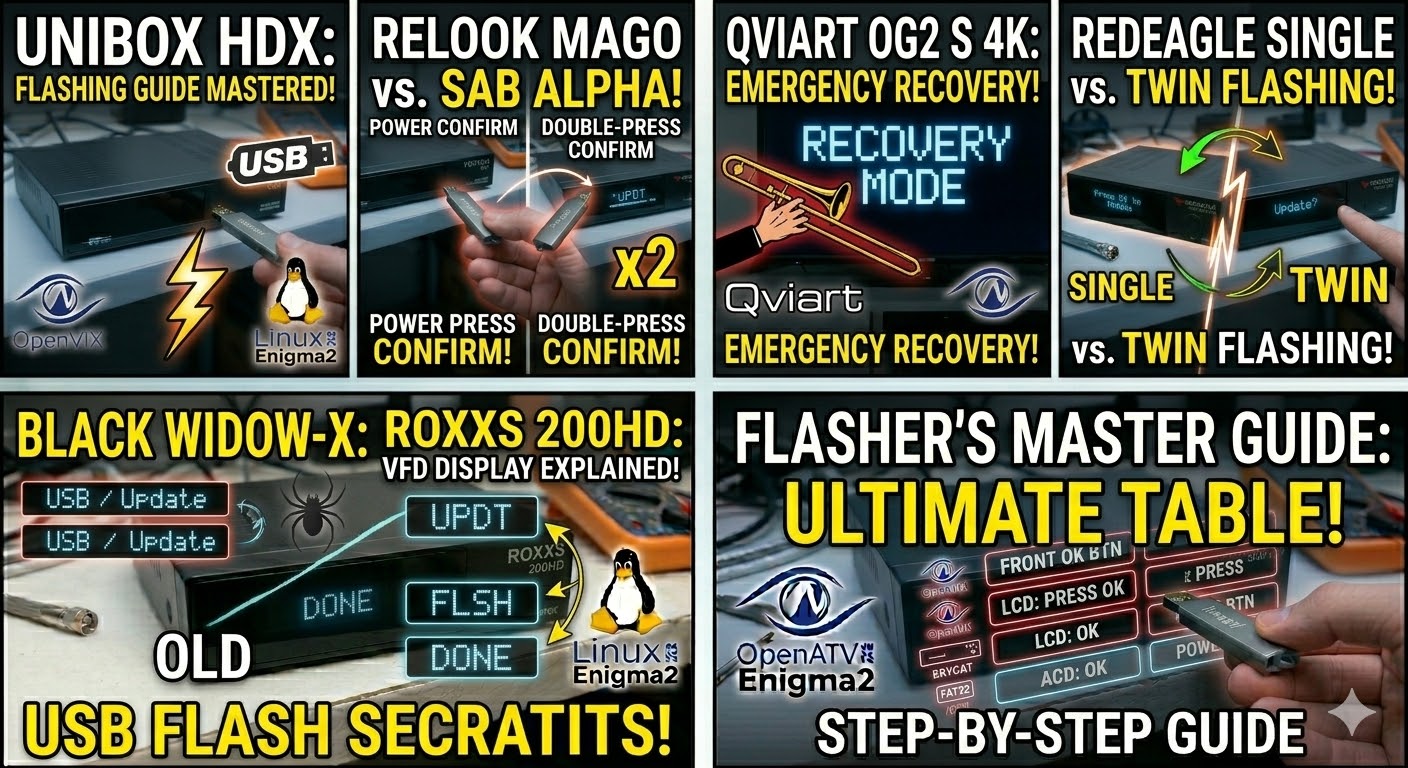
Read MoreTo flash the Qviart OG2 S 4K, you need to follow a procedure specific to Qviart’s Linux-based STBs. Unlike some
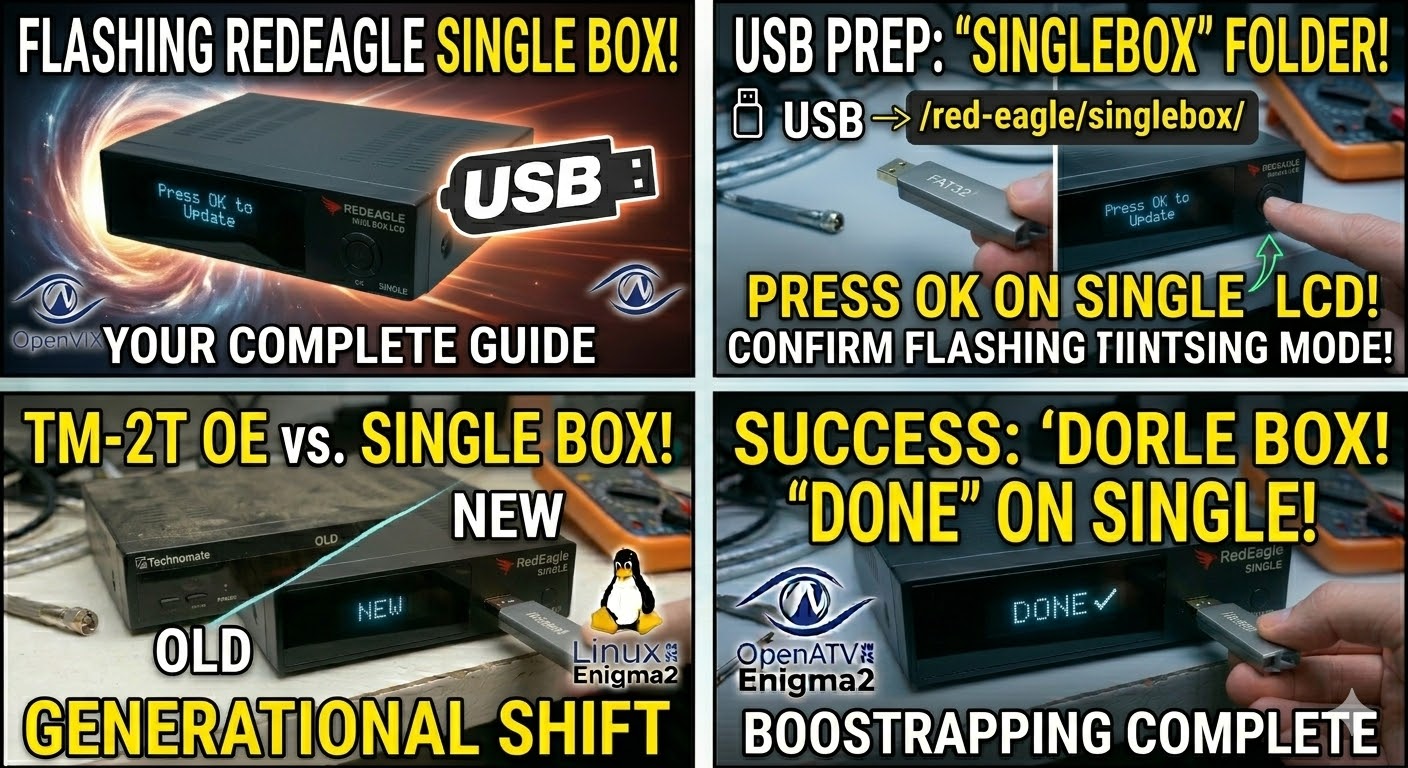
Read MoreTo flash the RedEagle Single Box LCD, the process is identical to its “Twin” sibling, but you must ensure the
Read More