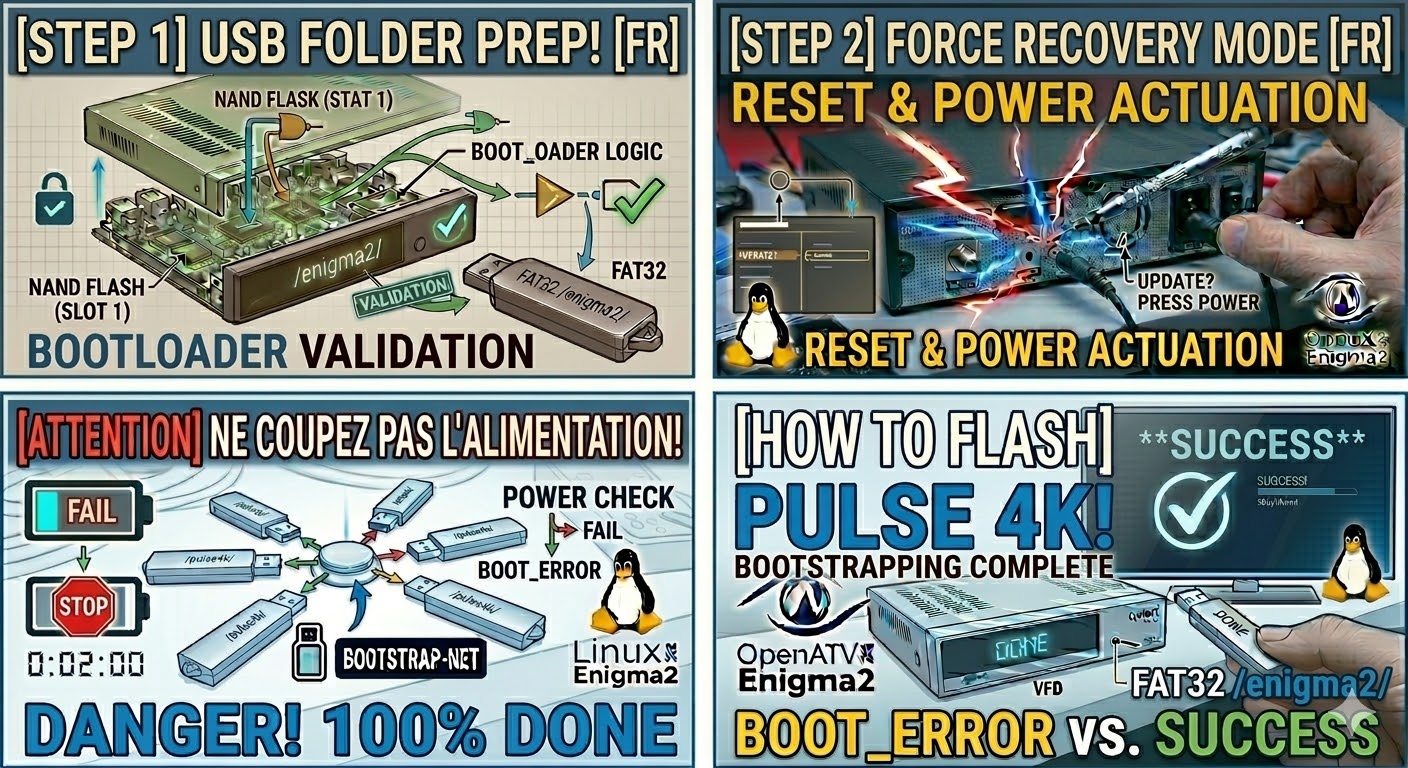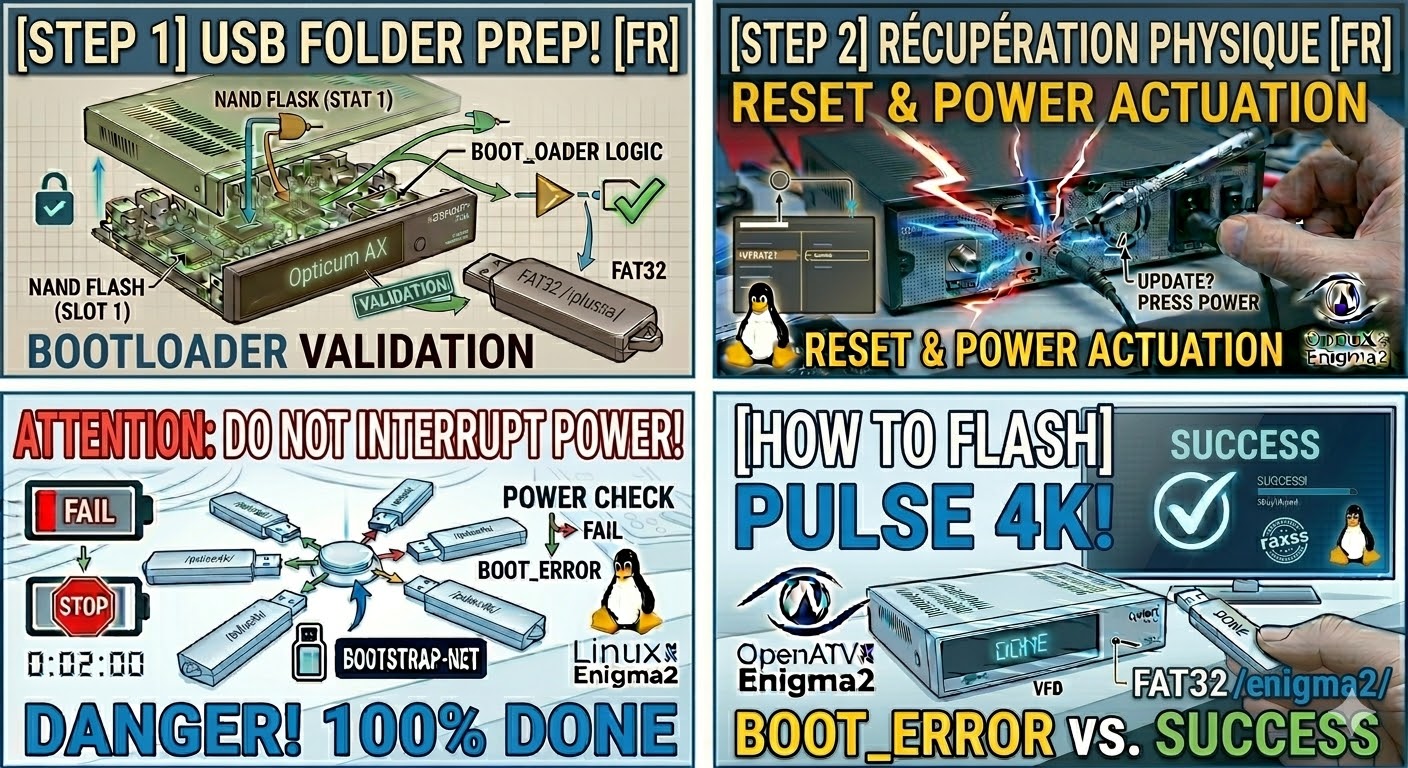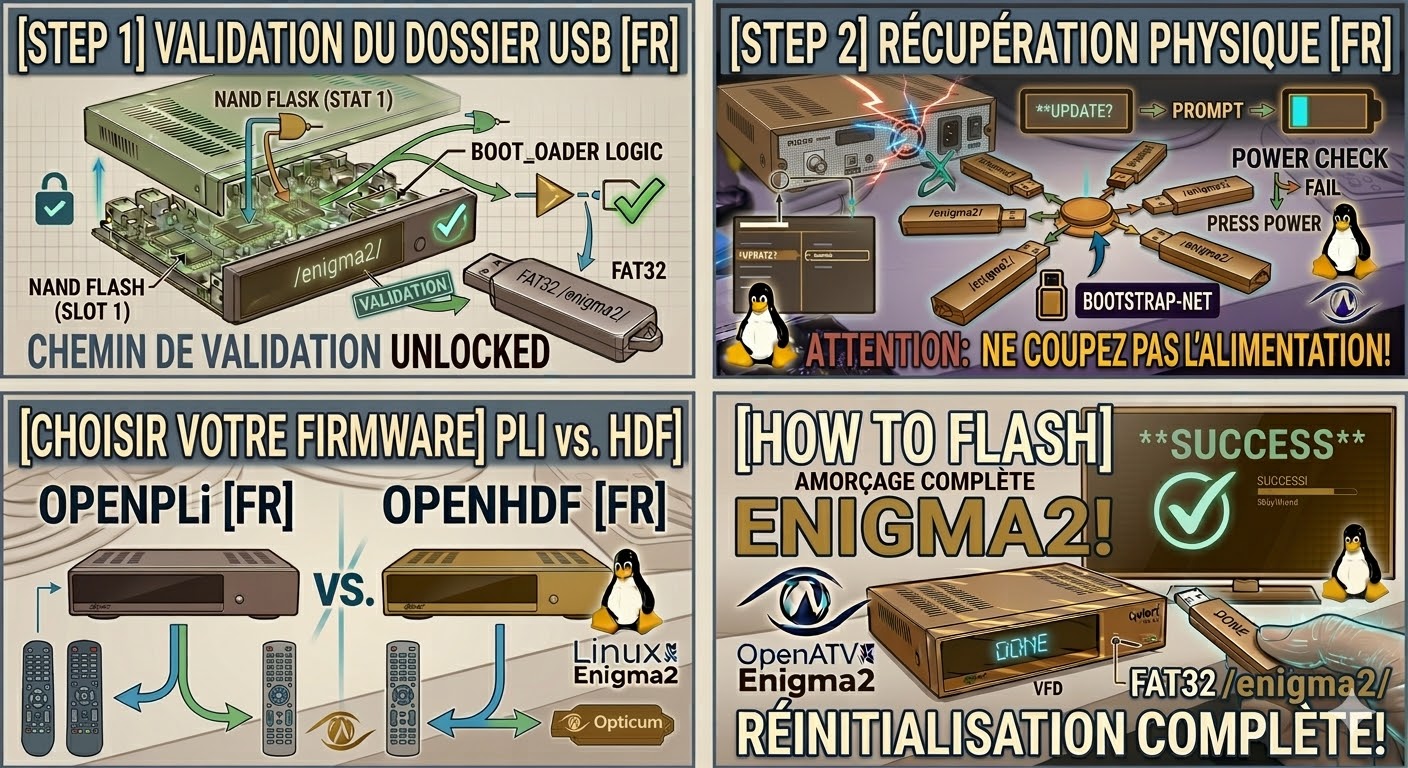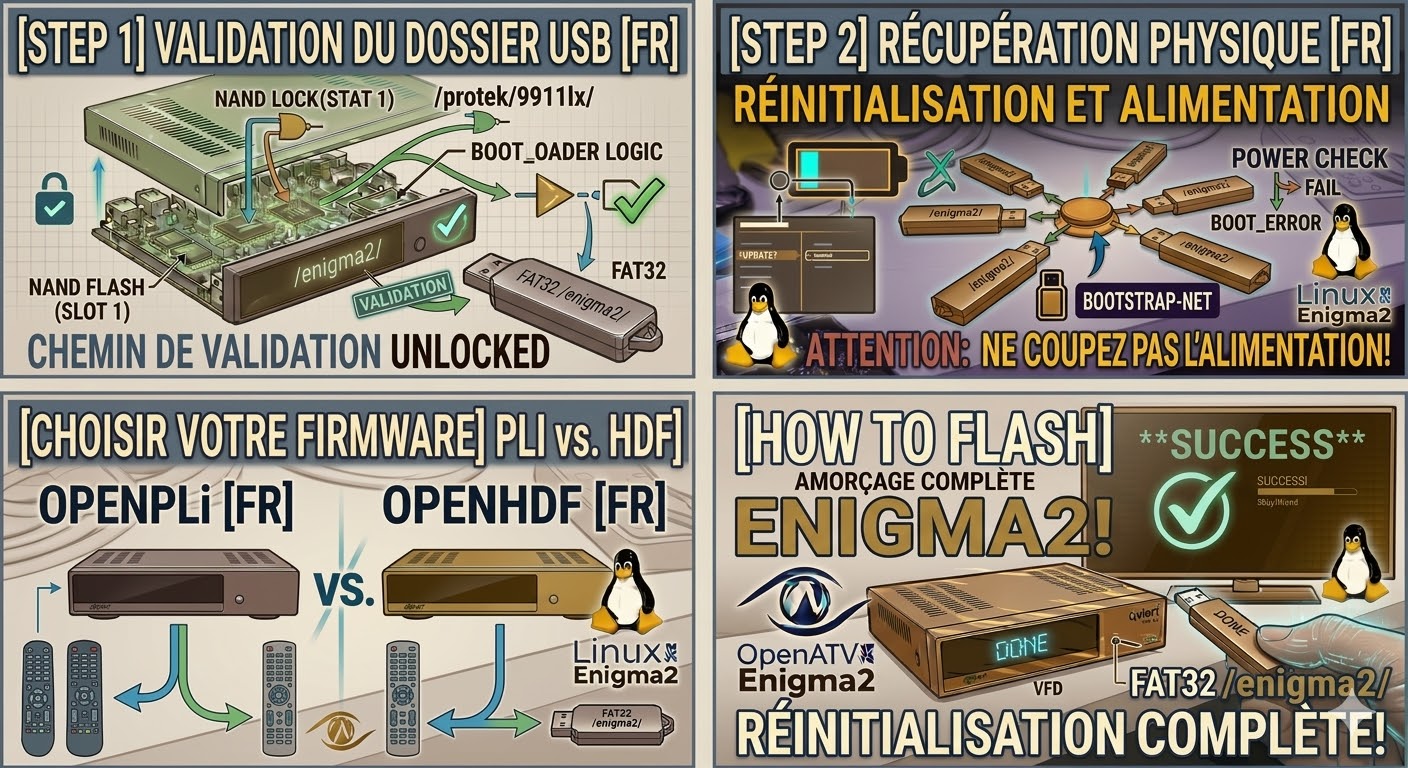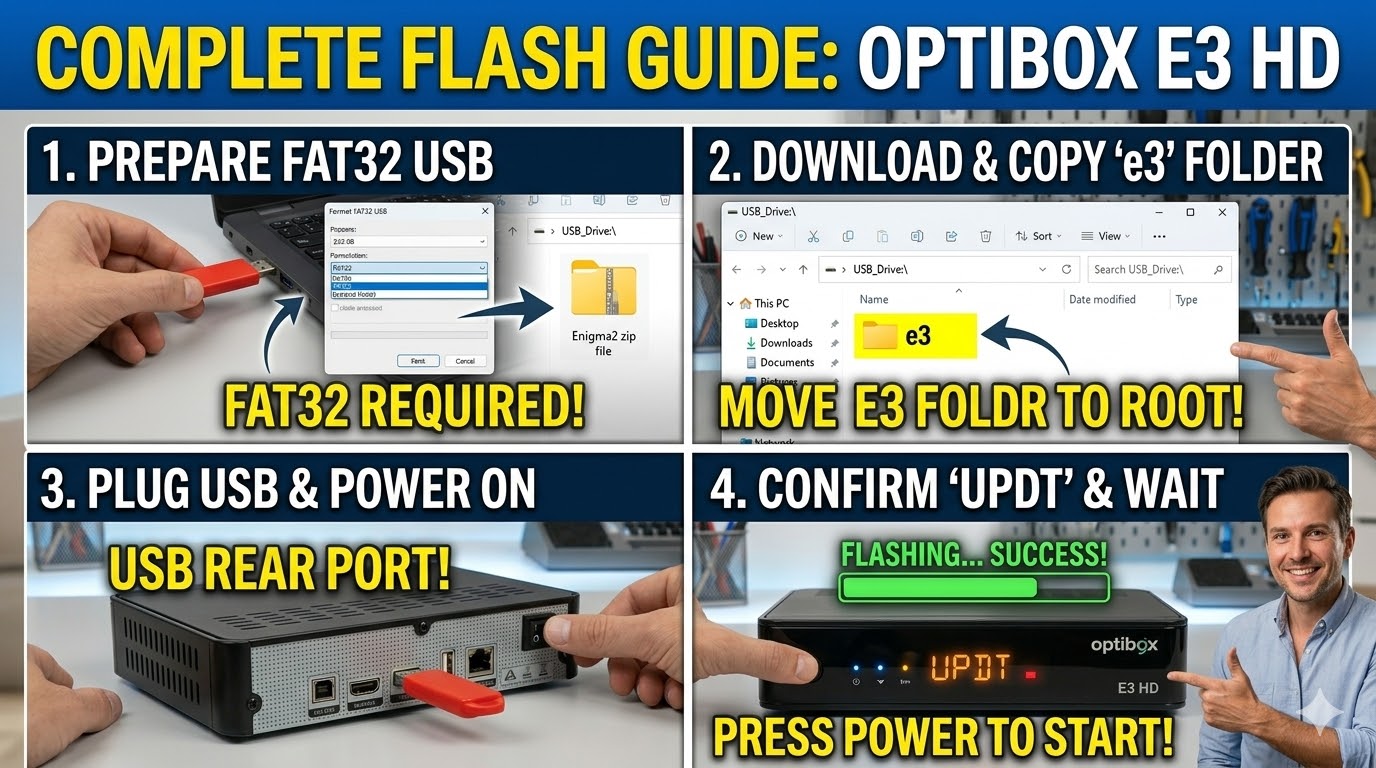
[HOW TO FLASH] how to flash Optibox E3 HD
To flash your Optibox E3 HD, you’ll need a USB stick and a compatible Enigma2 firmware image (like OpenATV, OpenPLi,
Read More
To flash your Optibox E3 HD, you’ll need a USB stick and a compatible Enigma2 firmware image (like OpenATV, OpenPLi,
Read MoreTo flash the Optibox EVO (specifically the EVO M7 model), you are working with a classic Enigma2 Broadcom receiver. The
Read MoreTo flash the Opticum AX ODIN Plus, you are using a slightly updated version of the original AX-Odin. While the
Read MoreTo flash the Opticum Odin Twin, you are working with a classic Broadcom-based Enigma2 receiver. The hardware is identical to
Read MoreTo flash the Protek 9900 LX, the process remains consistent with the LX series, utilizing a Broadcom-based bootloader. Success depends
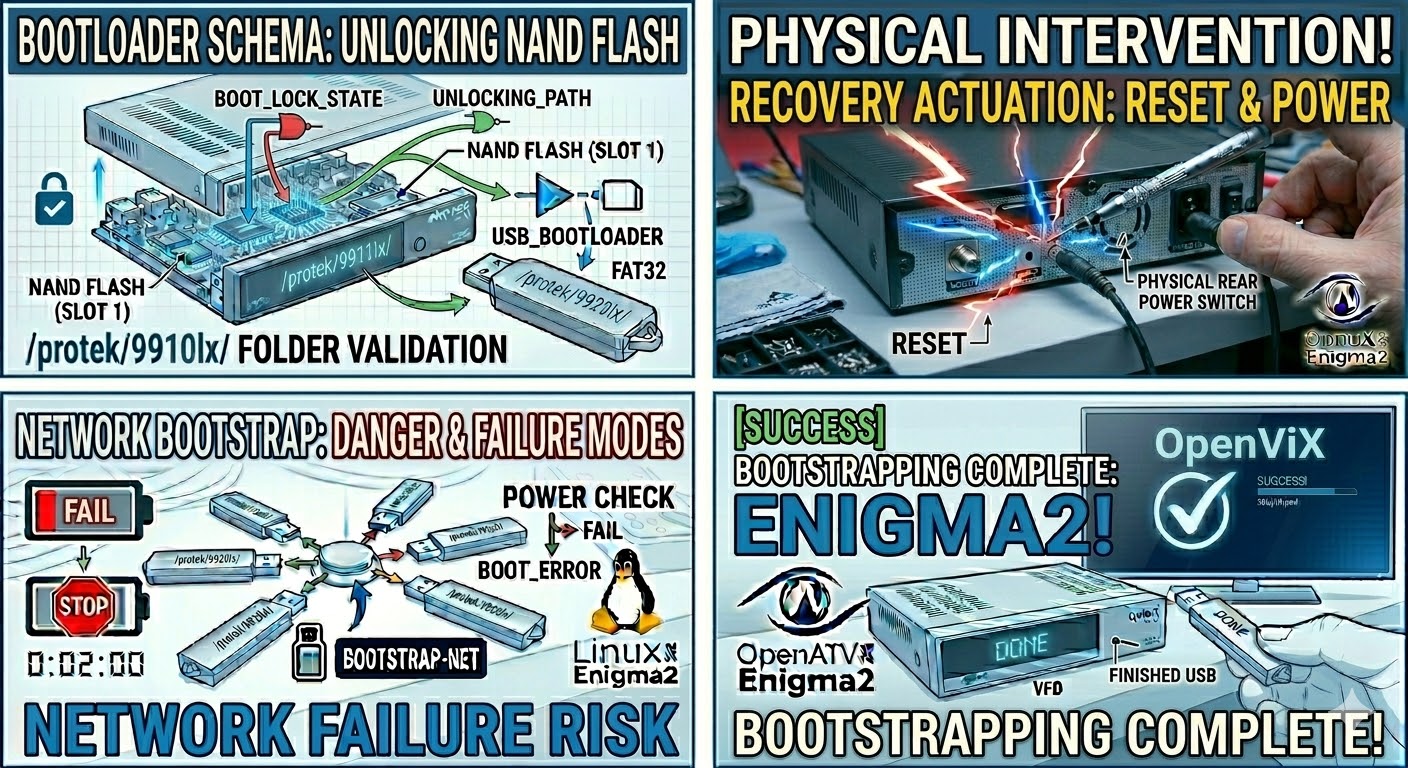
Read MoreTo flash the Protek 9910 LX, you follow a nearly identical procedure to its siblings in the LX series. This
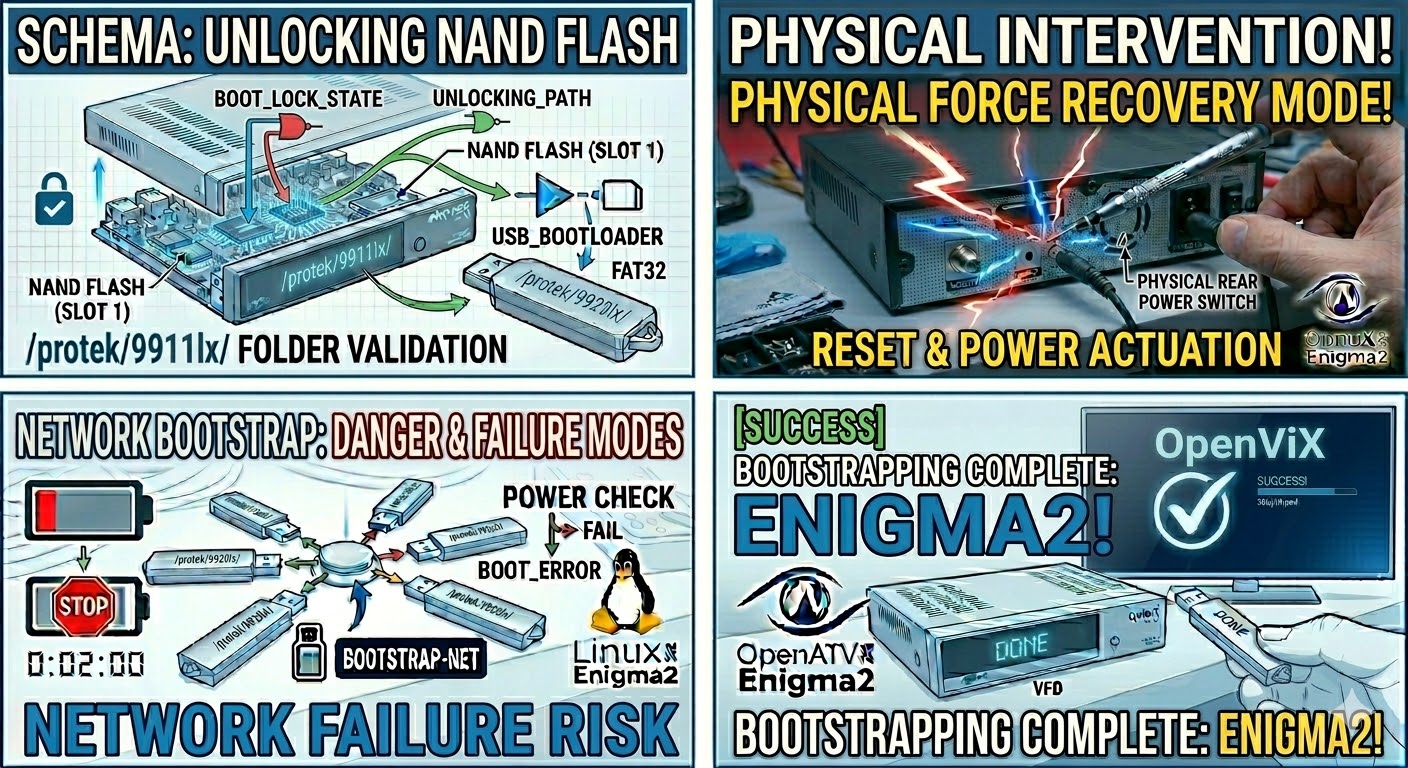
Read MoreTo flash the Protek 9911 LX, you’ll follow a process very similar to the 9920 LX. This receiver relies on
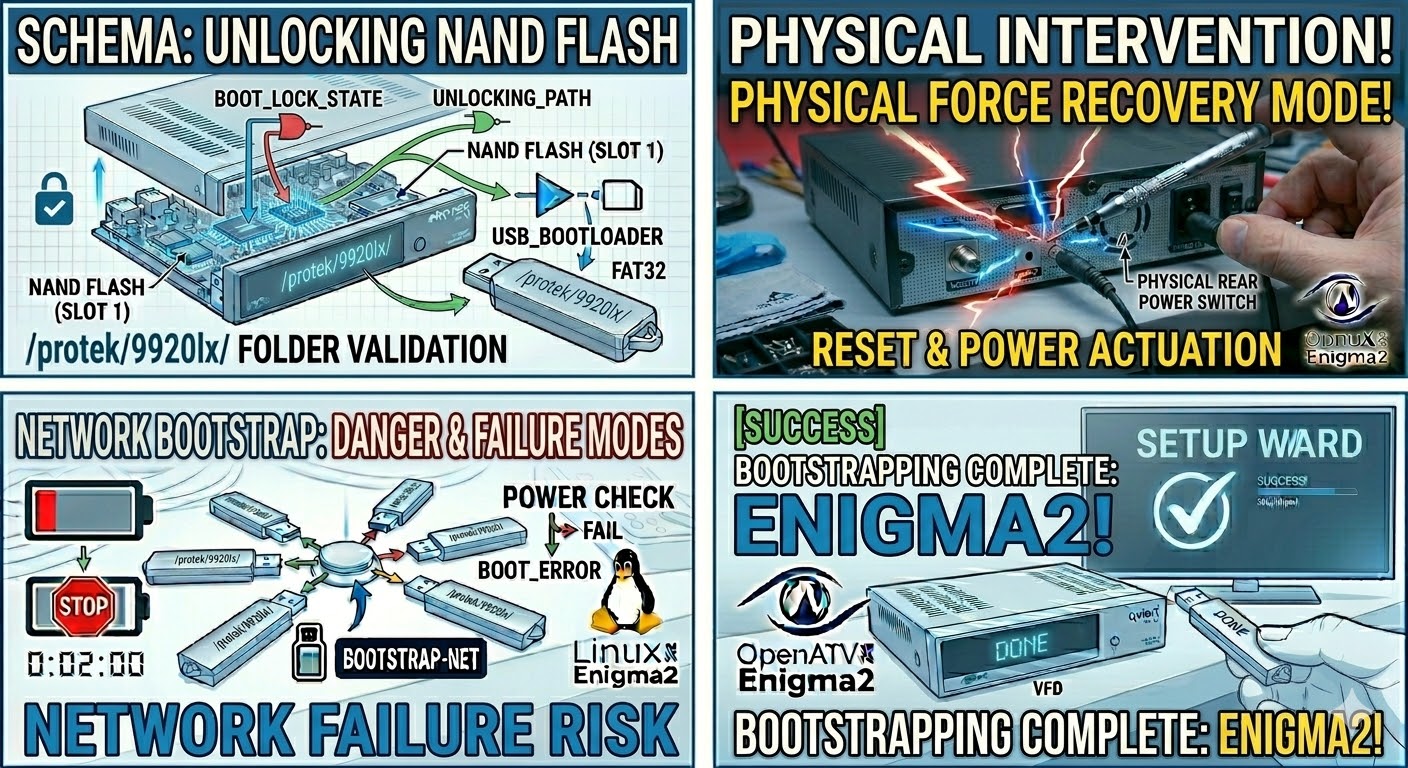
Read MoreFlashing the Protek 9920 LX follows the standard procedure for HD-era Enigma2 boxes. Since this model uses a Broadcom chipset,
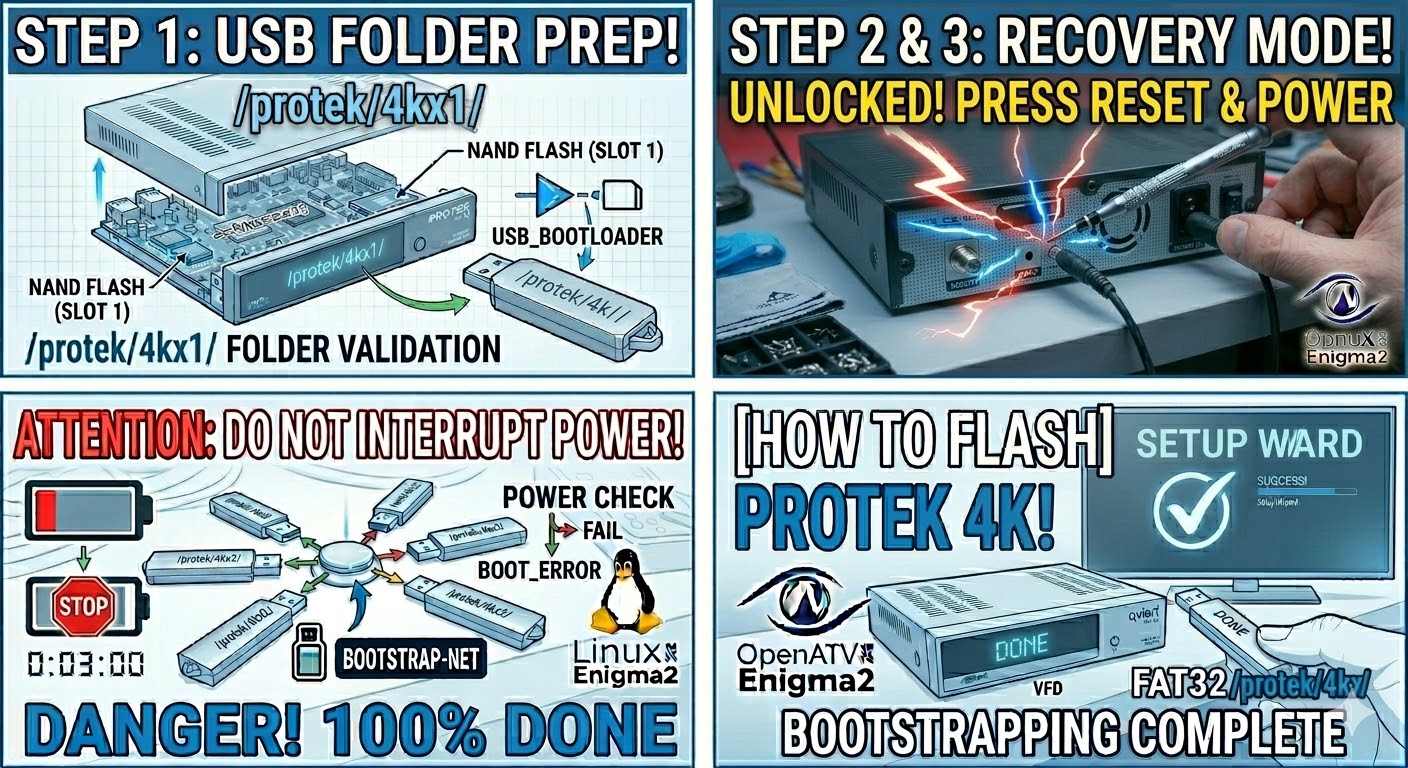
Read MoreTo flash the original Protek 4K (the first UHD model from Protek), you are working with a Broadcom chipset that
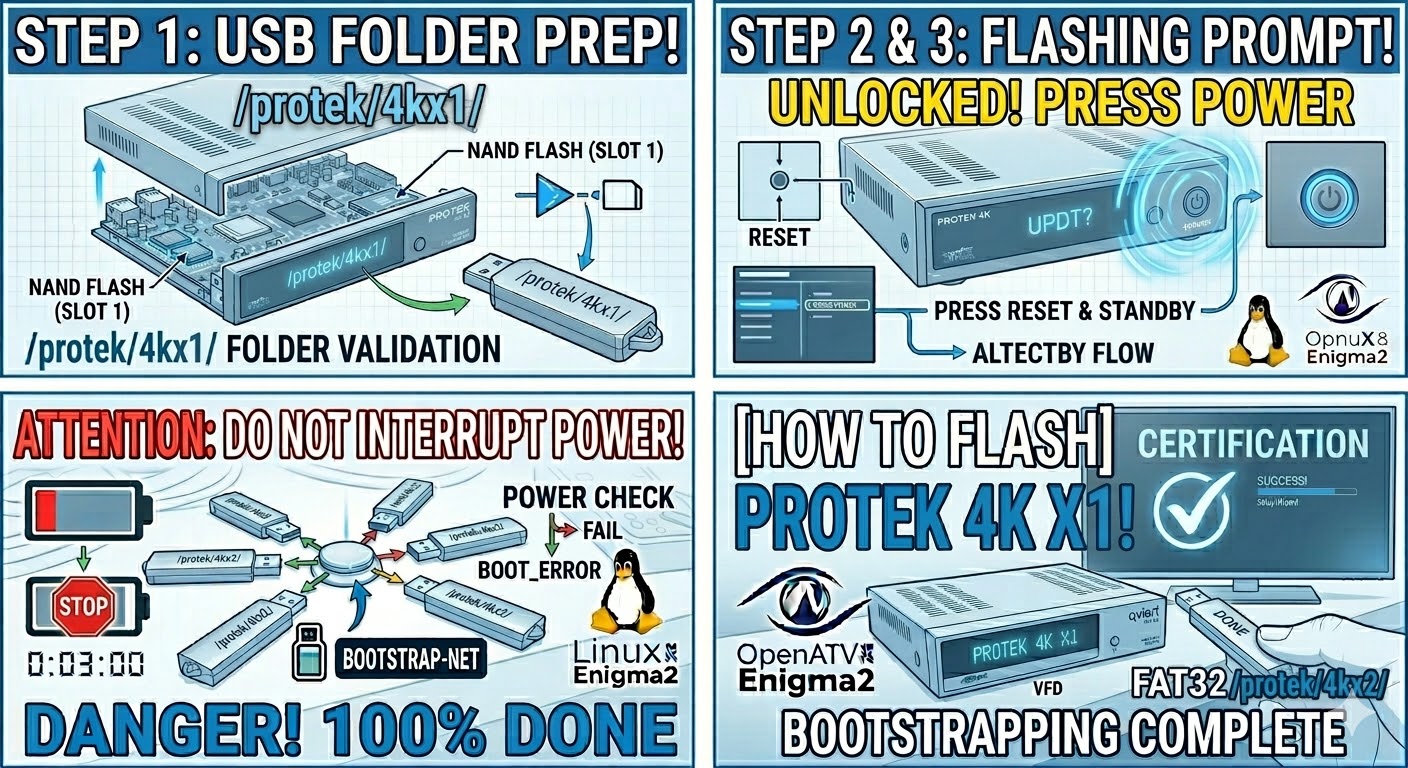
Read MoreTo flash the Protek 4K X1, the process is nearly identical to the X2, but you must use the specific
Read More