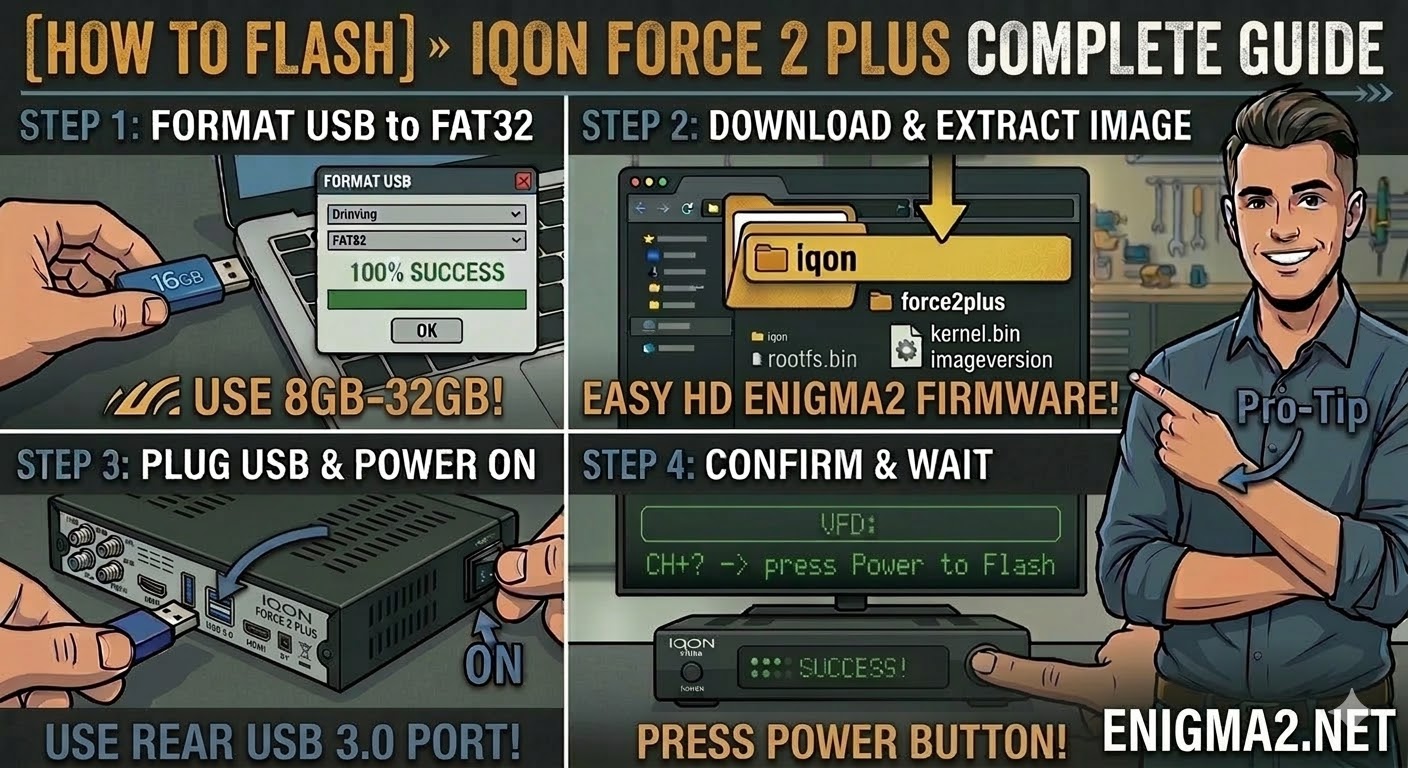
[HOW TO FLASH] how to flash IQON Force 2 Plus
To flash the IQON Force 2 Plus, you will use the Broadcom bootloader procedure. This model is very similar to
Read More
To flash the IQON Force 2 Plus, you will use the Broadcom bootloader procedure. This model is very similar to
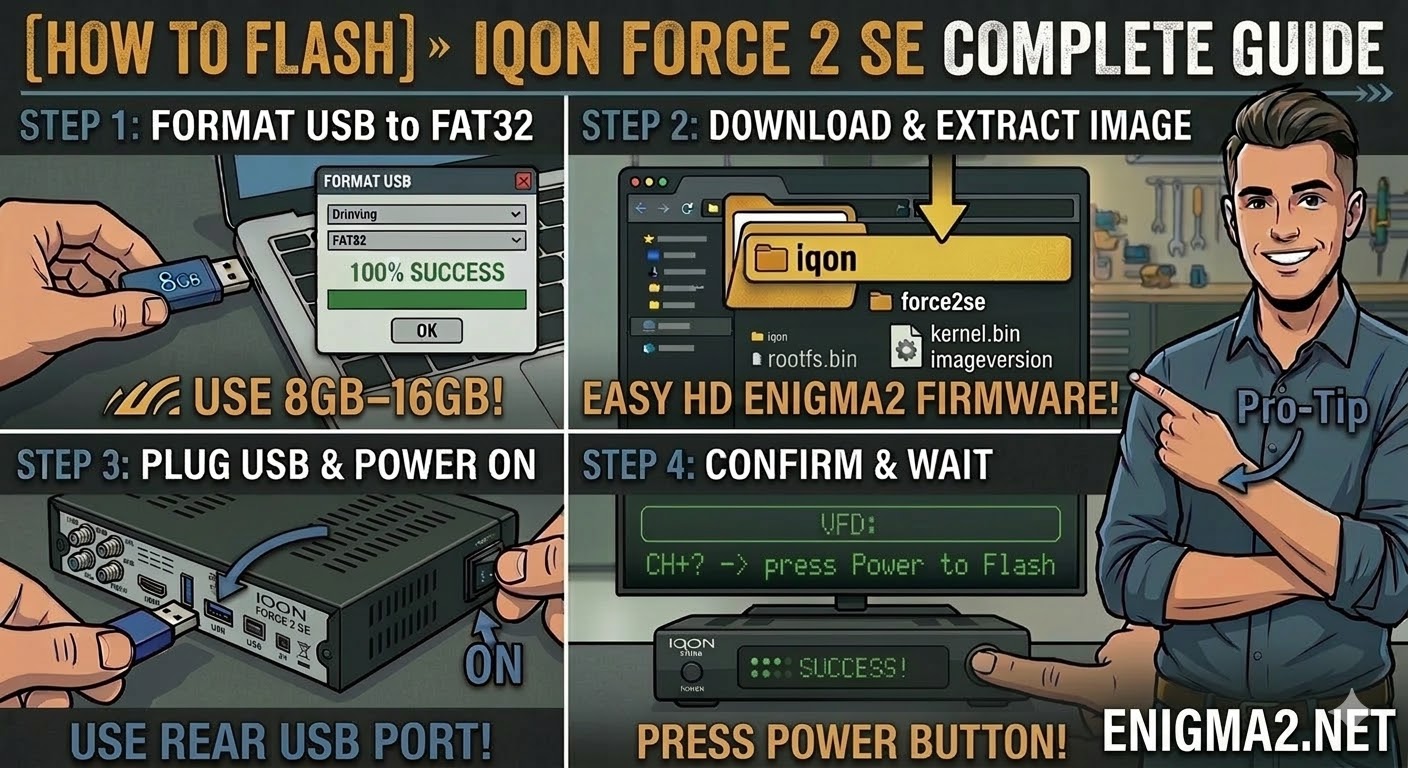
Read MoreTo flash the IQON Force 2 SE, you will follow the standard procedure for this popular Broadcom-based HD receiver. The
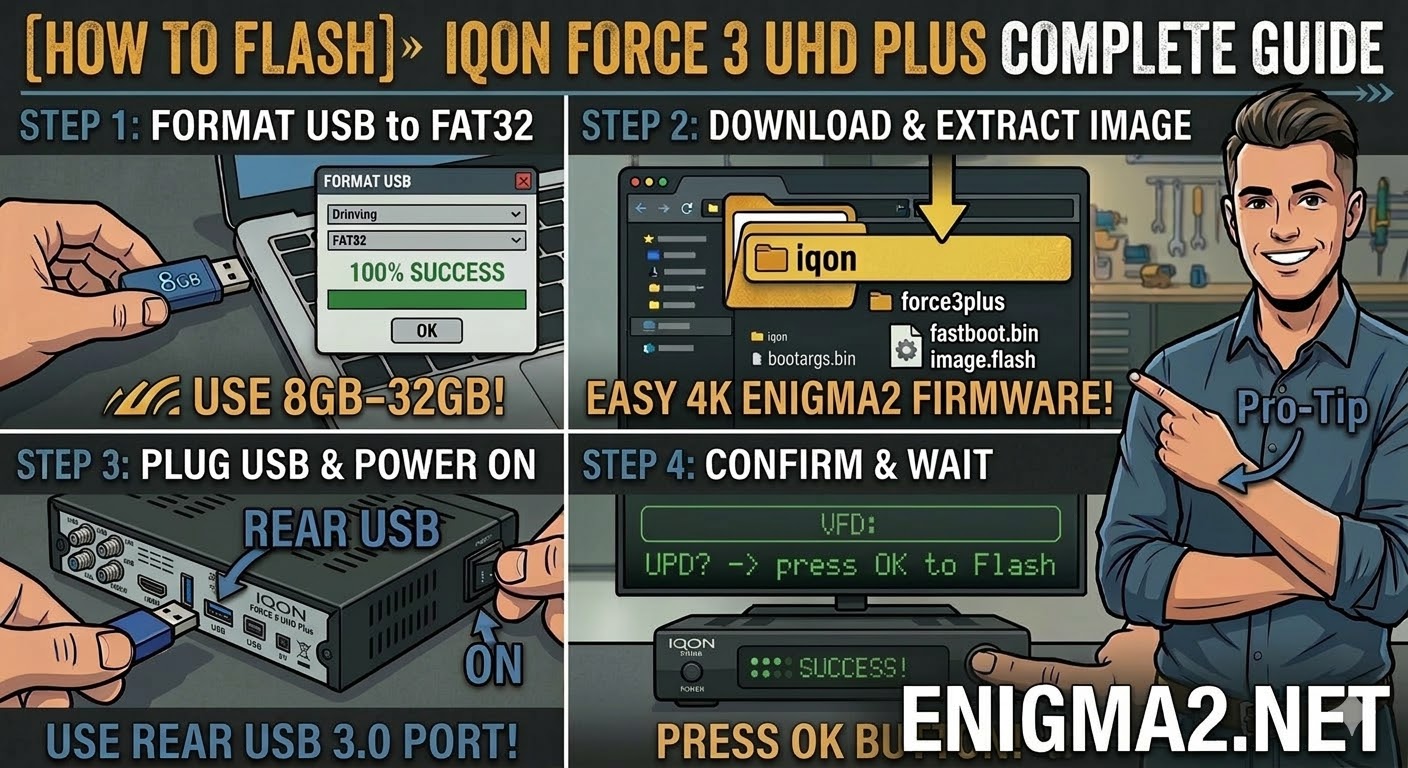
Read MoreTo flash the IQON Force 3 UHD Plus, you will use the procedure for modern 4K HiSilicon-based receivers. This model
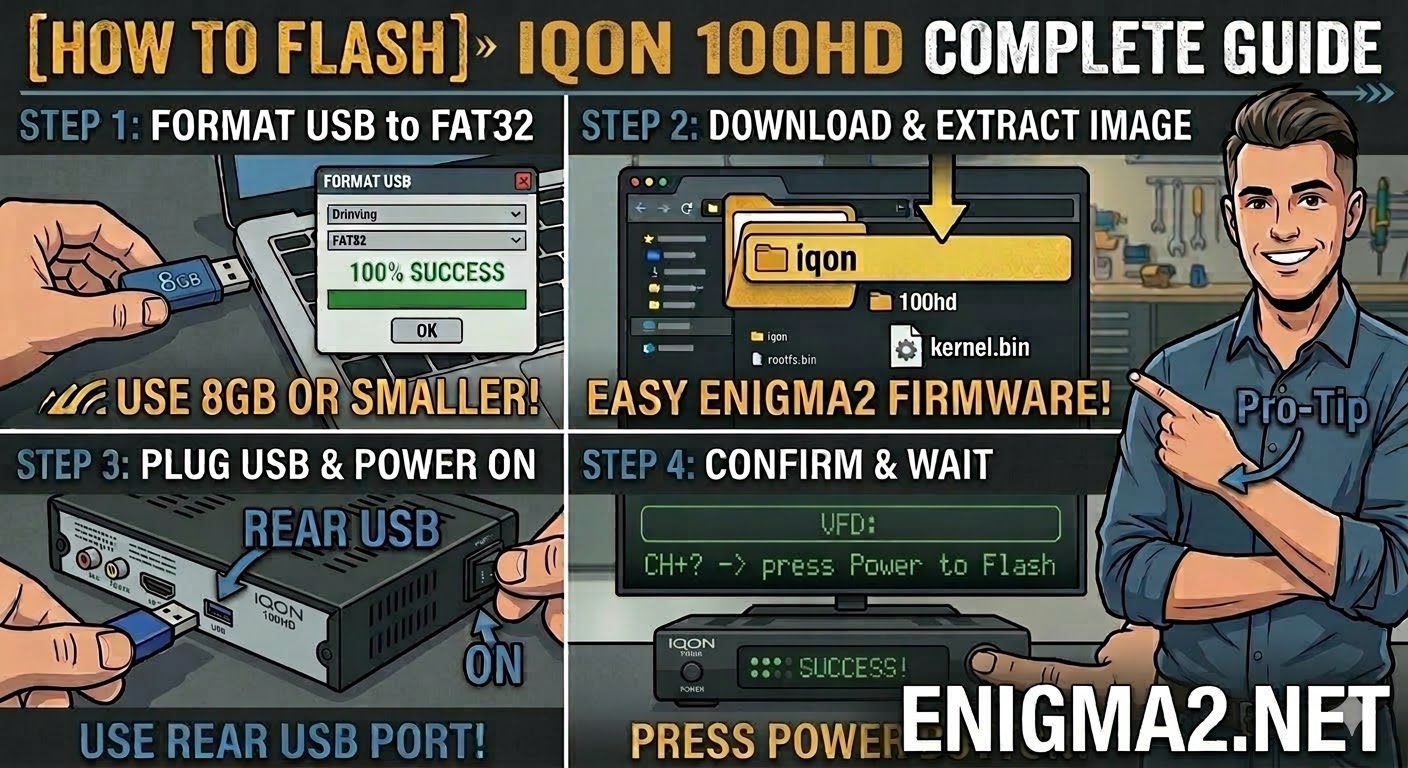
Read MoreTo flash the IQON 100HD, you will follow the standard procedure for the IQON Broadcom series. As the entry-level model
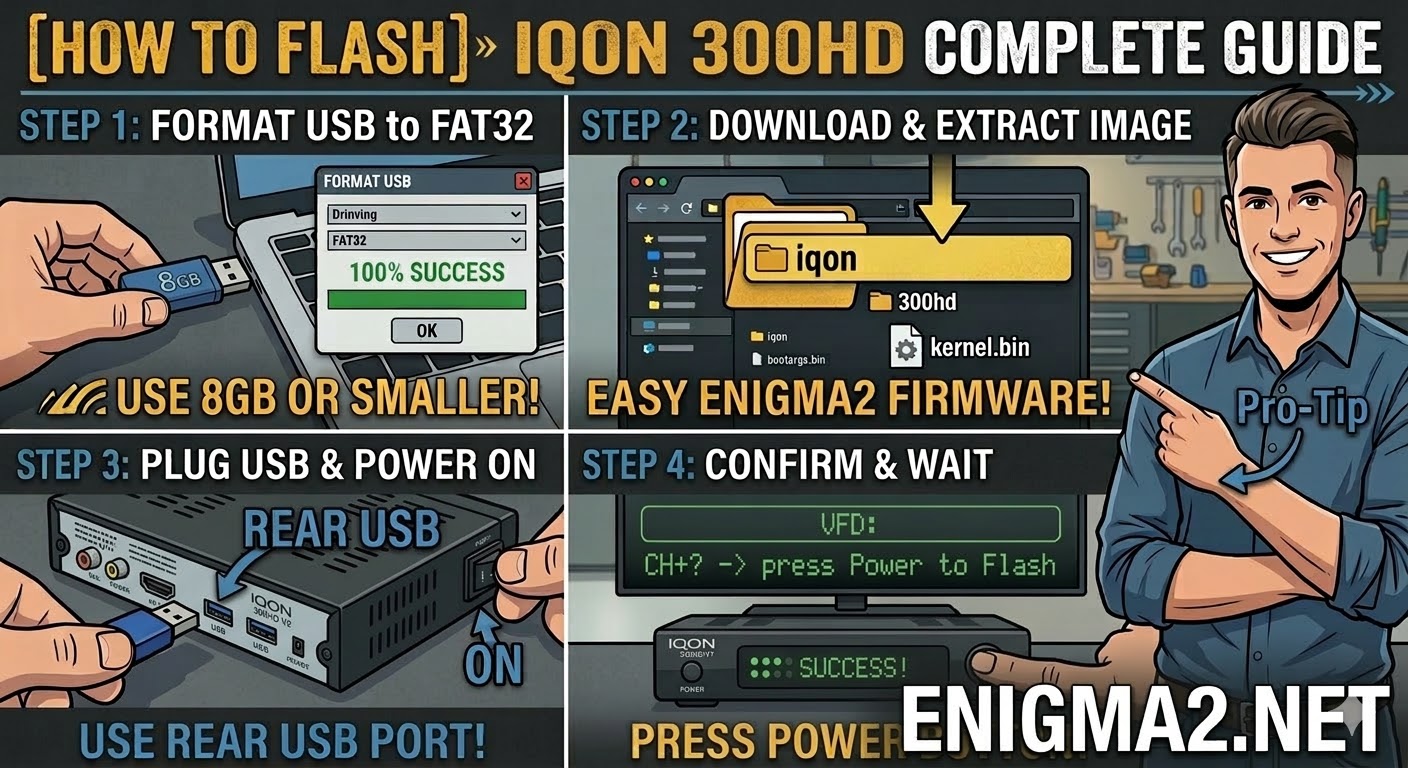
Read MoreTo flash the original IQON 300HD (the non-V2 version), the procedure is very similar to the V2, but the bootloader
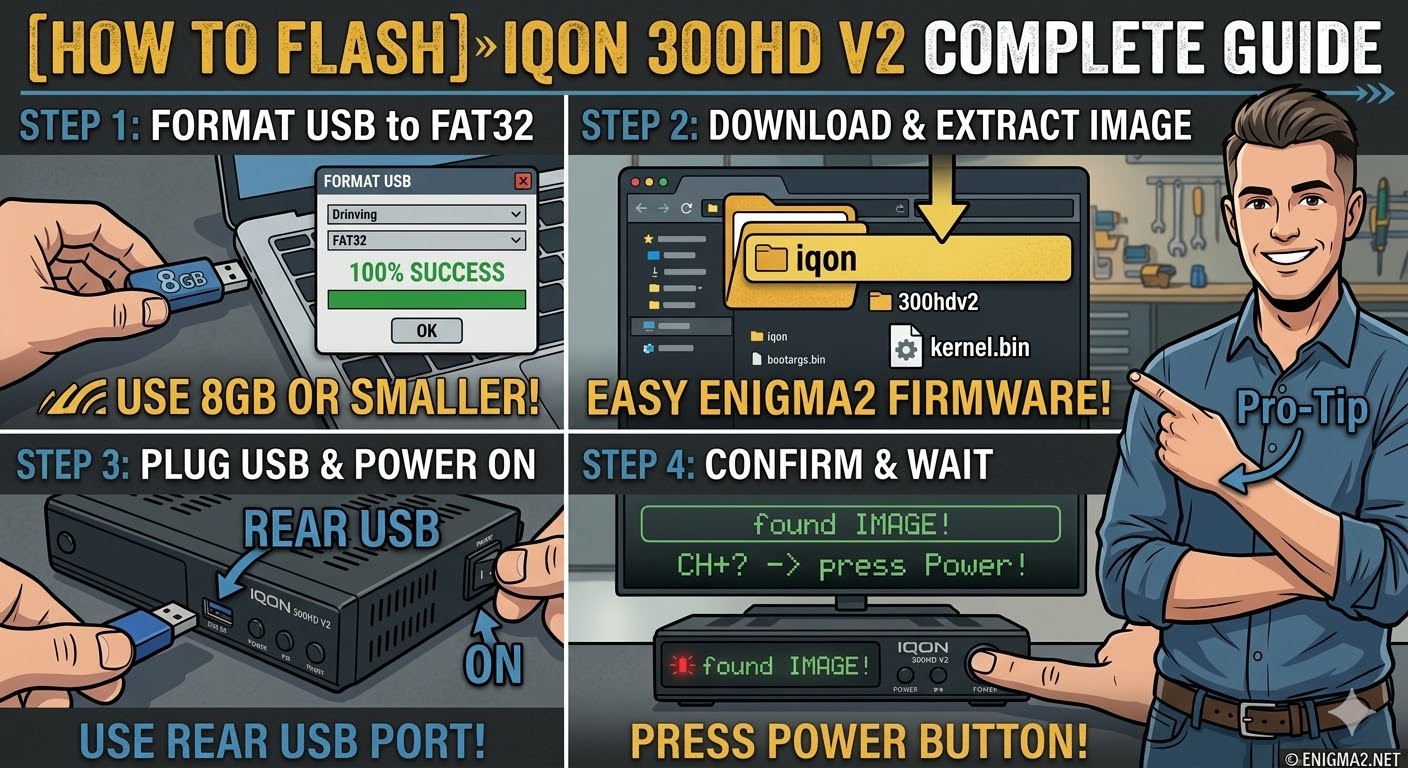
Read MoreTo flash the IQON 300HD V2, you will follow the procedure for this Broadcom-based receiver. This “V2” model is essentially
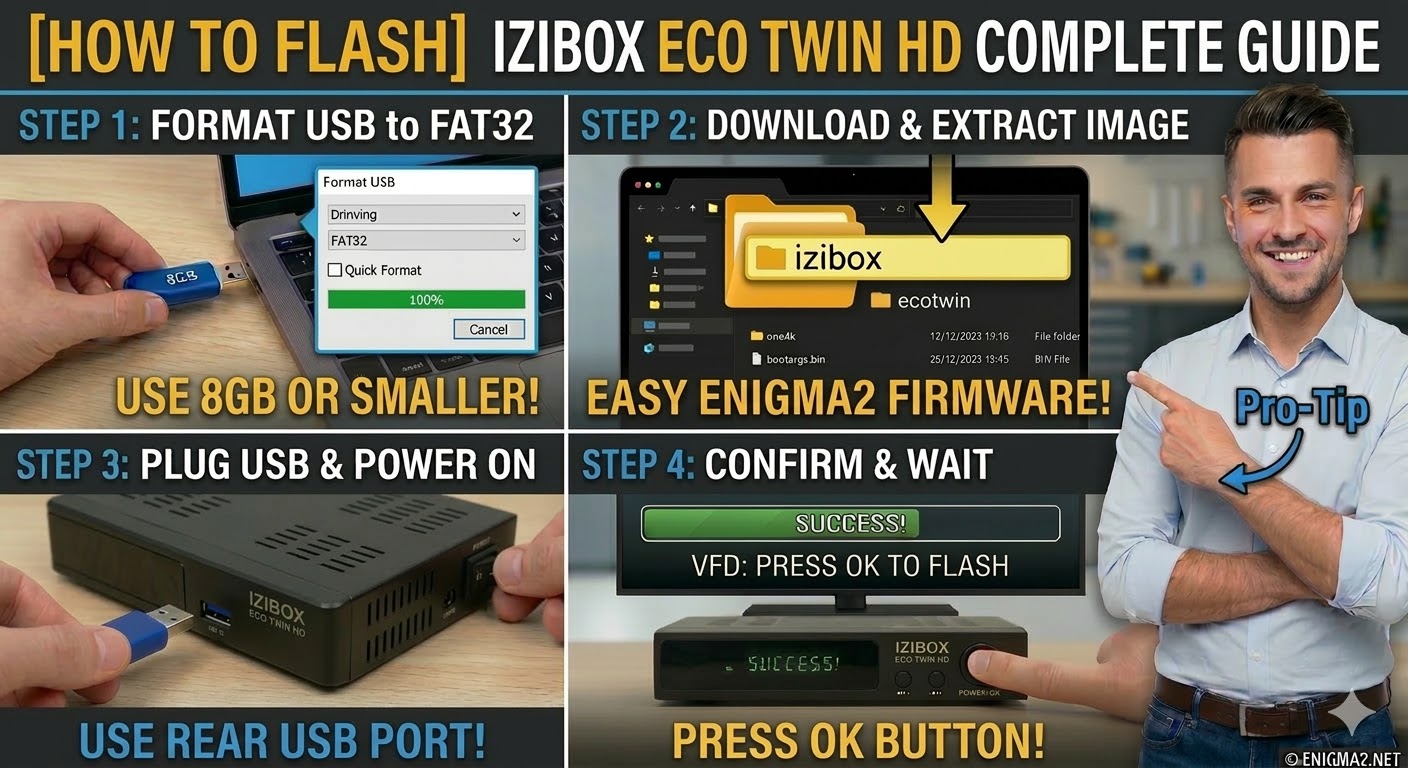
Read MoreTo flash the IZIBOX ECO TWIN HD, you will follow the standard procedure for this dual-tuner Broadcom-based receiver. It is
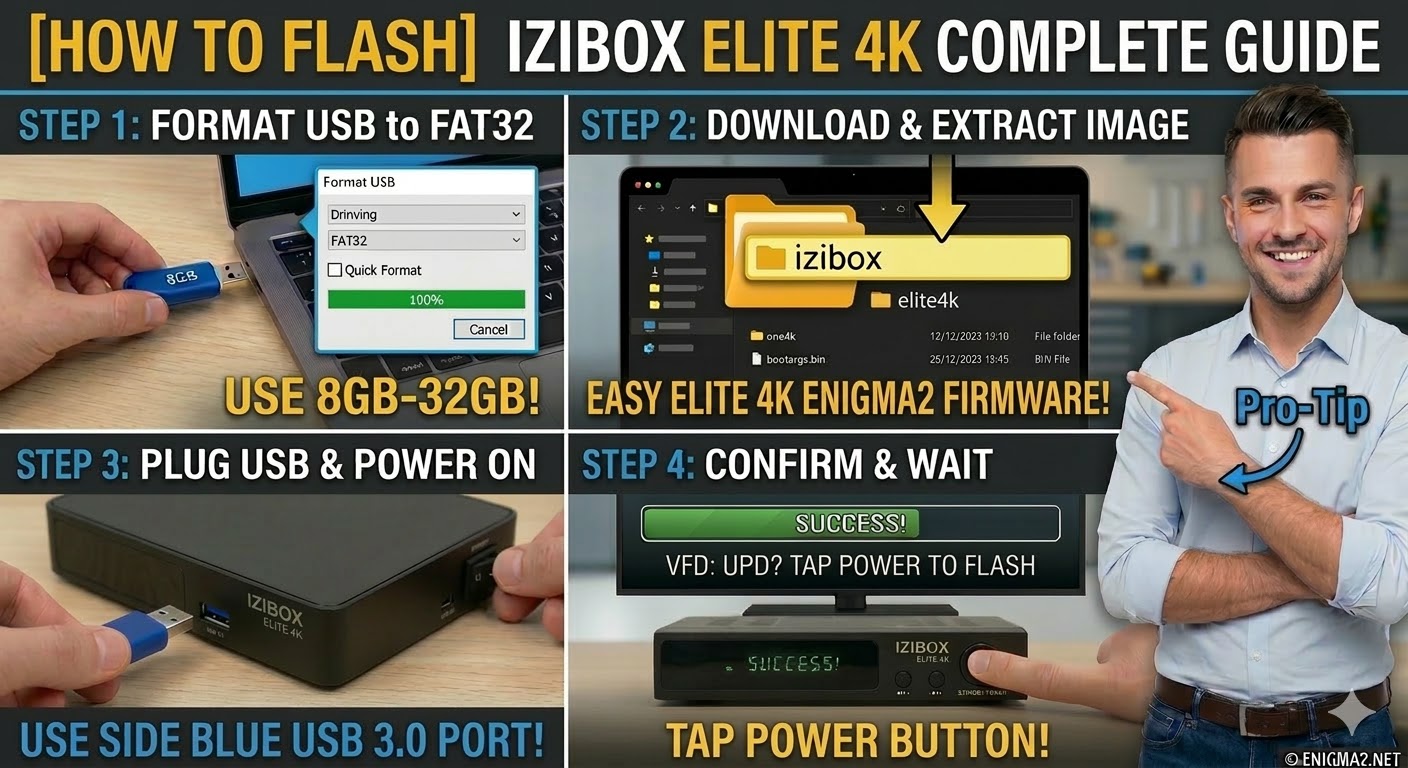
Read MoreTo flash the IZIBOX Elite 4K, you will follow the procedure for this premium HiSilicon-based receiver. Like the other 4K
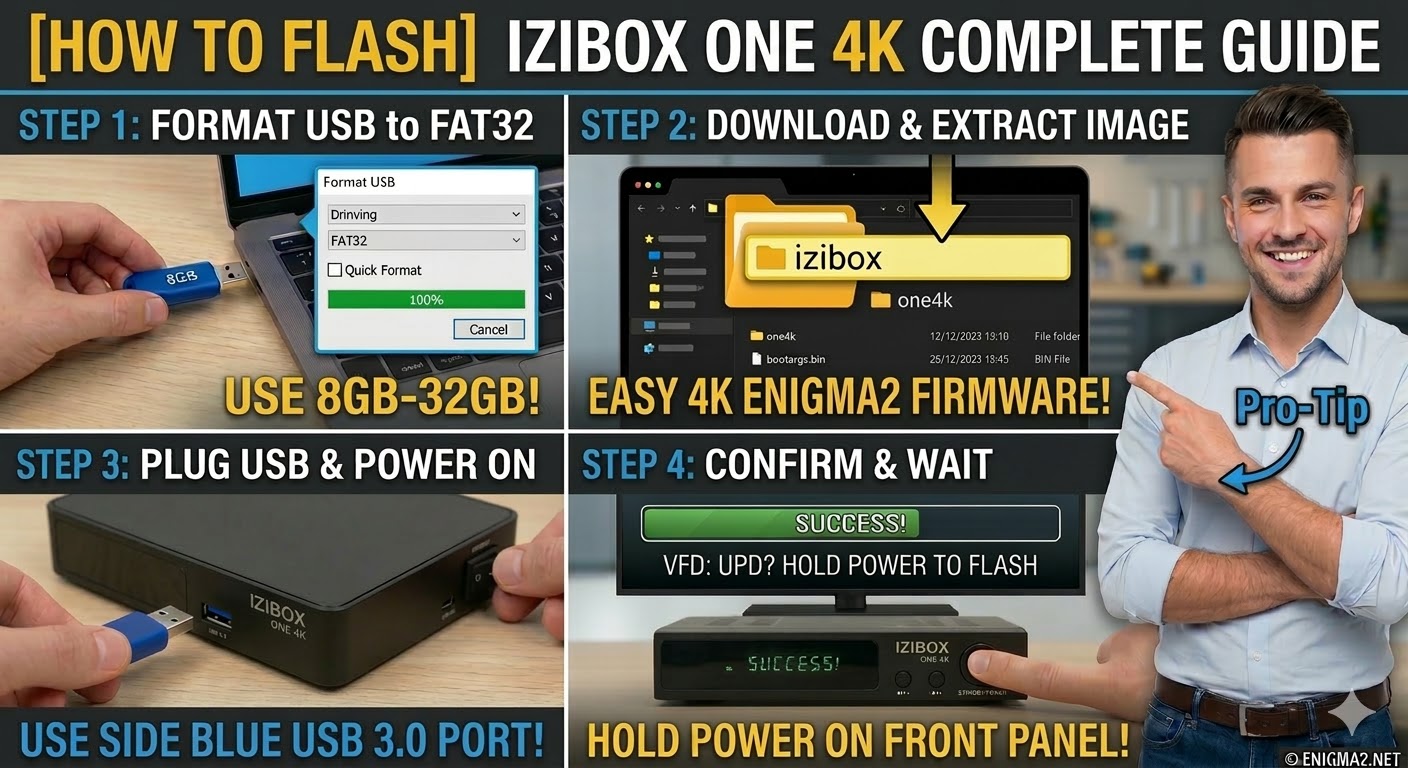
Read MoreTo flash the standard IZIBOX ONE 4K (non-Plus version), the procedure is nearly identical to the Plus model, but you
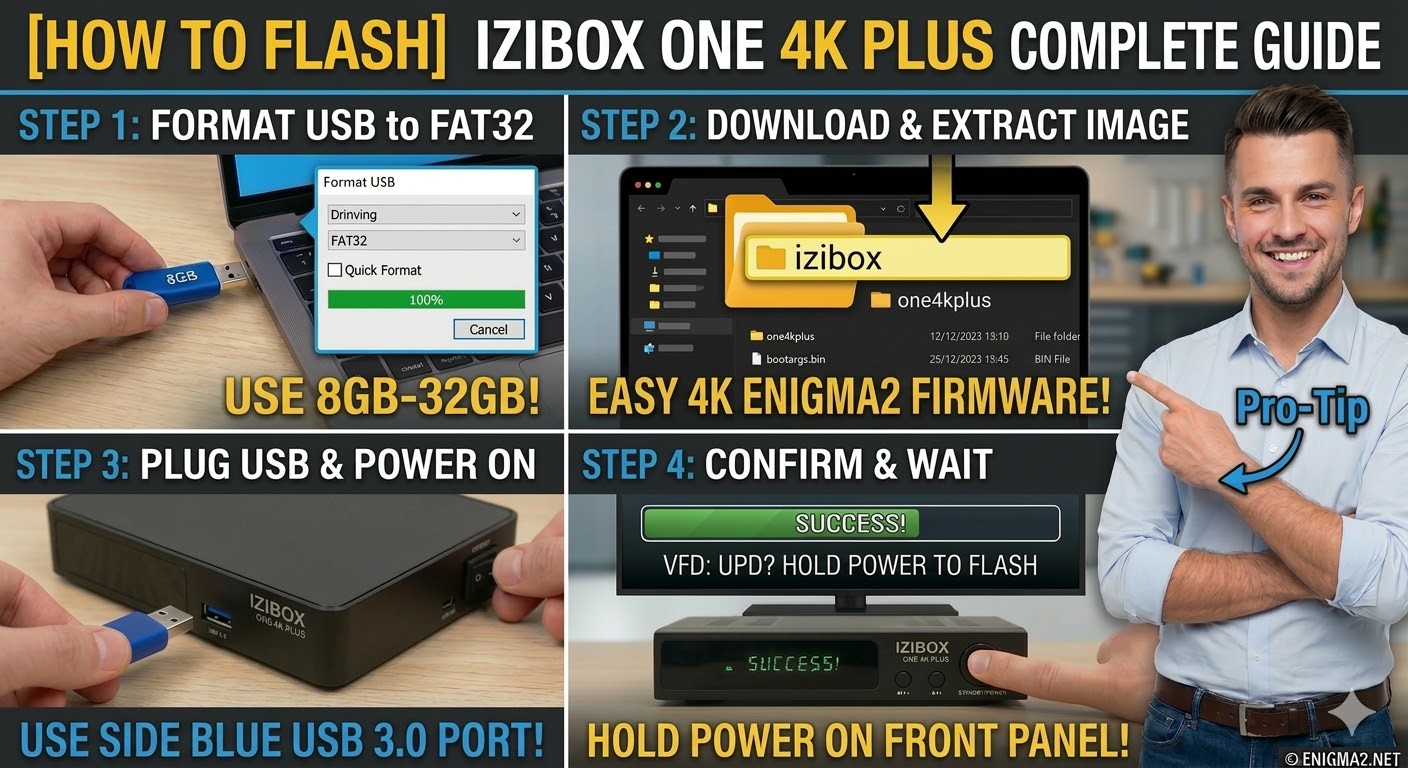
Read MoreTo flash the IZIBOX ONE 4K Plus, you will use the procedure for modern HiSilicon-based 4K receivers. This model supports
Read More