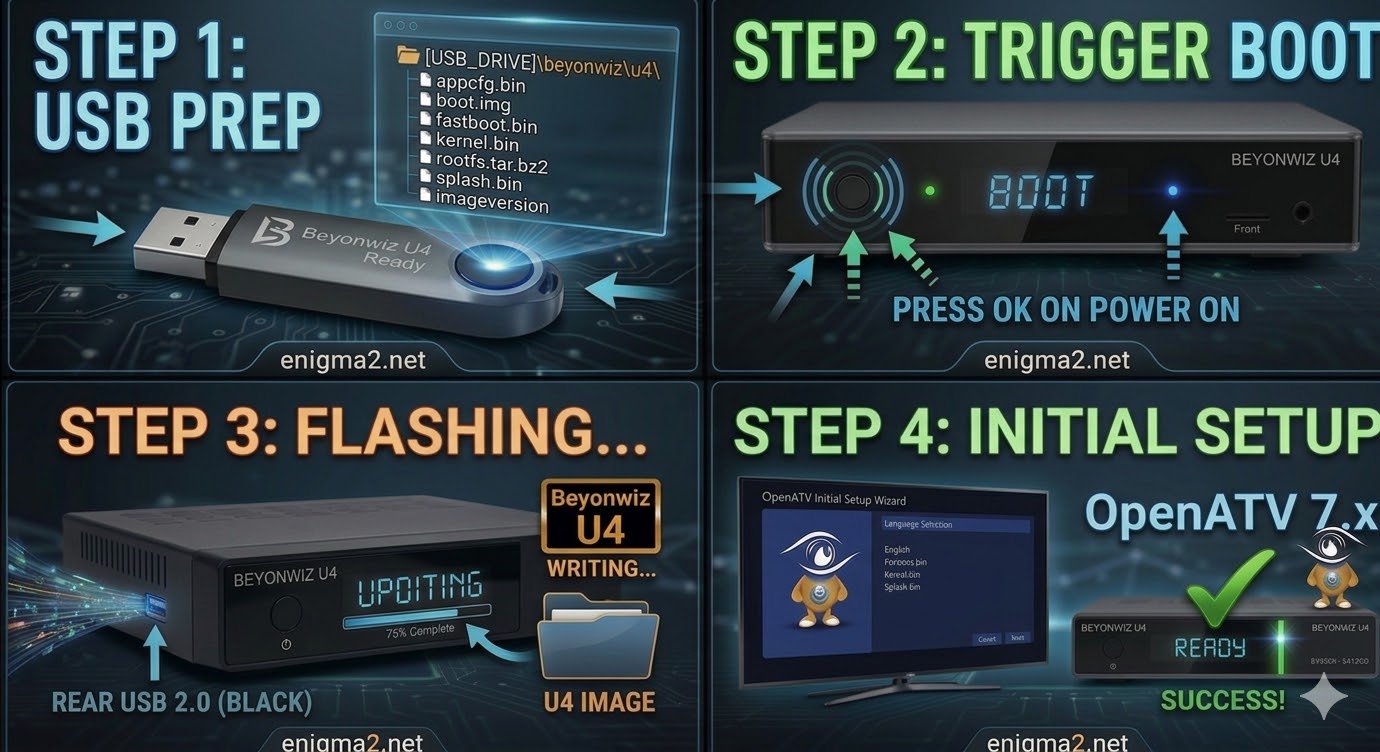
[HOW TO FLASH] how to flash beyonwiz U4
The Beyonwiz U4 represents a significant hardware jump (moving to an ARM-based processor), but the flashing logic remains consistent with
Read More
The Beyonwiz U4 represents a significant hardware jump (moving to an ARM-based processor), but the flashing logic remains consistent with
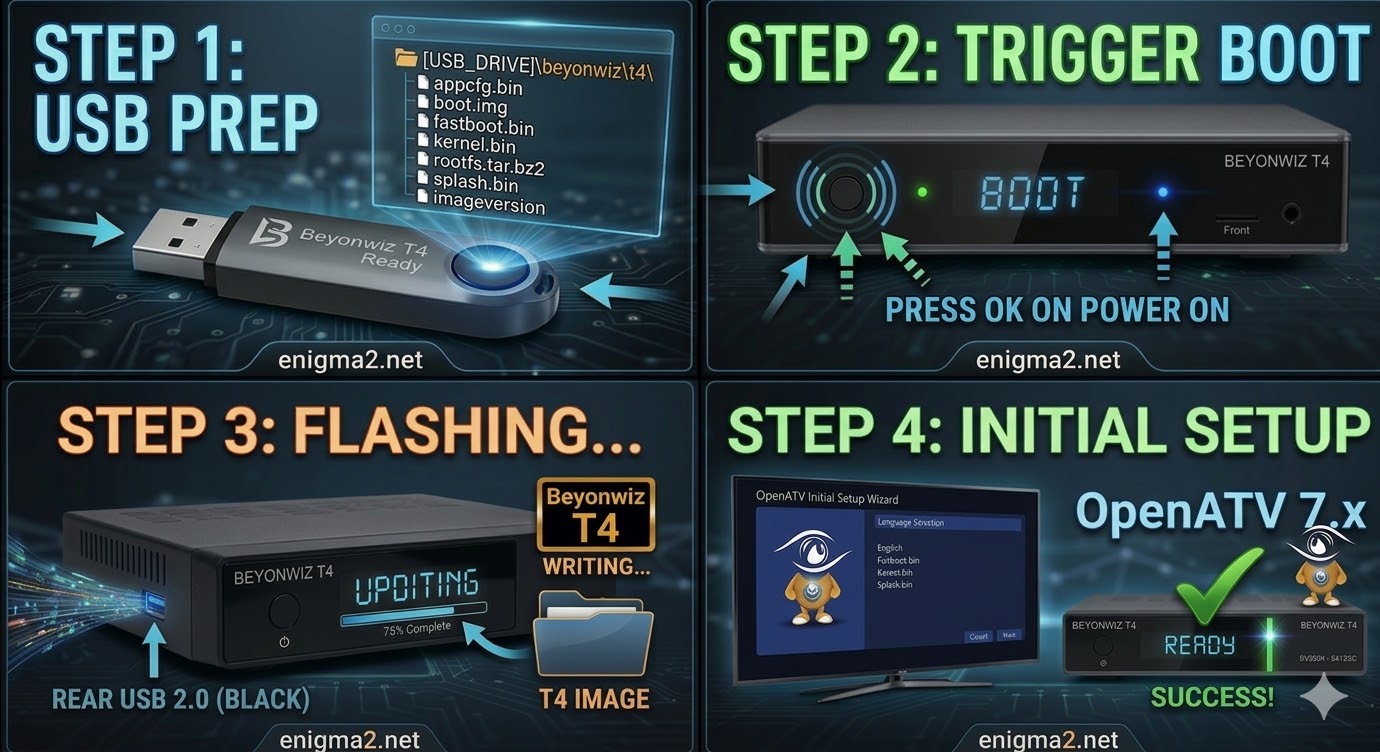
Read MoreFlashing the Beyonwiz T4 is very similar to the T3, but the internal folder structure on your USB drive must
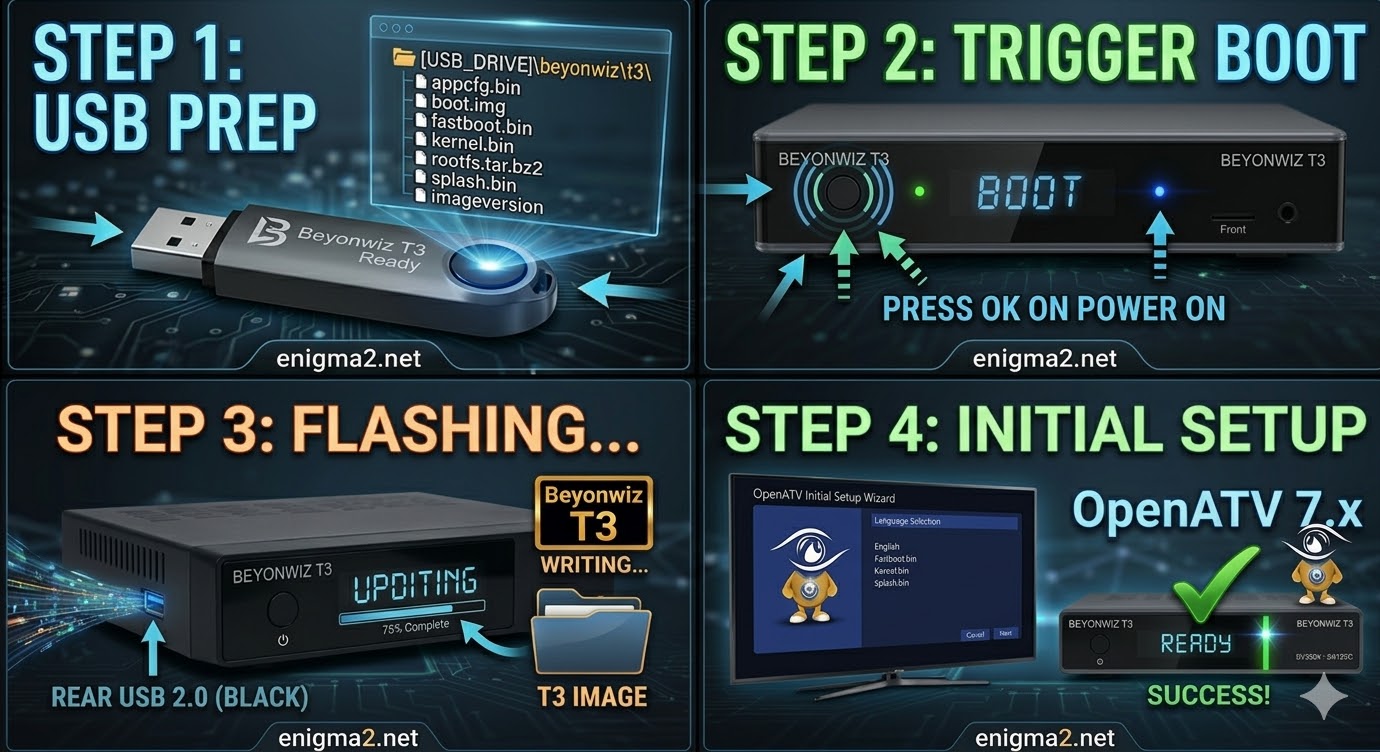
Read MoreFlashing the Beyonwiz T3 (Step-by-Step) 1. Prepare the USB Drive Format: Use a high-quality USB 2.0 stick (FAT32 formatted). Avoid
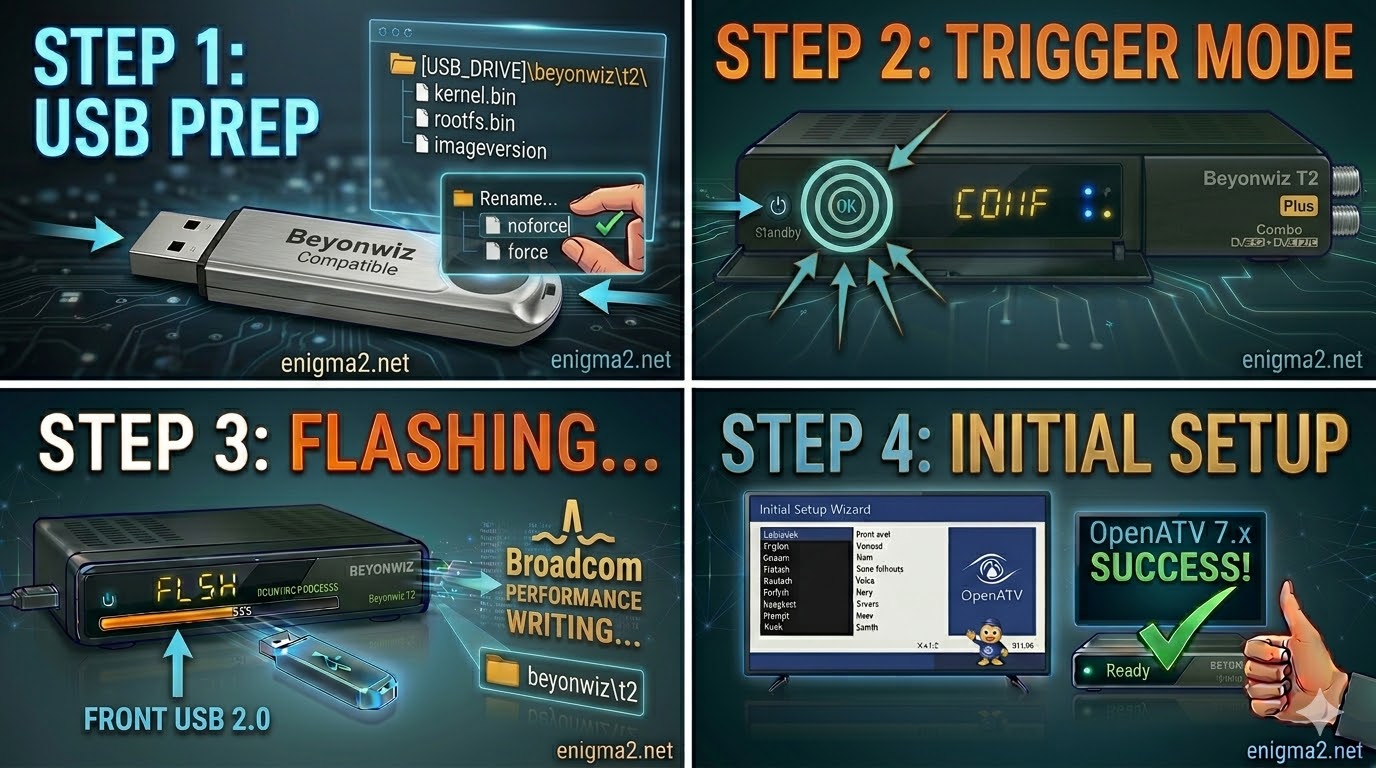
Read MoreFlashing the Beyonwiz T2 (Step-by-Step) 1. Prepare the USB Drive Format: Use a high-quality USB 2.0 stick (FAT32). Broadcom-based receivers
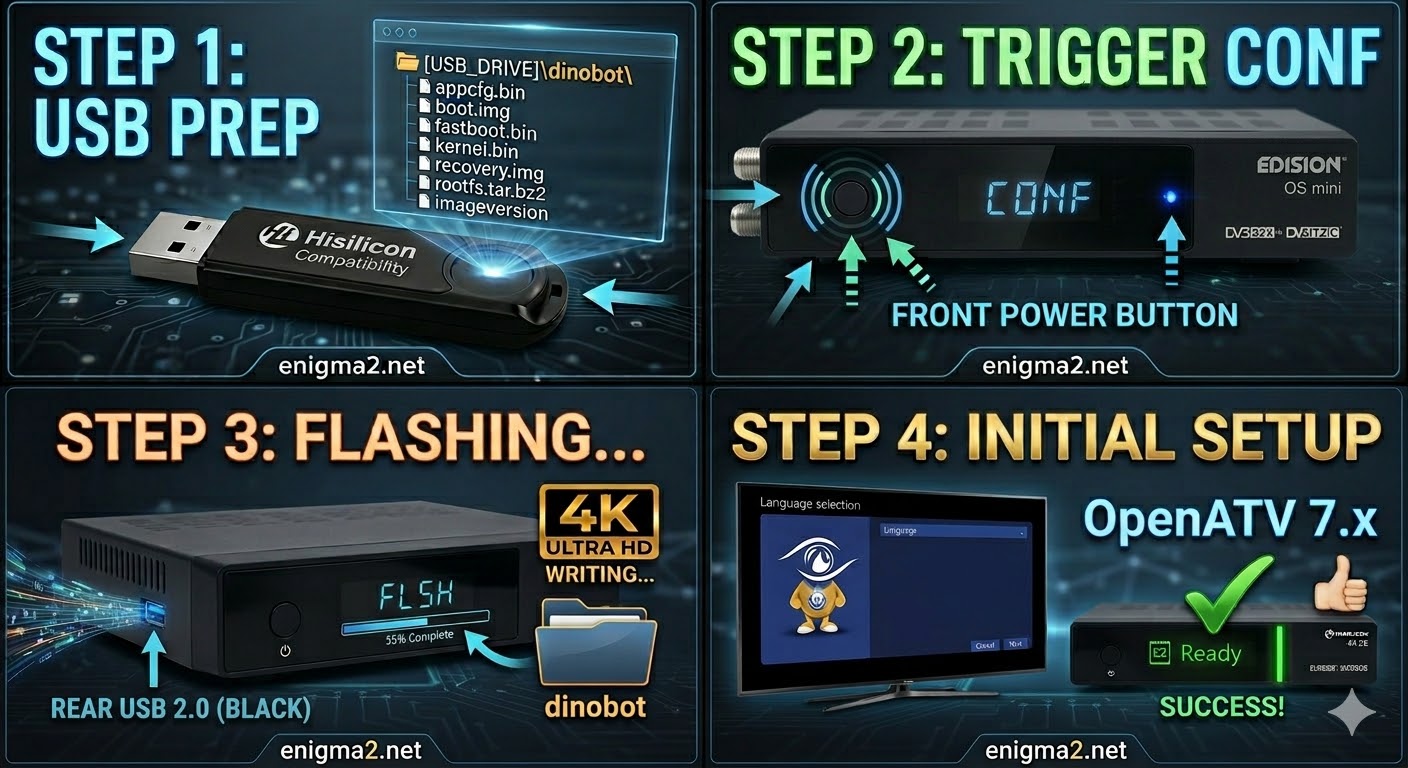
Read MoreFlashing the Dinobot 4K (Step-by-Step) 1. Prepare the USB Drive Format: Use a high-quality USB 2.0 stick (FAT32). Hisilicon bootloaders
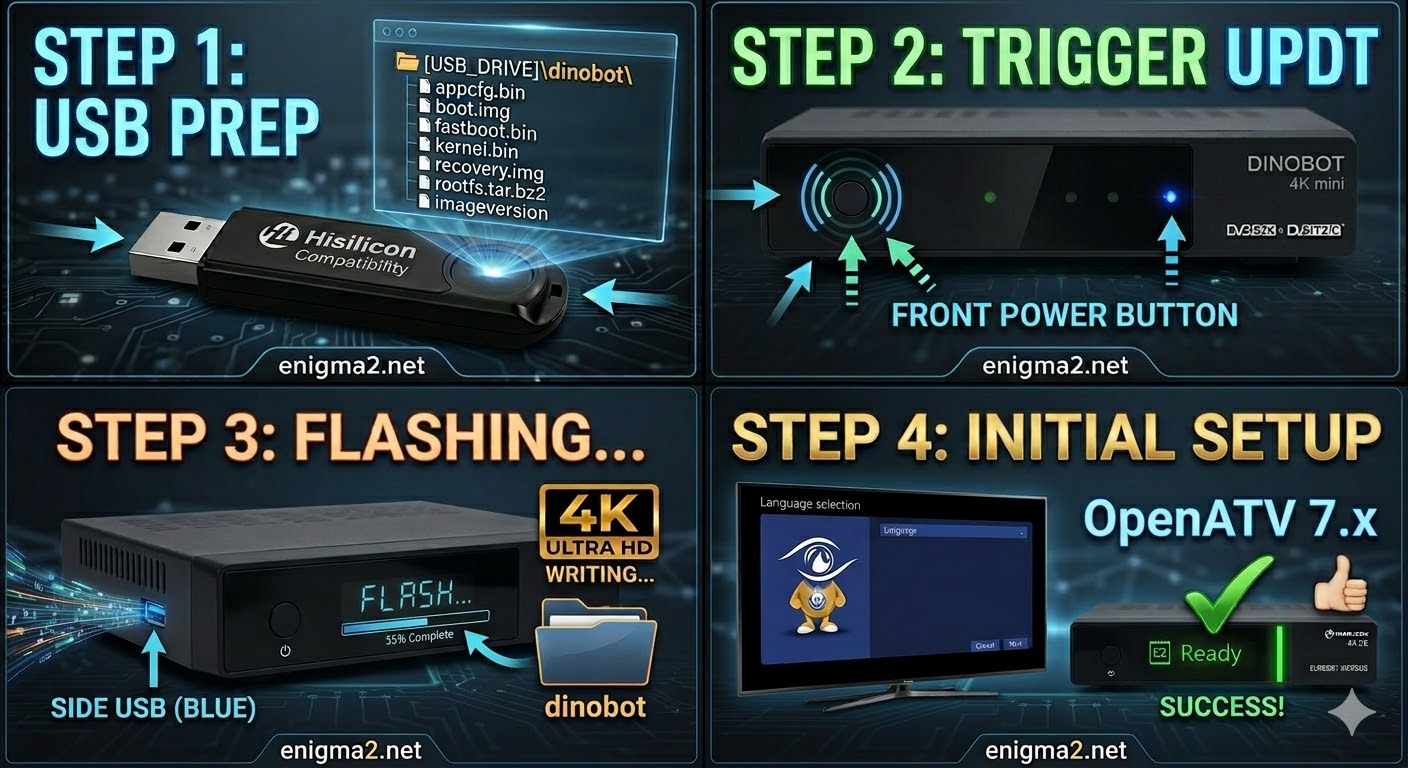
Read MoreFlashing the Dinobot 4K mini (Step-by-Step) 1. Prepare the USB Drive Format: Use a high-quality USB 2.0 stick (FAT32). Hisilicon
Read MoreFlashing the Dinobot 4K Plus (Step-by-Step) 1. Prepare the USB Drive Format: Use a high-quality USB 2.0 stick (FAT32). Hisilicon
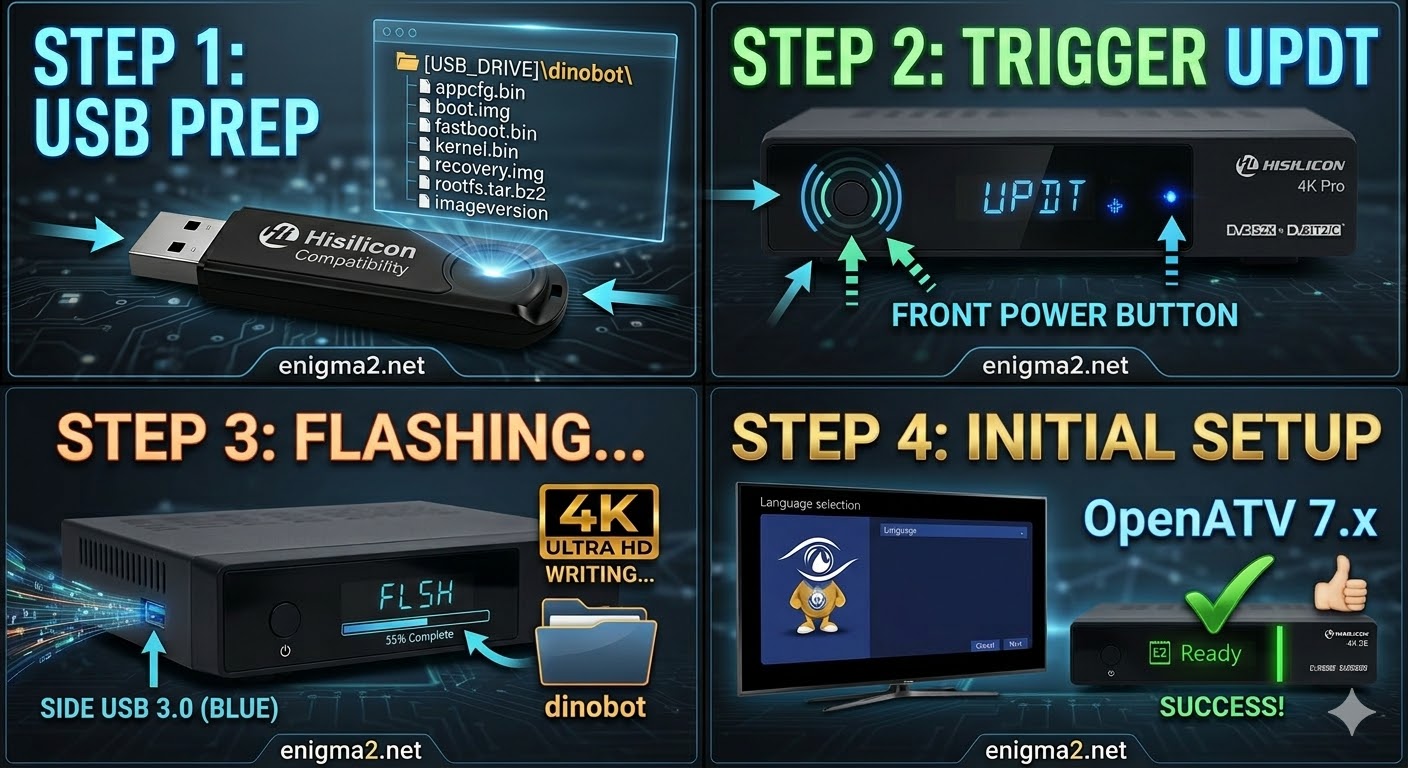
Read MoreFlashing the Dinobot 4K Pro (Step-by-Step) 1. Prepare the USB Drive Format: Use a USB 2.0 stick (FAT32). Hisilicon bootloaders
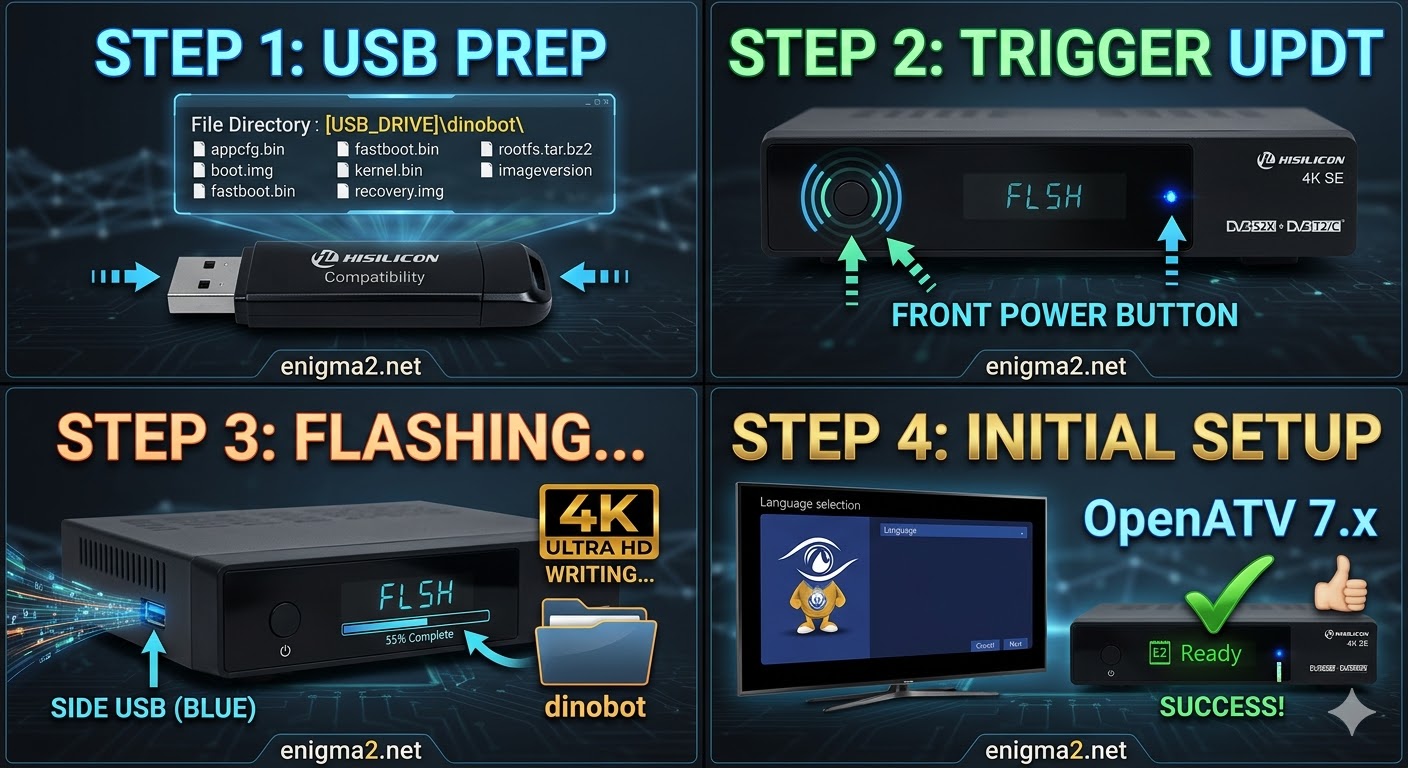
Read MoreFlashing the Dinobot 4K SE (Step-by-Step) 1. Prepare the USB Drive Format: Use a USB 2.0 stick (FAT32). Hisilicon bootloaders
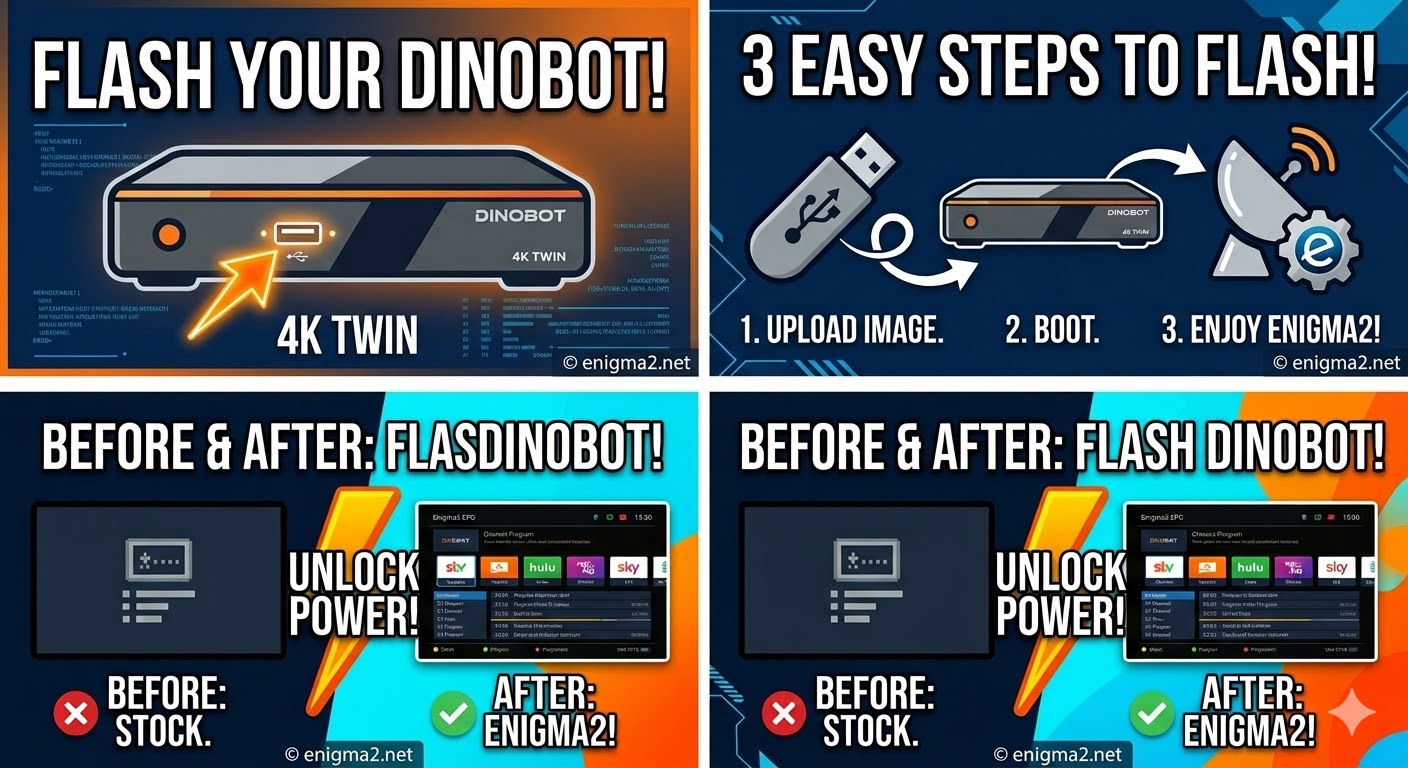
Read MoreFlashing the Dinobot 4K Twin (Step-by-Step) 1. Prepare the USB Drive Format: Use a USB 2.0 stick (FAT32). Hisilicon bootloaders
Read More