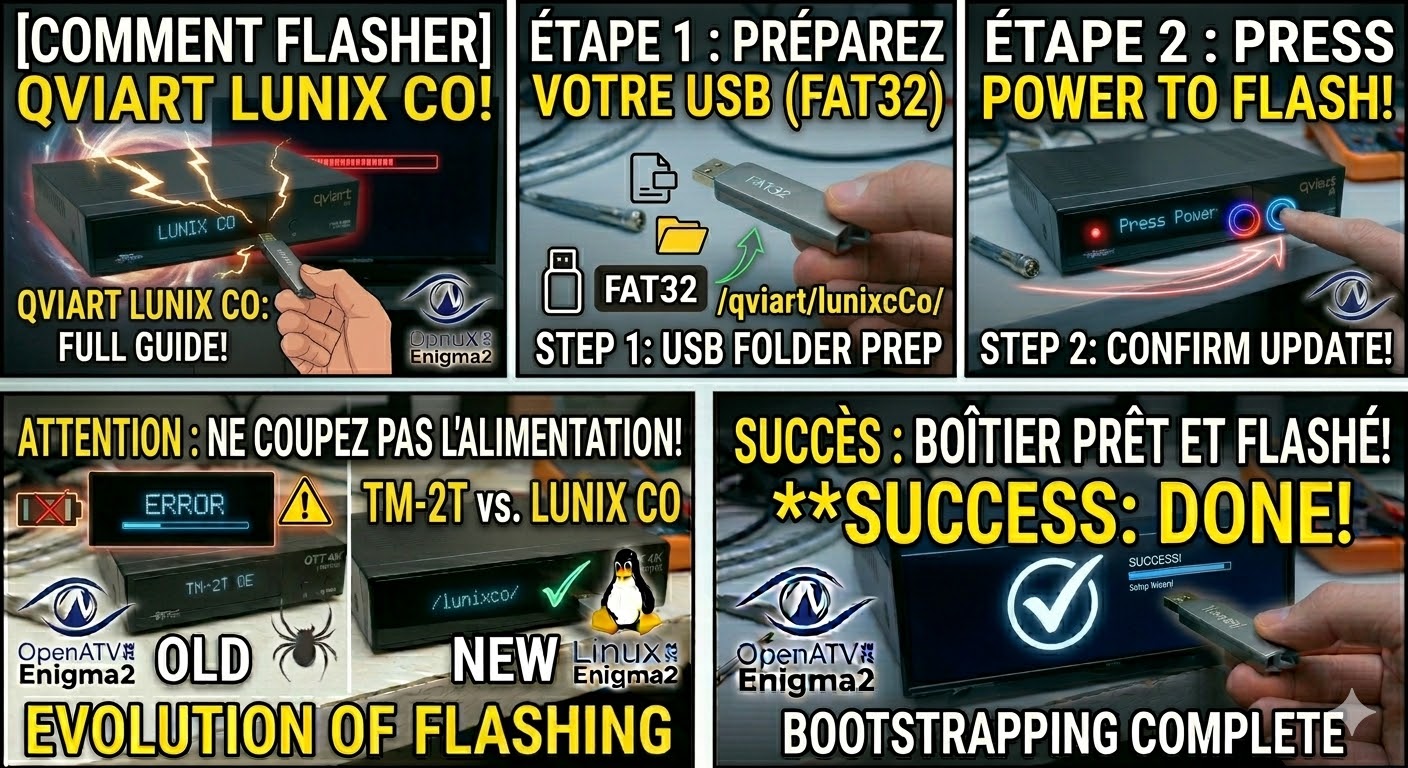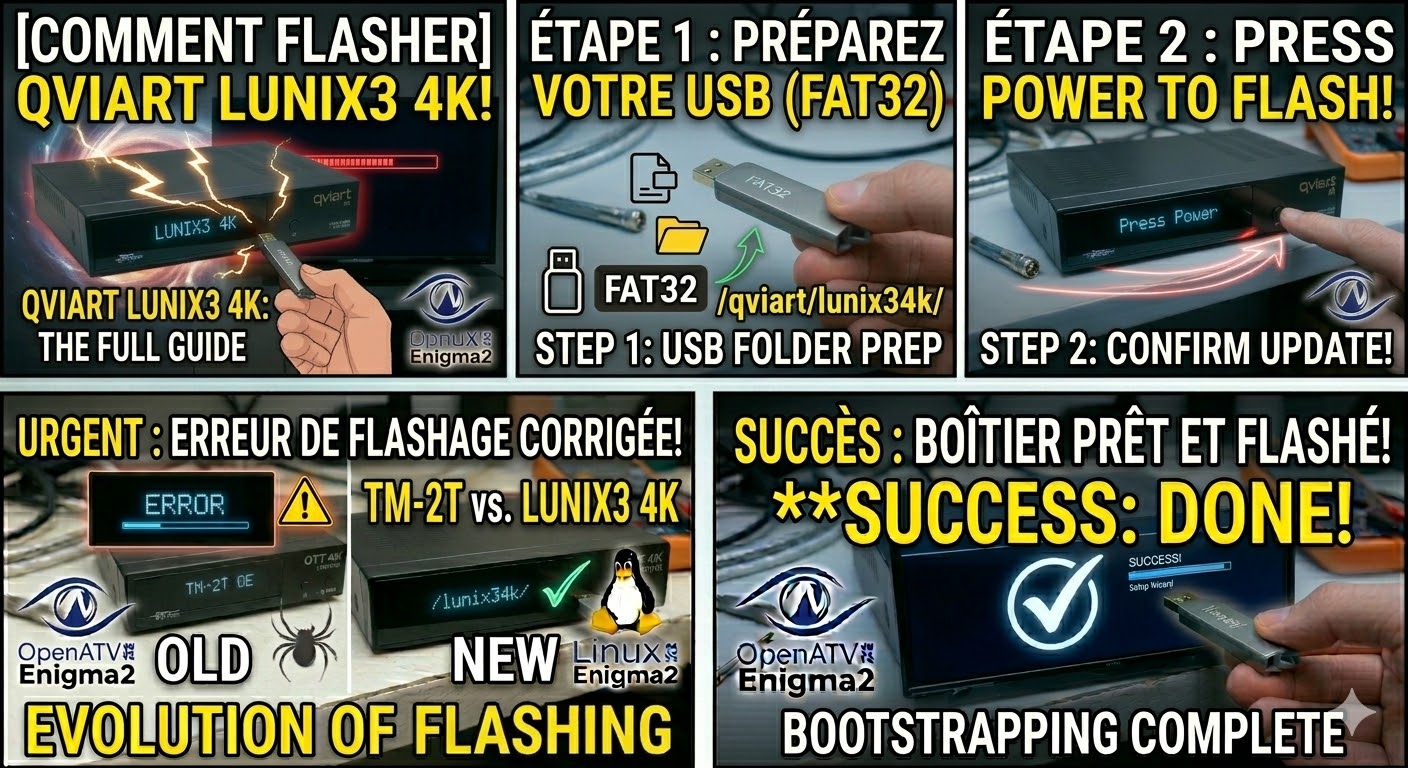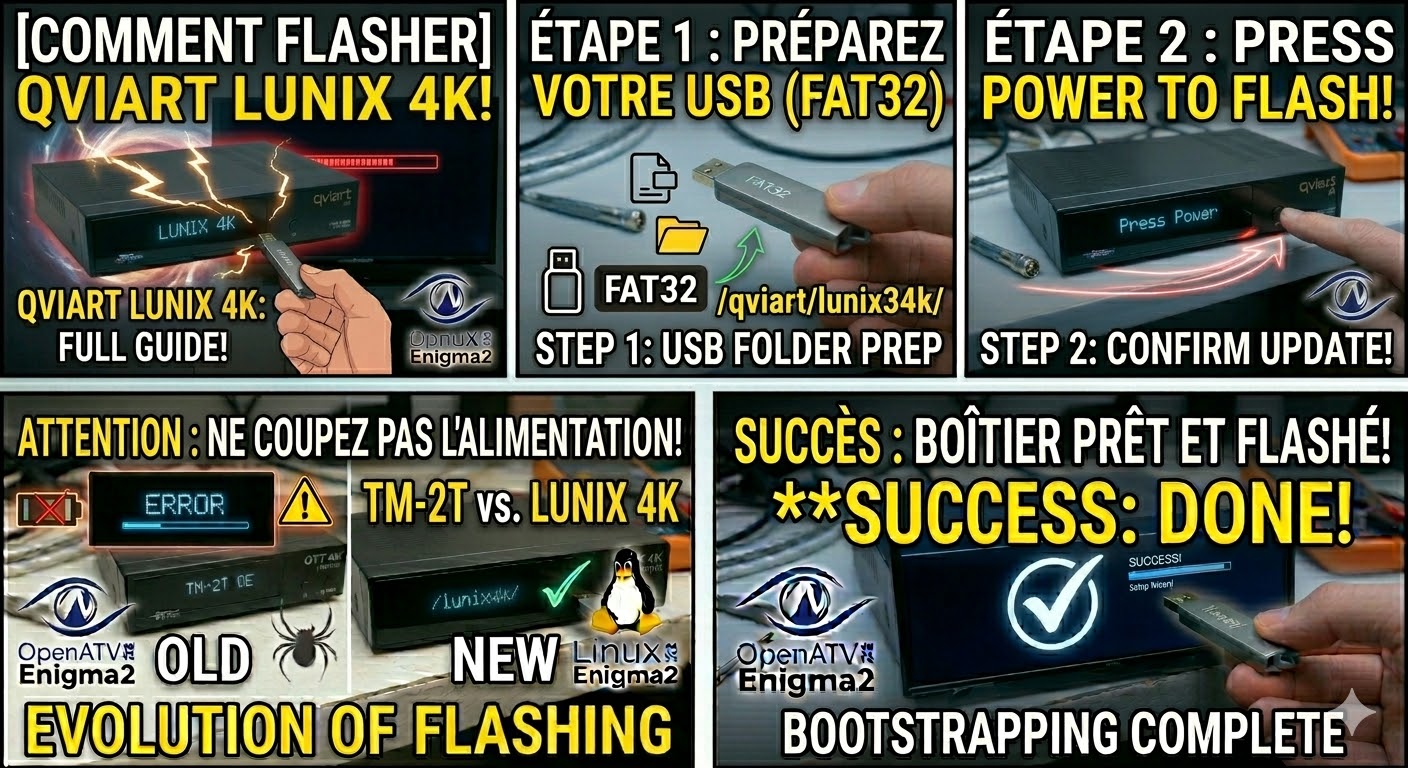
[HOW TO FLASH] how to flash Qviart Lunix 4K
To flash the Qviart Lunix 4K, you follow a process almost identical to its larger sibling (the Lunix3), but with
Read More
To flash the Qviart Lunix 4K, you follow a process almost identical to its larger sibling (the Lunix3), but with
Read MoreTo flash the Qviart Lunix CO (the compact, cost-effective sibling of the Lunix3), you need to follow the specific folder
Read MoreTo flash the Qviart Lunix3 4K, you will follow a procedure very similar to other high-end Enigma2 4K receivers. This
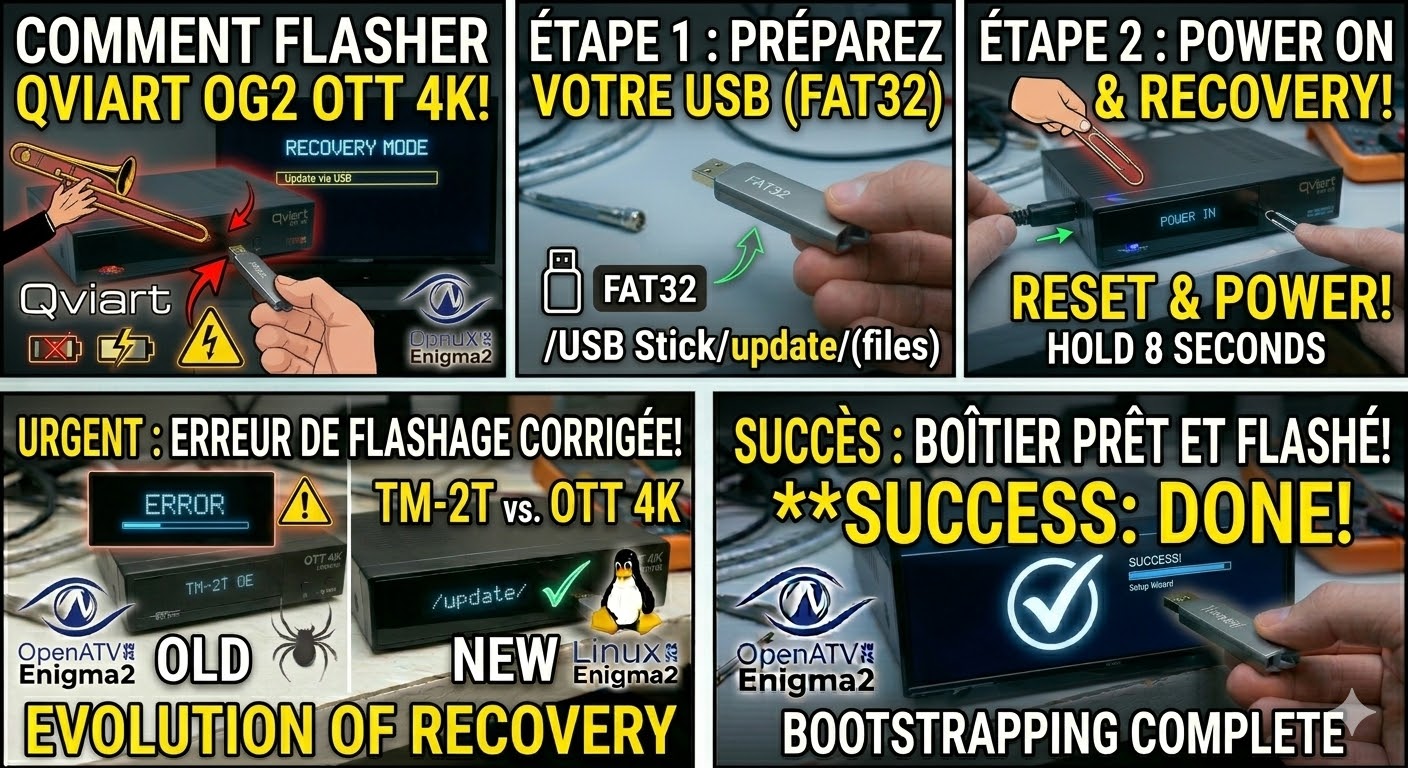
Read MoreTo flash the Qviart OG2 OTT 4K, you need to use the “Emergency Recovery” method. This model is a dedicated
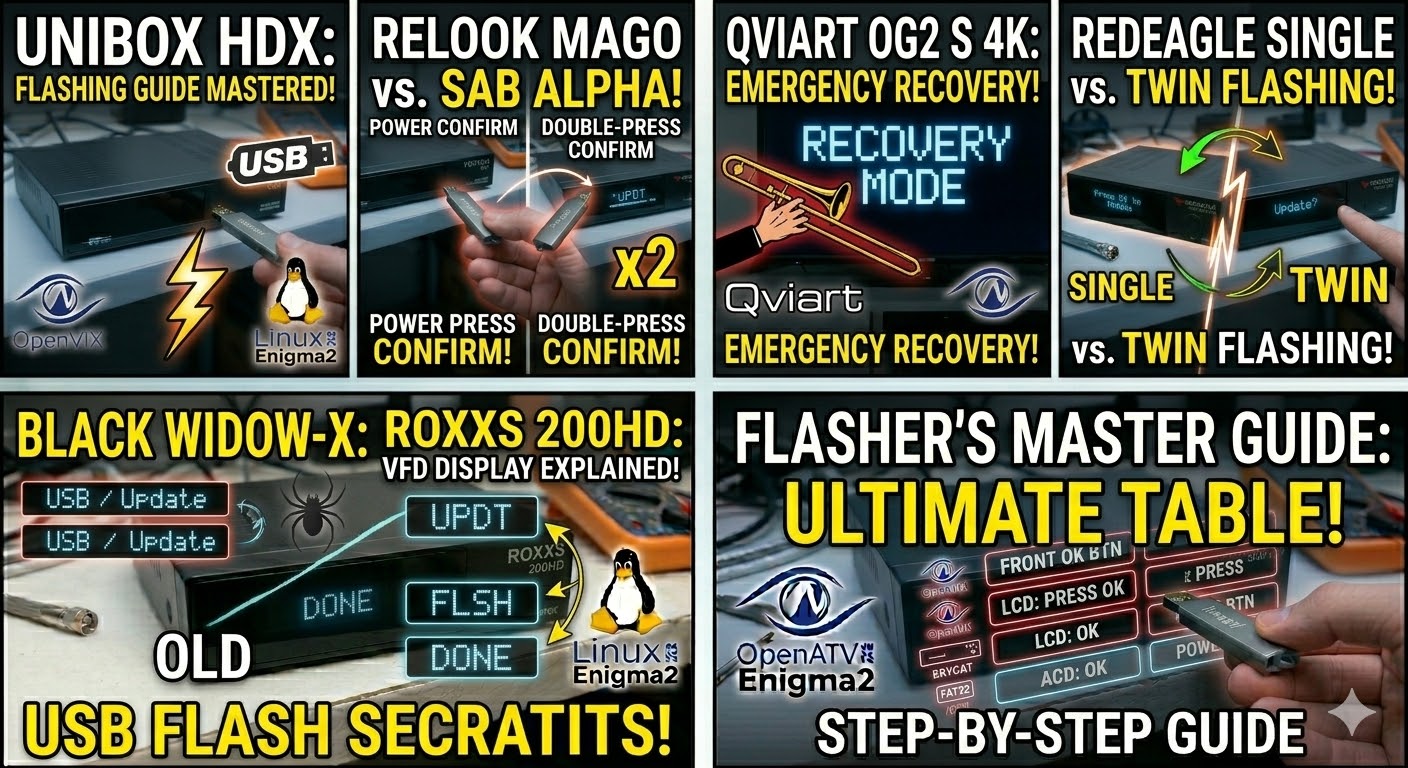
Read MoreTo flash the Qviart OG2 S 4K, you need to follow a procedure specific to Qviart’s Linux-based STBs. Unlike some
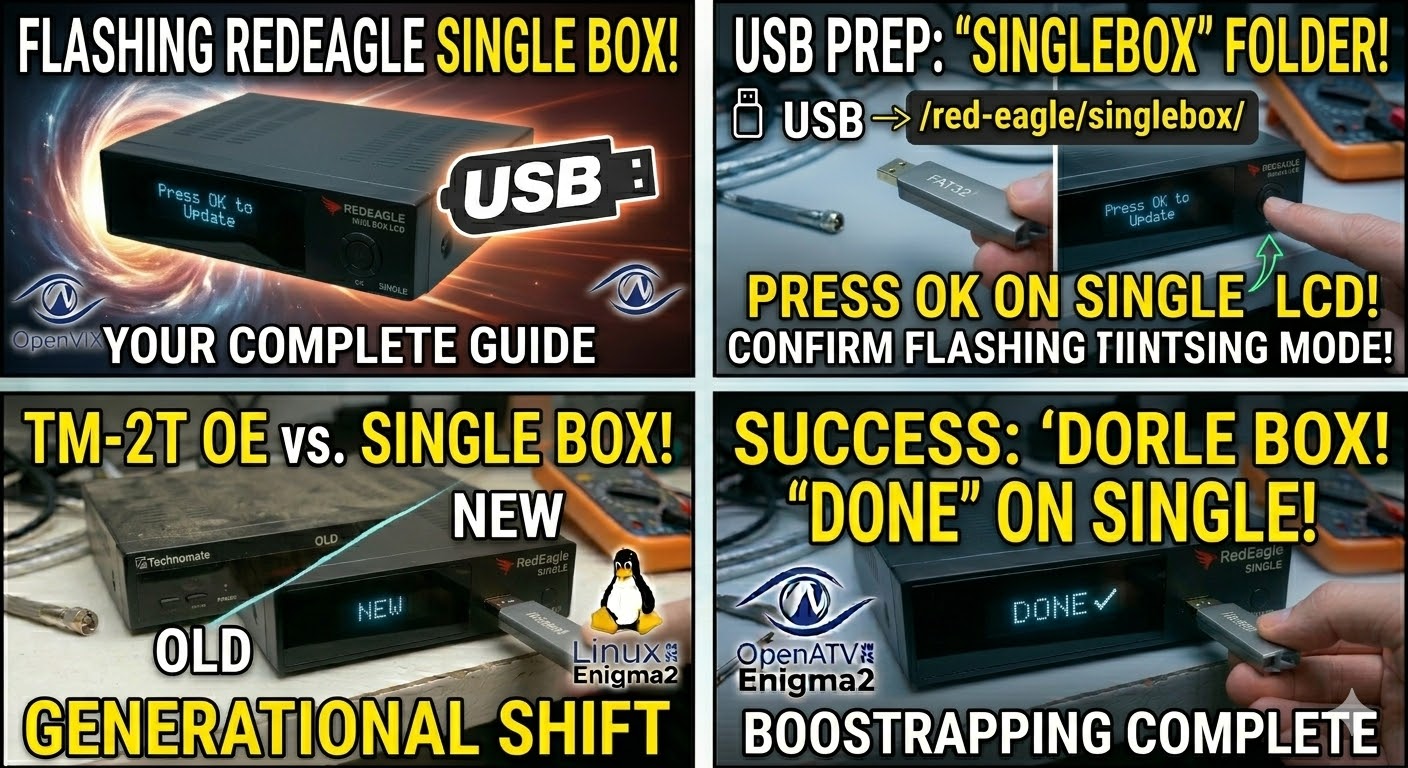
Read MoreTo flash the RedEagle Single Box LCD, the process is identical to its “Twin” sibling, but you must ensure the
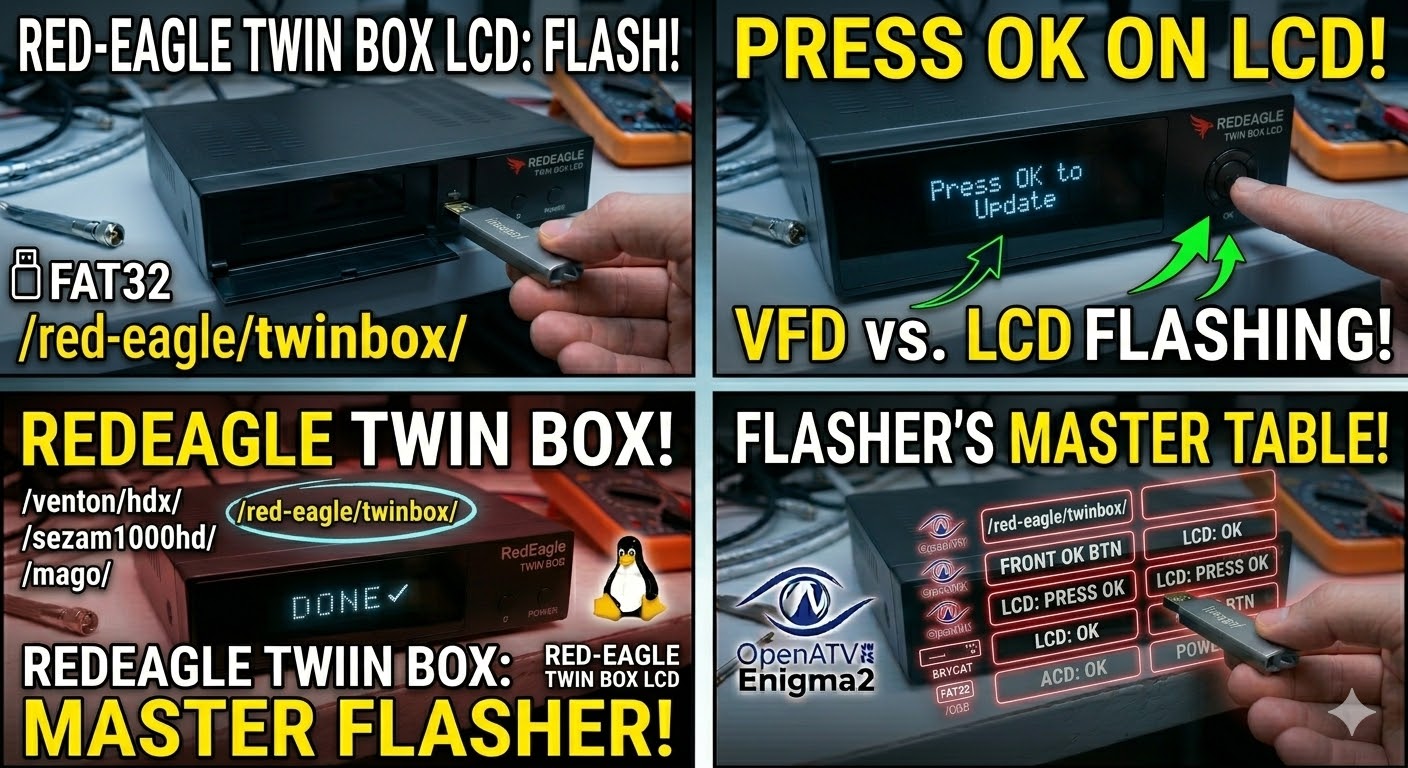
Read MoreTo flash the RedEagle Twin Box LCD, you will use the same Enigma2 logic, but because this receiver features a
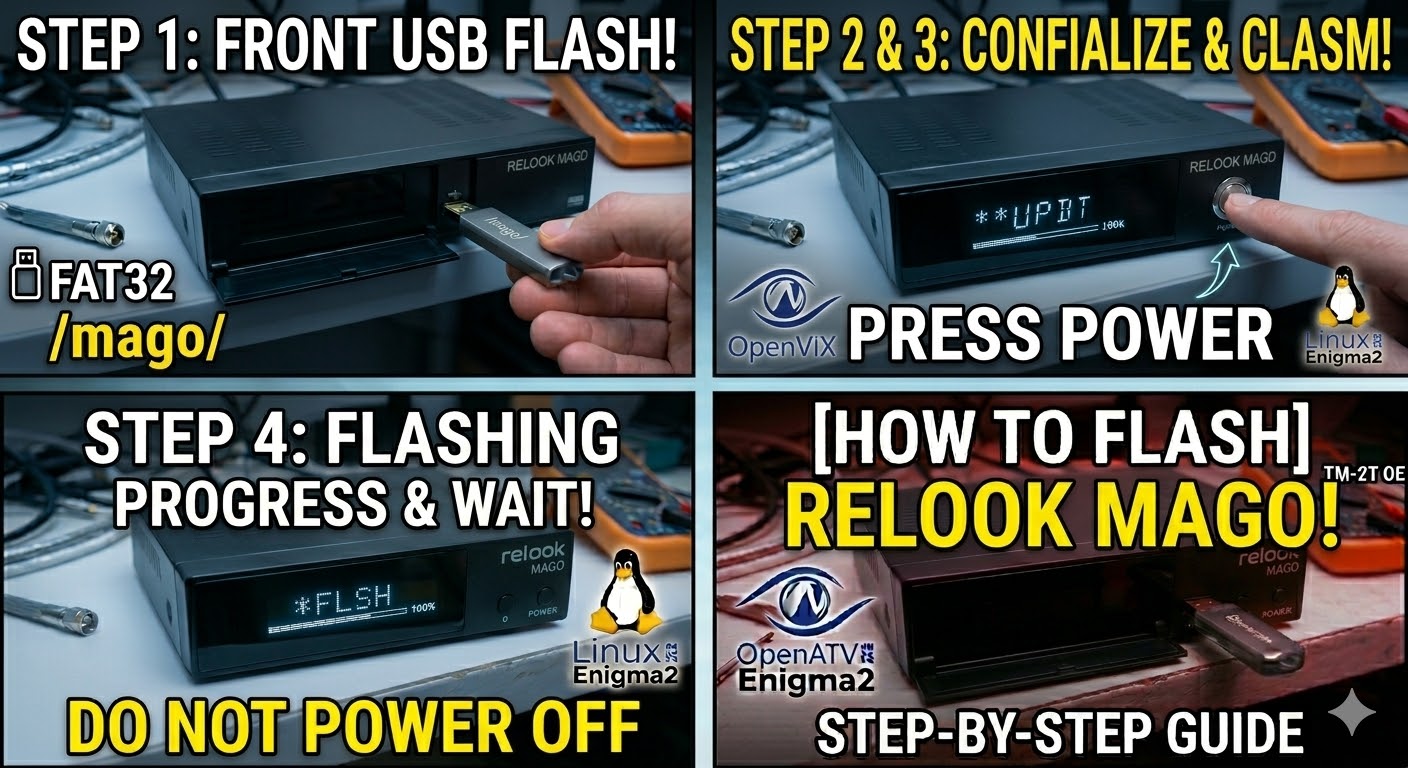
Read MoreTo flash the Relook Mago (also known as the Relook Mago Enigma2 receiver), you will need a USB stick and
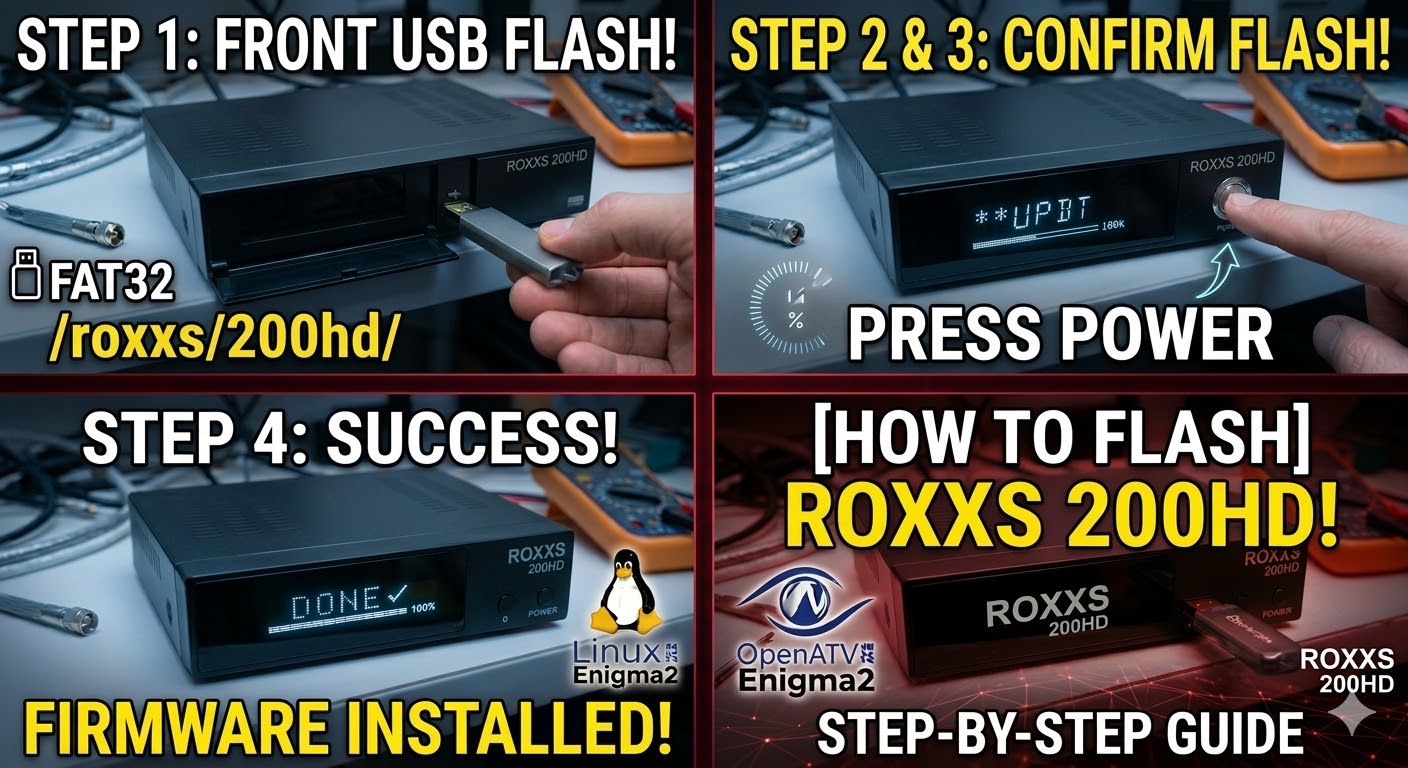
Read MoreTo flash the Roxxs 200HD, you will need to follow the specific folder naming convention used by this receiver’s bootloader.
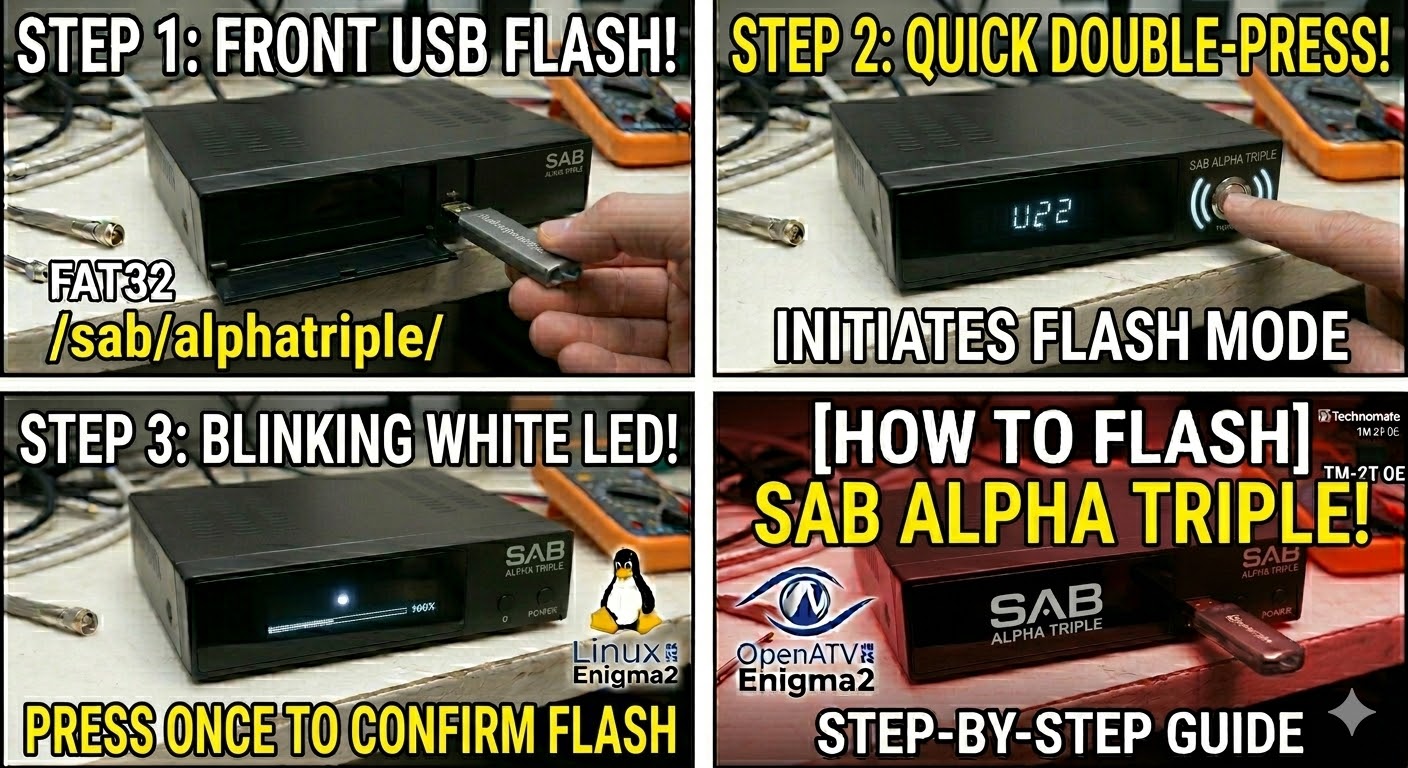
Read MoreTo flash the SAB Alpha Triple, you will need to follow a specific power-on sequence. This receiver is unique because
Read More