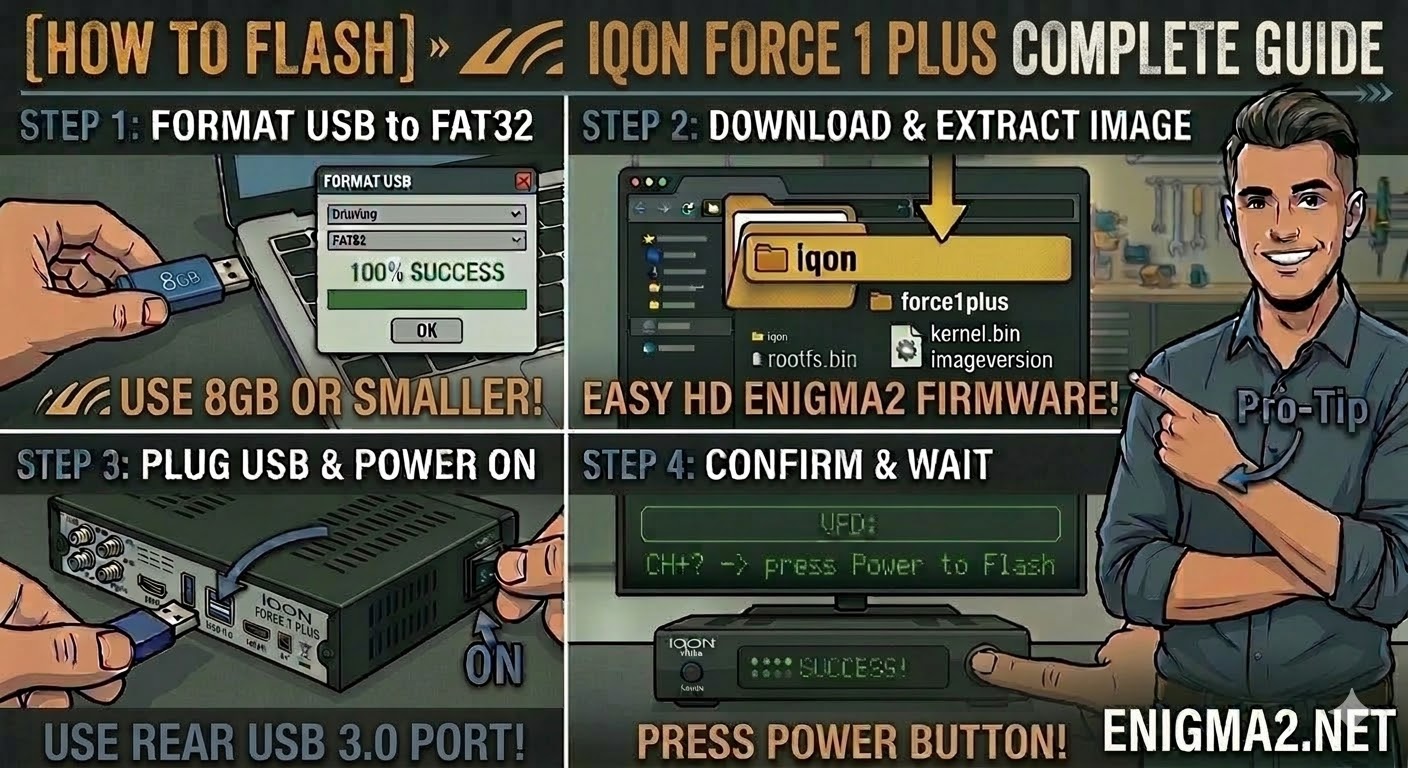
[HOW TO FLASH] how to flash IQON Force 1 Plus
To flash the IQON Force 1 Plus, you will use the standard Broadcom bootloader procedure. This receiver is a robust
Read More
To flash the IQON Force 1 Plus, you will use the standard Broadcom bootloader procedure. This receiver is a robust
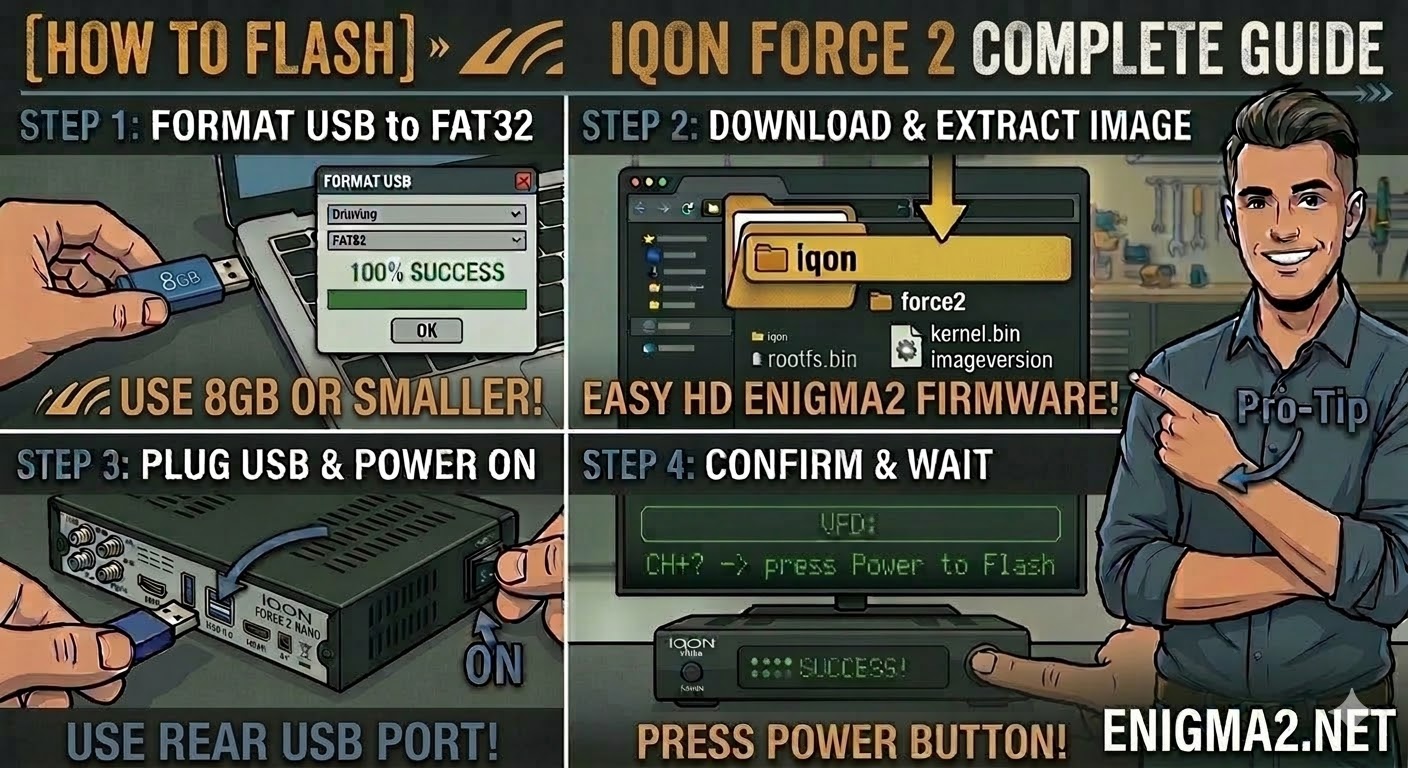
Read MoreTo flash the standard IQON Force 2, you will follow the Broadcom bootloader procedure. This is the base model of
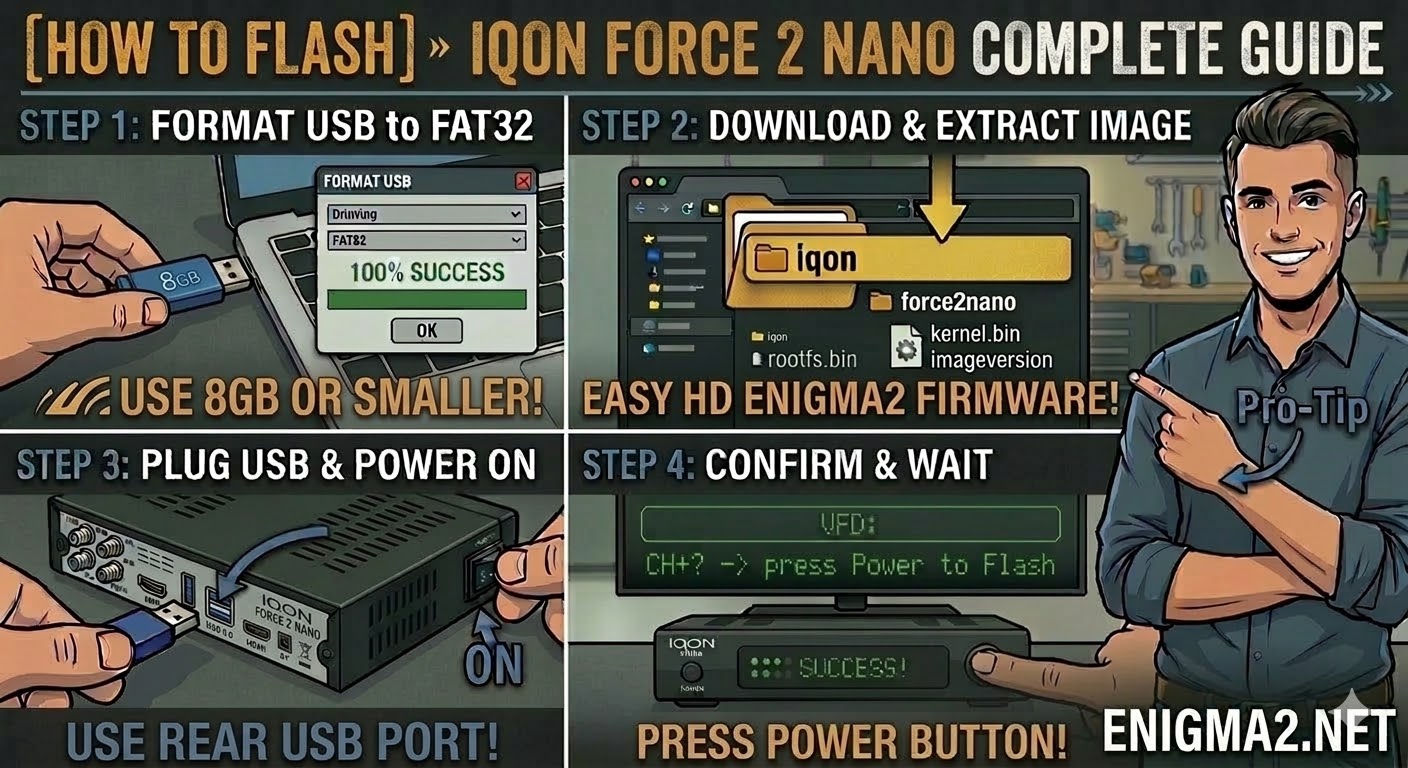
Read MoreTo flash the IQON Force 2 Nano, you will follow the standard procedure for the IQON Force series. Despite its
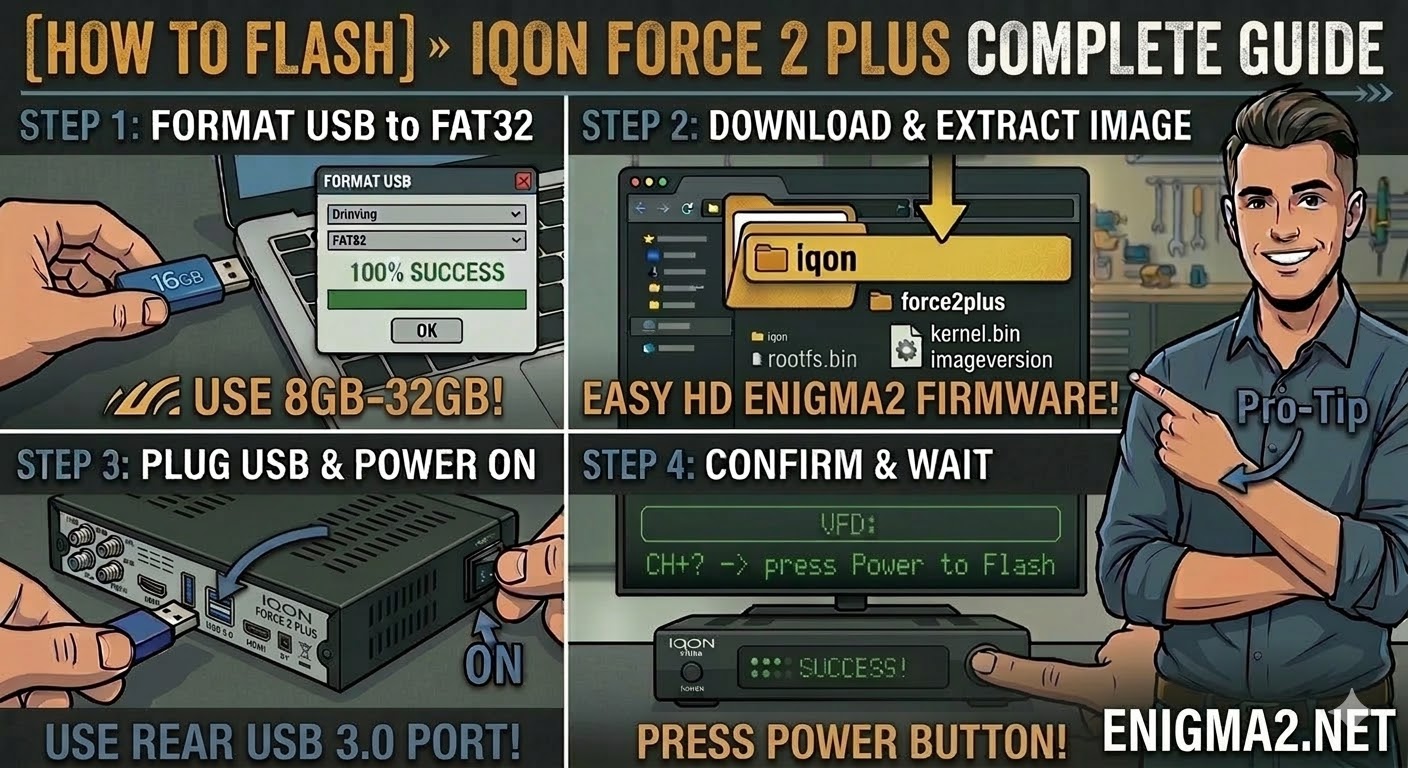
Read MoreTo flash the IQON Force 2 Plus, you will use the Broadcom bootloader procedure. This model is very similar to
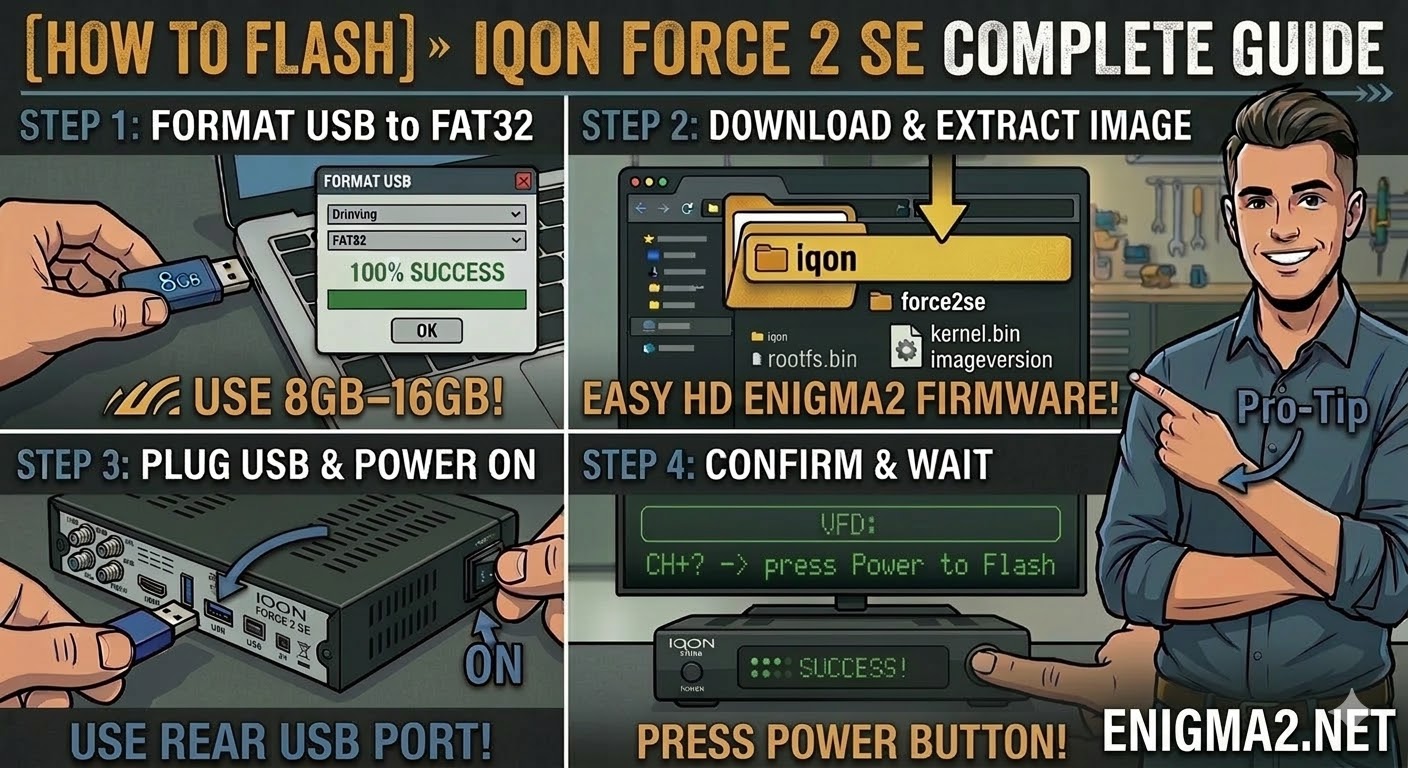
Read MoreTo flash the IQON Force 2 SE, you will follow the standard procedure for this popular Broadcom-based HD receiver. The
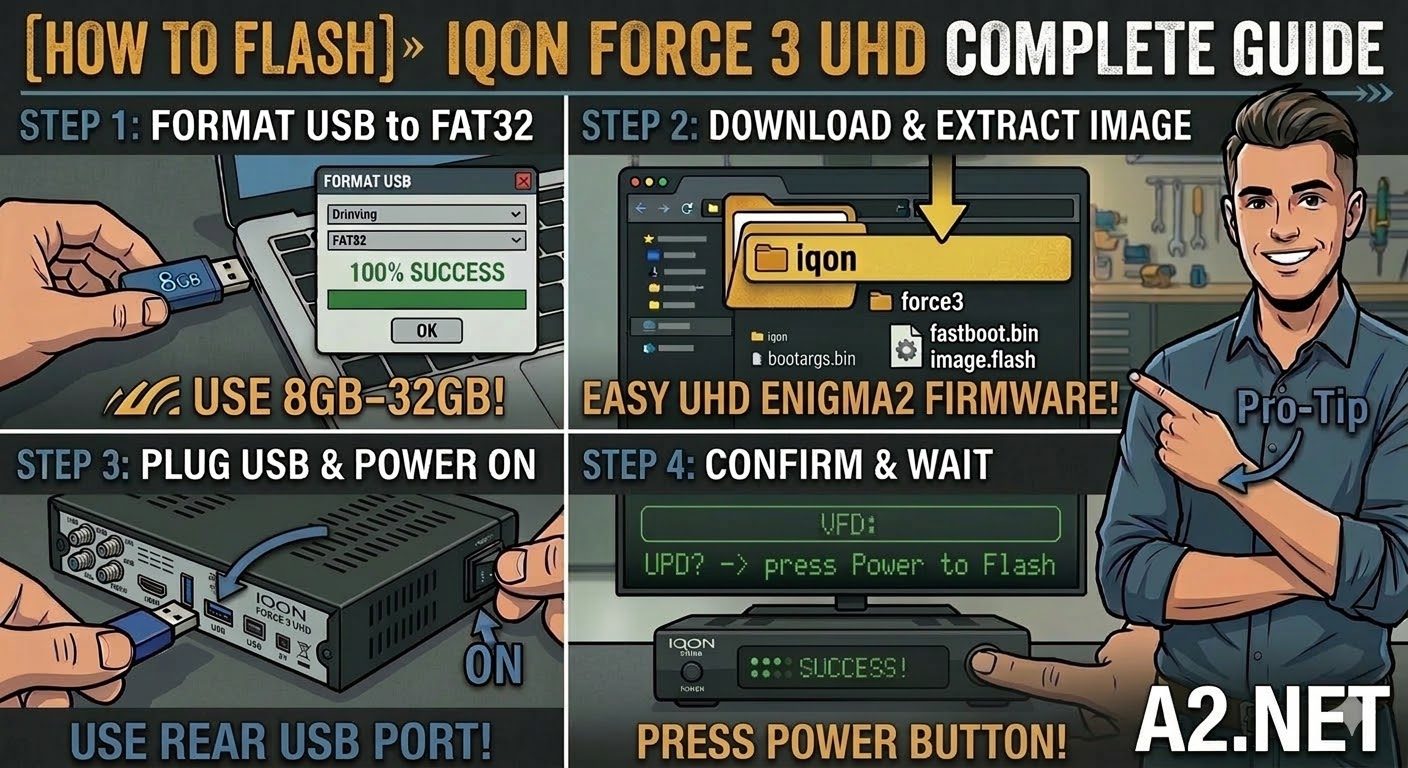
Read MoreTo flash the standard IQON Force 3 UHD (non-Plus version), you will follow the HiSilicon recovery procedure. While the hardware
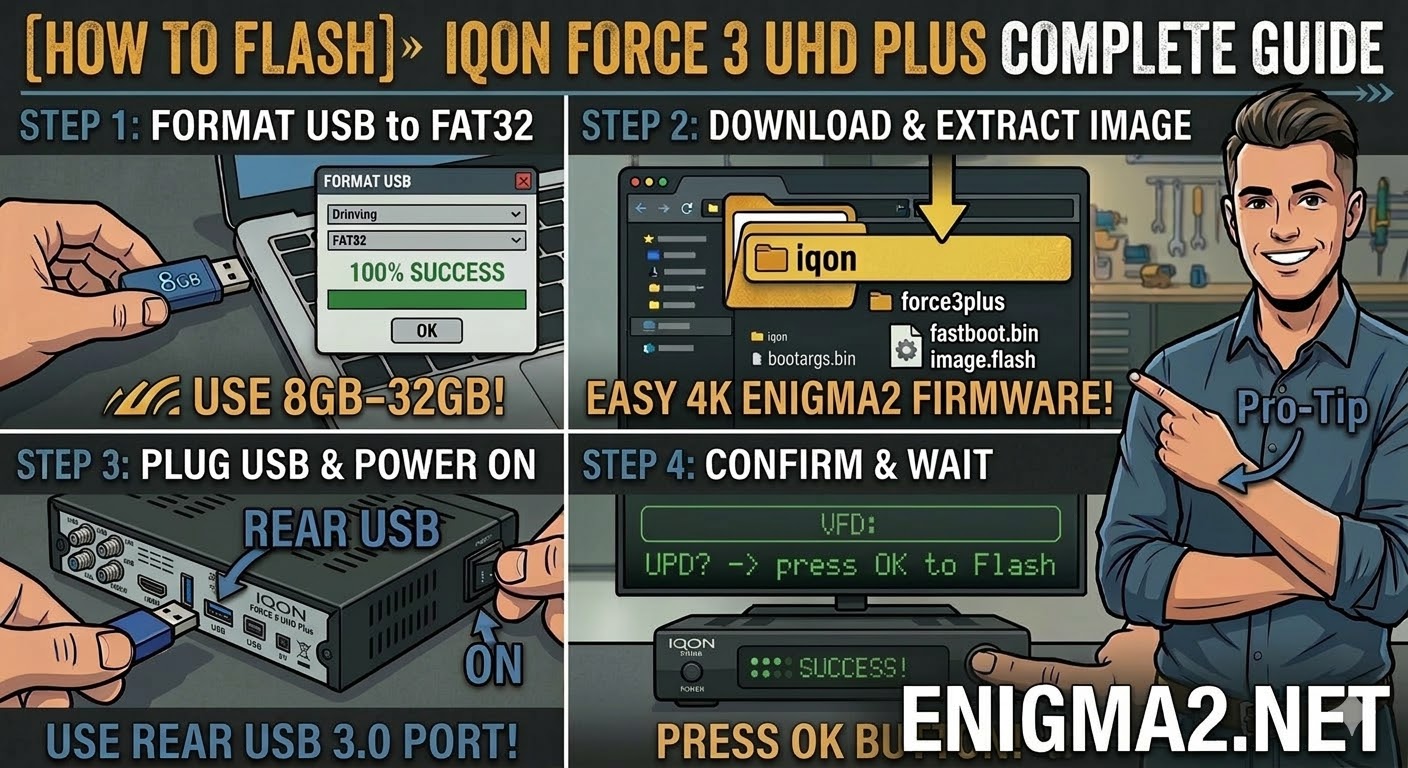
Read MoreTo flash the IQON Force 3 UHD Plus, you will use the procedure for modern 4K HiSilicon-based receivers. This model
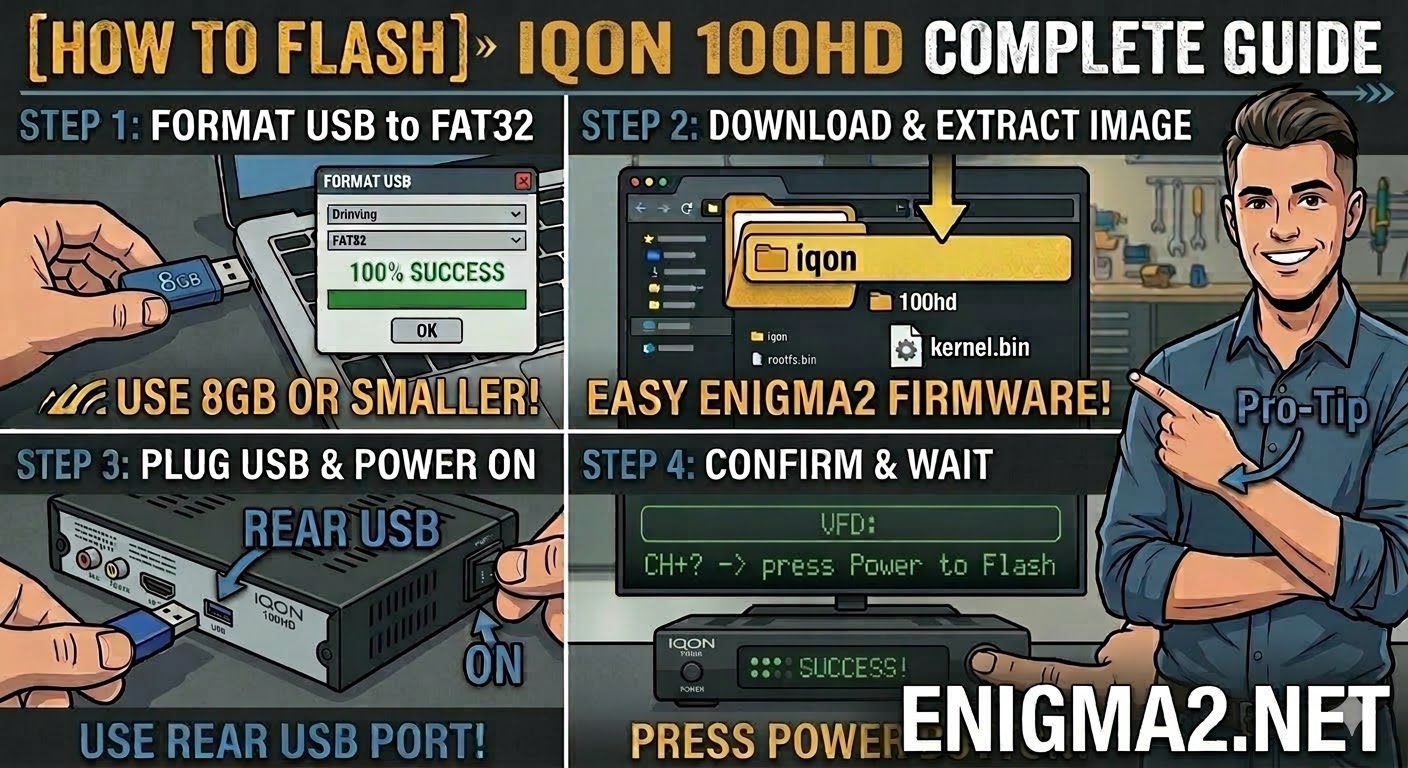
Read MoreTo flash the IQON 100HD, you will follow the standard procedure for the IQON Broadcom series. As the entry-level model
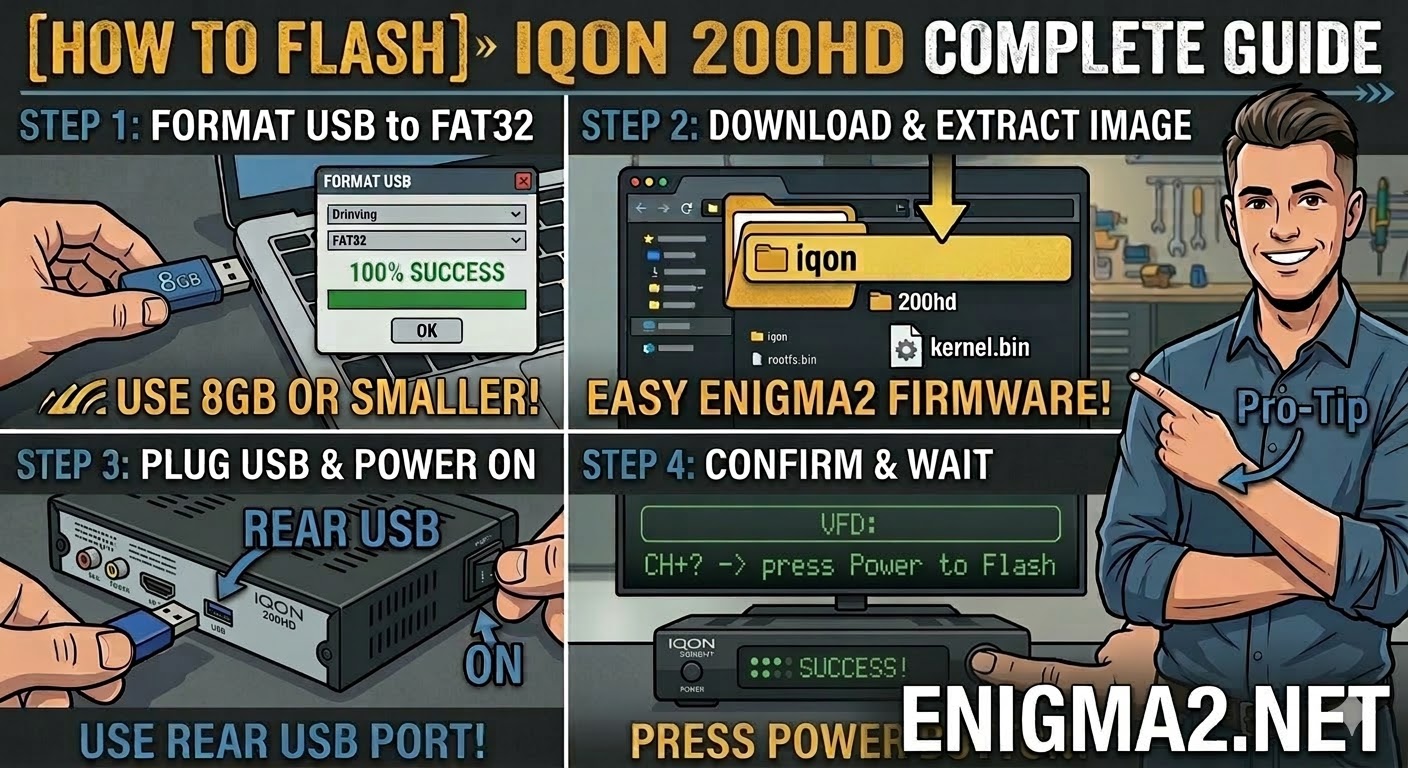
Read MoreTo flash the IQON 200HD, you will follow the standard procedure for the IQON Broadcom series. Like its bigger brothers
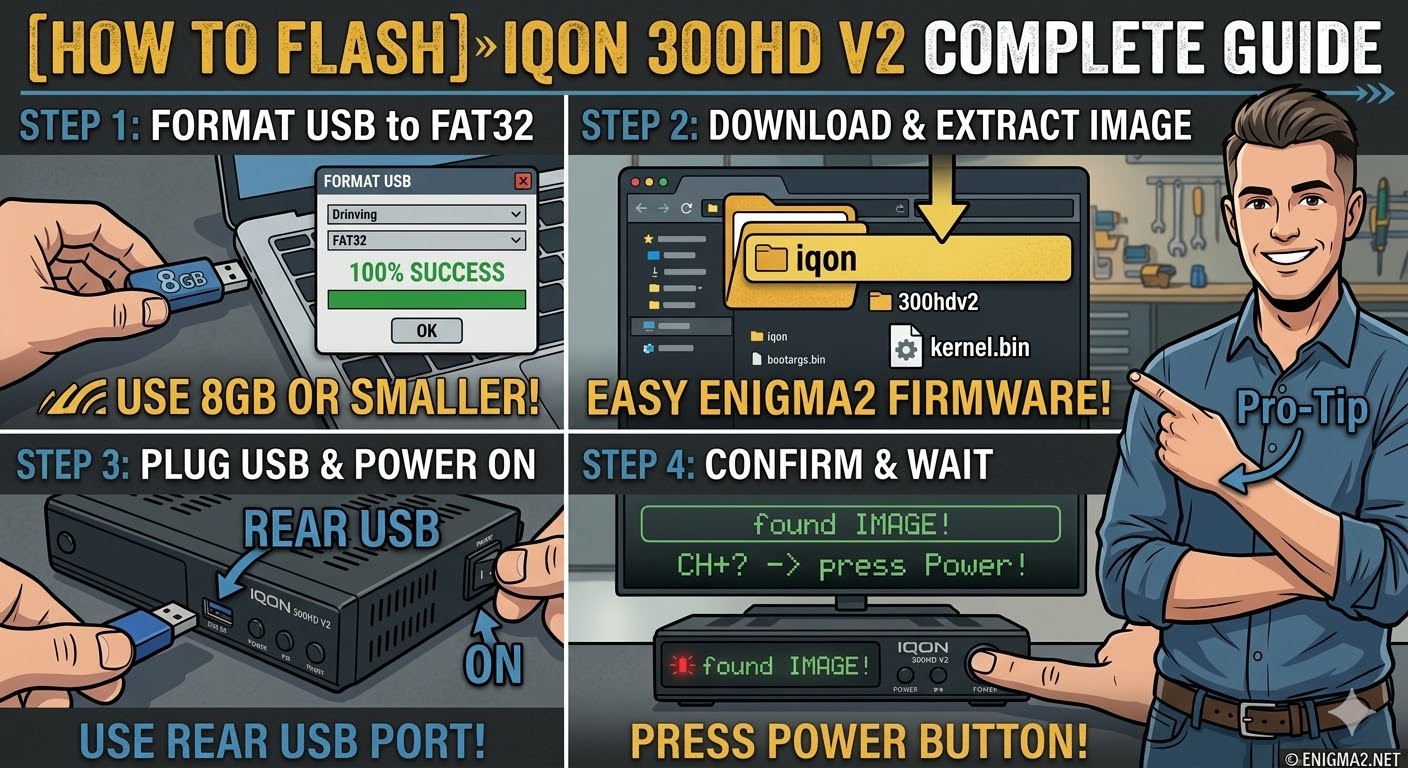
Read MoreTo flash the IQON 300HD V2, you will follow the procedure for this Broadcom-based receiver. This “V2” model is essentially
Read More