[HOW TO FLASH] how to flash Mutant HD2400
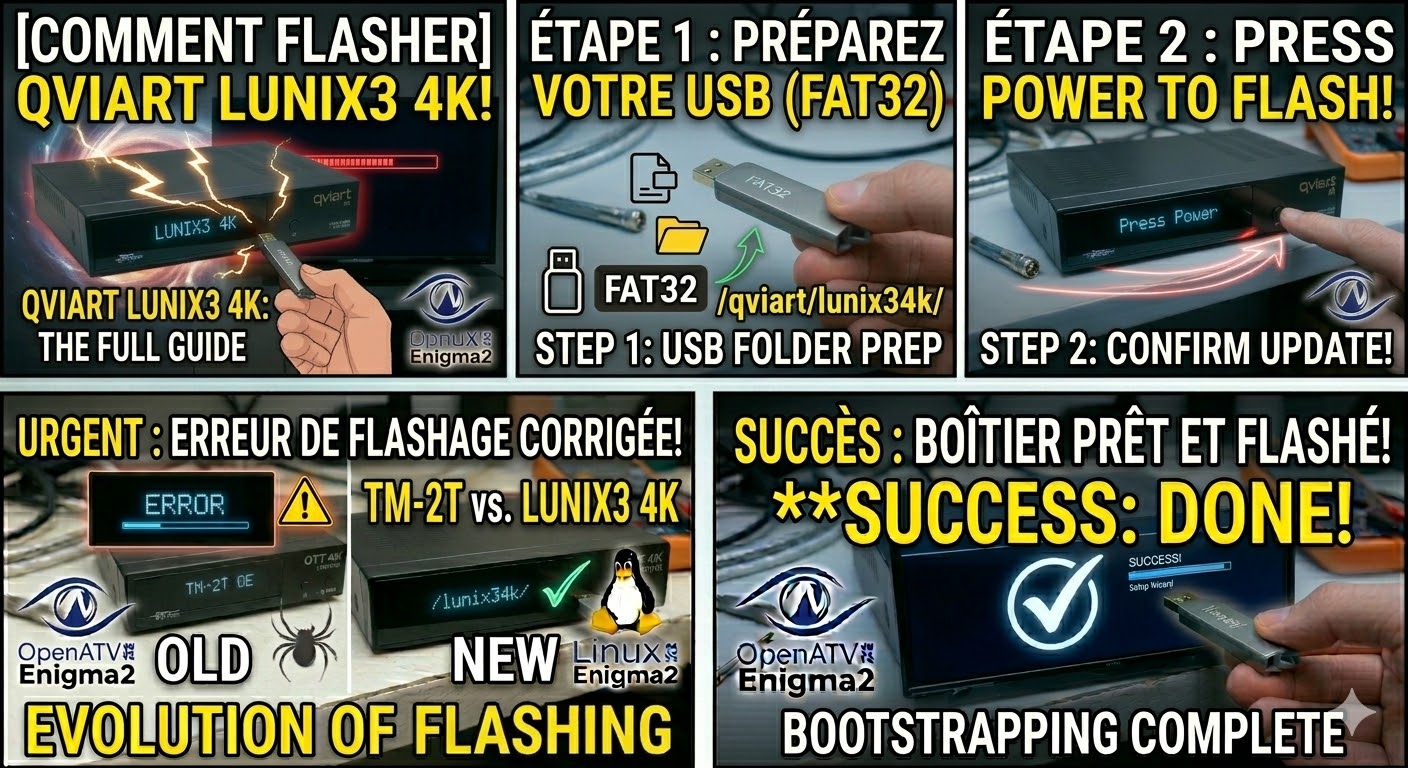
To flash the Mut@nt HD2400, we move away from the modern “Recovery Menu” of the 4K boxes and back to the classic Enigma2 flashing method. The HD2400 is a powerful, older generation Broadcom-based receiver that requires a specific button press on the front panel to initiate the process.
1. Preparation
-
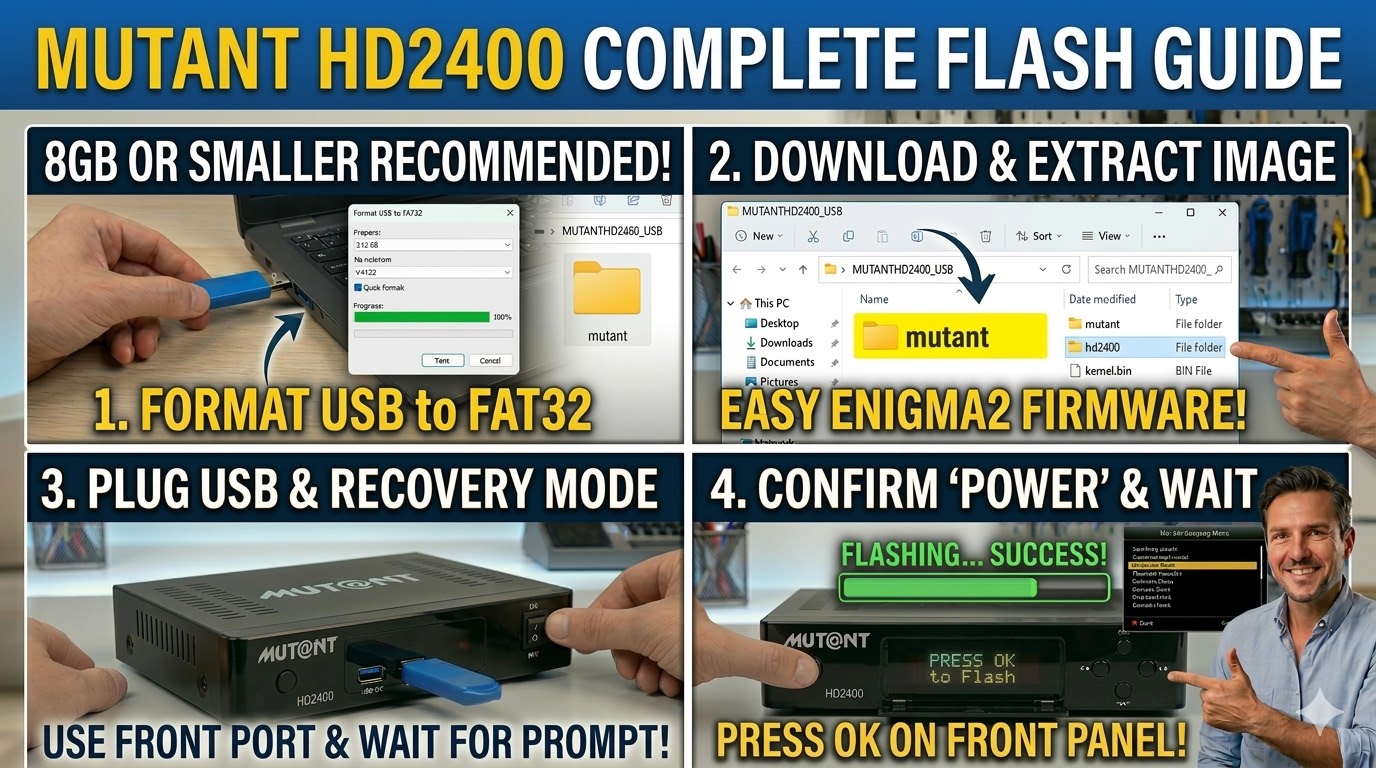
USB Stick: Use a high-quality USB stick (8GB or smaller is highly recommended for older bootloaders).
-
Format: The stick must be formatted to FAT32.
-
Firmware: Download the image specifically for the HD2400 (e.g., OpenATV or OpenViX).
2. Folder Structure
The HD2400 looks for a folder named after the manufacturer.
-
Extract the downloaded firmware zip file.
-
You will see a folder named
mutant. -
Copy the entire
mutantfolder to the root of your USB stick.-
Path:
USB:\mutant\hd2400\ -
Inside the hd2400 folder: You should see files like
kernel.bin,rootfs.bin, andimageversion.
-
3. The Flashing Process
-
Power Off: Turn off the receiver using the power switch at the back.
-
Insert USB: Plug the USB stick into one of the front USB ports (hidden behind the flap) or a rear port.
-
Power On: Turn the back power switch to ON.
-
Initiate Flash:
-
Watch the front panel display. When it detects the USB, it will display a message like “Found Image” or “Press OK to Flash”.
-
Quickly press the OK button located on the front panel (behind the flap) to confirm.
-
-
Wait: The display will show the progress (e.g., “Flashing…”). The process usually takes 2–4 minutes.
-
Completion: Once finished, the receiver will reboot automatically. You can then safely remove the USB stick.
Pro-Tip for enigma2.net
The HD2400 is famous for its four pluggable tuners. In your guide, remind users that unlike the 4K models, this box does not have a recovery menu. If they don’t press the front panel OK button within a few seconds of the prompt, the box will simply boot the existing image.