[HOW TO FLASH] how to flash AXAS E3HD
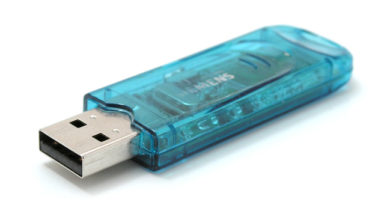
The AXAS E3HD is a classic, compact Enigma2 receiver. Because it belongs to an older generation of Broadcom-based hardware, it is particularly sensitive to the type of USB drive used. For the best results, use a small (4GB or 8GB) USB 2.0 stick formatted strictly to FAT32.
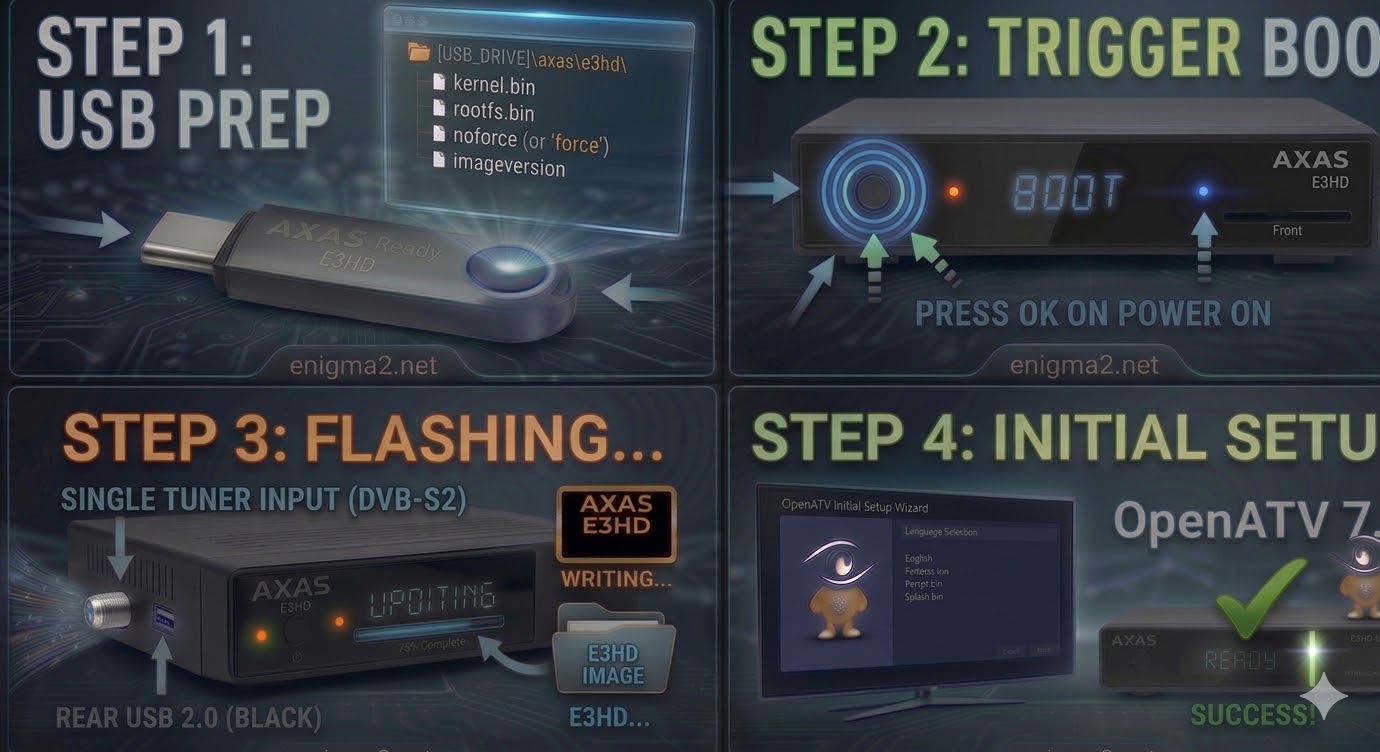
Step 1: USB Preparation
-
Format: Ensure the USB drive is FAT32.
-
Folder Structure: Unzip your image (e.g., OpenATV). You should find a folder named
axas. -
Target Path: Inside the
axasfolder, the subfolder must be namede3hd.-
Path check:
USB_DRIVE:\axas\e3hd\ -
Files: This folder should contain
kernel.bin,rootfs.bin, andimageversion. (Note: Older images may usenoforceorforcefiles to trigger the update).
-
Step 2: The Flashing Procedure
-
Full Power Off: Flip the physical power switch at the back of the AXAS E3HD to OFF.
-
Insert USB: Plug the drive into the rear USB port (on this specific model, the rear port is often more reliable for booting).
-
Boot & Trigger:
-
Switch the rear power toggle to ON.
-
Watch the front panel LED. On the E3HD, the LED usually changes color (often to Purple or Blinking Red/Green) to indicate it has found the update.
-
If the image is set to “noforce,” you may need to press the Power button on the front panel to confirm the flash.
-
-
Wait for Progress: The flashing process on these older models can take 5–8 minutes. Do not interrupt the power.
-
Finish: Once the LED turns a solid Green or the box reboots, remove the USB drive immediately.

The flashing process should take approximately two to four minutes to complete, while the receiver
is being flashed it is vitally important that you DO NOT power the receiver down for any reason as
this can cause serious and or permanent damage.