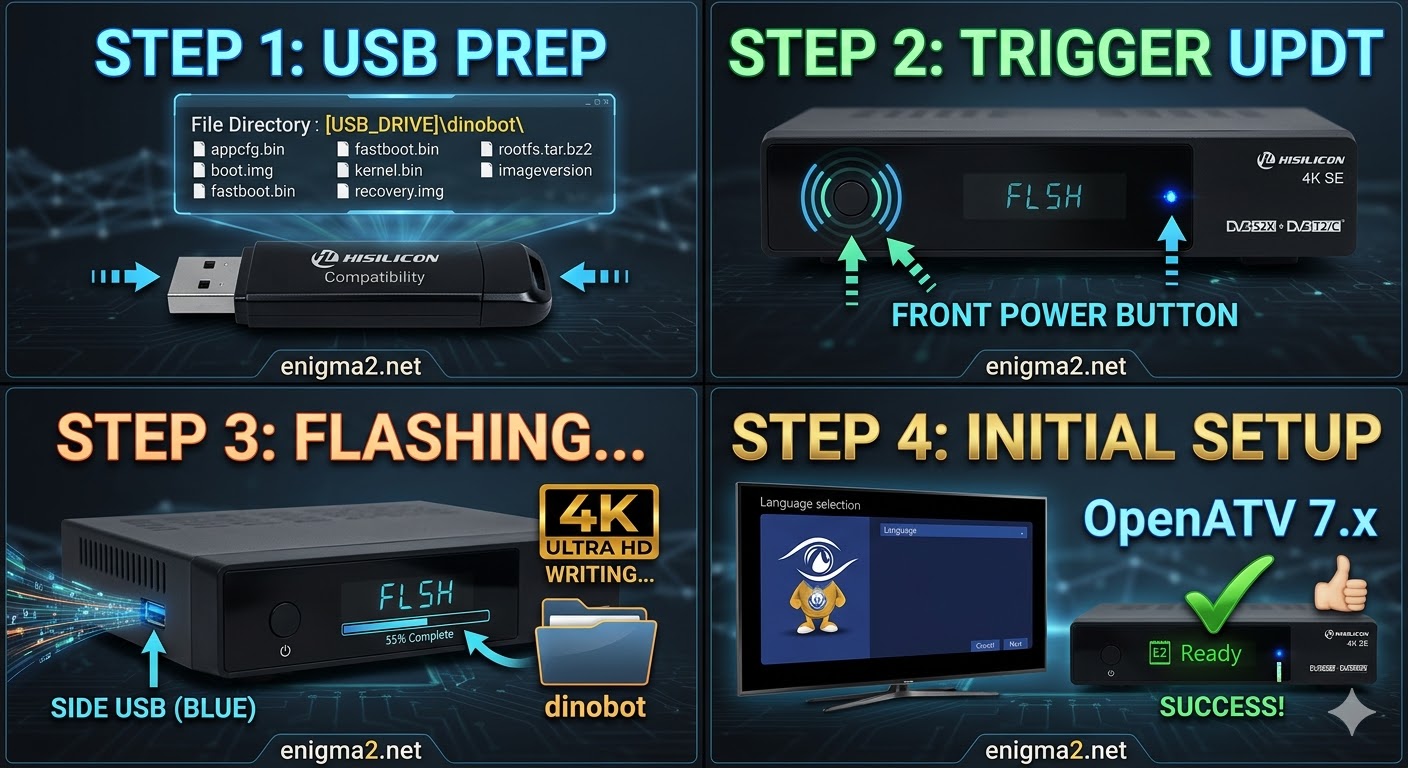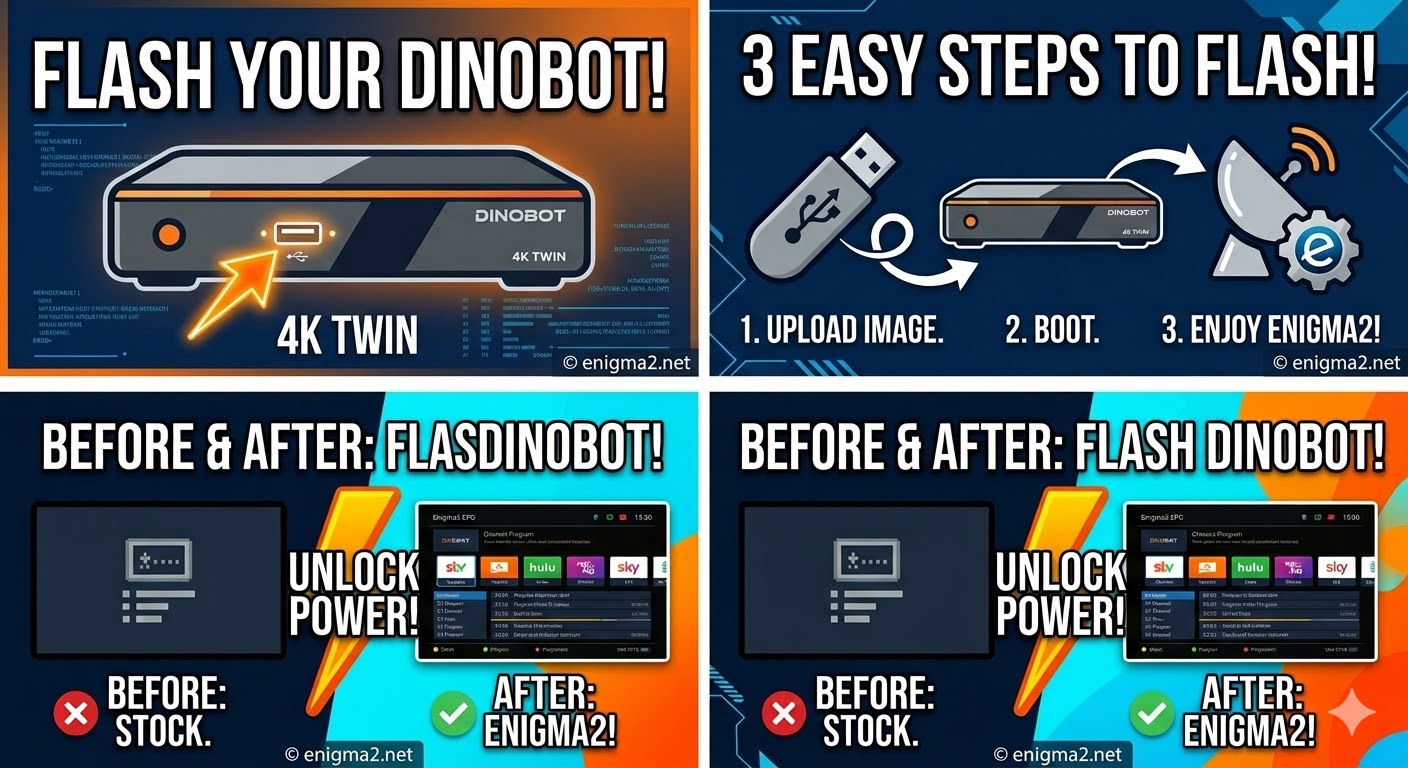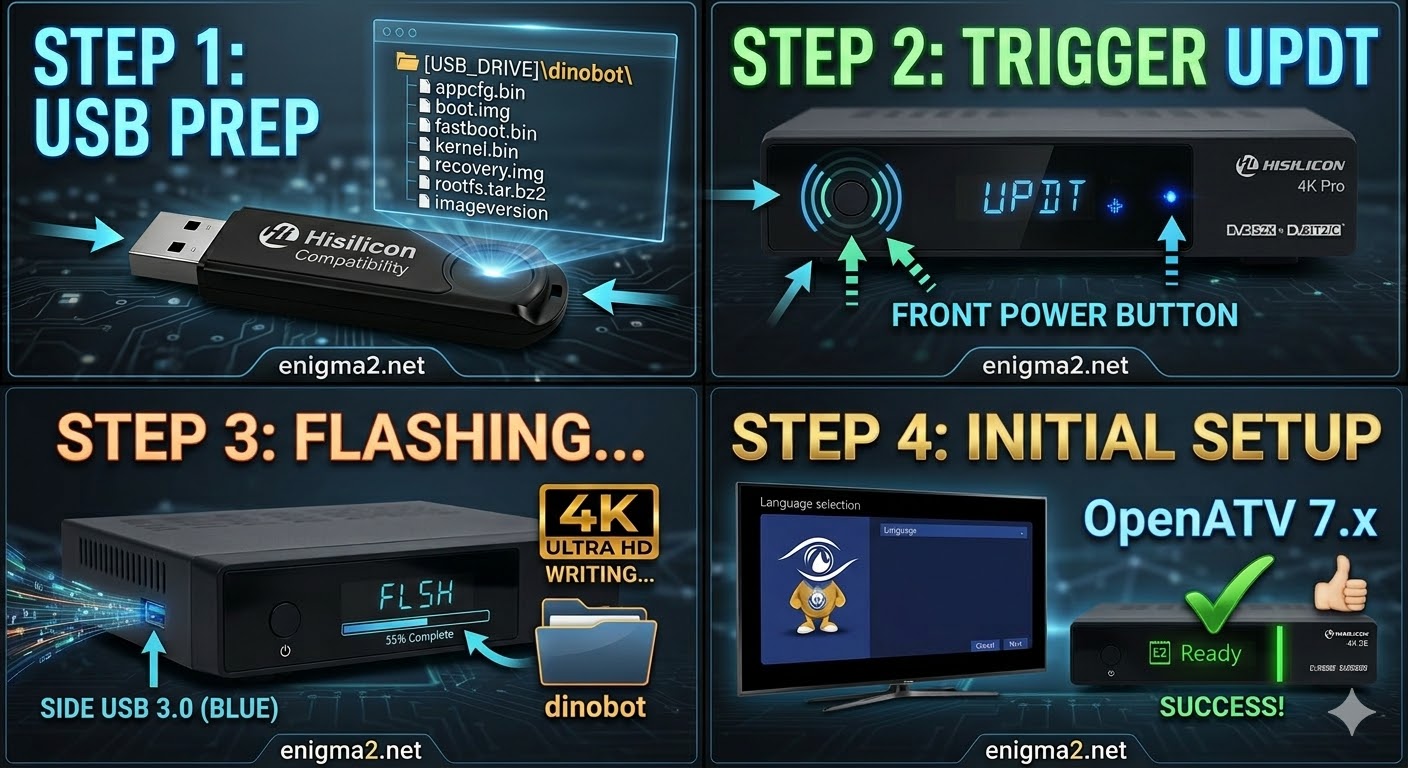
[HOW TO FLASH] how to flash DINOBOT 4K pro
Flashing the Dinobot 4K Pro (Step-by-Step) 1. Prepare the USB Drive Format: Use a USB 2.0 stick (FAT32). Hisilicon bootloaders
Read More
HOW TO FLASH
Flashing the Dinobot 4K Pro (Step-by-Step) 1. Prepare the USB Drive Format: Use a USB 2.0 stick (FAT32). Hisilicon bootloaders
Read MoreFlashing the Dinobot 4K SE (Step-by-Step) 1. Prepare the USB Drive Format: Use a USB 2.0 stick (FAT32). Hisilicon bootloaders
Read MoreFlashing the Dinobot 4K Twin (Step-by-Step) 1. Prepare the USB Drive Format: Use a USB 2.0 stick (FAT32). Hisilicon bootloaders
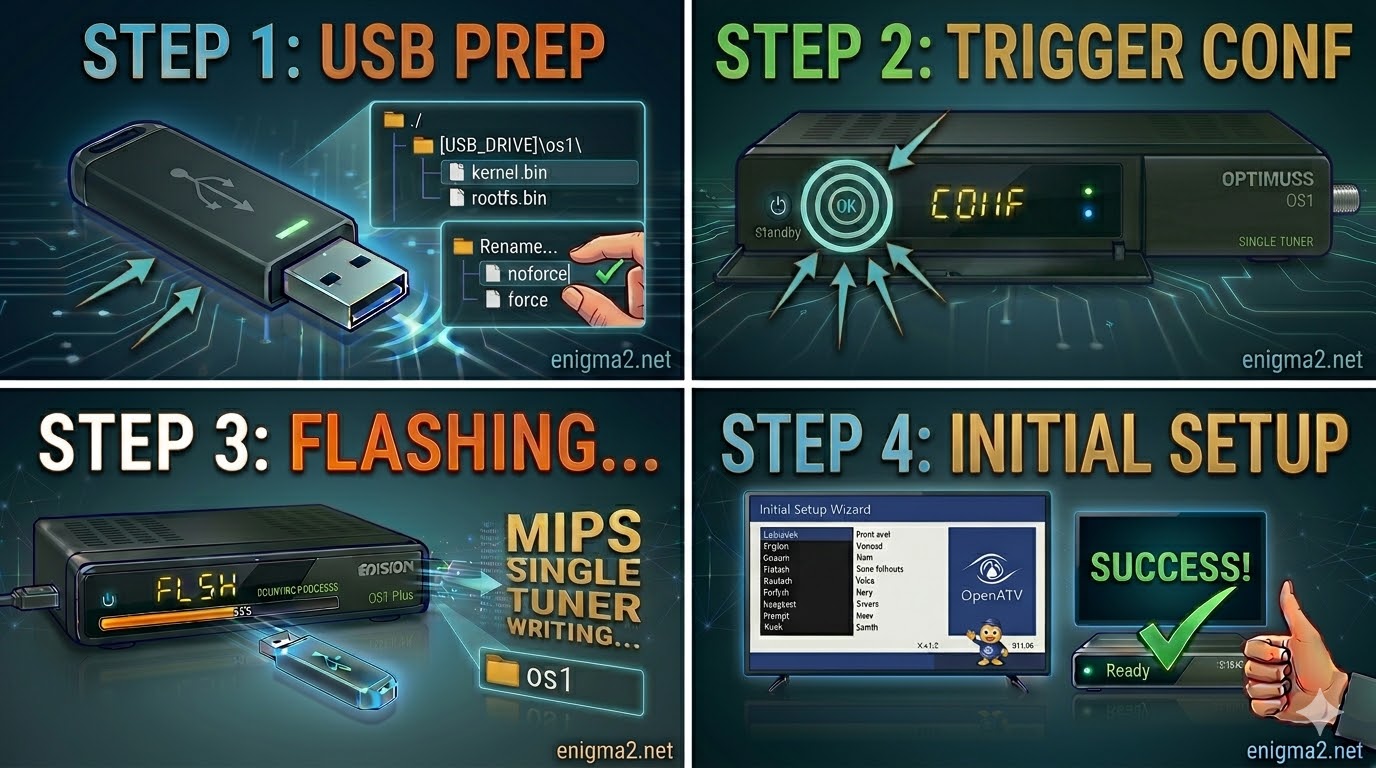
Read MoreFlashing the Edision Optimuss OS1 (Step-by-Step) 1. Prepare the USB Drive Format: Use a high-quality USB 2.0 stick (FAT32 formatted).
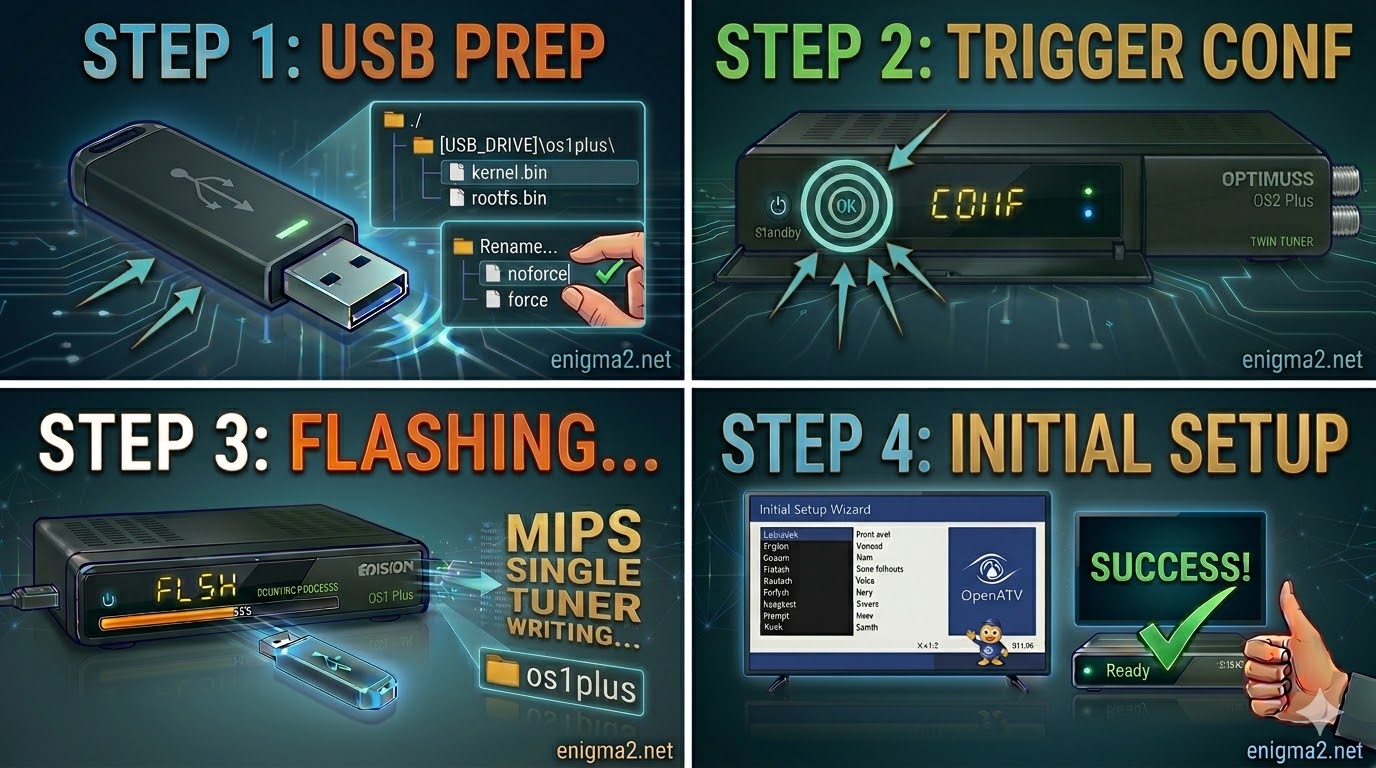
Read MoreFlashing the Edision Optimuss OS1 Plus (Step-by-Step) The Edision Optimuss OS1 Plus is a high-performance single-tuner MIPS receiver. For a
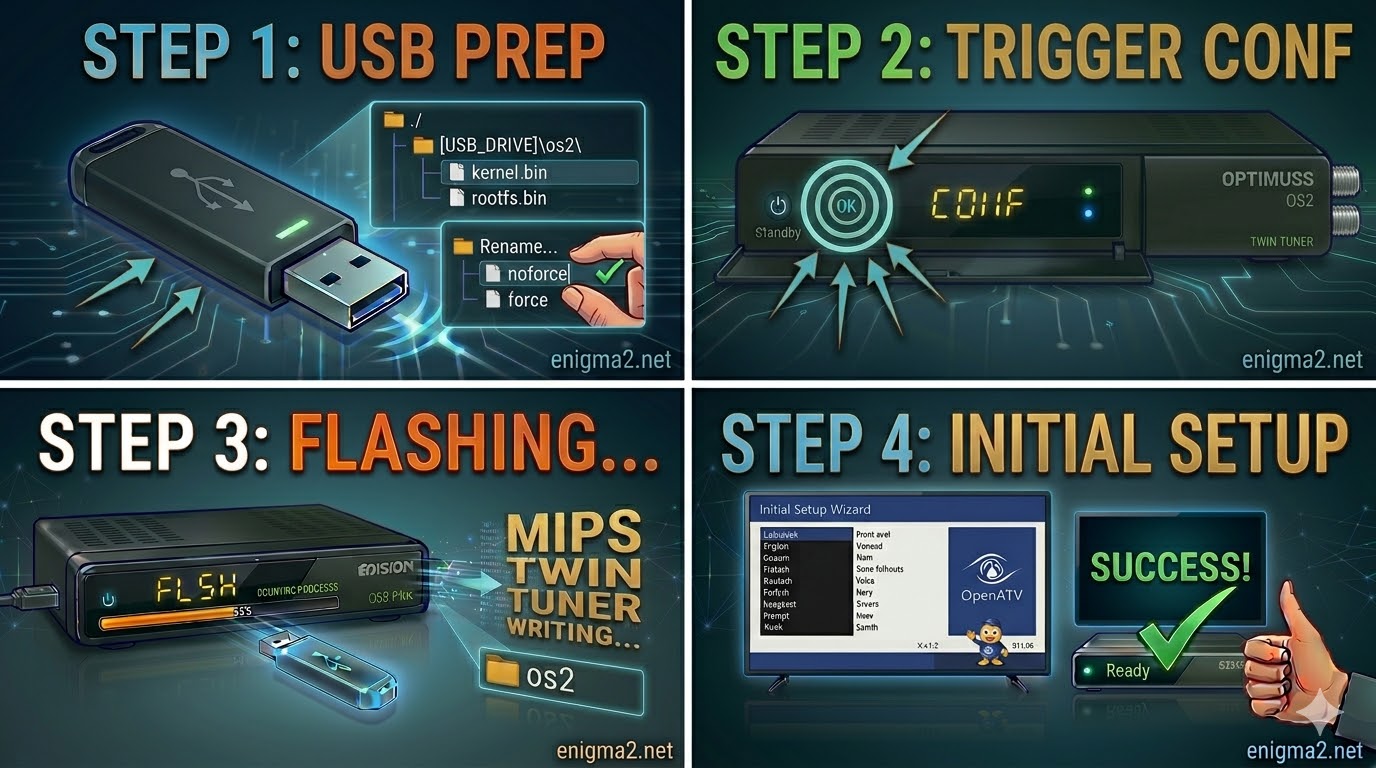
Read MoreFlashing the Edision Optimuss OS2 (Step-by-Step) 1. Prepare the USB Drive Format: Use a USB 2.0 stick (FAT32). This older
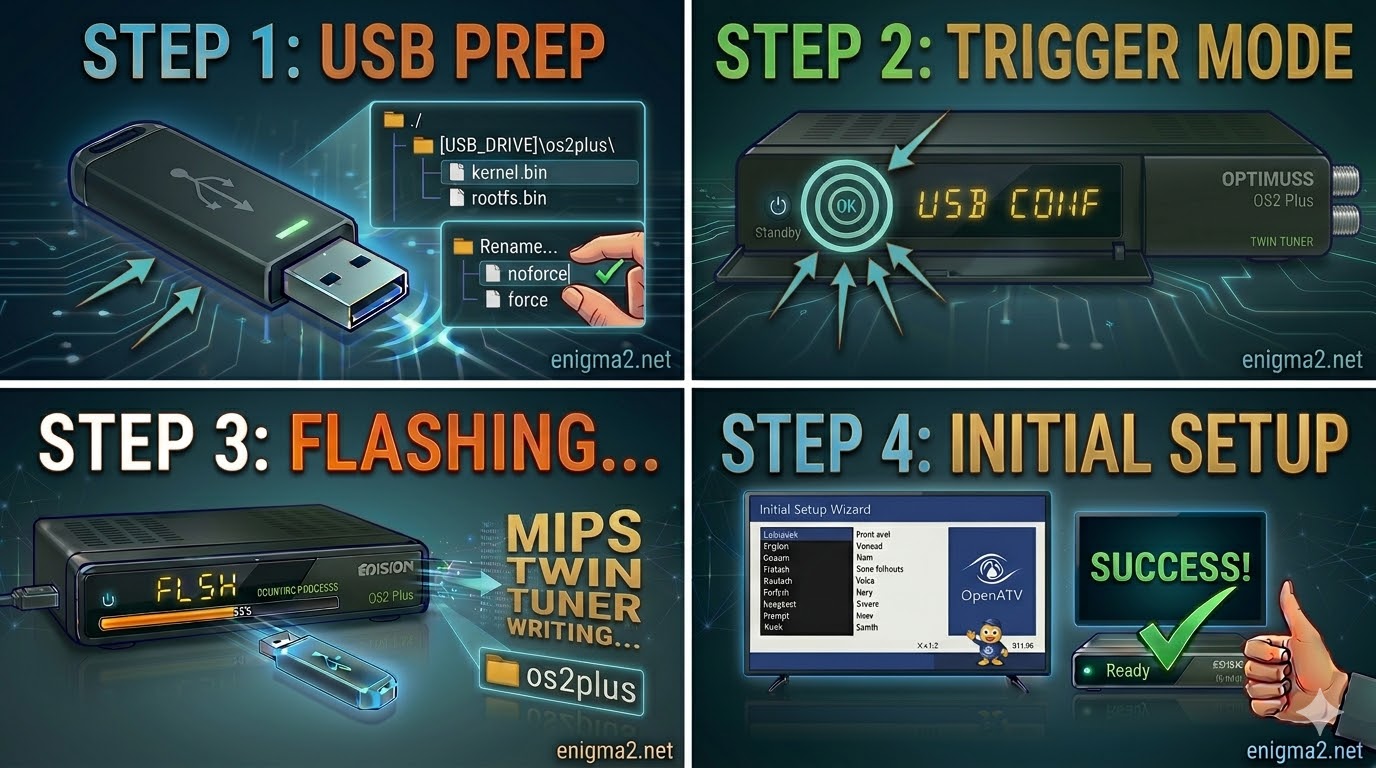
Read MoreFlashing the Edision Optimuss OS2 Plus (Step-by-Step) 1. Prepare the USB Drive Format: Use a USB 2.0 stick (FAT32). This
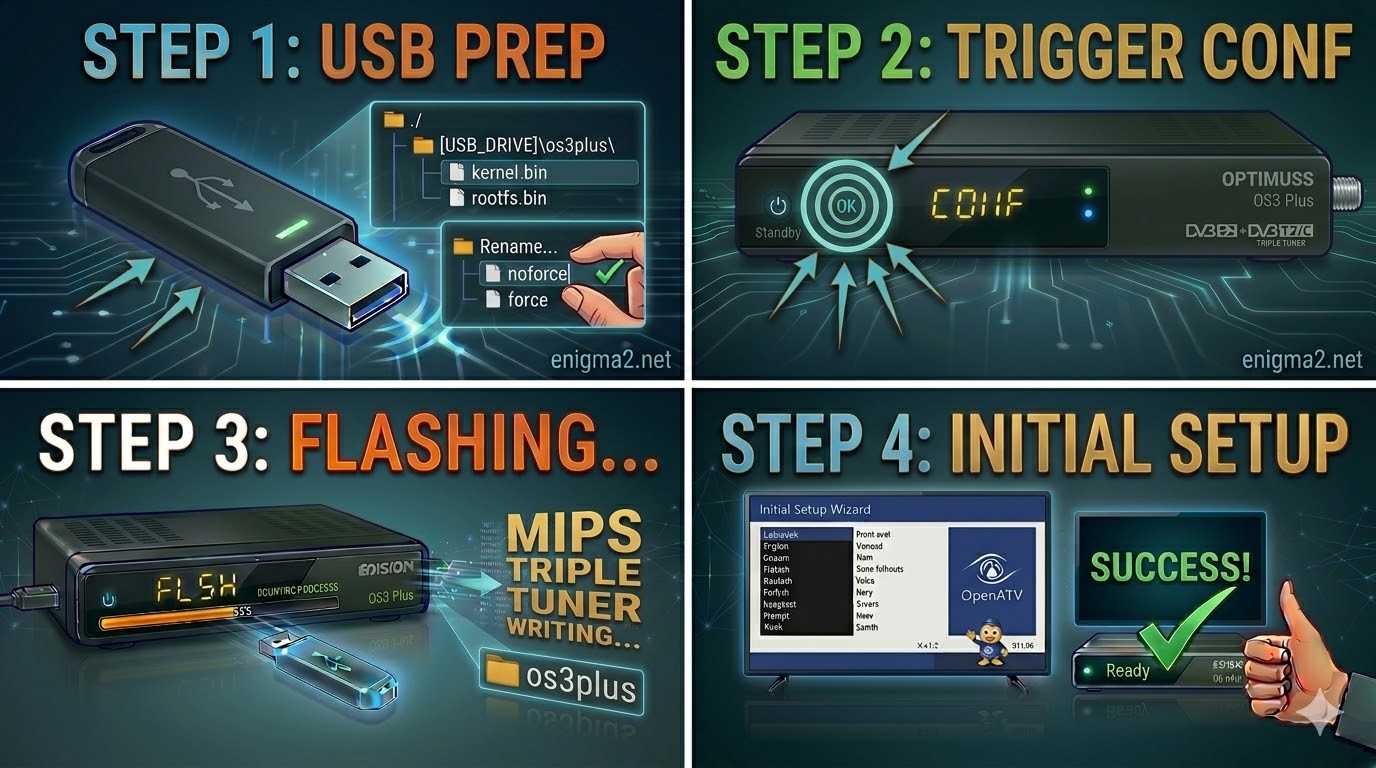
Read MoreFlashing the Edision Optimuss OS3 Plus (Step-by-Step) 1. Prepare the USB Drive Format: Use a high-quality USB 2.0 stick (FAT32
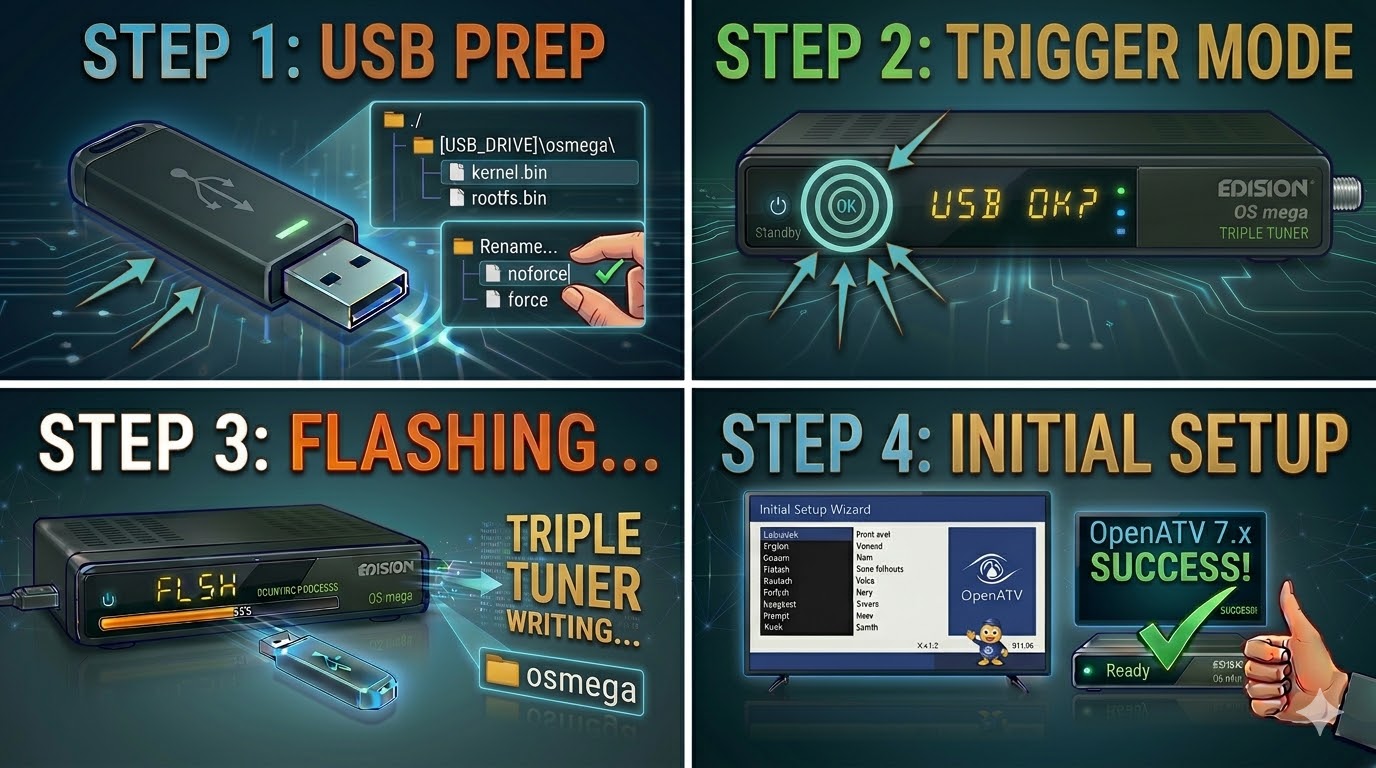
Read MoreFlashing the Edision OS mega (Step-by-Step) 1. Prepare the USB Drive Format: Use a high-quality USB 2.0 stick (FAT32). As
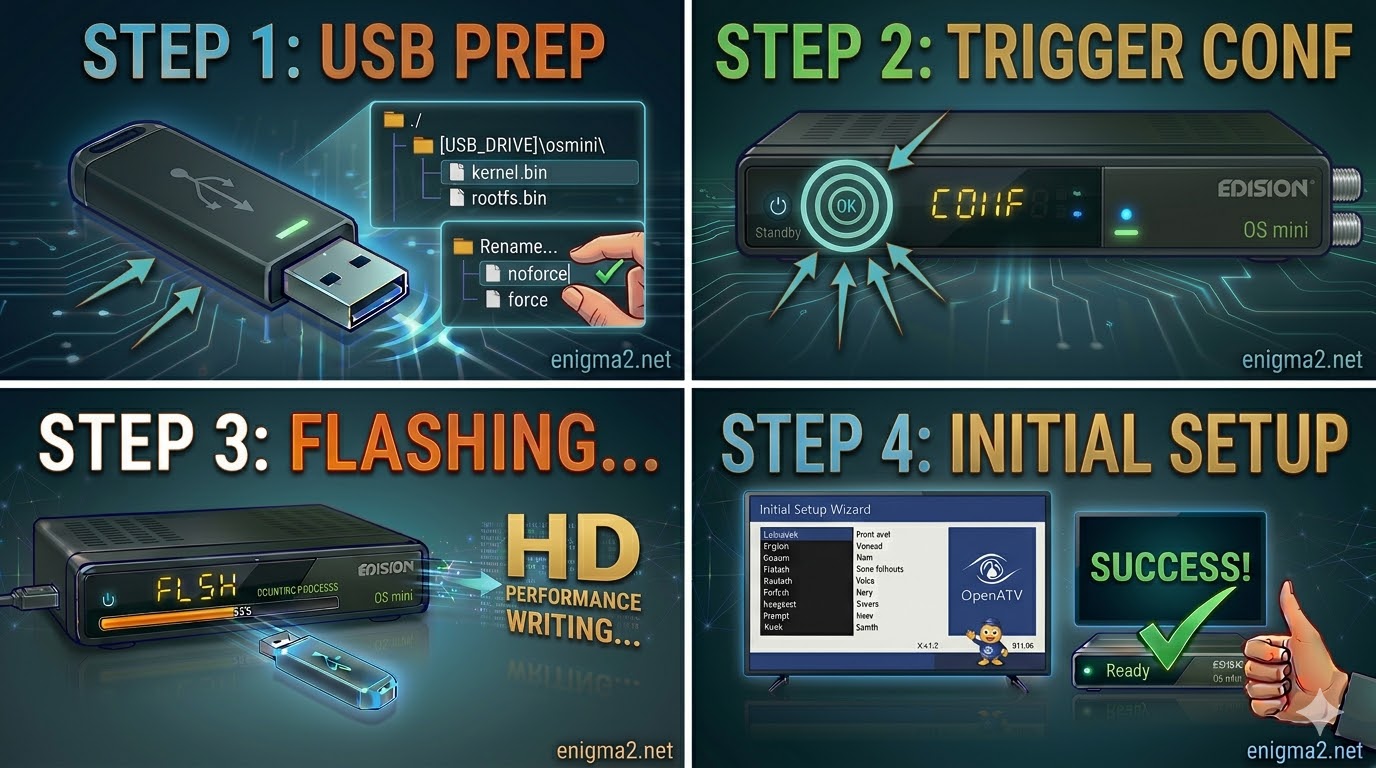
Read MoreFlashing the Edision OS mini (Step-by-Step) 1. Prepare the USB Drive The Folder Path: Extract your Enigma2 image ZIP. The
Read More