[HOW TO FLASH] how to flash Protek 9910 LX
To flash the Protek 9910 LX, you follow a nearly identical procedure to its siblings in the LX series. This Broadcom-based HD receiver is dependable but requires the specific folder path to be recognized by the bootloader at startup.
Preparation
-
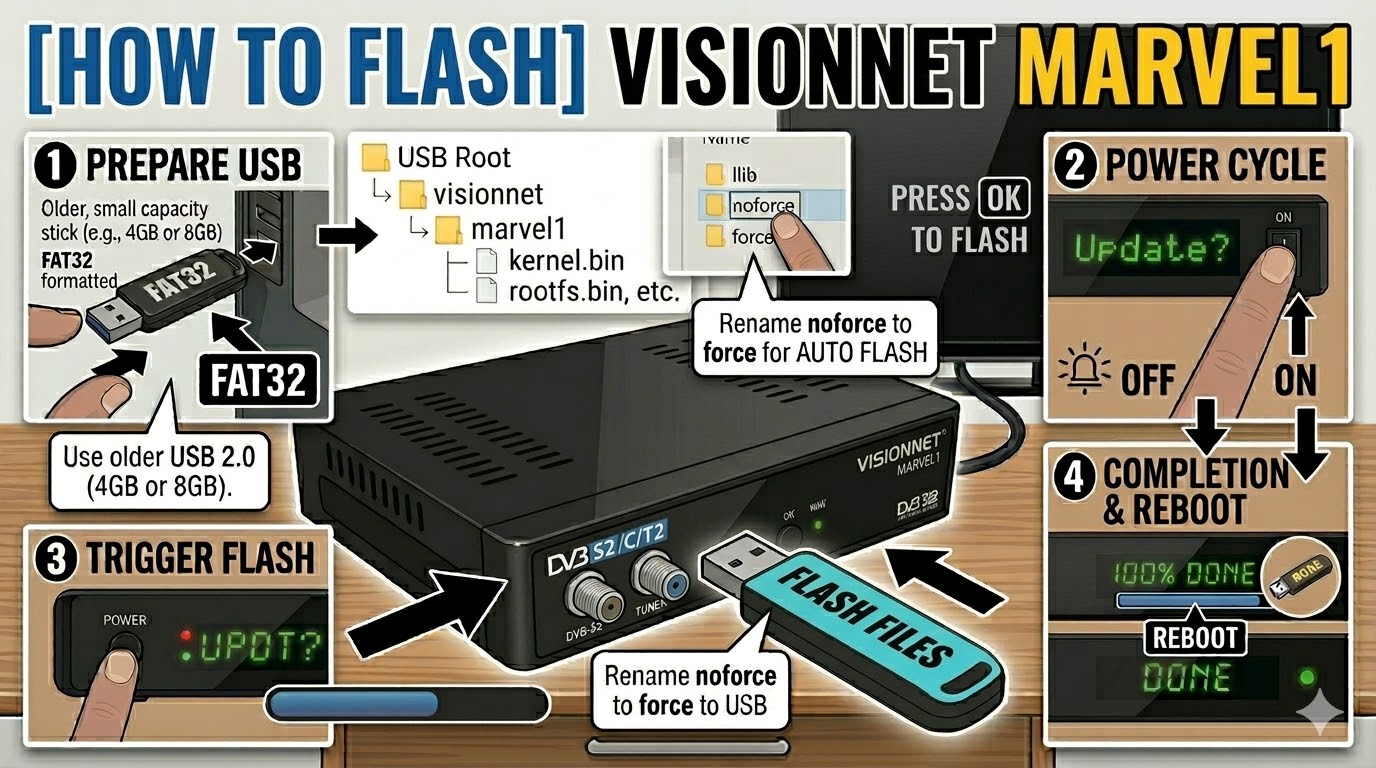
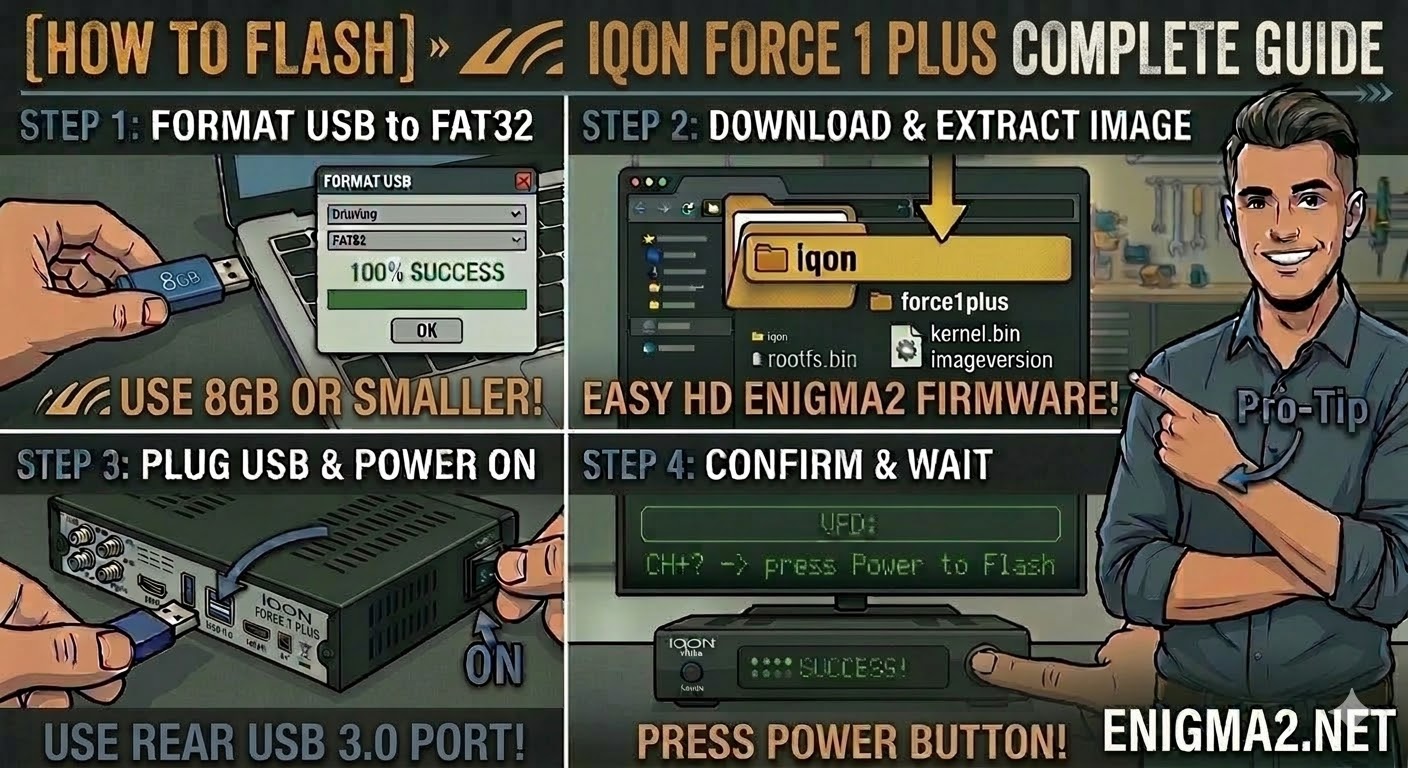
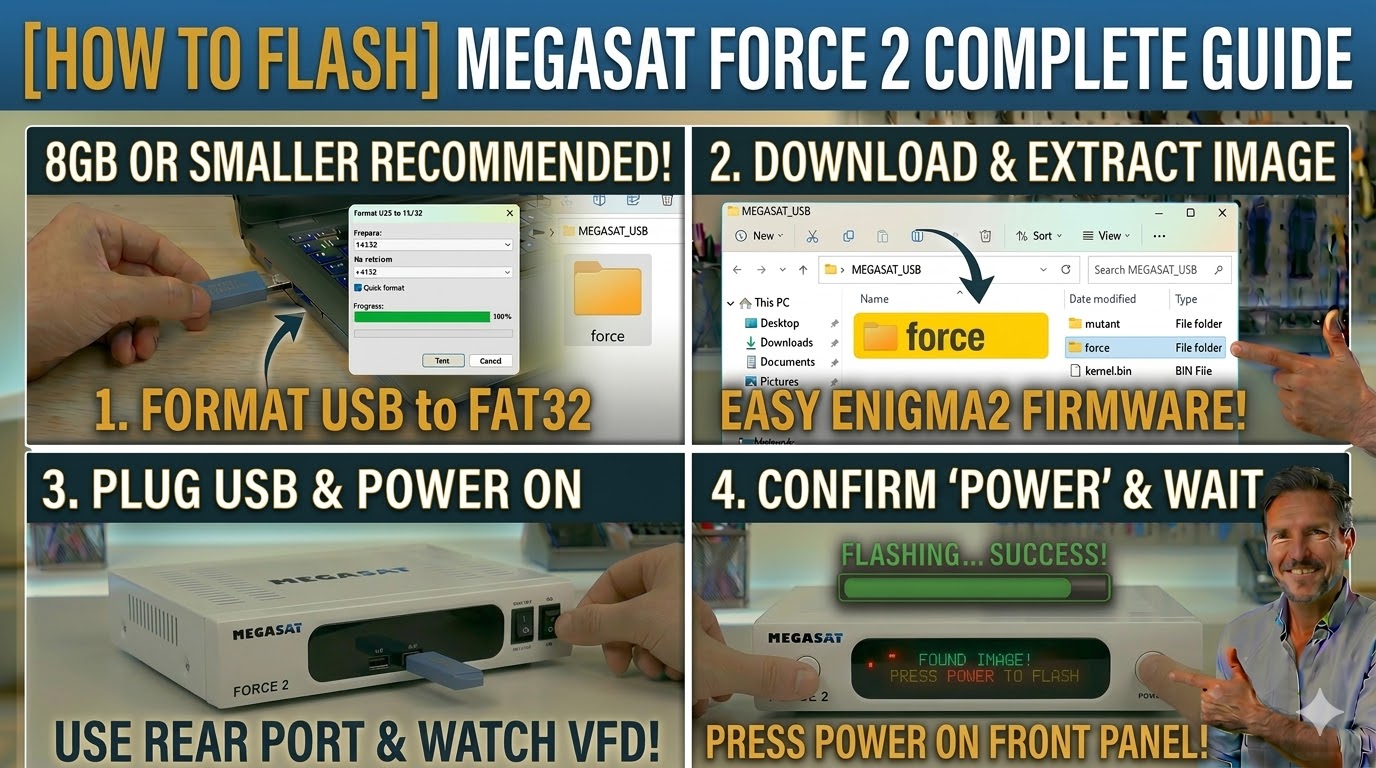
USB Drive: Use a USB 2.0 stick (ideally 2GB–8GB) formatted to FAT32.
-
Download Image: Ensure the firmware is specifically for the Protek 9910 LX (OpenATV, OpenHDF, etc.).
-
Extract Files: Unzip the archive on your PC. You will see a folder named
protek. -
Copy to USB: Transfer the entire
protekfolder to the root of the USB drive.-
Structure:
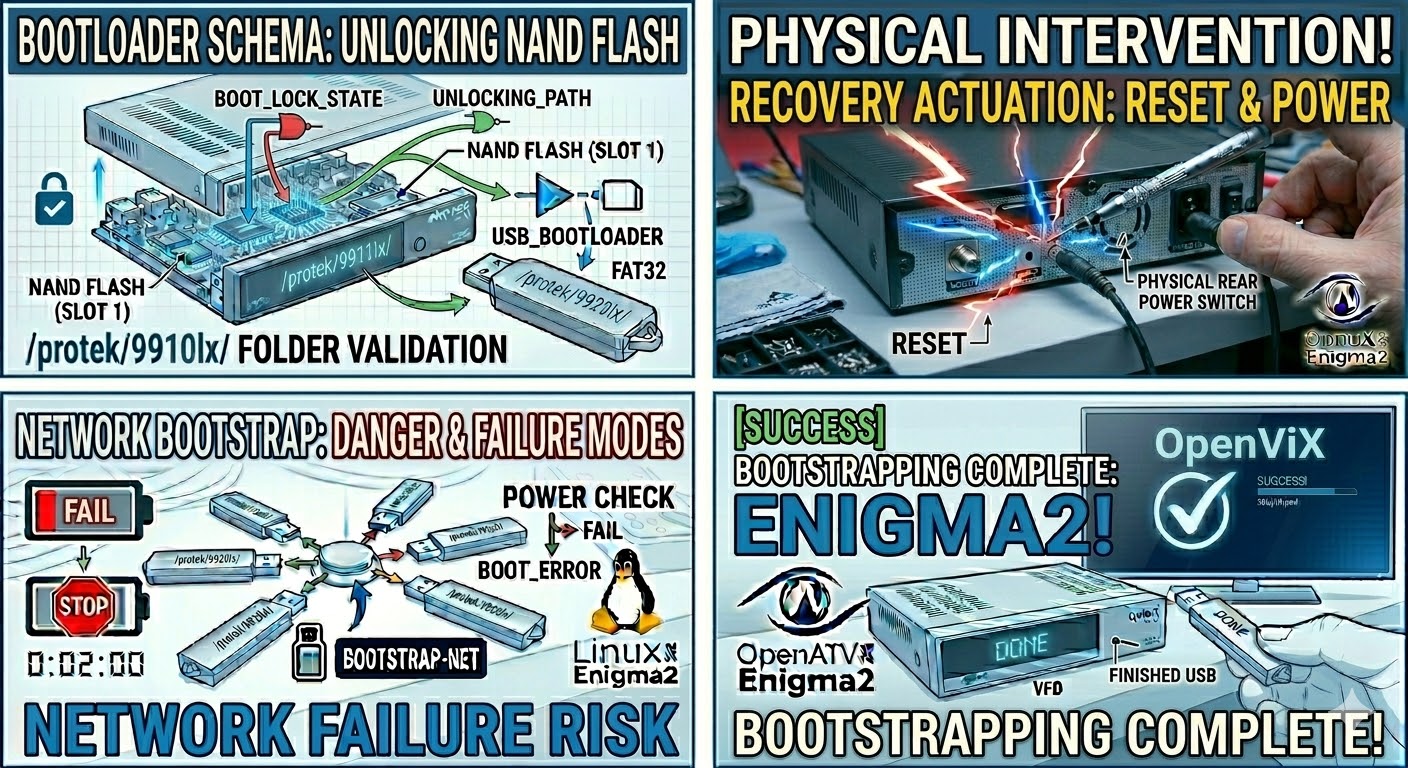
USB Stick -> protek -> 9910lx -> (image files: kernel.bin, rootfs.bin, etc.).
-
The Flashing Process
-
Power Down: Turn off the receiver using the physical power switch at the back.
-
Insert USB: Plug the USB stick into the rear USB port (this is generally more stable for flashing than the front port).
-
Power On: Flip the rear power switch to ON.
-
Initiate Flash:
-
Watch the front panel display.
-
When you see the message “Update?” or “Press OK”, immediately press the Standby/Power button on the front panel (or the OK button if you have the front flap open).
-
-
Wait: The display will show “Flashing” or a progress indicator. Do not turn off the power during this phase, or you risk bricking the device.
-
Complete: The box will reboot automatically once finished. When the setup wizard appears on your TV, the process is complete and you can remove the USB.
Quick Troubleshooting
-
Folder Name: Ensure the subfolder is exactly
9911lx. Even though this is the 9910 LX model, many images use a shared 9911lx folder structure; if your image download provides a9910lxfolder instead, use that. -
Force Method: If the button press is not being detected, open the folder on your USB (
9910lxor9911lx), find the filenoforce, and rename it toforce. This triggers an automatic flash on boot. -
USB Pickiness: If it keeps booting to your old image, try a different, older USB 2.0 stick.

The flashing process should take approximately two to four minutes to complete, while the receiver
is being flashed it is vitally important that you DO NOT power the receiver down for any reason as
this can cause serious and or permanent damage.