[HOW TO FLASH] how to flash Black Widow-X
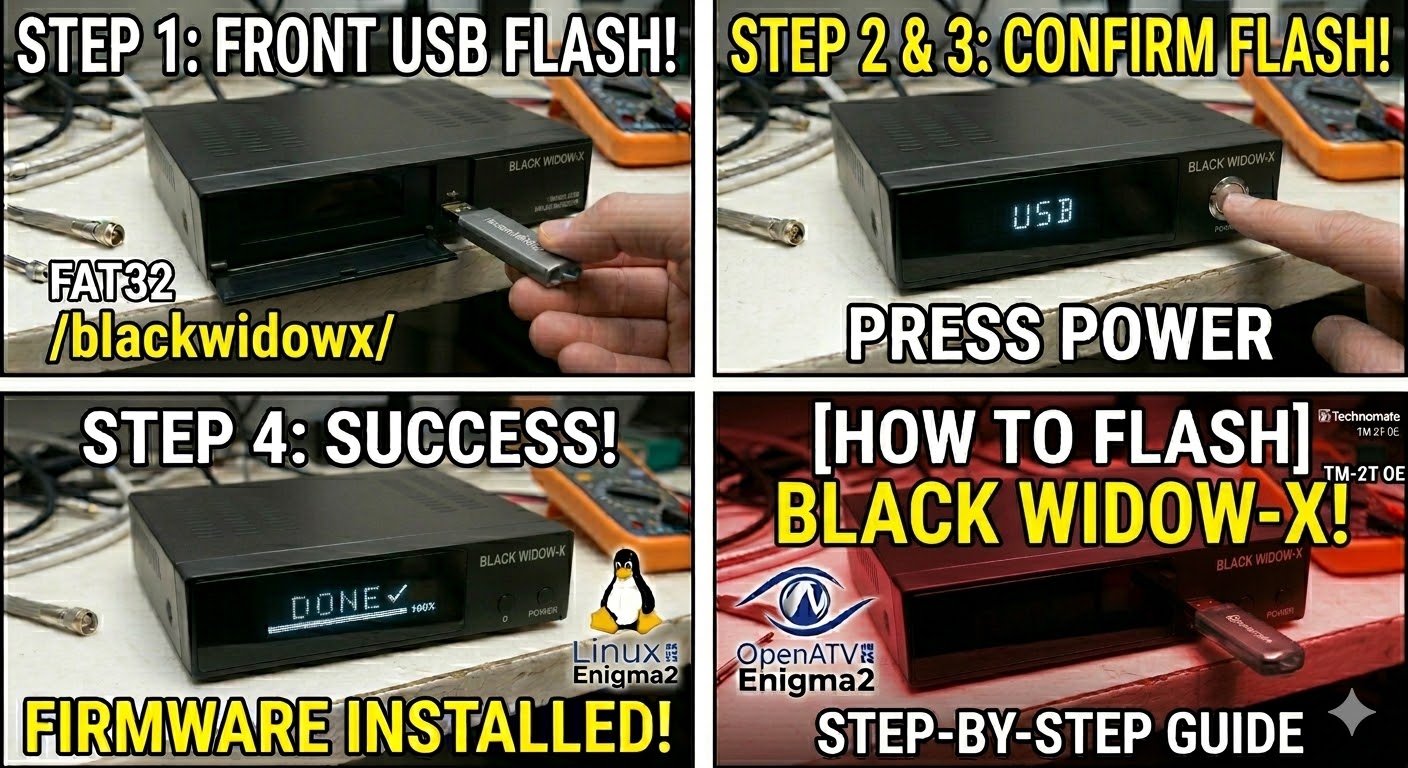
The Black Widow-X is a popular 4K UHD satellite receiver (often associated with the Tiger or Redline families) that runs on an Enigma2-based or proprietary Linux system. Flashing this model requires a specific folder structure on your USB drive to trigger the bootloader.
Preparation
-
USB Drive: Use a FAT32 formatted USB stick. This model is sensitive to USB 3.0 speeds; an older USB 2.0 drive (8GB or less) is the safest choice.
-
The Files: Extract your image zip file. You should see a folder named
update. -
Root Path: Copy the
updatefolder to the root of your USB drive.-
Structure:
USB Root > update > (files: kernel.bin, rootfs.bin, etc.) -
Note: Unlike the Technomate models, this receiver usually looks for the “update” directory specifically.
-
Flashing Steps
-
Power Down: Turn off the receiver using the physical rocker switch at the back.
-
Insert USB: Plug the USB stick into the USB port (the side port is often more reliable for flashing than the rear one).
-
Power On: Flip the rear power switch to ON.
-
The Trigger:
-
Immediately after switching the power on, tap the Power Button on the front panel or the remote repeatedly (or hold it, depending on the firmware version).
-
Watch the front display. When it shows “UPDT” or “USB”, release the button.
-
-
Flashing Process: The display will show a progress indicator (e.g.,
U001toU100). This takes about 3 to 5 minutes. Do not touch the power during this time. -
Completion: Once the process hits 100%, the receiver will either show “Success” or reboot automatically.
-
Finalize: Unplug the USB drive as soon as the box begins to reboot.
Quick Troubleshooting
-
Stuck on “Boot”: If the box doesn’t see the USB, rename the
updatefolder toarmor check if your image requires a subfolder likeblackwidowx. -
USB Format: If it still fails, use a “Low-Level Format” tool to ensure the USB stick is a clean FAT32 partition with an MBR (Master Boot Record) partition table.

The flashing process should take approximately two to four minutes to complete, while the receiver
is being flashed it is vitally important that you DO NOT power the receiver down for any reason as
this can cause serious and or permanent damage.